
NowPlayingWidget
Music controls, always close

Mac
Versione 1.5.0
macOS 13.0 o successivo
7.3 MB
1 lingue
NowPlayingWidget is a music control widget for Mac. It floats above your windows and shows the current track, so you can pause, skip, or seek without leaving your work. Follow synced lyrics, dock the player at the top or the sides, and pick the size that suits your screen. Your play history and artwork stay on your Mac.
Pause music without switching apps
Sing along with synced lyrics
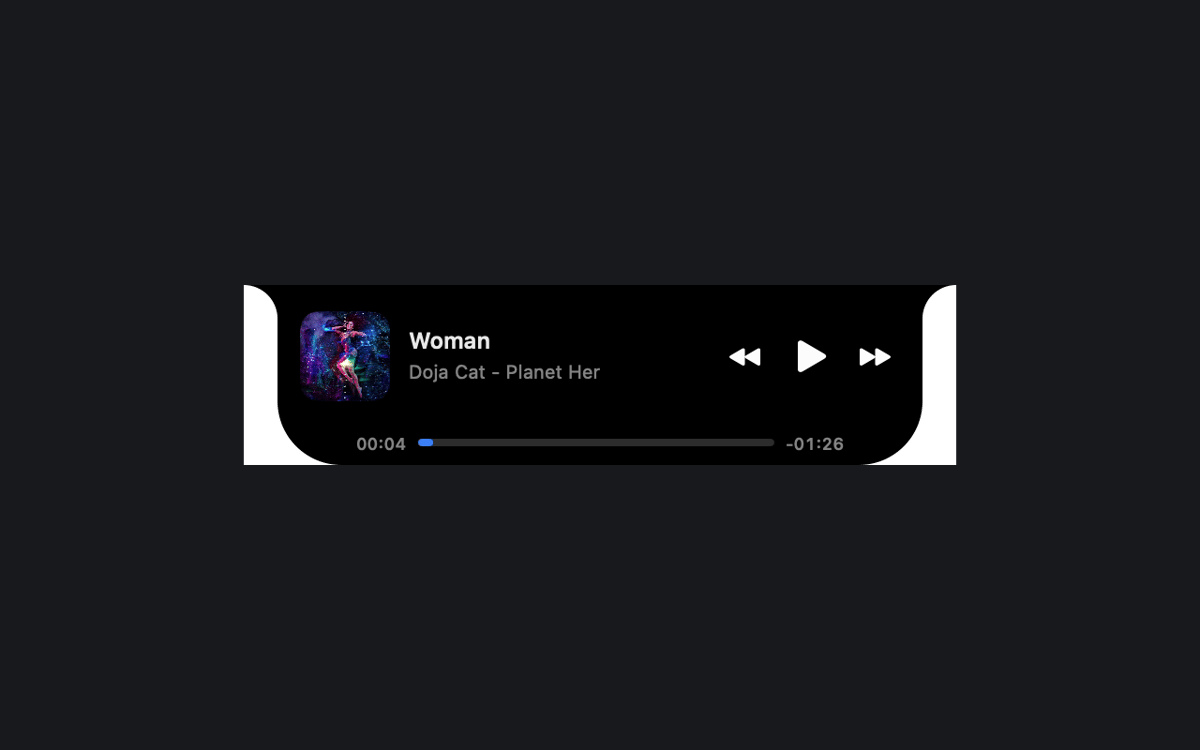
Dock a tidy player by the notch
Look back at what you played
Funzionalità di NowPlayingWidget
Controls right where you work
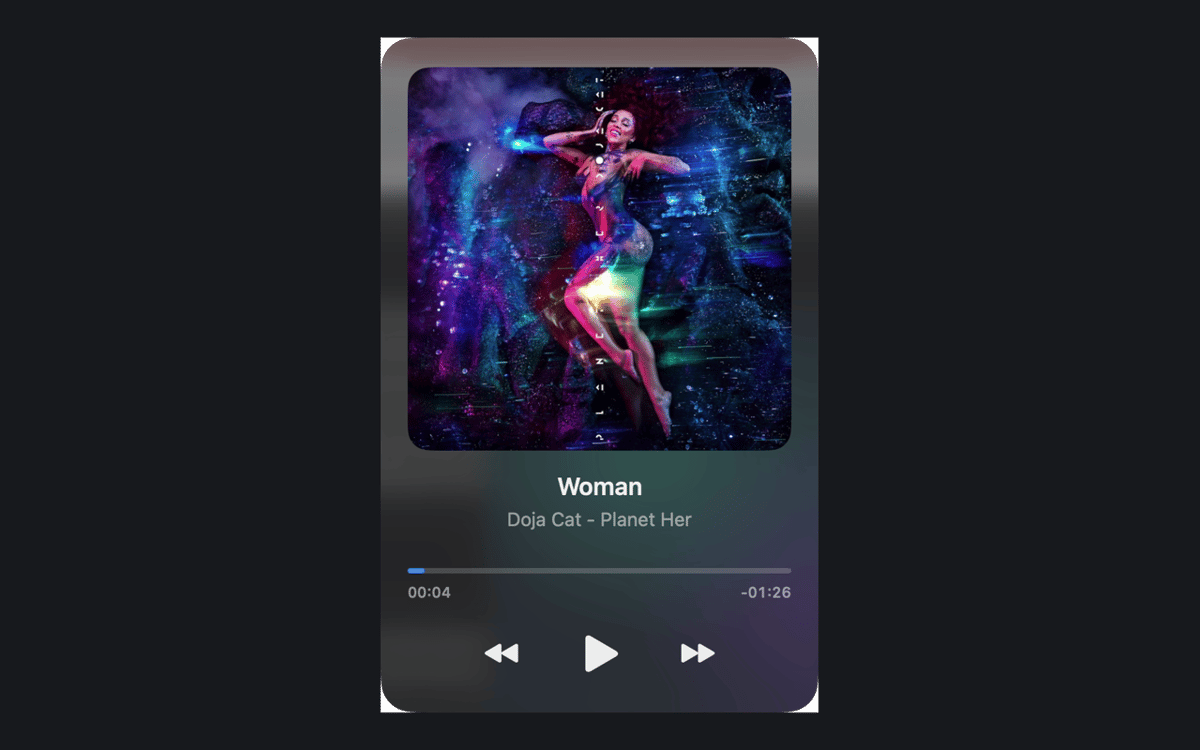
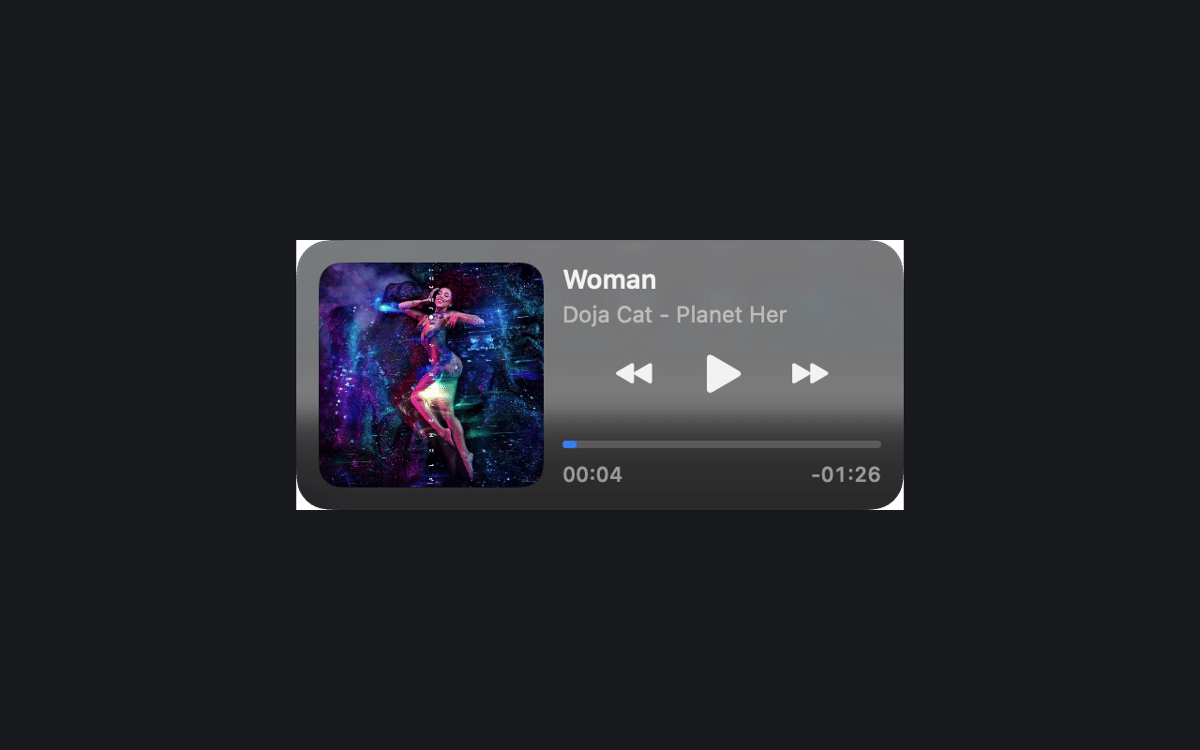
See the current track and playback controls above your windows. Pause, resume, skip, or seek in compatible apps and browsers. What you see depends on what the source shares with macOS Now Playing.
Three sizes, easy docking
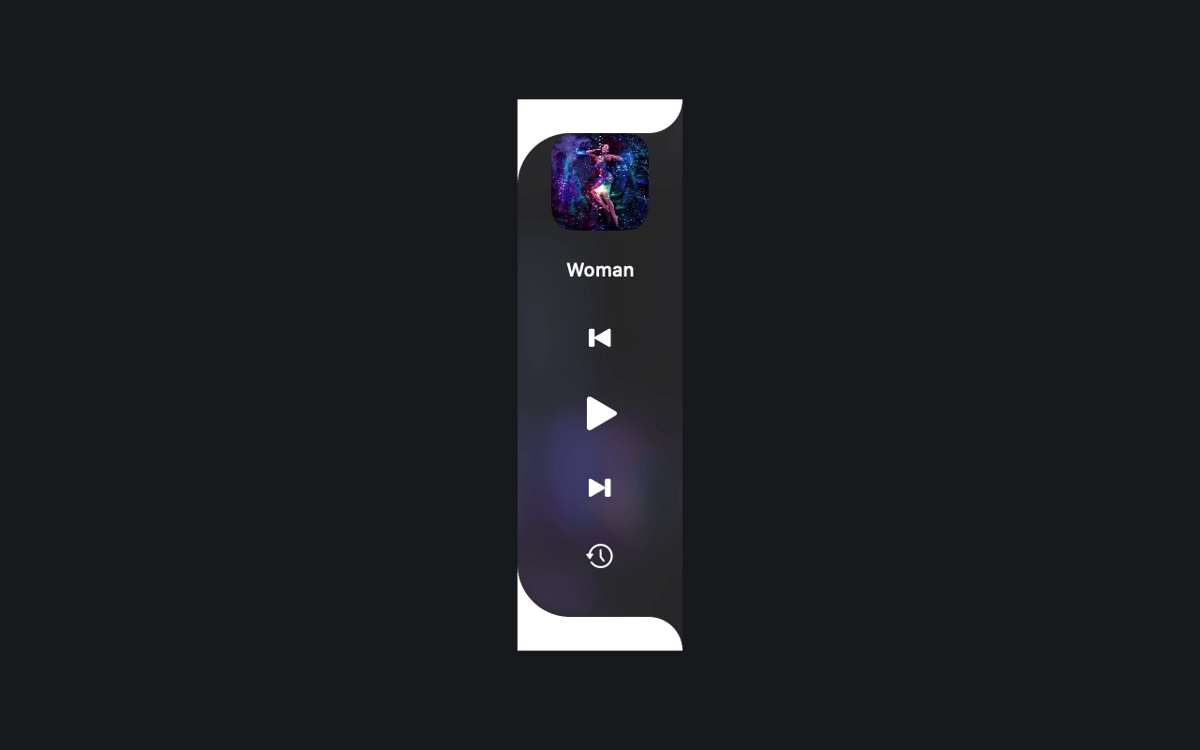
Pick Compact, Normal, or Full. Or drag the player to the top center or either screen edge to dock it. A preview and a smooth animation show you what's happening.
Lyrics that keep up
Follow synced lyrics when a provider has your recording. In Full mode, you can also scroll them yourself. The Setapp edition asks before it looks up lyrics online, so you stay in charge.
Play History, kept local
Revisit tracks you've played in your local history. The history and cached artwork stay on your Mac.
A look that fits your Mac
The notch-style player stays black. Floating players and side docks use translucent glass, with native Liquid Glass on macOS 26 or later. Choose Dark, Light, or System appearance.
Your language, your setup
Use any of the 24 official EU interface languages. Keep the player above other windows across Spaces, and launch it at login if you like.
Centinaia di app con la Membership
Diventa membro di Setapp e utilizza centinaia di app straordinarie con un unico abbonamento.
Prova gratis per 7 giorni, poi paga una tariffa unica.
Installa Setapp sul Mac
Scopri le app per Mac, iOS e il web. Trova modi semplici per risolvere le attività quotidiane.

Ottieni l'app che stavi cercando
Quell'app tanto desiderata ti aspetta in Setapp. Installala con un clic.

NowPlayingWidget
Scegli un abbonamento
Una o più app con un abbonamento Setapp. Acquista le app come preferisci.

Centinaia di app con la Membership
Diventa membro di Setapp e utilizza centinaia di app straordinarie con un unico abbonamento.
Prova gratis per 7 giorni, poi paga una tariffa unica.
1
Installa Setapp sul Mac
Scopri le app per Mac, iOS e il web. Trova modi semplici per risolvere le attività quotidiane.
2
Ottieni l'app che stavi cercando
Quell'app tanto desiderata ti aspetta in Setapp. Installala con un clic.
NowPlayingWidget
3
Scegli un abbonamento
Una o più app con un abbonamento Setapp. Acquista le app come preferisci.
Sede delle migliori app
Dalla pianificazione e dai lavori di routine alle attività creative e di scrittura di codice, con le app di Setapp potrai affrontare di tutto.

TypingMind
Chat IA con un'interfaccia utente diversa
genera o riassumi un testo
usa la libreria di prompt
IA

Spark Mail
Gestisci le email
IA

CleanMyMac
Elimina i file spazzatura

Bartender
Personalizza la barra dei menu

CleanShot X
Cattura screenshot versatili

Luminar Neo
Modifica le tue foto
IA

ClearVPN
Connessione più sicura

Craft
Lavora con i documenti
IA
NowPlayingWidget
Music controls, always close