
OrcaSheets
Analisi dei dati basata sull'intelligenza artificiale
Mac
Versione 26.9.2
macOS 10.13 o successivo
266 MB
1 lingue
Gestire enormi set di dati di solito significa attendere i caricamenti sul cloud o dover gestire query SQL complesse. Se desideri semplicemente risposte senza i ritardi o i rischi per la privacy dei server di terze parti, scopri OrcaSheets. È un motore di analisi local-first che elabora miliardi[a] di righe direttamente sul tuo Mac. L'app combina la velocità di un database ad alte prestazioni con una semplice interfaccia di chat, così puoi interrogare i tuoi dati con la stessa facilità con cui invii un messaggio Slack.
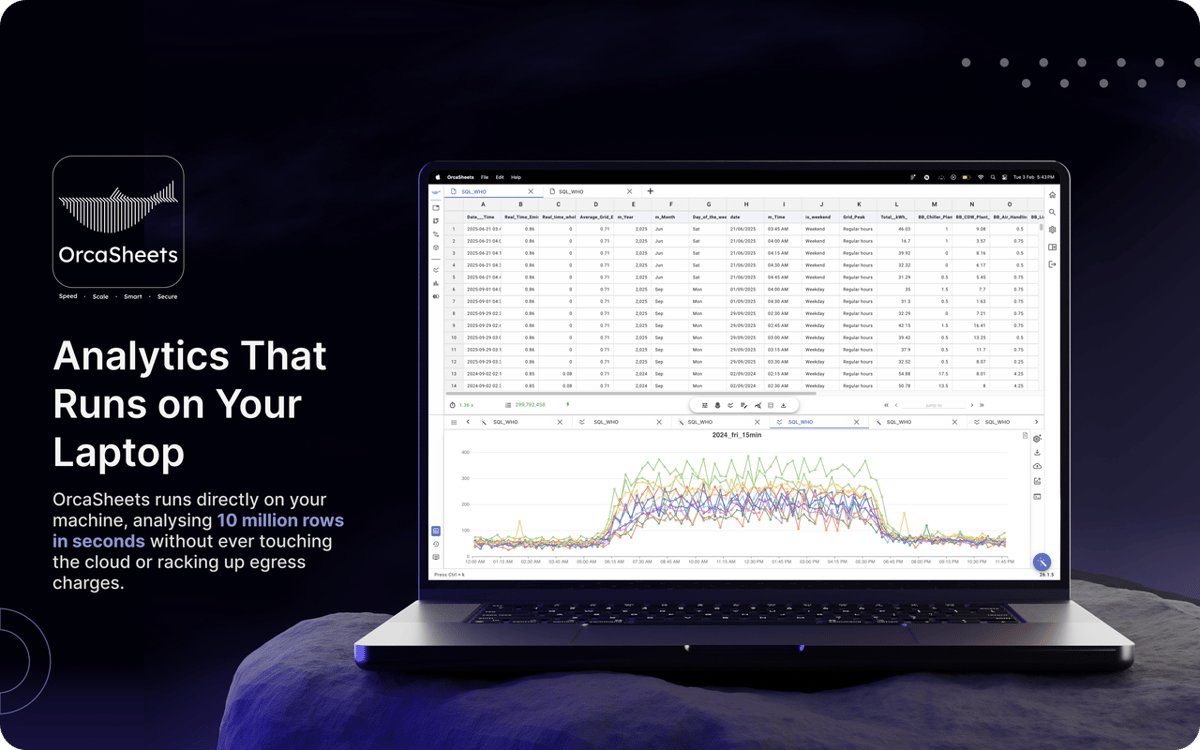
Analizza miliardi di righe in pochi secondi
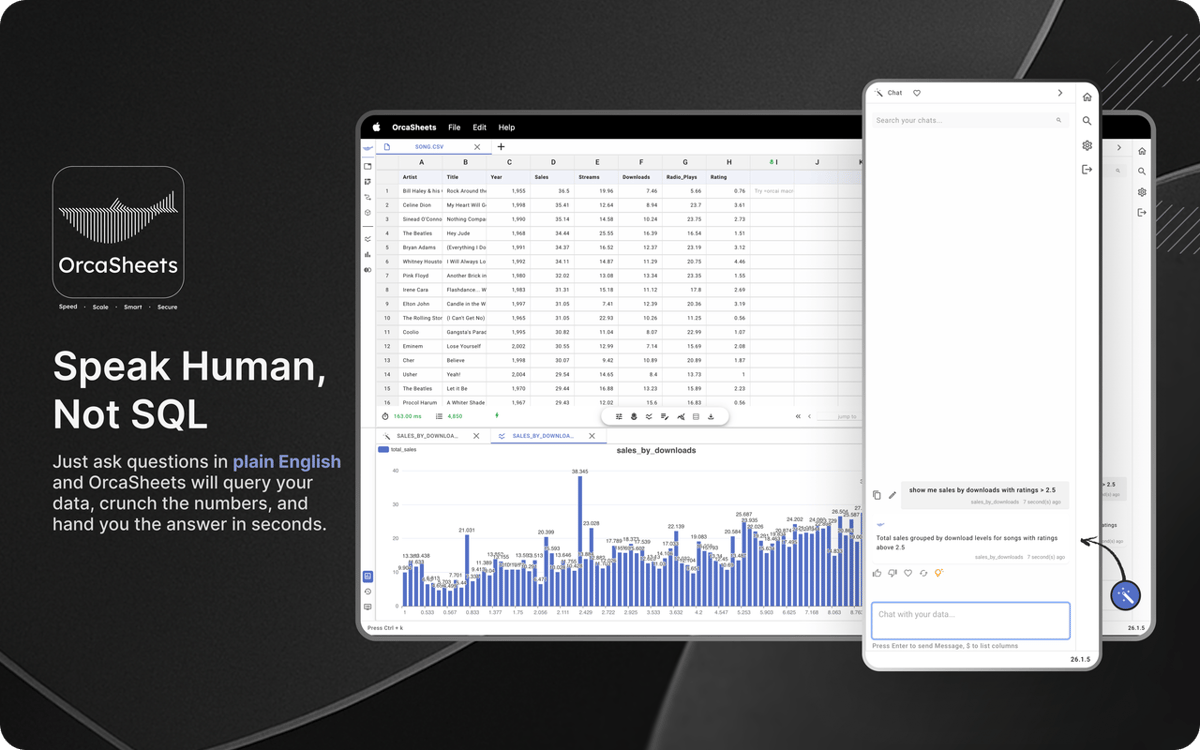
Chatta con i tuoi dati in italiano semplice
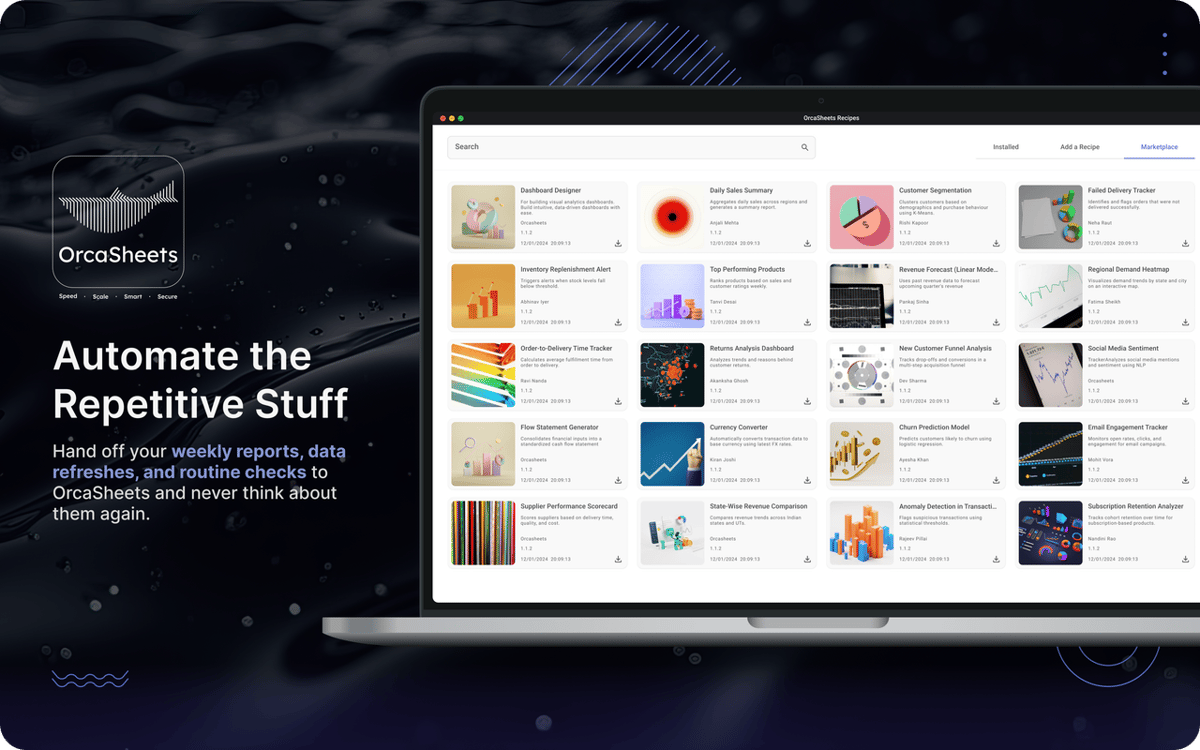
Automatizza i flussi con ricette intelligenti
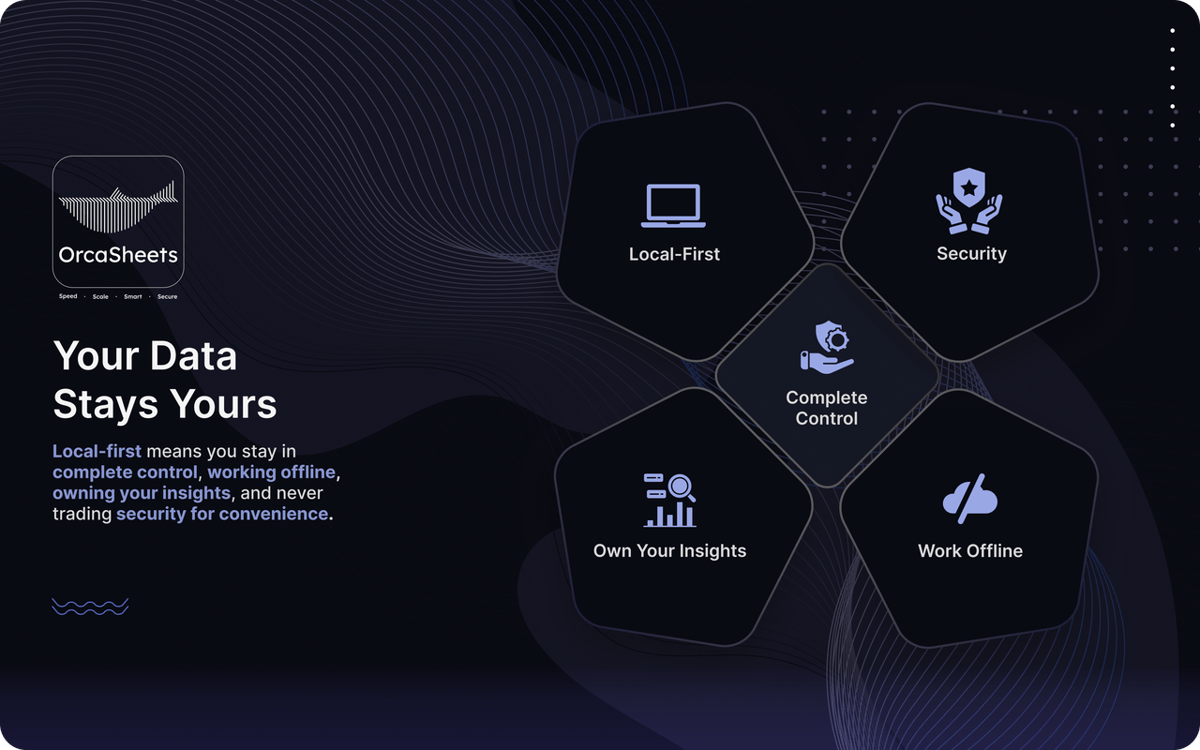
Mantieni tutti i dati sensibili offline al 100%
Funzionalità di OrcaSheets
Elabora enormi set di dati in locale
Smetti di aspettare il caricamento delle dashboard. OrcaSheets può elaborare fino a un miliardo di righe direttamente sul tuo computer in pochi secondi. Filtri, pivot e analisi statistiche vengono eseguiti senza intoppi, perché tutto avviene sul tuo hardware, non su server remoti.
Genera trasformazioni di dati in linguaggio naturale
Non hai bisogno di SQL, Python o macro complesse. Con Connector + OrcAI, puoi descrivere ciò che desideri in linguaggio semplice e OrcaSheets genererà le colonne o le trasformazioni per te.
Chatta con i tuoi dati
Invece di scorrere manualmente le tabelle, utilizza la chat AI integrata per esplorare il tuo set di dati. Poni domande, convalida tendenze o richiedi riepiloghi. OrcaSheets tratta il tuo foglio di calcolo come una knowledge base attiva e risponde con informazioni contestuali in pochi secondi.
Utilizza ricette di analisi pronte all'uso
Velocizza i flussi di lavoro ricorrenti con ricette di analisi predefinite come analisi di coorte di clienti, dashboard delle prestazioni di vendita e modelli di attribuzione di marketing. Personalizzale per adattarle ai tuoi dati ed evita di dover ricostruire la stessa struttura ogni volta.
Lavora offline con la massima privacy
I tuoi dati non lasciano mai il tuo dispositivo. OrcaSheets opera con un'architettura local-first, ovvero senza server, copie shadow e tracciamento in background. Funziona offline e garantisce che ogni calcolo e informazione rimanga completamente sotto il tuo controllo.
Valutazioni e recensioni
OrcaSheets
•
43 valutazioni
aditya yadav
7 ott 2026
Versione app: 26.9.2
What I like most about orcaSheets is how quickly I can go from raw data to meaningful insights without spending hours building queries or reports manually. The natural language analysis combined with SQL gives me a great balance of simplicity and control, while the ability to connect data from different sources and turn insights into dashboards and reports makes the whole workflow really efficient. What stands out to me most, though, is the local first approach having more control over where my data is processed gives me greater confidence when working with sensitive or business critical information. Overall, it feels like a powerful, flexible, and security conscious approach to modern data analytics
Aditya Patil
7 ott 2026
Versione app: 26.9.2
This is very helpful for opening big heavy excel files, charts creation over here is smooth, great find on setapp. and that AI chat is making my life easier.
Risposta dello sviluppatore
7 ott 2026
Thank you Aditya, for your encouraging words, we will keep improving and watch out for upcoming major release !!
Rohaan Ansari
7 ott 2026
Versione app: 26.9.2
amazing app. couldn’t recommend it enough
Risposta dello sviluppatore
7 ott 2026
thank you Rohaan for unconditional review :) , we would appreciate any particular feature that you liked and also what you dont liked on which we can improve on :)
Centinaia di app con la Membership
Diventa membro di Setapp e utilizza centinaia di app straordinarie con un unico abbonamento.
Prova gratis per 7 giorni, poi paga una tariffa unica.
Installa Setapp sul Mac
Scopri le app per Mac, iOS e il web. Trova modi semplici per risolvere le attività quotidiane.

Ottieni l'app che stavi cercando
Quell'app tanto desiderata ti aspetta in Setapp. Installala con un clic.

OrcaSheets
Scegli un abbonamento
Una o più app con un abbonamento Setapp. Acquista le app come preferisci.

Centinaia di app con la Membership
Diventa membro di Setapp e utilizza centinaia di app straordinarie con un unico abbonamento.
Prova gratis per 7 giorni, poi paga una tariffa unica.
1
Installa Setapp sul Mac
Scopri le app per Mac, iOS e il web. Trova modi semplici per risolvere le attività quotidiane.
2
Ottieni l'app che stavi cercando
Quell'app tanto desiderata ti aspetta in Setapp. Installala con un clic.
OrcaSheets
3
Scegli un abbonamento
Una o più app con un abbonamento Setapp. Acquista le app come preferisci.
Sede delle migliori app
Dalla pianificazione e dai lavori di routine alle attività creative e di scrittura di codice, con le app di Setapp potrai affrontare di tutto.

TypingMind
Chat IA con un'interfaccia utente diversa
genera o riassumi un testo
usa la libreria di prompt
IA

Spark Mail
Gestisci le email
IA

CleanMyMac
Elimina i file spazzatura

Bartender
Personalizza la barra dei menu

CleanShot X
Cattura screenshot versatili

Luminar Neo
Modifica le tue foto
IA

ClearVPN
Connessione più sicura

Craft
Lavora con i documenti
IA
OrcaSheets
Analisi dei dati basata sull'intelligenza artificiale