
Proximate
Porta le notifiche al tuo cursore
Mac
Versione 1.13.6
macOS 14.0 o successivo
239 MB
52 lingue
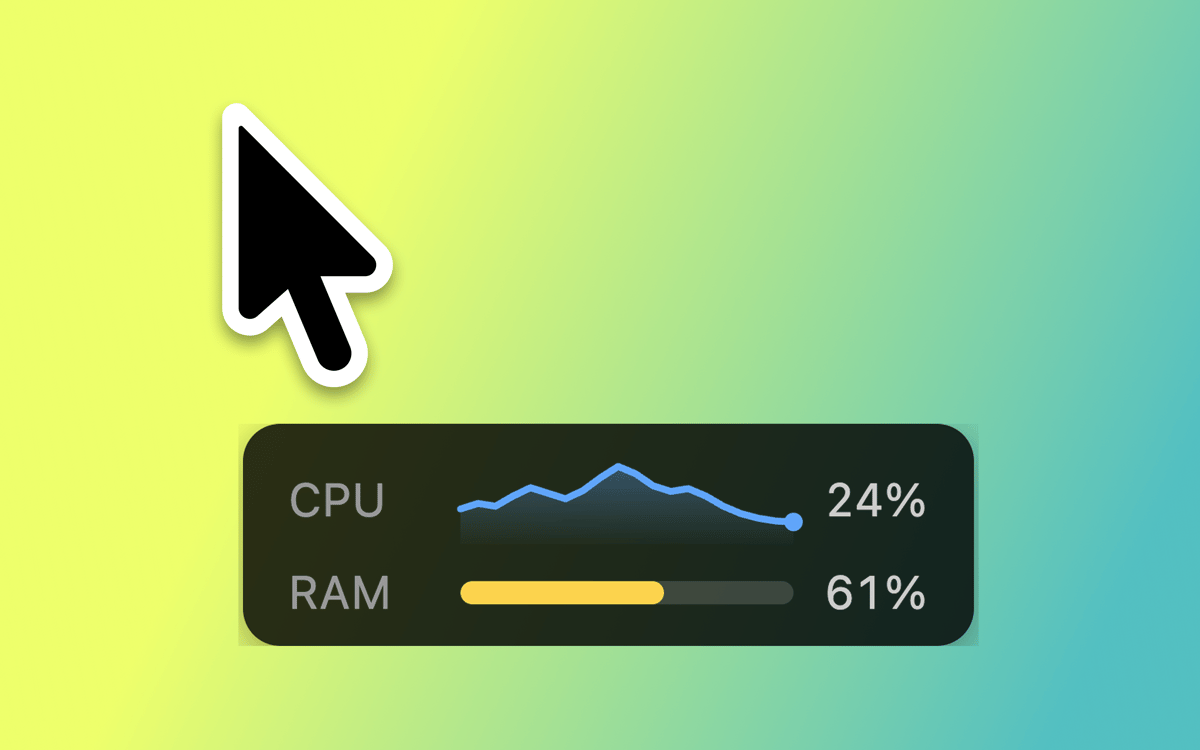
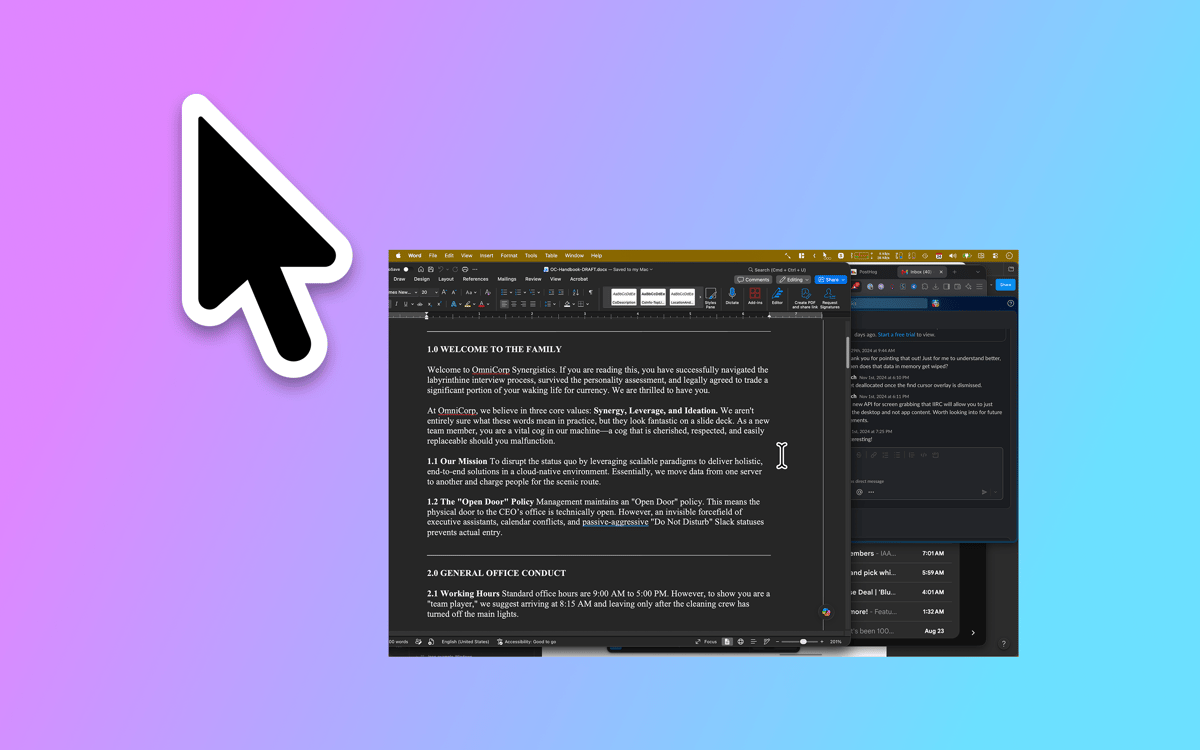
Proximate è un'utility per Mac che gestisce le notifiche del cursore. Sposta le cose che potresti non notare — avvisi delle app, l'ora, timer per il conto alla rovescia — proprio accanto a dove guardano già i tuoi occhi: il puntatore del mouse. Sui display di grandi dimensioni, le notifiche appaiono in un angolo lontano mentre sei immerso nel lavoro. Proximate fa emergere discretamente ciò che è importante senza interrompere il tuo flusso.
Non perdere più le notifiche sui grandi schermi
Conosci sempre l’ora d’un colpo d’occhio
Imposta timer con il mouse
Mantieni la concentrazione senza perdere il filo
Funzionalità di Proximate
Notifiche al cursore
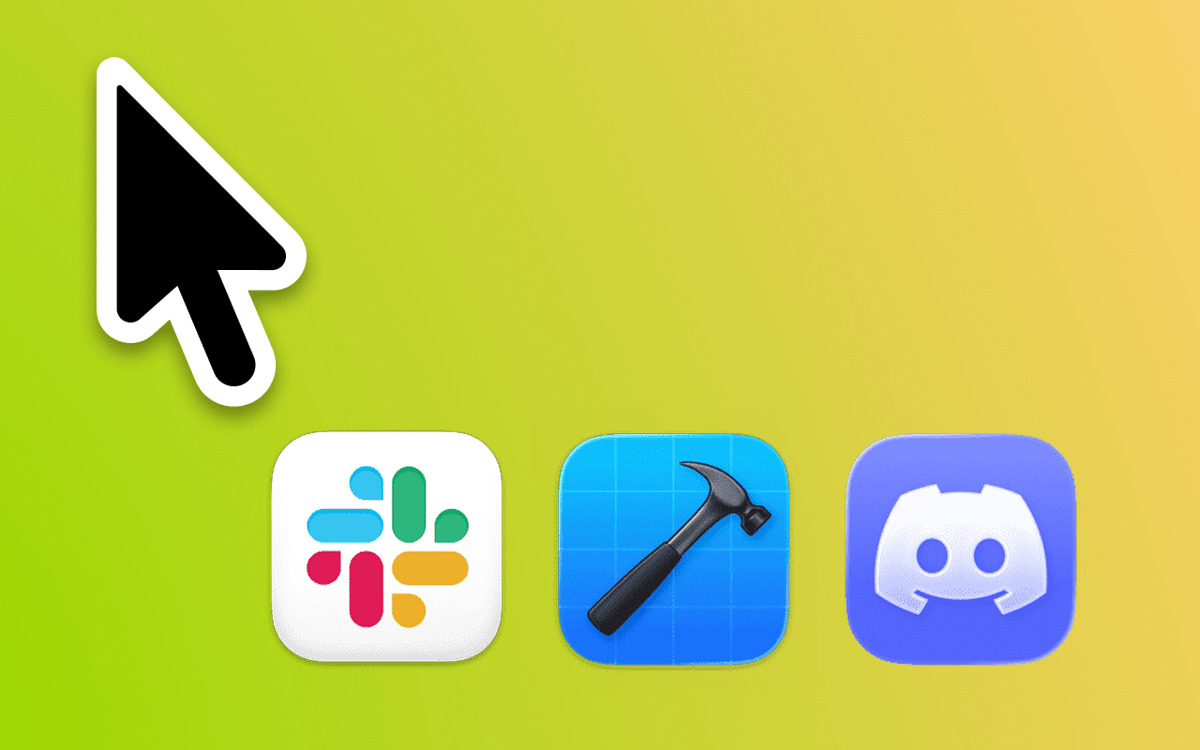
Scegli le app da monitorare e Proximate mostrerà le loro icone proprio accanto al puntatore nel momento in cui richiedono attenzione. Basta con gli occhi socchiusi per guardare l'angolo in alto a destra di uno schermo da 27 pollici. Le icone scompaiono automaticamente una volta che hai fatto il check-in — non serve nessuna pulizia.
Orologio del cursore
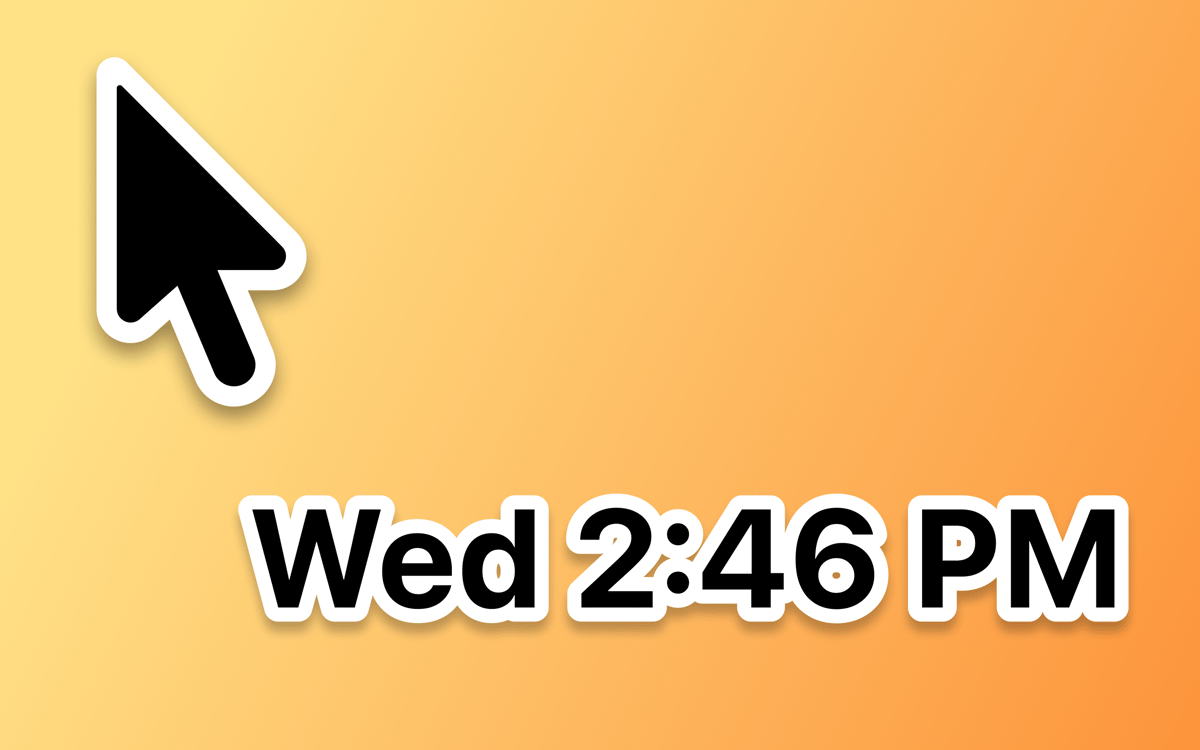
Funziona a schermo intero? L'orologio nella barra dei menu scompare insieme ad esso. Proximate mantiene l'ora e la data sempre visibili accanto al cursore, così sai sempre a che punto sei senza mai distogliere lo sguardo dal tuo lavoro.
Timer del cursore
Imposta uno o più timer che vivono proprio accanto al tuo puntatore. Fai il conto alla rovescia verso una scadenza, cronometra una sessione di lavoro concentrato o semplicemente tieni traccia di quanto tempo è in corso qualcosa. Scegli tra un contatore digitale, una barra di avanzamento o un cerchio che cambia colore.
Scorciatoie da tastiera per tutto
Attiva e disattiva tutti gli elementi di Proximate, elimina le notifiche delle icone in un colpo solo o ricentra il puntatore del mouse sullo schermo — tutto senza toccare il trackpad. Veloce, pulito e sempre a portata di mano.
Aspetto completamente personalizzabile
Posiziona le icone delle app e l'orologio a qualsiasi angolo e distanza dal puntatore. Regola le dimensioni dell'icona, il carattere dell'orologio, i colori e il formato dell'ora. Imposta regole di trasparenza in base al movimento o alla posizione ferma del mouse. Proximate si integra esattamente come vuoi tu.
Sincronizzazione iCloud per le impostazioni
Usi Proximate su più Mac? Le tue impostazioni ti seguono automaticamente tramite iCloud. Lo configuri una volta e funziona ovunque, senza bisogno di configurazione manuale.
Centinaia di app con la Membership
Diventa membro di Setapp e utilizza centinaia di app straordinarie con un unico abbonamento.
Prova gratis per 7 giorni, poi paga una tariffa unica.
Installa Setapp sul Mac
Scopri le app per Mac, iOS e il web. Trova modi semplici per risolvere le attività quotidiane.

Ottieni l'app che stavi cercando
Quell'app tanto desiderata ti aspetta in Setapp. Installala con un clic.

Proximate
Scegli un abbonamento
Una o più app con un abbonamento Setapp. Acquista le app come preferisci.

Centinaia di app con la Membership
Diventa membro di Setapp e utilizza centinaia di app straordinarie con un unico abbonamento.
Prova gratis per 7 giorni, poi paga una tariffa unica.
1
Installa Setapp sul Mac
Scopri le app per Mac, iOS e il web. Trova modi semplici per risolvere le attività quotidiane.
2
Ottieni l'app che stavi cercando
Quell'app tanto desiderata ti aspetta in Setapp. Installala con un clic.
Proximate
3
Scegli un abbonamento
Una o più app con un abbonamento Setapp. Acquista le app come preferisci.
Sede delle migliori app
Dalla pianificazione e dai lavori di routine alle attività creative e di scrittura di codice, con le app di Setapp potrai affrontare di tutto.

TypingMind
Chat IA con un'interfaccia utente diversa
genera o riassumi un testo
usa la libreria di prompt
IA

Spark Mail
Gestisci le email
IA

CleanMyMac
Elimina i file spazzatura

Bartender
Personalizza la barra dei menu

CleanShot X
Cattura screenshot versatili

Luminar Neo
Modifica le tue foto
IA

ClearVPN
Connessione più sicura

Craft
Lavora con i documenti
IA
Proximate
Porta le notifiche al tuo cursore