
SaneBar
Private menu bar control

Mac
Versione 2.1.71
macOS 14.0 o successivo
22.8 MB
1 lingue
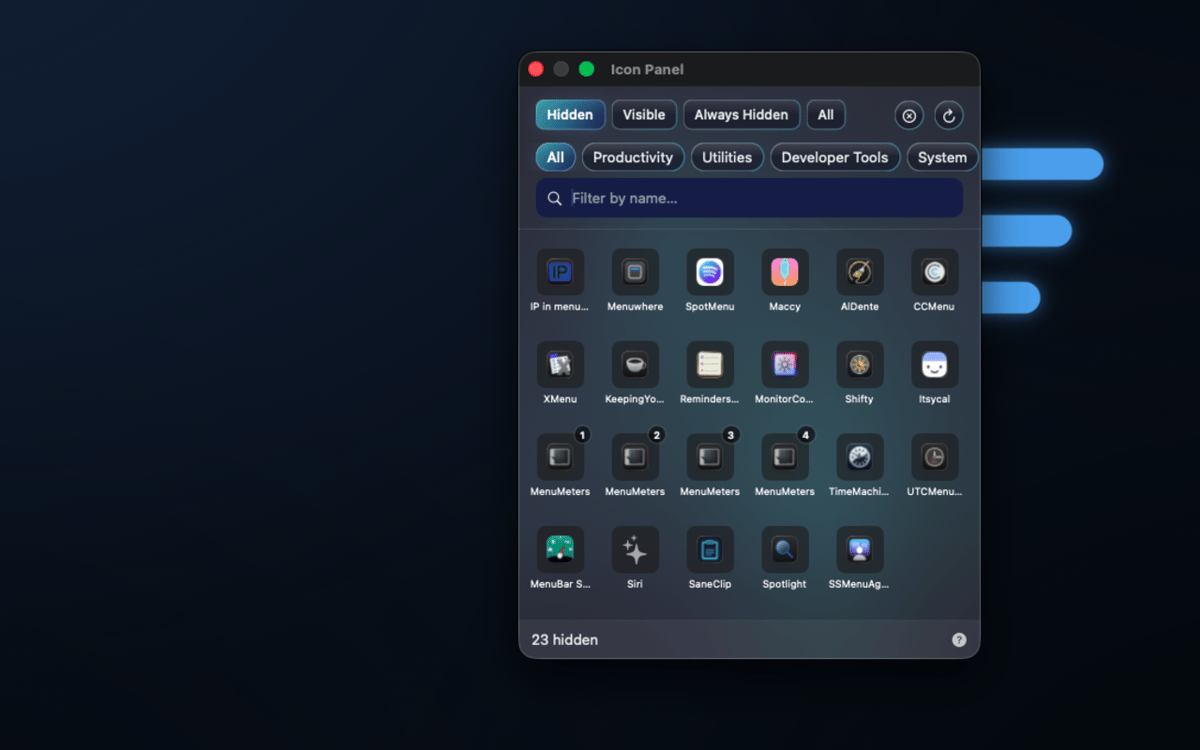
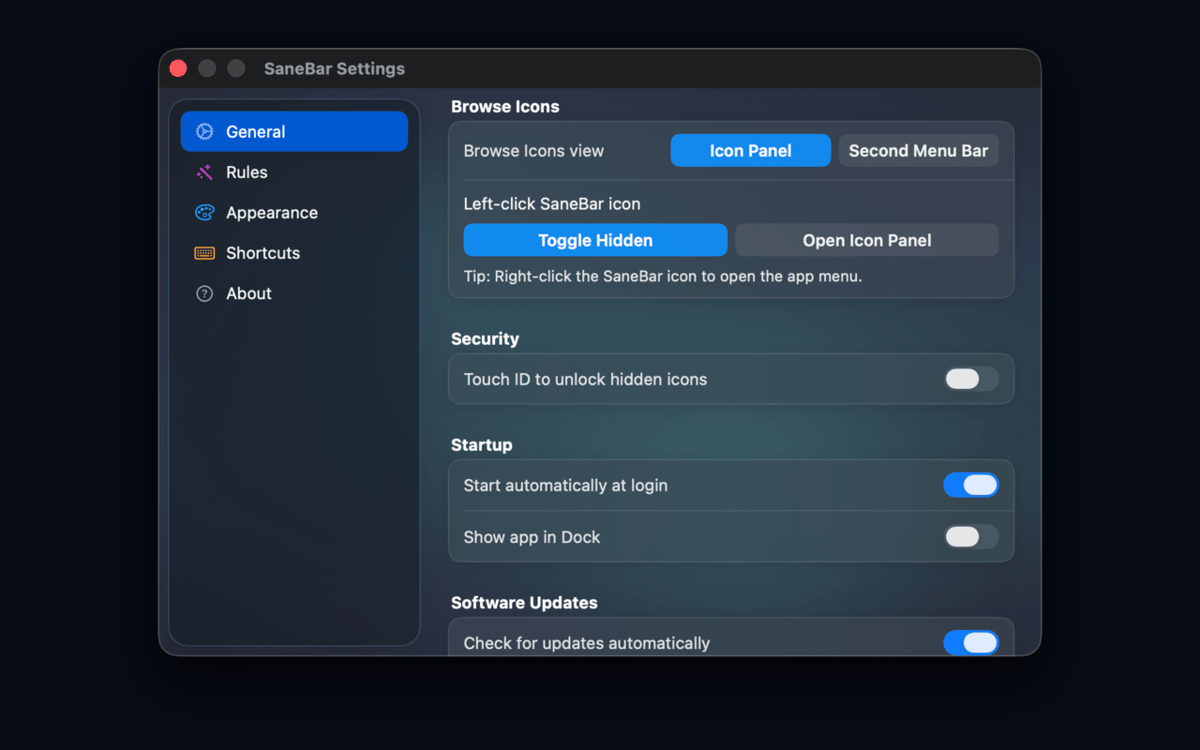
SaneBar is a privacy-first menu bar manager for Mac. It keeps your menu bar setup on your Mac: no cloud account, no user-content upload, and no spying on your menu bar contents. Hide icons you do not need, reveal them with a click, search, hotkey, hover, or scroll, and lock sensitive hidden icons behind Touch ID or a password.
Hide clutter privately
Lock icons with Touch ID
Find hidden icons fast
Automate menu bar layouts
Funzionalità di SaneBar
Keep menu bar organization private
SaneBar keeps everything on your Mac — layouts, preferences, icon names, screenshots, and personal content never reach SaneApps servers. No cloud account required, no data uploaded. What's in your menu bar stays exactly where it belongs: with you.
Hide and reveal icons your way
Keep the icons you actually use front and center. Tuck the rest away and bring them back whenever you need them — with a click, a hotkey, a hover, or a scroll. You're always one gesture away from the full picture.
Lock sensitive icons from prying eyes
Screen sharing or presenting to a crowd? Lock hidden icons behind Touch ID or a password so no one accidentally glimpses what's tucked away. It's a small thing that makes a big difference.
Smart triggers that read the room
Set SaneBar to reveal icons automatically based on context — Focus mode, battery level, Wi-Fi network, schedule, app launch, or a custom script. Your menu bar adapts to what you're doing, not the other way around.
Find any icon in seconds
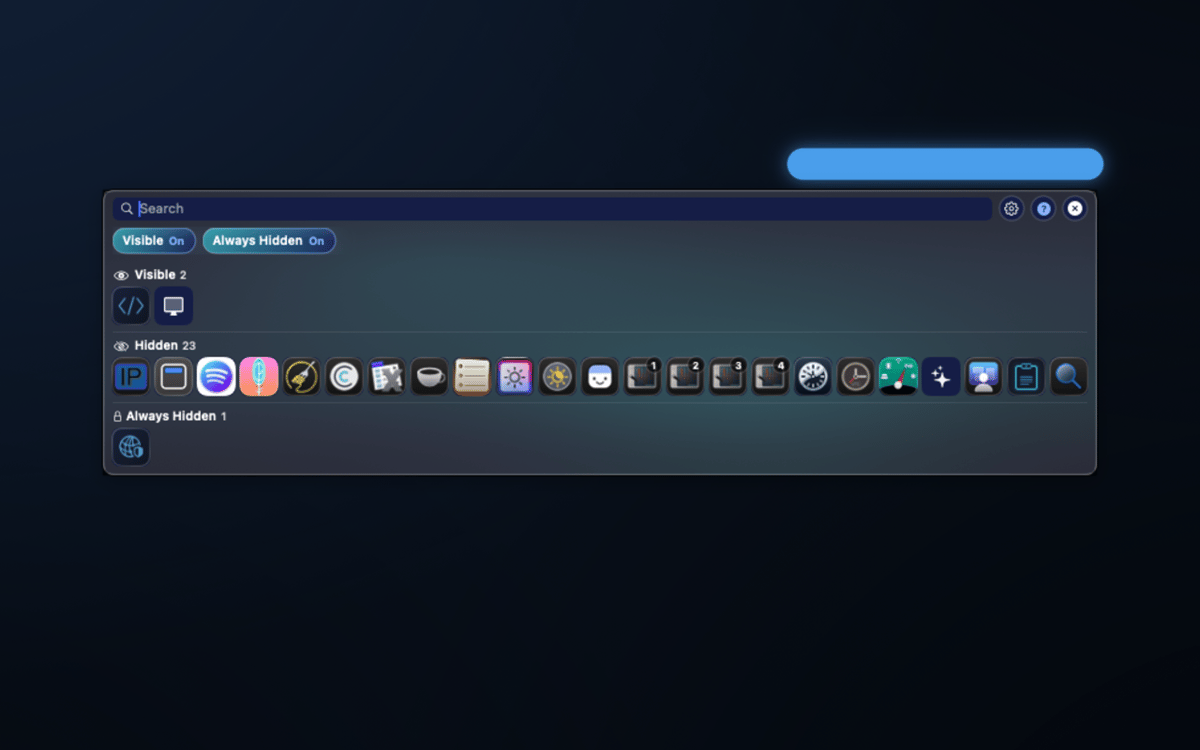
A floating icon panel and a second menu bar let you search hidden icons by app name and open their menu items on the spot — no need to shuffle your layout every time you need something buried.
Organize like a pro
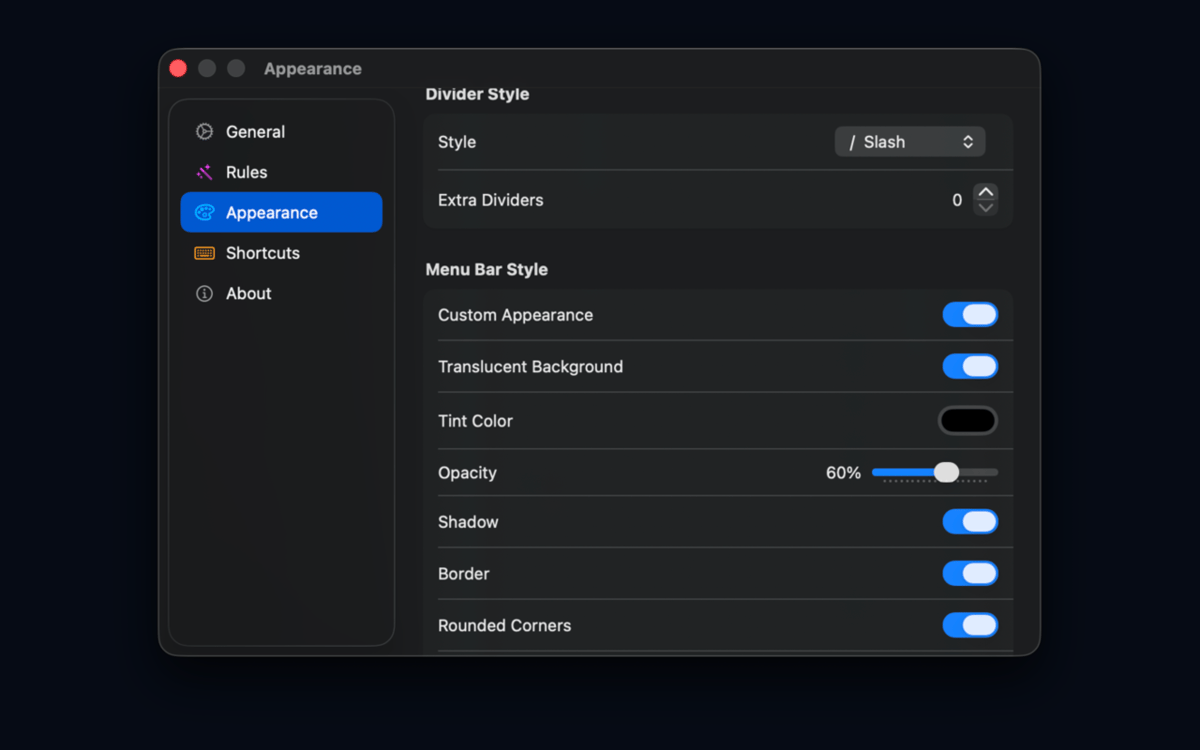
Group icons, create profiles, set up an Always Hidden zone, adjust spacing, tweak appearance, and use import/export to back up or share your setup. Migrating from Bartender or Ice? SaneBar handles that too.
Centinaia di app con la Membership
Diventa membro di Setapp e utilizza centinaia di app straordinarie con un unico abbonamento.
Prova gratis per 7 giorni, poi paga una tariffa unica.
Installa Setapp sul Mac
Scopri le app per Mac, iOS e il web. Trova modi semplici per risolvere le attività quotidiane.

Ottieni l'app che stavi cercando
Quell'app tanto desiderata ti aspetta in Setapp. Installala con un clic.

SaneBar
Scegli un abbonamento
Una o più app con un abbonamento Setapp. Acquista le app come preferisci.

Centinaia di app con la Membership
Diventa membro di Setapp e utilizza centinaia di app straordinarie con un unico abbonamento.
Prova gratis per 7 giorni, poi paga una tariffa unica.
1
Installa Setapp sul Mac
Scopri le app per Mac, iOS e il web. Trova modi semplici per risolvere le attività quotidiane.
2
Ottieni l'app che stavi cercando
Quell'app tanto desiderata ti aspetta in Setapp. Installala con un clic.
SaneBar
3
Scegli un abbonamento
Una o più app con un abbonamento Setapp. Acquista le app come preferisci.
Sede delle migliori app
Dalla pianificazione e dai lavori di routine alle attività creative e di scrittura di codice, con le app di Setapp potrai affrontare di tutto.

TypingMind
Chat IA con un'interfaccia utente diversa
genera o riassumi un testo
usa la libreria di prompt
IA

Spark Mail
Gestisci le email
IA

CleanMyMac
Elimina i file spazzatura

Bartender
Personalizza la barra dei menu

CleanShot X
Cattura screenshot versatili

Luminar Neo
Modifica le tue foto
IA

ClearVPN
Connessione più sicura

Craft
Lavora con i documenti
IA
SaneBar
Private menu bar control