
SaneClip
Private clipboard history


Mac
Versione 2.3.19
macOS 14.0 o successivo
16 MB
9 lingue
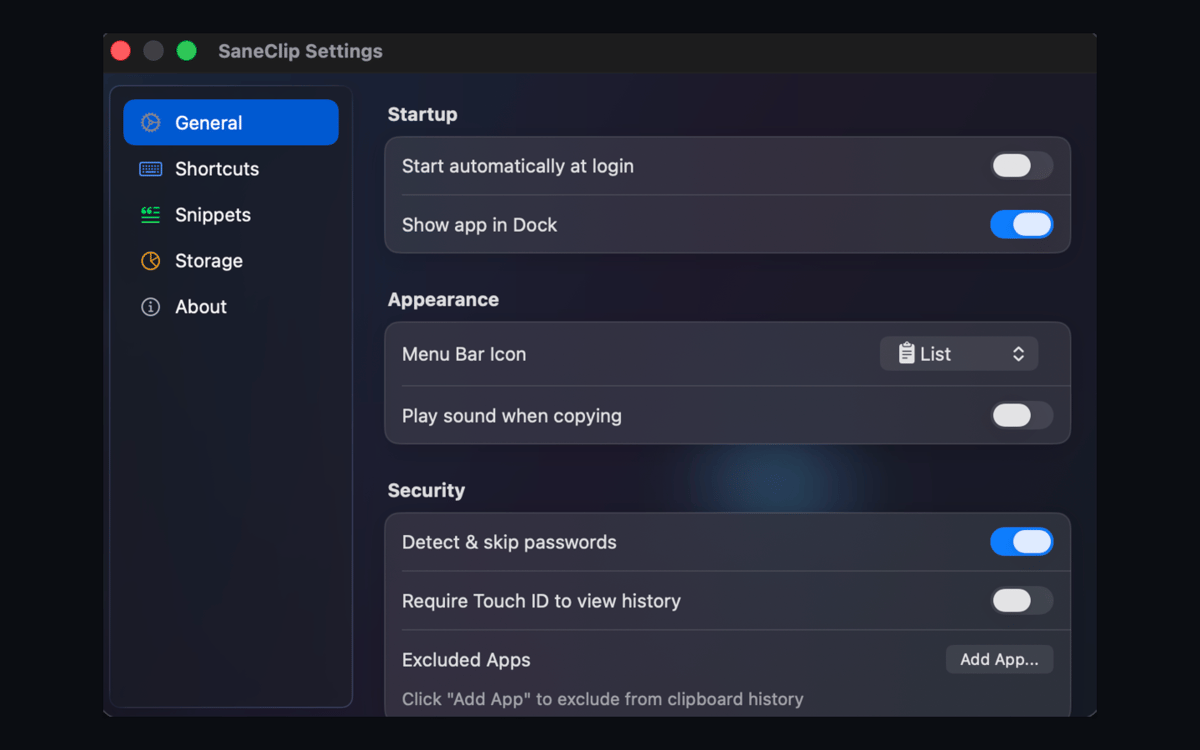
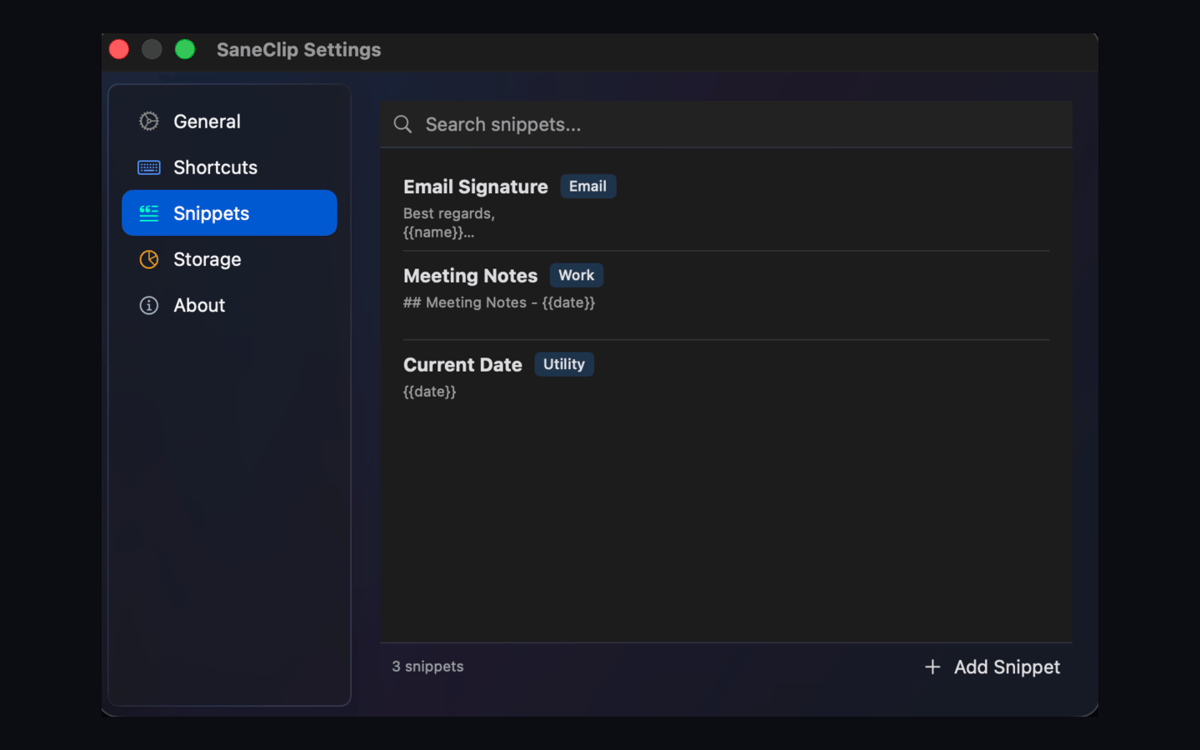
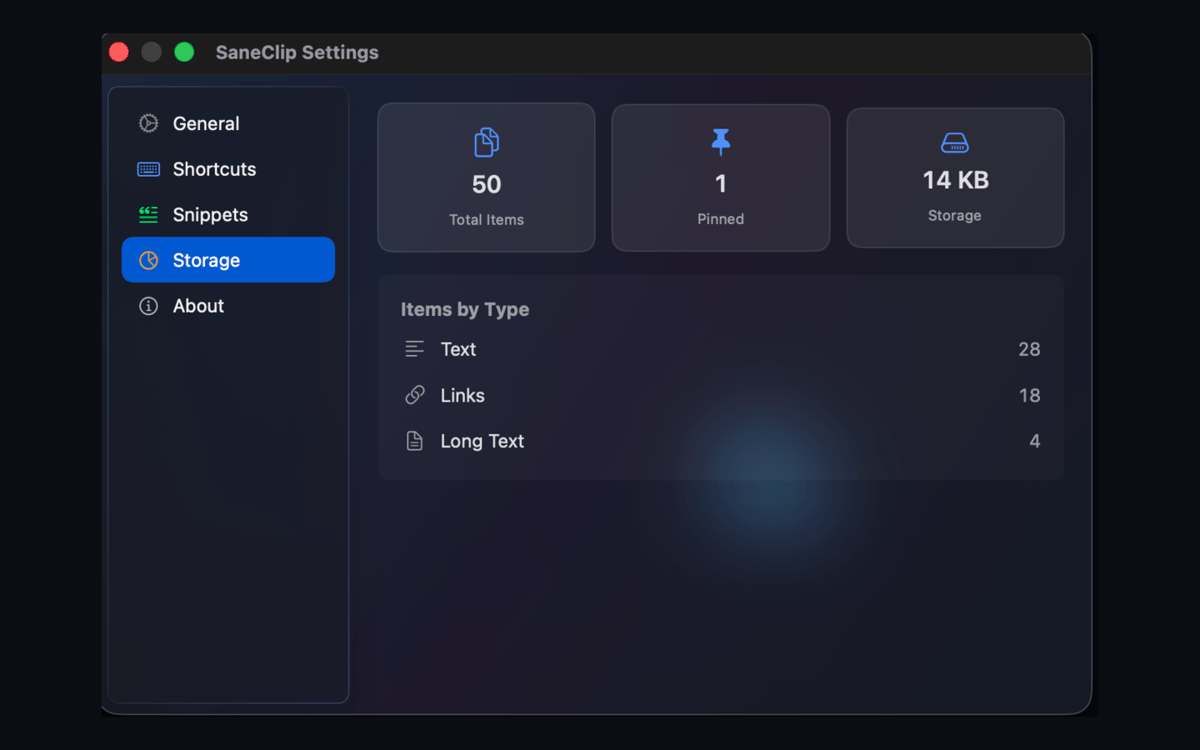
SaneClip is a privacy-first clipboard manager for Mac. Clipboard history stays on your device by default, clipboard contents are never sent to SaneApps servers, and optional iCloud sync uses your own iCloud, not a SaneApps sync server. Search copied text and images, protect history with Touch ID or a password, capture OCR text, and clean links without spying on your clipboard.
Search copied text privately
Lock history with Touch ID
Capture searchable screenshots
Strip tracking from links
Funzionalità di SaneClip
Your clipboard, your business
SaneClip keeps your clipboard history local by default. Nothing gets sent to SaneApps servers — not a single character. If you want to sync between devices, it goes through your own iCloud account. Your clips stay yours.
Lock it down
Protect your clipboard history the way you'd protect any sensitive data. SaneClip supports Touch ID, encrypted storage, and auto-purge rules. It can also detect sensitive content and exclude your clipboard from password manager suggestions — so nothing slips through.
Search everything you've copied
Find any clip by content, source app, pinned status, or image text. SaneClip indexes OCR sidecars alongside your regular history, so that number you copied from a PDF three days ago? Still right there when you need it.
Screenshot to searchable text
Capture a screenshot directly into your clipboard history and SaneClip will recognize the text inside it. Next time you need to reuse something from a screenshot, just search for it — no retyping, no squinting at images.
Paste cleaner, smarter
Copied something with a trail of tracking junk attached? SaneClip strips UTM parameters and other trackers from URLs, converts rich text to plain, formats JSON, adjusts casing, and clears stray whitespace — all before you paste.
Paste Stack for repetitive work
Queue up multiple clips and paste them in sequence with Paste Stack. Works in FIFO or LIFO order, so filling out forms, processing batch data, or moving content across apps becomes a lot less tedious.
Centinaia di app con la Membership
Diventa membro di Setapp e utilizza centinaia di app straordinarie con un unico abbonamento.
Prova gratis per 7 giorni, poi paga una tariffa unica.
Installa Setapp sul Mac
Scopri le app per Mac, iOS e il web. Trova modi semplici per risolvere le attività quotidiane.

Ottieni l'app che stavi cercando
Quell'app tanto desiderata ti aspetta in Setapp. Installala con un clic.

SaneClip
Scegli un abbonamento
Una o più app con un abbonamento Setapp. Acquista le app come preferisci.

Centinaia di app con la Membership
Diventa membro di Setapp e utilizza centinaia di app straordinarie con un unico abbonamento.
Prova gratis per 7 giorni, poi paga una tariffa unica.
1
Installa Setapp sul Mac
Scopri le app per Mac, iOS e il web. Trova modi semplici per risolvere le attività quotidiane.
2
Ottieni l'app che stavi cercando
Quell'app tanto desiderata ti aspetta in Setapp. Installala con un clic.
SaneClip
3
Scegli un abbonamento
Una o più app con un abbonamento Setapp. Acquista le app come preferisci.
Sede delle migliori app
Dalla pianificazione e dai lavori di routine alle attività creative e di scrittura di codice, con le app di Setapp potrai affrontare di tutto.

TypingMind
Chat IA con un'interfaccia utente diversa
genera o riassumi un testo
usa la libreria di prompt
IA

Spark Mail
Gestisci le email
IA

CleanMyMac
Elimina i file spazzatura

Bartender
Personalizza la barra dei menu

CleanShot X
Cattura screenshot versatili

Luminar Neo
Modifica le tue foto
IA

ClearVPN
Connessione più sicura

Craft
Lavora con i documenti
IA
SaneClip
Private clipboard history