Screenshot Blur
Nascondi rapidamente i dettagli sensibili
Mac
Versione 1.1.0
macOS 13.0 o successivo
23.3 MB
1 lingue
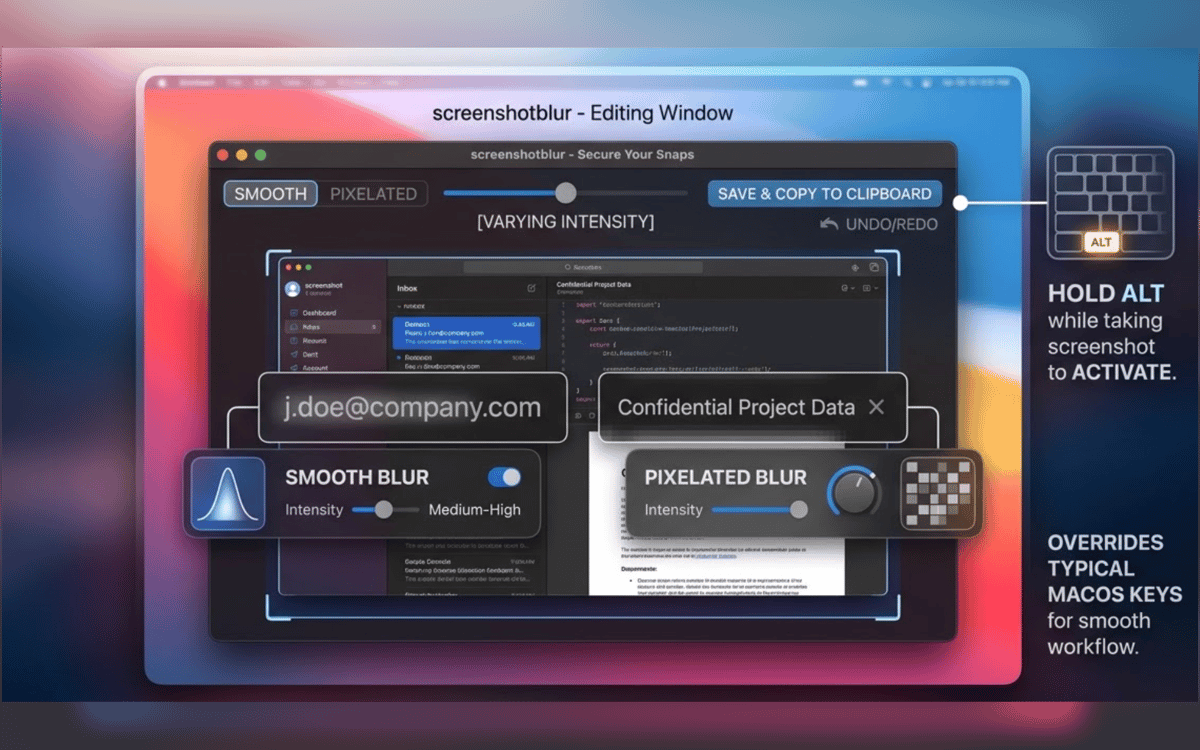
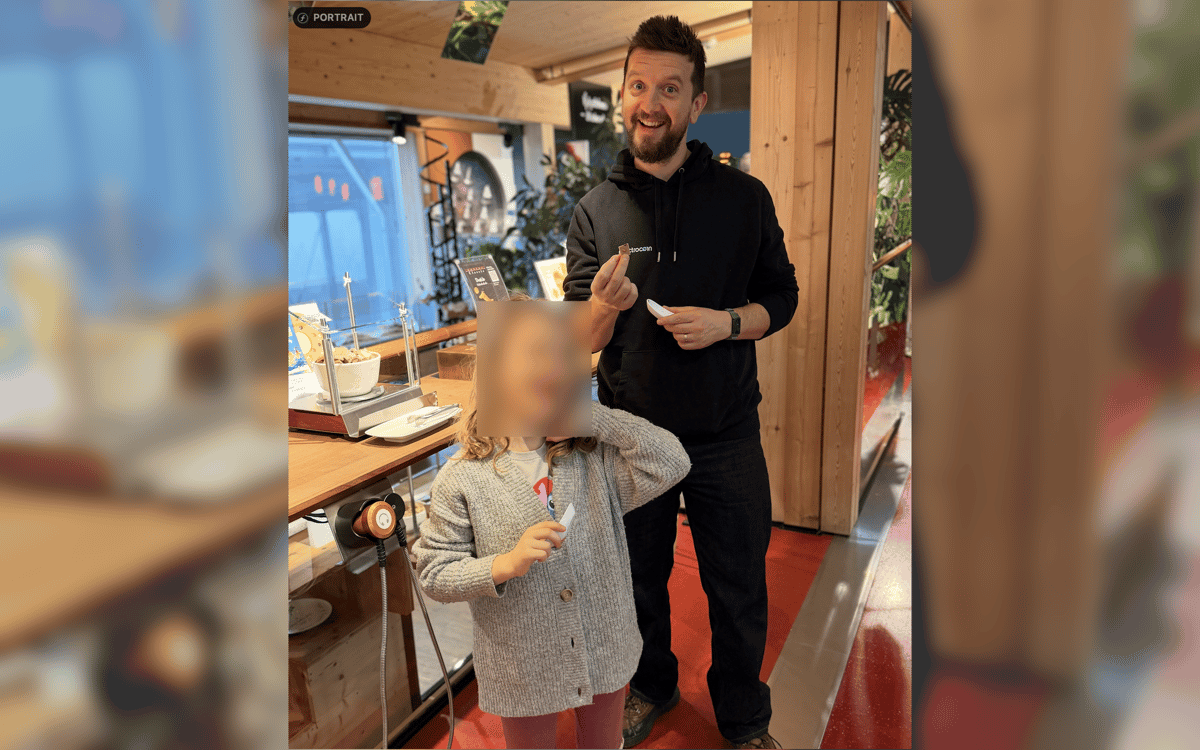
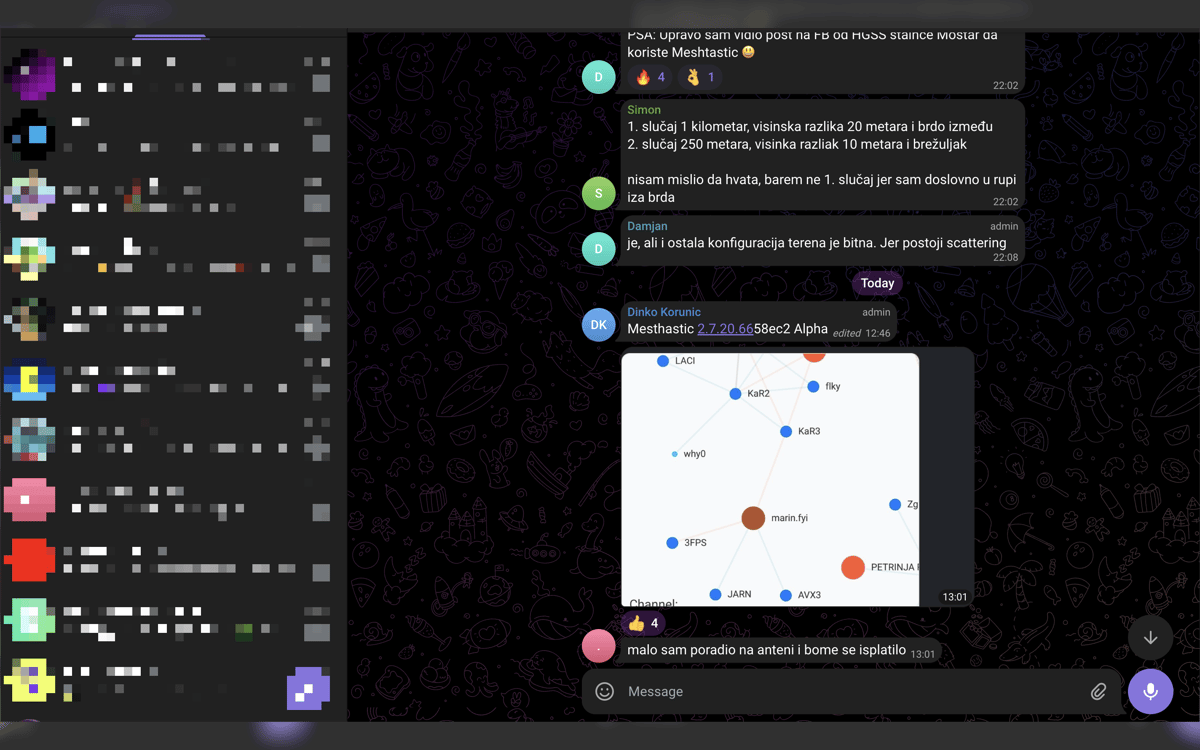
Screenshot Blur è uno strumento per Mac che protegge la privacy durante gli screenshot. Si integra nel flusso di screenshot nativo di macOS, permettendoti di passare direttamente dalla cattura alla pulizia senza interrompere il tuo ritmo. Oscura o pixella password, token, email, indirizzi wallet e altri dati sensibili prima di condividerli. Ogni modifica rimane locale sul tuo Mac e puoi salvare il risultato, copiarlo o fare entrambe le cose in un unico passaggio.
Oscura i dati privati prima della condivisione
Nascondi token, email e URL
Screenshot puliti per doc e post
Salva o copia in un'unica azione
Funzionalità di Screenshot Blur
Modifica gli screenshot subito dopo la cattura
Nessuna riapertura di file. Niente ricerche tra cartelle. Scatta uno screenshot con la scorciatoia integrata di macOS, tieni premuto Opzione e Screenshot Blur aprirà immediatamente l'immagine per permetterti di ritoccarla al volo.
Mantieni il flusso di screenshot che già utilizzi
Screenshot Blur funziona con il flusso di lavoro nativo di macOS per gli screenshot, senza costringerti a utilizzare uno strumento di acquisizione separato. Significa meno attrito e meno passaggi ogni volta che devi condividere qualcosa rapidamente.
Sfoca o pixela i dettagli privati
Nascondi ciò che non dovrebbe mai uscire dal tuo schermo: password, chiavi API, token di accesso, dati dei clienti, indirizzi wallet, URL interni e altro ancora. Scegli tra sfocatura fluida e pixelizzazione a seconda di cosa funziona meglio nell'immagine finale.
Mantieni ogni modifica in locale
Questa app è pensata per la privacy, non per i caricamenti. I tuoi screenshot rimangono sul tuo Mac, senza editor cloud, senza account obbligatorio e senza dipendenza da servizi online solo per nascondere alcuni dettagli.
Esporta il tuo modo di lavorare
Una volta ripulita la schermata, salvala, copiala o fai entrambe le cose in un'unica mossa. È una piccola cosa, ma elimina l'ultimo passaggio fastidioso quando si lavora su documenti, risposte all'assistenza, chat interne o post sui social.
Centinaia di app con la Membership
Diventa membro di Setapp e utilizza centinaia di app straordinarie con un unico abbonamento.
Prova gratis per 7 giorni, poi paga una tariffa unica.
Installa Setapp sul Mac
Scopri le app per Mac, iOS e il web. Trova modi semplici per risolvere le attività quotidiane.

Ottieni l'app che stavi cercando
Quell'app tanto desiderata ti aspetta in Setapp. Installala con un clic.

Screenshot Blur
Scegli un abbonamento
Una o più app con un abbonamento Setapp. Acquista le app come preferisci.

Centinaia di app con la Membership
Diventa membro di Setapp e utilizza centinaia di app straordinarie con un unico abbonamento.
Prova gratis per 7 giorni, poi paga una tariffa unica.
1
Installa Setapp sul Mac
Scopri le app per Mac, iOS e il web. Trova modi semplici per risolvere le attività quotidiane.
2
Ottieni l'app che stavi cercando
Quell'app tanto desiderata ti aspetta in Setapp. Installala con un clic.
Screenshot Blur
3
Scegli un abbonamento
Una o più app con un abbonamento Setapp. Acquista le app come preferisci.
Sede delle migliori app
Dalla pianificazione e dai lavori di routine alle attività creative e di scrittura di codice, con le app di Setapp potrai affrontare di tutto.

TypingMind
Chat IA con un'interfaccia utente diversa
genera o riassumi un testo
usa la libreria di prompt
IA

Spark Mail
Gestisci le email
IA

CleanMyMac
Elimina i file spazzatura

Bartender
Personalizza la barra dei menu

CleanShot X
Cattura screenshot versatili

Luminar Neo
Modifica le tue foto
IA

ClearVPN
Connessione più sicura

Craft
Lavora con i documenti
IA
Screenshot Blur
Nascondi rapidamente i dettagli sensibili