
ShelfShot
Foto di prodotto impeccabili
Mac
Versione 0.5.7
macOS 13.0 o successivo
43.3 MB
1 lingue
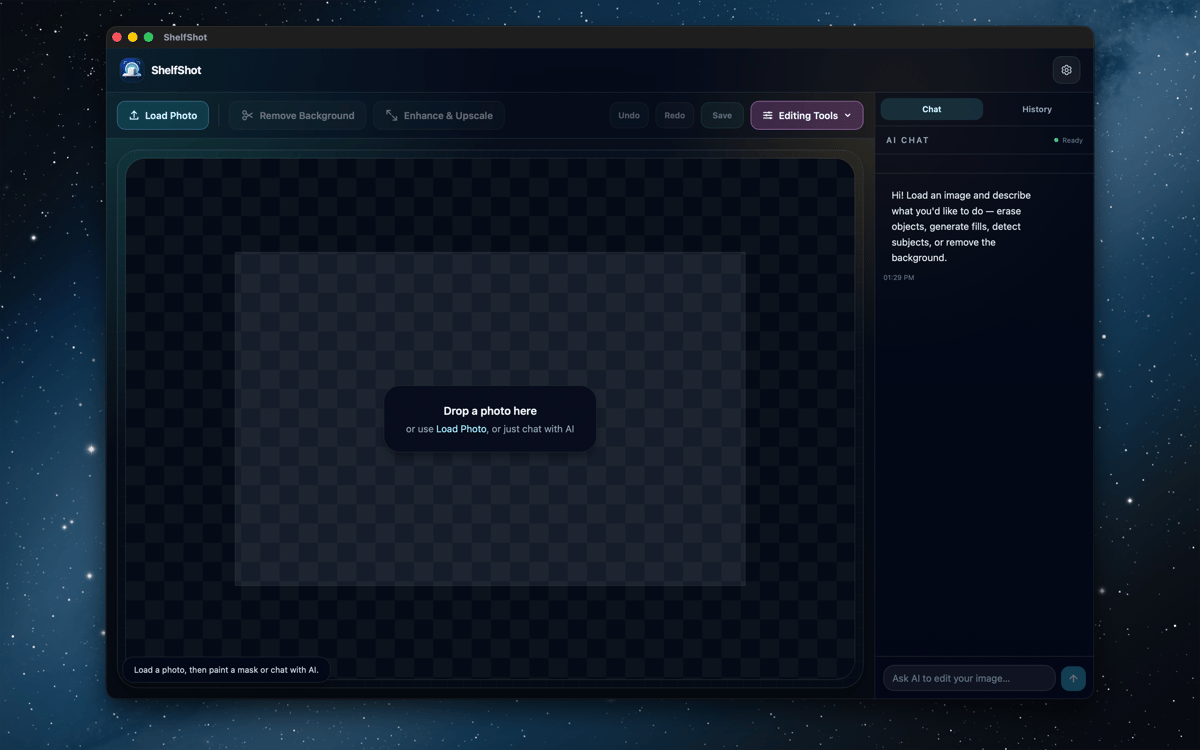
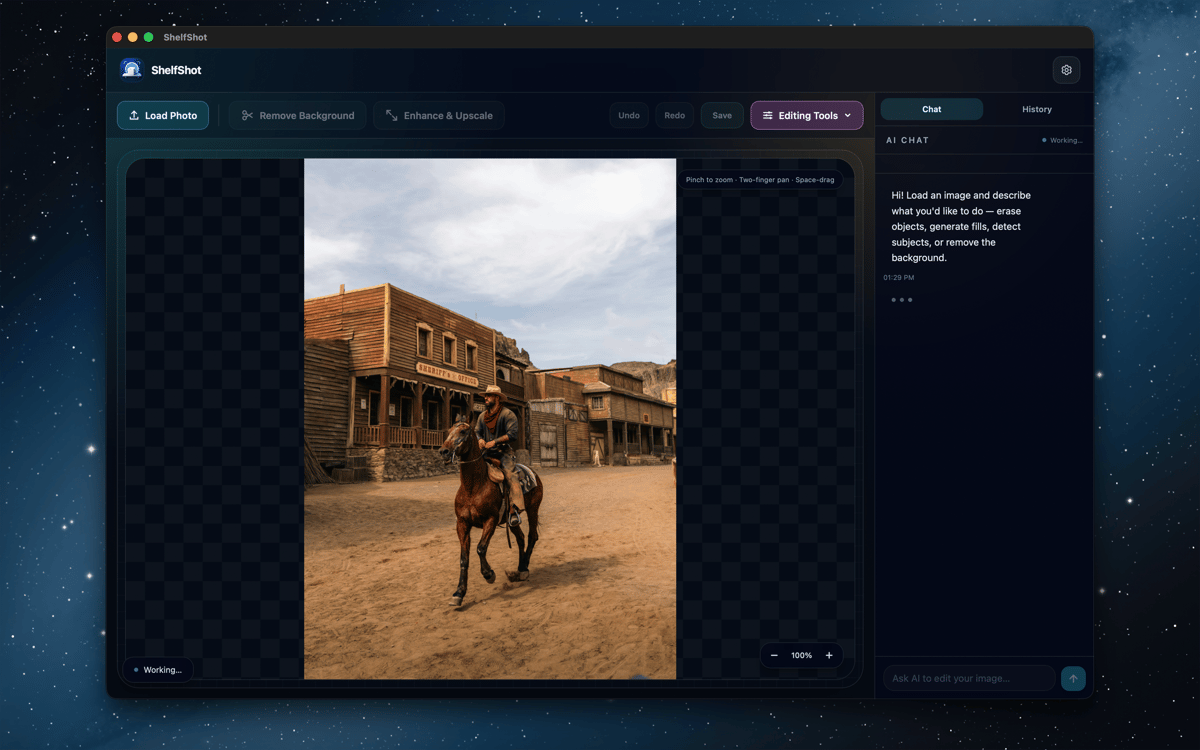
ShelfShot è un editor di foto di prodotti con IA per Mac. Rimuovi gli sfondi, ritocca i dettagli, genera nuove scene, esegui l'upscaling delle immagini ed elabora intere cartelle da un'unica area di lavoro dedicata. Le modifiche manuali restano in locale, mentre le azioni IA passano da Setapp AI solo quando le avvii tu. È pensato per ottenere immagini di prodotto più pulite senza trasformare il tuo Mac in un piccolo circo di produzione fotografica.
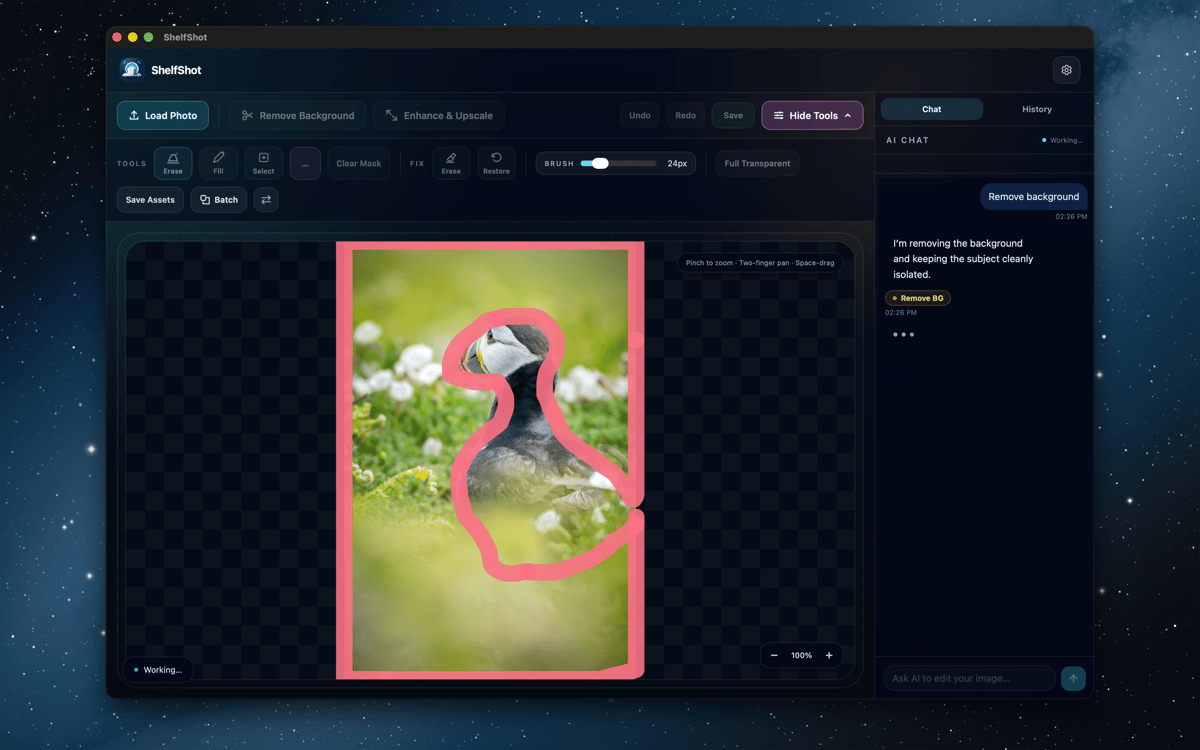
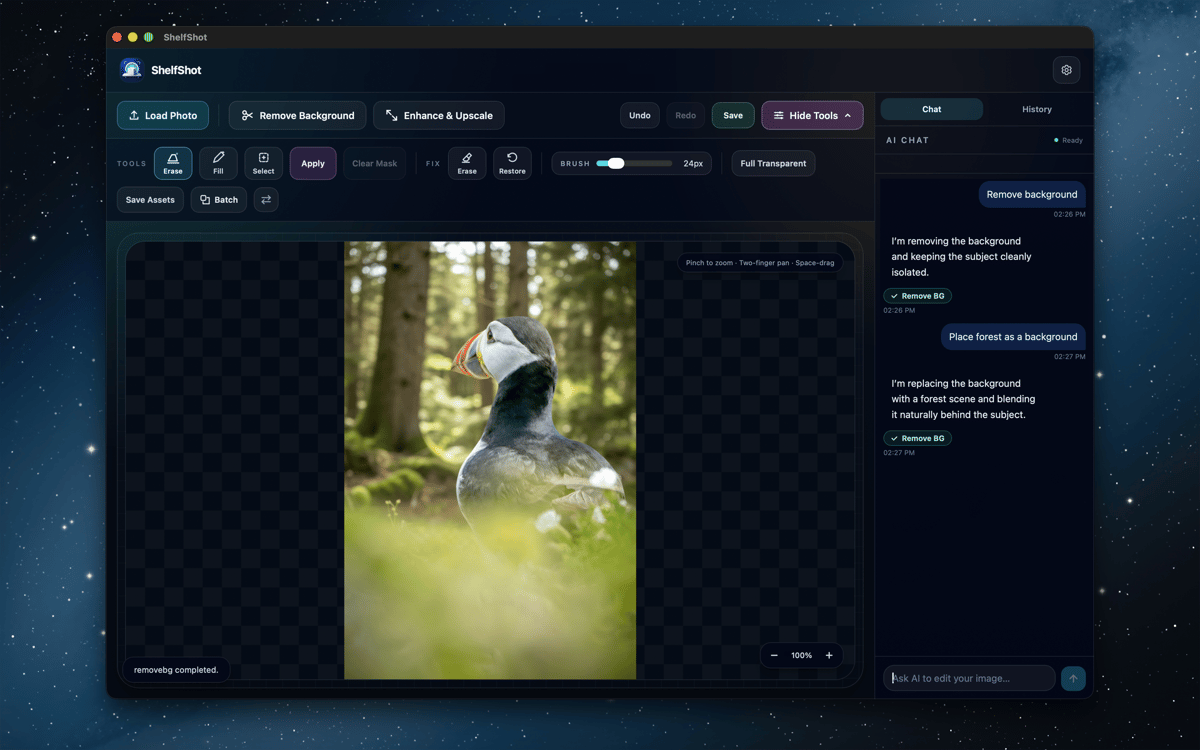
Rimuovi gli sfondi dei prodotti
Ritocca piccoli dettagli dell'immagine
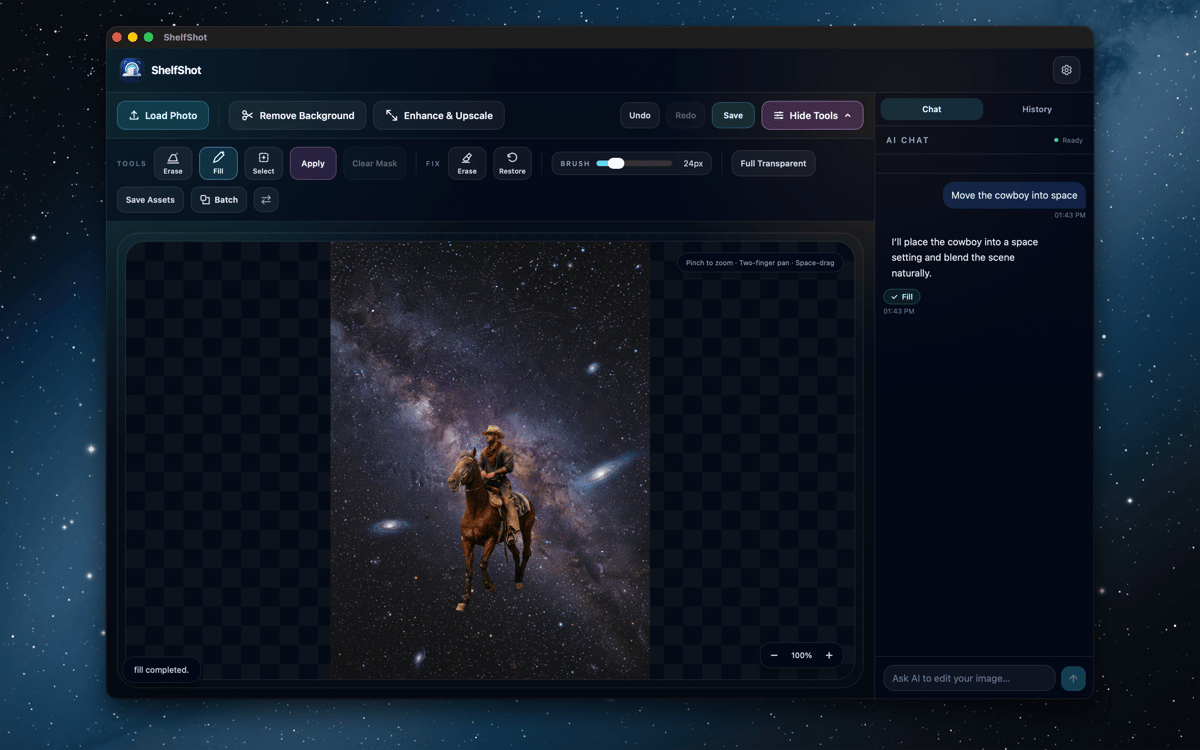
Genera nuove scene di prodotto
Modifica cartelle di catalogo in blocco
Funzionalità di ShelfShot
Rimuovi gli sfondi e perfeziona i bordi
Ritaglia i prodotti con l'IA, poi rifinisci i punti più difficili con i pennelli di cancellazione e ripristino in locale. Ideale per vetro, ombre, bordi sottili e tutti quei piccoli pixel che amano fare i difficili.
Ritocca con la guida dell'IA
Usa istruzioni e maschere opzionali per correggere i dettagli, sostituire aree, rimuovere gli sfondi, eseguire l'upscaling o apportare modifiche personalizzate. Controlla ogni risultato prima di pubblicarlo, in particolare colori, etichette, texture e forma del prodotto.
Genera scene di prodotto
Descrivi un'ambientazione, un'atmosfera o una composizione commerciale e crea una nuova immagine del prodotto. Utile per idee di campagne pubblicitarie, materiali per negozi e per testare un look prima di pianificare un servizio fotografico più grande.
Esegui l'upscaling per esportazioni più nitide
Crea PNG più grandi quando un catalogo, un'inserzione o una campagna hanno bisogno di più pixel. Esamina l'immagine finale a grandezza naturale, poi esporta la versione pronta all'uso.
Elabora le cartelle in batch
Applica rimozione dello sfondo, output trasparente, upscaling, prompt personalizzati o preset in stile marketplace a più file. I risultati del batch vengono salvati in una cartella di output dedicata.
Usa preset pensati per i marketplace
Inizia con flussi di lavoro in stile Amazon, Etsy o Shopify per la preparazione standard delle inserzioni. Sono scorciatoie utili, non garanzie di conformità: puoi comunque controllare le regole attuali del marketplace prima di pubblicare.
Valutazioni e recensioni
ShelfShot
•
4 valutazioni
Khabib
26 ott 2026
Versione app: 0.5.7
Great app for editing photos
Greg Wilkinson
30 set 2026
Versione app: 0.5.7
Works easily - good with sharpening portraits. Early days as yet.
Centinaia di app con la Membership
Diventa membro di Setapp e utilizza centinaia di app straordinarie con un unico abbonamento.
Prova gratis per 7 giorni, poi paga una tariffa unica.
Installa Setapp sul Mac
Scopri le app per Mac, iOS e il web. Trova modi semplici per risolvere le attività quotidiane.

Ottieni l'app che stavi cercando
Quell'app tanto desiderata ti aspetta in Setapp. Installala con un clic.

ShelfShot
Scegli un abbonamento
Una o più app con un abbonamento Setapp. Acquista le app come preferisci.

Centinaia di app con la Membership
Diventa membro di Setapp e utilizza centinaia di app straordinarie con un unico abbonamento.
Prova gratis per 7 giorni, poi paga una tariffa unica.
1
Installa Setapp sul Mac
Scopri le app per Mac, iOS e il web. Trova modi semplici per risolvere le attività quotidiane.
2
Ottieni l'app che stavi cercando
Quell'app tanto desiderata ti aspetta in Setapp. Installala con un clic.
ShelfShot
3
Scegli un abbonamento
Una o più app con un abbonamento Setapp. Acquista le app come preferisci.
Sede delle migliori app
Dalla pianificazione e dai lavori di routine alle attività creative e di scrittura di codice, con le app di Setapp potrai affrontare di tutto.

TypingMind
Chat IA con un'interfaccia utente diversa
genera o riassumi un testo
usa la libreria di prompt
IA

Spark Mail
Gestisci le email
IA

CleanMyMac
Elimina i file spazzatura

Bartender
Personalizza la barra dei menu

CleanShot X
Cattura screenshot versatili

Luminar Neo
Modifica le tue foto
IA

ClearVPN
Connessione più sicura

Craft
Lavora con i documenti
IA
ShelfShot
Foto di prodotto impeccabili