
Slidr
Scorri per controllare il tuo Mac
Mac
Versione 1.3.2
macOS 12.0 o successivo
7.8 MB
1 lingue
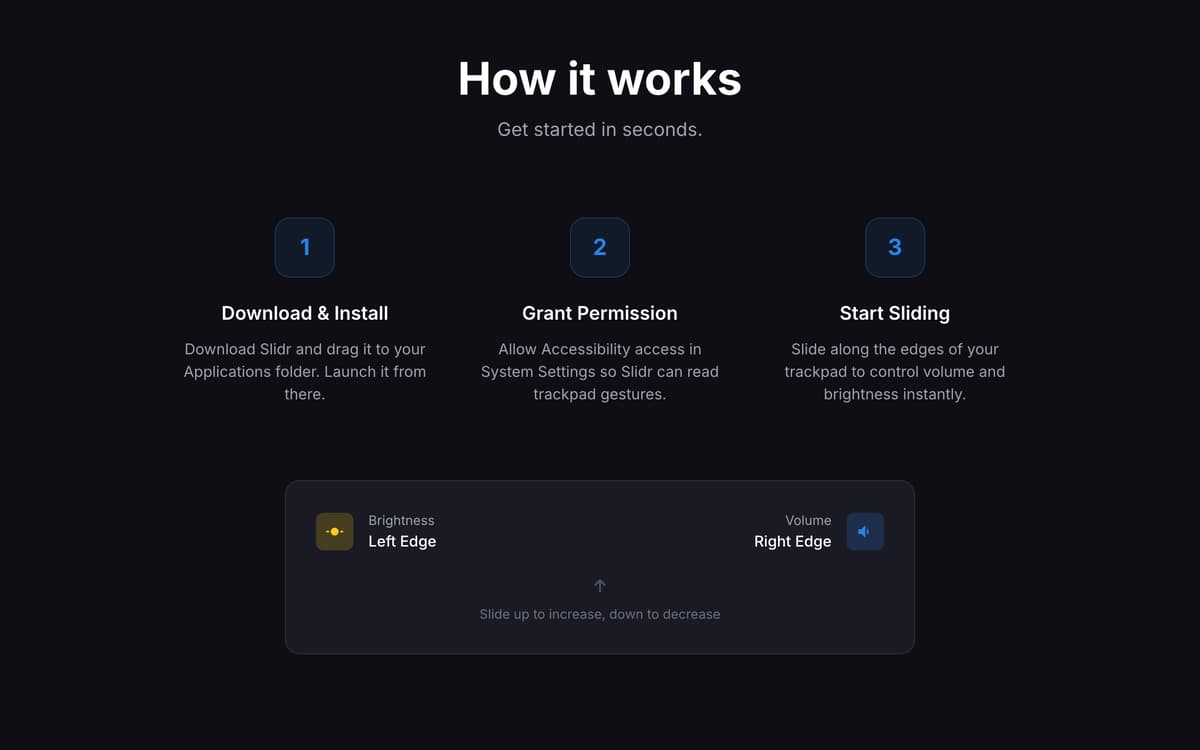
Slidr è un'app per il controllo del trackpad per Mac che trasforma semplici gesti sui bordi in controlli rapidi per volume e controlli di luminosità. Scorri lungo il bordo destro per il volume o il bordo sinistro per la luminosità. Sembra stranamente naturale. Come se il tuo Mac fosse nato senza. Il feedback aptico rende ogni regolazione sorprendentemente naturale, mentre il rilevamento intelligente della digitazione aiuta Evitate attivazioni accidentali. Slidr supporta anche la luminosità del monitor esterno tramite DDC, così non dovrai più cercare i pulsanti del monitor come nel 2009. L'app rimane discreta nella barra dei menu, si avvia al login e resta sempre pronta quando hai bisogno di usarla.
Regola il volume con un gesto
Regola la luminosità in modo naturale
Gestisci la luminosità del display esterno
Aggiungi il clic centrale al tuo trackpad
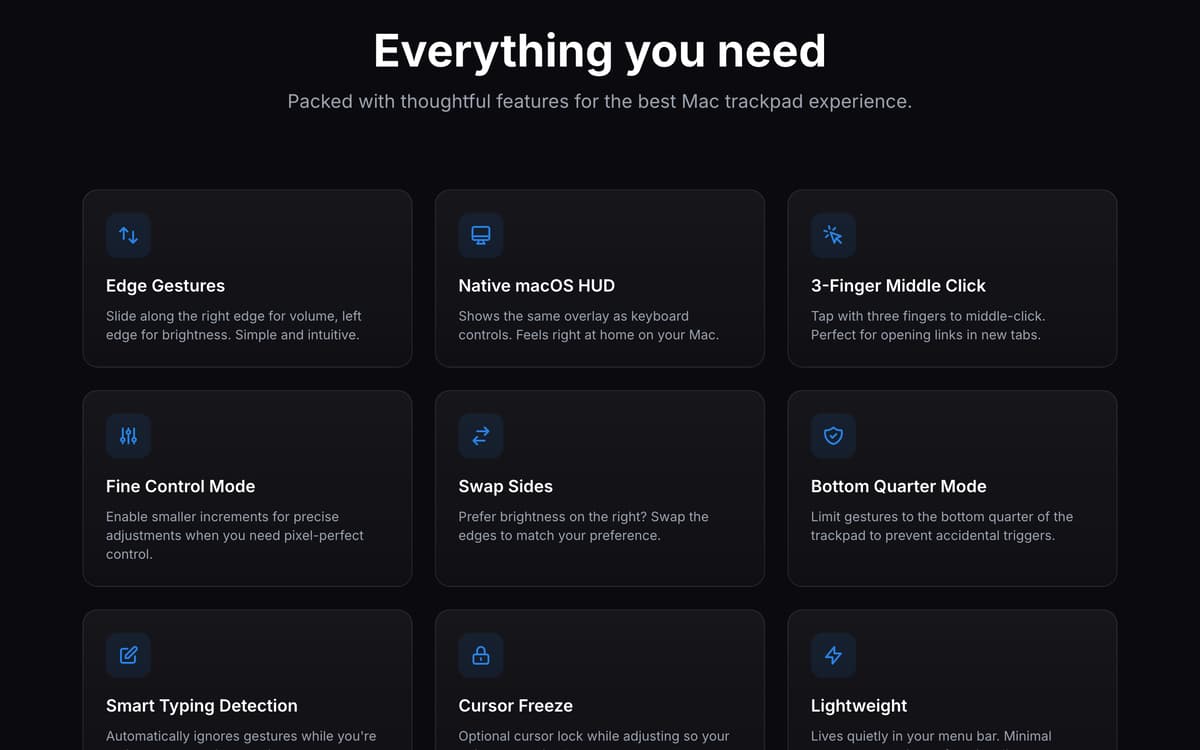
Funzionalità di Slidr
Controlla volume e luminosità con i gesti
Scorri lungo i bordi del trackpad per regolare audio e luminosità senza toccare tasti o aprire menu.
Senti ogni regolazione con il feedback aptico
Il feedback aptico aggiunge una risposta tattile a ogni cambiamento, rendendo i controlli fluidi e sorprendentemente concreti.
Regolare la luminosità del monitor esterno
Controlla i display collegati tramite il supporto DDC direttamente dal trackpad del tuo MacBook.
Personalizza il funzionamento dei gesti
Scegli i tasti modificatori, cambia i lati dei gesti, abilita la modalità toggle o limita i gesti a specifiche aree del trackpad.
Ottieni un controllo preciso quando ne hai bisogno
Usa la modalità di regolazione fine per piccole modifiche e blocca il cursore durante le regolazioni per una maggiore precisione.
Aggiungi scorciatoie extra al trackpad
Abilita il tap a 3 dita per il clic centrale e mantieni le azioni quotidiane veloci, semplici e senza dover usare la tastiera.
Centinaia di app con la Membership
Diventa membro di Setapp e utilizza centinaia di app straordinarie con un unico abbonamento.
Prova gratis per 7 giorni, poi paga una tariffa unica.
Installa Setapp sul Mac
Scopri le app per Mac, iOS e il web. Trova modi semplici per risolvere le attività quotidiane.

Ottieni l'app che stavi cercando
Quell'app tanto desiderata ti aspetta in Setapp. Installala con un clic.

Slidr
Scegli un abbonamento
Una o più app con un abbonamento Setapp. Acquista le app come preferisci.

Centinaia di app con la Membership
Diventa membro di Setapp e utilizza centinaia di app straordinarie con un unico abbonamento.
Prova gratis per 7 giorni, poi paga una tariffa unica.
1
Installa Setapp sul Mac
Scopri le app per Mac, iOS e il web. Trova modi semplici per risolvere le attività quotidiane.
2
Ottieni l'app che stavi cercando
Quell'app tanto desiderata ti aspetta in Setapp. Installala con un clic.
Slidr
3
Scegli un abbonamento
Una o più app con un abbonamento Setapp. Acquista le app come preferisci.
Sede delle migliori app
Dalla pianificazione e dai lavori di routine alle attività creative e di scrittura di codice, con le app di Setapp potrai affrontare di tutto.

TypingMind
Chat IA con un'interfaccia utente diversa
genera o riassumi un testo
usa la libreria di prompt
IA

Spark Mail
Gestisci le email
IA

CleanMyMac
Elimina i file spazzatura

Bartender
Personalizza la barra dei menu

CleanShot X
Cattura screenshot versatili

Luminar Neo
Modifica le tue foto
IA

ClearVPN
Connessione più sicura

Craft
Lavora con i documenti
IA
Slidr
Scorri per controllare il tuo Mac