Strongbox
Proteggi le tue password


Mac, iOS
Versione 1.64.2
macOS 12.0 o successivo
153.3 MB
17 lingue
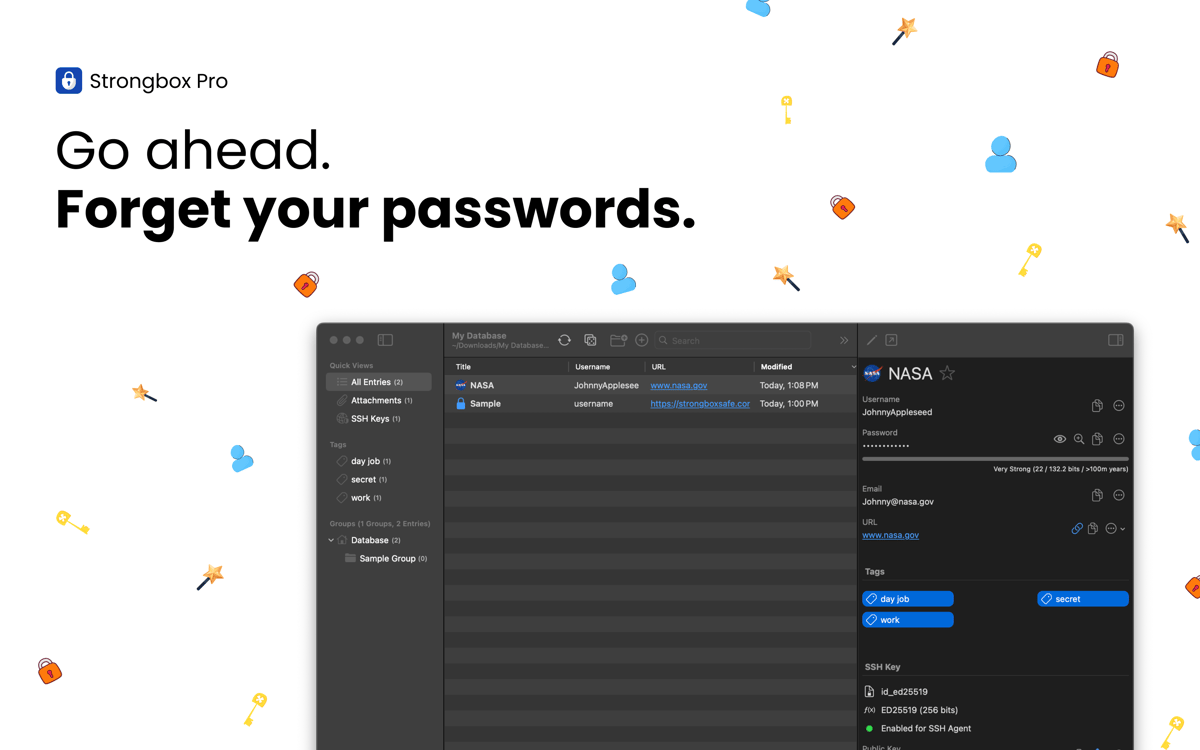
Con Strongbox puoi custodire password, dati bancari, codici di recupero e appunti privati, all'interno di un data base KeePass criptato. Consente di creare diversi vault, di aggiungere campi personalizzati, di generare password sicure e tanto altro. Si integra alla perfezione con l'ecosistema Apple, funzionando senza ostacoli con Face ID, Touch ID e AutoFill, per aiutarti ad accedere in modo più rapido e sicuro a iPhone, iPad e Mac.
Protegge password e dati sensibili
Rileva e corregge password deboli o già usate
Avvisa in caso di violazioni di sicurezza
Sincronizza i valut su diversi dispositivi
Funzionalità di Strongbox
Crittografia avanzata per proteggere i tuoi dati
Tutti i tuoi dati sensibili sono protetti da un sistema di crittografia avanzata, progettato per resistere agli attacchi informatici. Di default, Strongbox utilizza la crittografia AES‑256, ma sono disponibili anche TwoFish o ChaCha20, a te la scelta! Grazie alla chiave di derivazione Argon2, resistente agli attacchi con GPU, e il supporto per chiavi hardware come YubiKey, i tuoi dati sono al sicuro anche in caso di smarrimento o furto del dispositivo.
Sincronizzazione dei vault
Strongbox mantiene aggiornato il database su tutti i tuoi dispositivi e combina le modifiche provenienti da fonti diverse, così puoi accedere a password sempre aggiornate ed evitare conflitti. Inoltre, l'app esegue il backup dei vault per far sì che i tuoi dati siano sempre al sicuro e accessibili. Puoi dormire sonni tranquilli!
Vault organizzato e facile da consultare
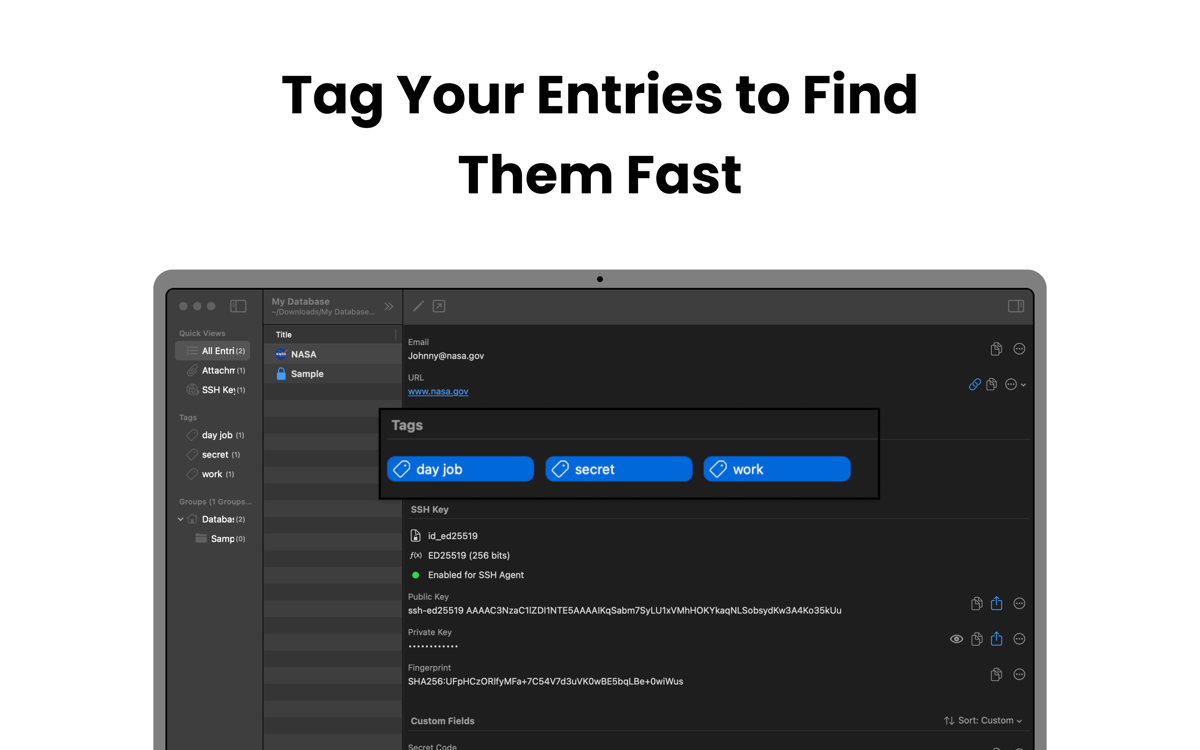
Strongbox ti consente di raggruppare le voci in cartelle, di aggiungere tag come "famiglia", "lavoro" o "social" e di scegliere le tue password preferite per accedervi rapidamente. Puoi anche aggiungere appunti Markdown alle diverse voci e mostrare i favicon dei siti web, in modo da strutturare il tuo valut, rendendolo visivamente ordinato e facile da consultare.
Rafforza le password deboli e già utilizzate
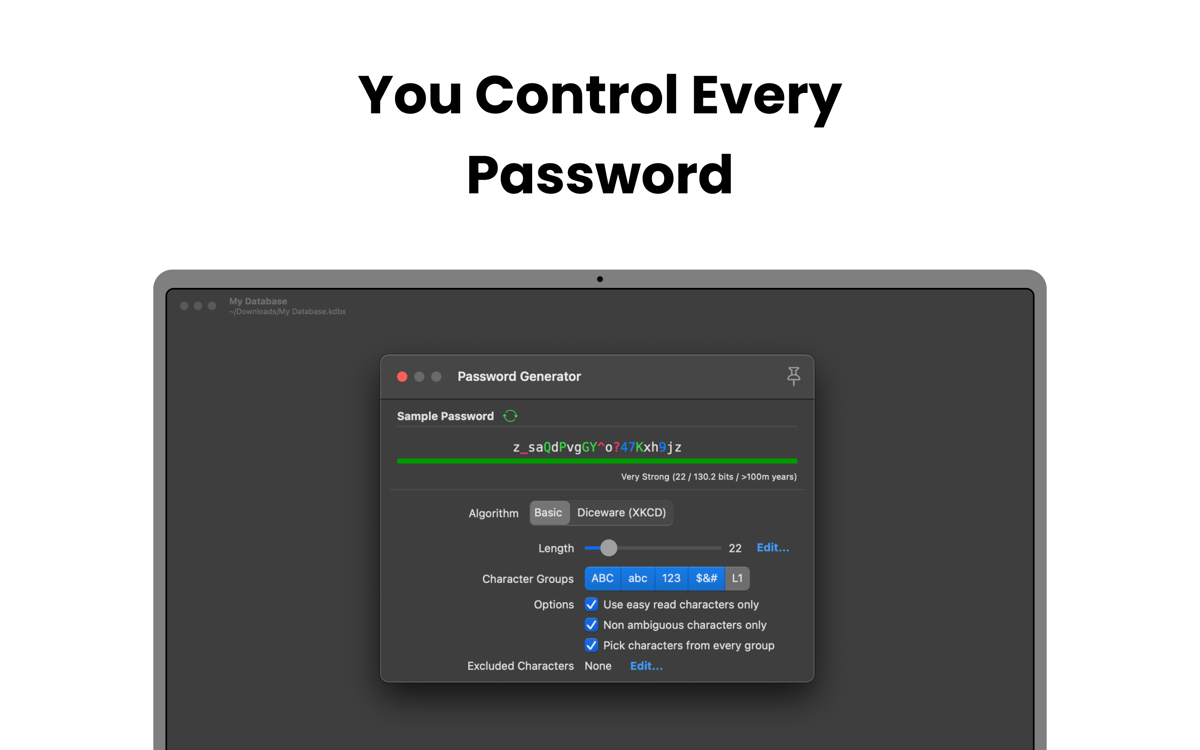
Scansiona il tuo vault per controllare la presenza di password deboli, troppo corte, banali o utilizzate per più account. Con l'aiuto di Strongbox puoi aggiornarle o generare alternative più sicure, riducendo così il rischio di violazioni.
Ricevi avvisi di violazioni
Strongbox controlla le password che hai salvato confrontandole con il database di Have I Been Pwned. Se una delle tue password viene coinvolta in un data breach, l'app ti avvisa immediatamente e ti mostra l'account interessato. Così, hai il tempo di aggiornare le tue credenziali e di impedire un accesso non autorizzato prima che si trasformi in un problema.
Valutazioni e recensioni
Strongbox
•
66 valutazioni
Benedikt Otto
7 lug 2026
Versione app: 1.64.2
Intalled the app and tried to import browser passwords. The app would not read any of the exported .csv files from neither Safar, Firefox, nor Chrome. The Documentation said to edit the first line in the file manually, as to make it match the requirements for the app (which is already completely ridiculous). But what’s even more criminal is that I wasn’t even able to do it. Plus I had help from google Gemini to fix the Problem and it still didn’t work. I wont trust my passwords to an app from developers who can’t fix a issue as simple as a browser import… Big NOPE from me.
Mike Harris
6 lug 2026
Versione app: 1.64.2
Great interface and usability. I like the way it integrates so cleanly with apple password management. I also like that you are 100% in control of your own data.
Isabelle Louche
3 lug 2026
Versione app: 1.64.2
Très bonne application, facile a utiliser
Centinaia di app con la Membership
Diventa membro di Setapp e utilizza centinaia di app straordinarie con un unico abbonamento.
Prova gratis per 7 giorni, poi paga una tariffa unica.
Installa Setapp sul Mac
Scopri le app per Mac, iOS e il web. Trova modi semplici per risolvere le attività quotidiane.

Ottieni l'app che stavi cercando
Quell'app tanto desiderata ti aspetta in Setapp. Installala con un clic.

Strongbox
Scegli un abbonamento
Una o più app con un abbonamento Setapp. Acquista le app come preferisci.

Centinaia di app con la Membership
Diventa membro di Setapp e utilizza centinaia di app straordinarie con un unico abbonamento.
Prova gratis per 7 giorni, poi paga una tariffa unica.
1
Installa Setapp sul Mac
Scopri le app per Mac, iOS e il web. Trova modi semplici per risolvere le attività quotidiane.
2
Ottieni l'app che stavi cercando
Quell'app tanto desiderata ti aspetta in Setapp. Installala con un clic.
Strongbox
3
Scegli un abbonamento
Una o più app con un abbonamento Setapp. Acquista le app come preferisci.
Sede delle migliori app
Dalla pianificazione e dai lavori di routine alle attività creative e di scrittura di codice, con le app di Setapp potrai affrontare di tutto.

TypingMind
Chat IA con un'interfaccia utente diversa
genera o riassumi un testo
usa la libreria di prompt
IA

Spark Mail
Gestisci le email
IA

CleanMyMac
Elimina i file spazzatura

Bartender
Personalizza la barra dei menu

CleanShot X
Cattura screenshot versatili

Luminar Neo
Modifica le tue foto
IA

ClearVPN
Connessione più sicura

Craft
Lavora con i documenti
IA
Strongbox
Proteggi le tue password