
Vexel
Qualsiasi testo. Qualsiasi voce.
Mac
Versione 1.5.0
macOS 15.0 o successivo
27 MB
8 lingue
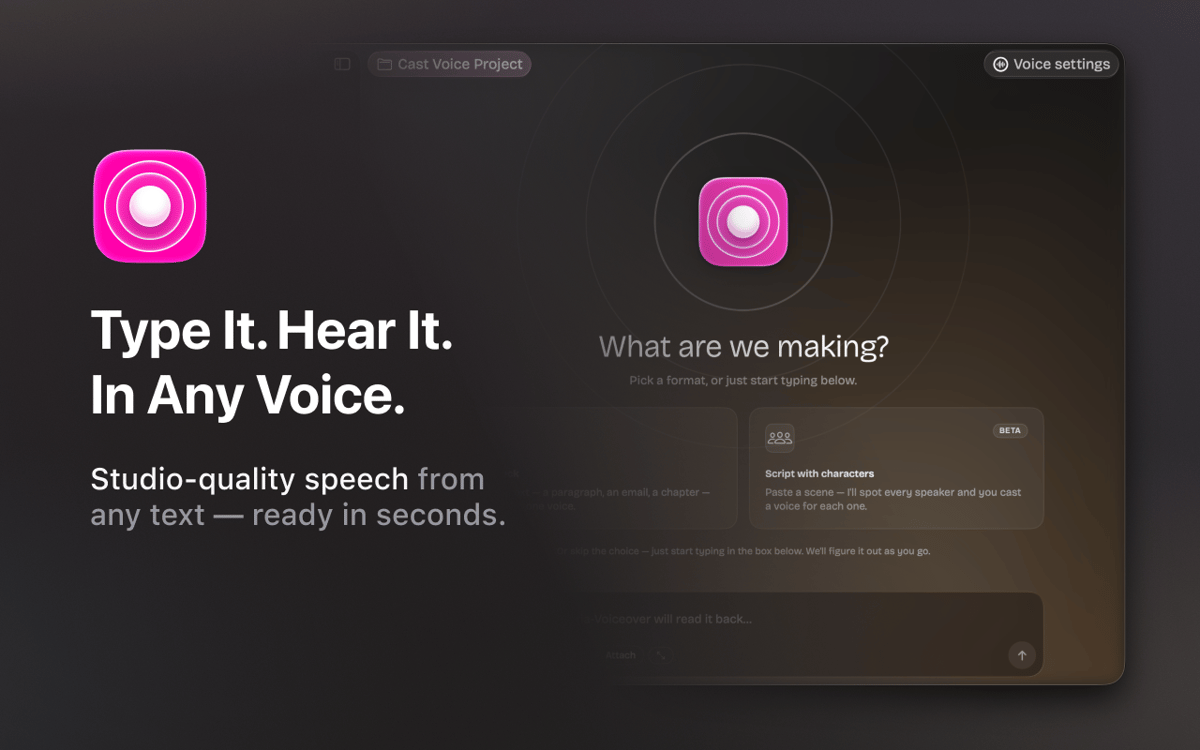
Vexel è un'app di sintesi vocale per Mac, pensata per scrittori, podcaster, narratori e chiunque lavori con la parola parlata. Scrivi il tuo testo, scegli una voce e ottieni un audio di qualità da studio in pochi secondi. Grazie alla tecnologia Respeecher, Vexel supporta oltre 22 voci professionali in più lingue. Hai bisogno di una scena con più altoparlanti? Incolla una sceneggiatura e Vexel rileva automaticamente ogni personaggio: devi solo assegnare una voce a ognuno. Organizza il tuo lavoro in progetti, perfeziona lo stile e il tono della voce ed esporta l'audio in formato WAV senza uscire dall'app.
Trasforma le sceneggiature in audio doppiato
Assegna voci diverse a ogni personaggio
Ascolta in anteprima ogni voce prima di generarla
Esporta file WAV puliti con un solo clic
Funzionalità di Vexel
Voci naturali e professionali
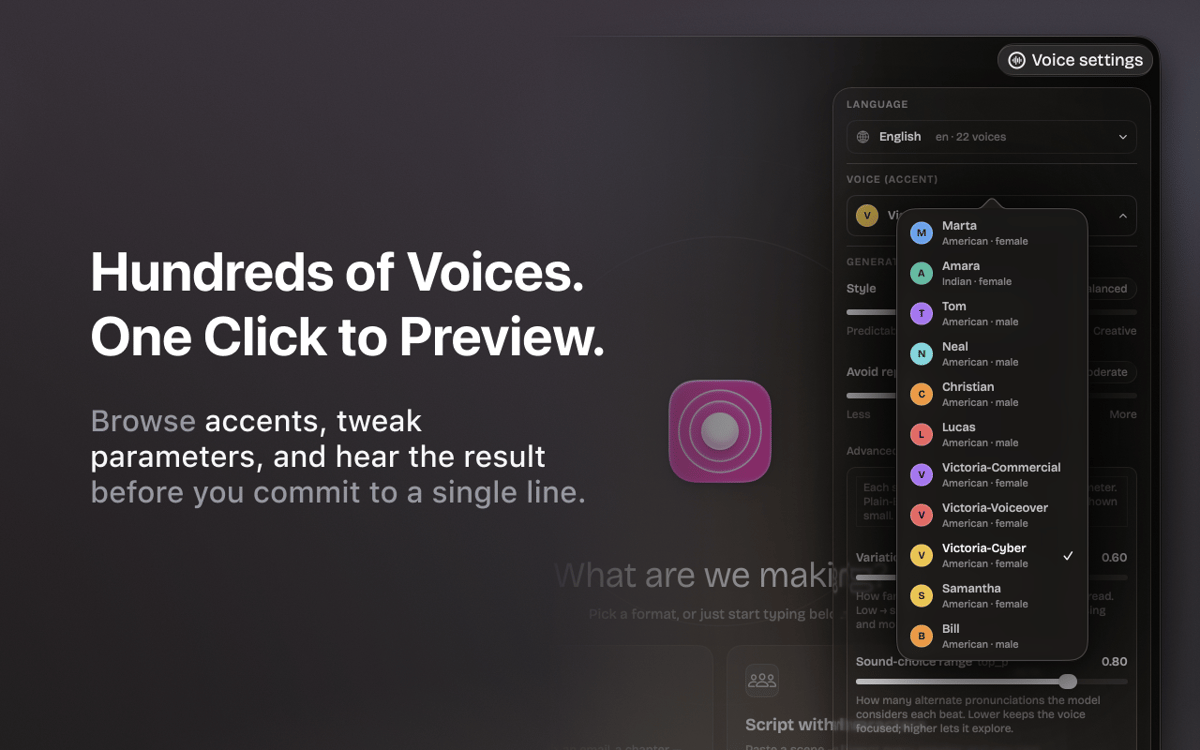
Oltre 22 voci di qualità professionale in inglese e ucraino. Basato sulla tecnologia Respeecher, lo stesso motore utilizzato nelle produzioni professionali.
Script per più relatori
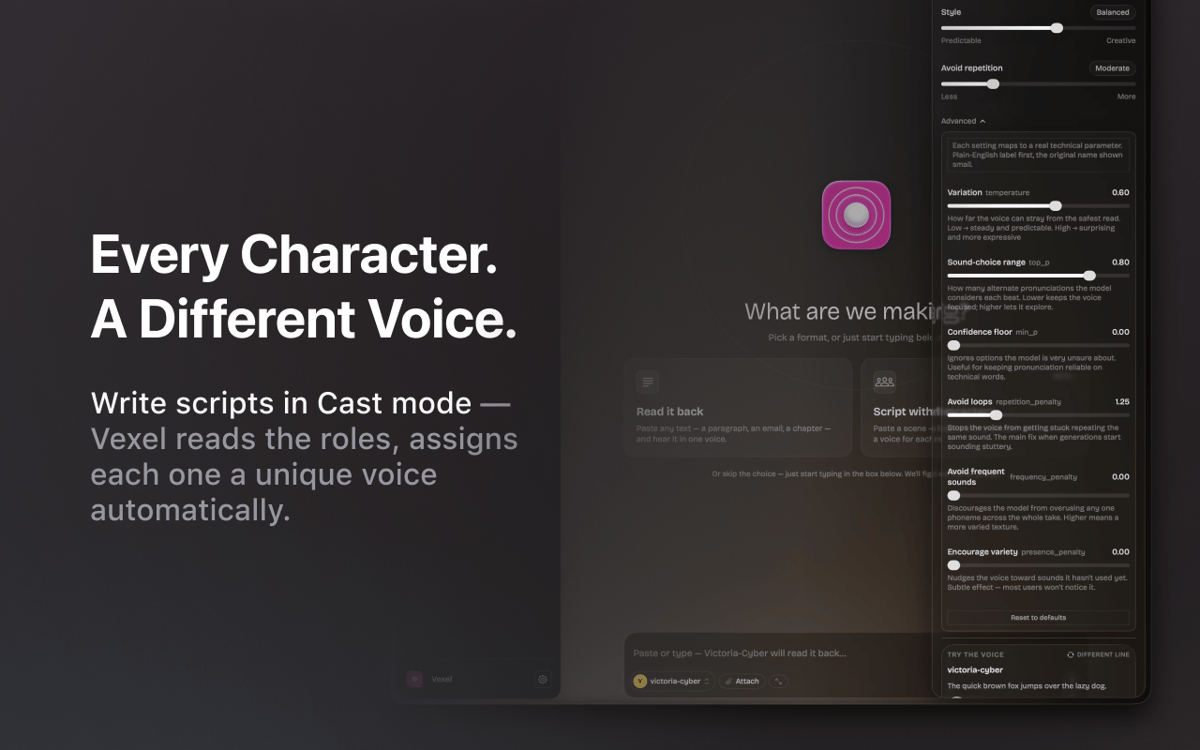
Incolla un dialogo e Vexel rileva automaticamente tutti gli interlocutori. Assegna una voce diversa a ogni personaggio e genera l'intera scena in una sola volta.
Sintonizzatore vocale
Regola lo stile da prevedibile a espressivo, calibra la riduzione delle ripetizioni e perfeziona il risultato finché non suona esattamente come vuoi.
Prova prima di generare
Ascolta in anteprima qualsiasi voce su una riga di esempio prima di avviare la generazione completa. Nessuna sorpresa, nessuna ripresa sprecata.
Spazio di lavoro del progetto
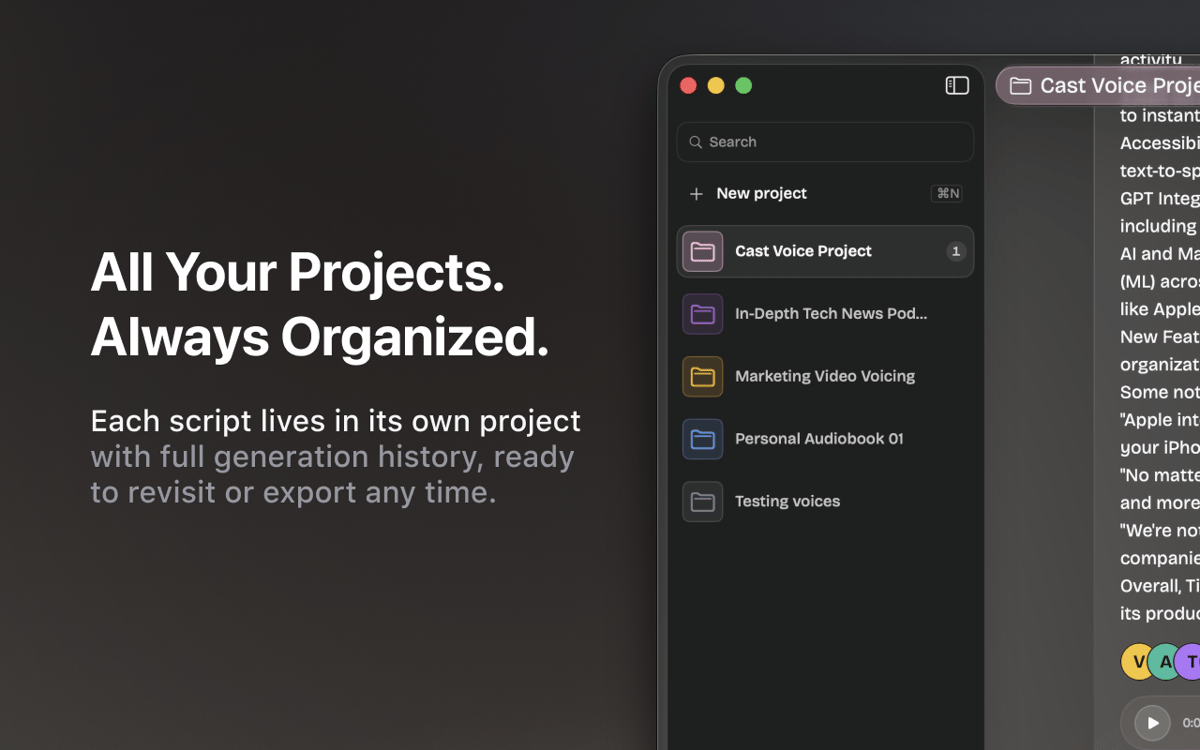
Ogni script ha il proprio progetto con una cronologia completa delle generazioni. Passa da podcast, narrazioni e bozze senza perdere il punto in cui ti eri fermato.
Rifila ed esporta
Ritaglia l'audio generato, esporta file WAV puliti e inseriscili direttamente nel tuo flusso di lavoro — senza strumenti aggiuntivi.
Valutazioni e recensioni
Vexel
•
7 valutazioni
Andrii R.
6 ott 2026
Versione app: 1.5.0
I really like this app! Helped a lot in making a nice audiobook
Risposta dello sviluppatore
7 ott 2026
Thank you for your feedback, Andrii! We're glad to hear that you liked Vexel. There's more to come in upcoming updates.
Abdel
27 set 2026
Versione app: 1.5.0
Ne propose pas de langues en ligne en français, uniquement Arabe, Allemand, Anglais, Portugais et Ukrainien. Dommage. Les voix synthètiques locales sont bien trop robotiques et datées, inutilisables sauf si vous voulez faire des blagues en copiant la voix de Siri...
Risposta dello sviluppatore
29 set 2026
Hello, Abdel! Thank you for your honest feedback. Right now, we're working to expand the library of available voices, including more reliable, human-sounding options. Please stay tuned for our updates.
Sean
21 set 2026
Versione app: 1.5.0
Really nice App. If I could use a local model or use my own AI subscriptions it would be useful. But I'm not purchasing AI credits through Setapp, that's ridiculous to me.
Risposta dello sviluppatore
22 set 2026
Thank you for the kind words and for the honest feedback! Good news: support for local models is coming in one of the next updates of the app. We're also looking into letting you connect your models. To make sure we cover what you actually use, could you drop us a line at [email protected] and tell us which models or providers you'd like to connect? That would help us a lot. Thanks again for using the app!
Centinaia di app con la Membership
Diventa membro di Setapp e utilizza centinaia di app straordinarie con un unico abbonamento.
Prova gratis per 7 giorni, poi paga una tariffa unica.
Installa Setapp sul Mac
Scopri le app per Mac, iOS e il web. Trova modi semplici per risolvere le attività quotidiane.

Ottieni l'app che stavi cercando
Quell'app tanto desiderata ti aspetta in Setapp. Installala con un clic.

Vexel
Scegli un abbonamento
Una o più app con un abbonamento Setapp. Acquista le app come preferisci.

Centinaia di app con la Membership
Diventa membro di Setapp e utilizza centinaia di app straordinarie con un unico abbonamento.
Prova gratis per 7 giorni, poi paga una tariffa unica.
1
Installa Setapp sul Mac
Scopri le app per Mac, iOS e il web. Trova modi semplici per risolvere le attività quotidiane.
2
Ottieni l'app che stavi cercando
Quell'app tanto desiderata ti aspetta in Setapp. Installala con un clic.
Vexel
3
Scegli un abbonamento
Una o più app con un abbonamento Setapp. Acquista le app come preferisci.
Sede delle migliori app
Dalla pianificazione e dai lavori di routine alle attività creative e di scrittura di codice, con le app di Setapp potrai affrontare di tutto.

TypingMind
Chat IA con un'interfaccia utente diversa
genera o riassumi un testo
usa la libreria di prompt
IA

Spark Mail
Gestisci le email
IA

CleanMyMac
Elimina i file spazzatura

Bartender
Personalizza la barra dei menu

CleanShot X
Cattura screenshot versatili

Luminar Neo
Modifica le tue foto
IA

ClearVPN
Connessione più sicura

Craft
Lavora con i documenti
IA
Vexel
Qualsiasi testo. Qualsiasi voce.