
GoodTask
Sincronize tarefas com lembretes
Mac
Versão 8.5.1
macOS 12.0 ou posterior
54.7 MB
15 idiomas
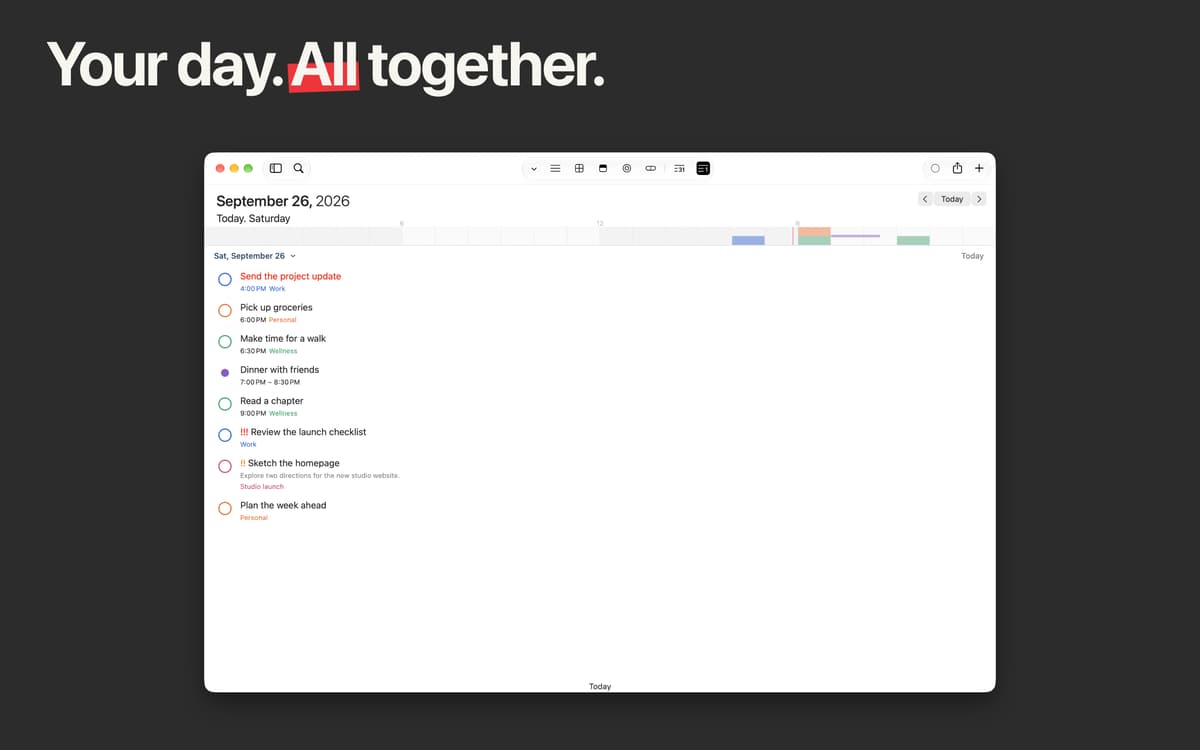
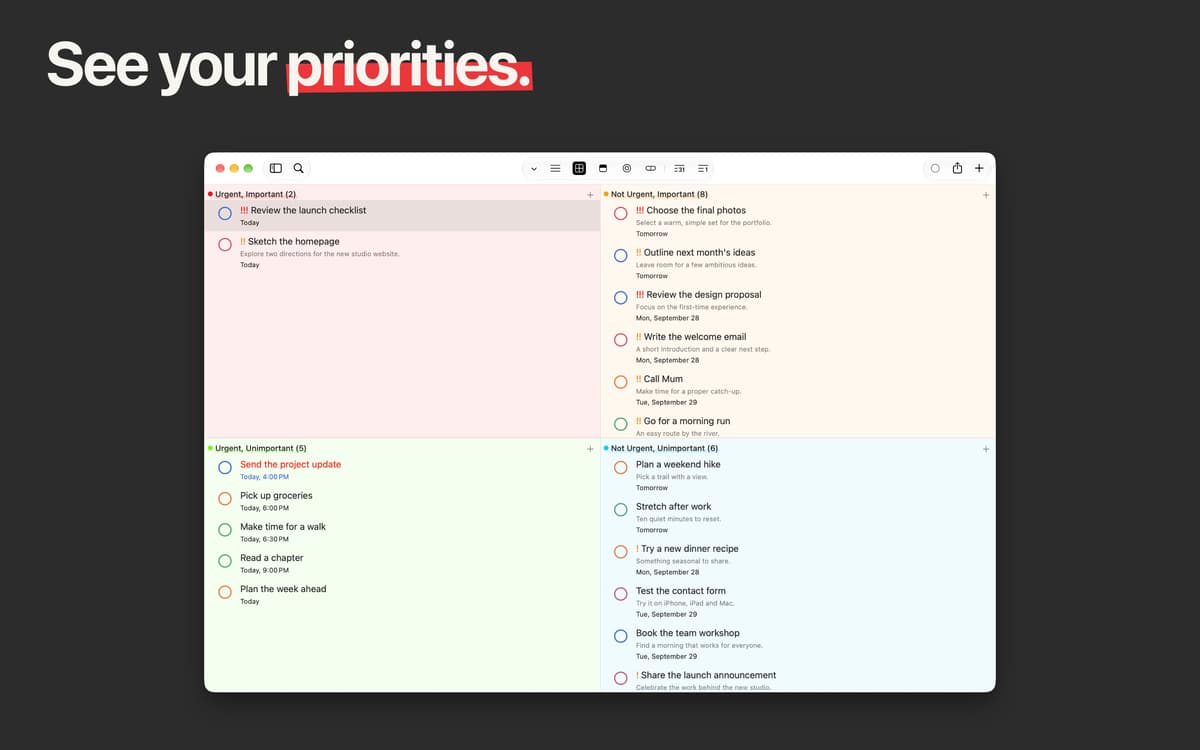
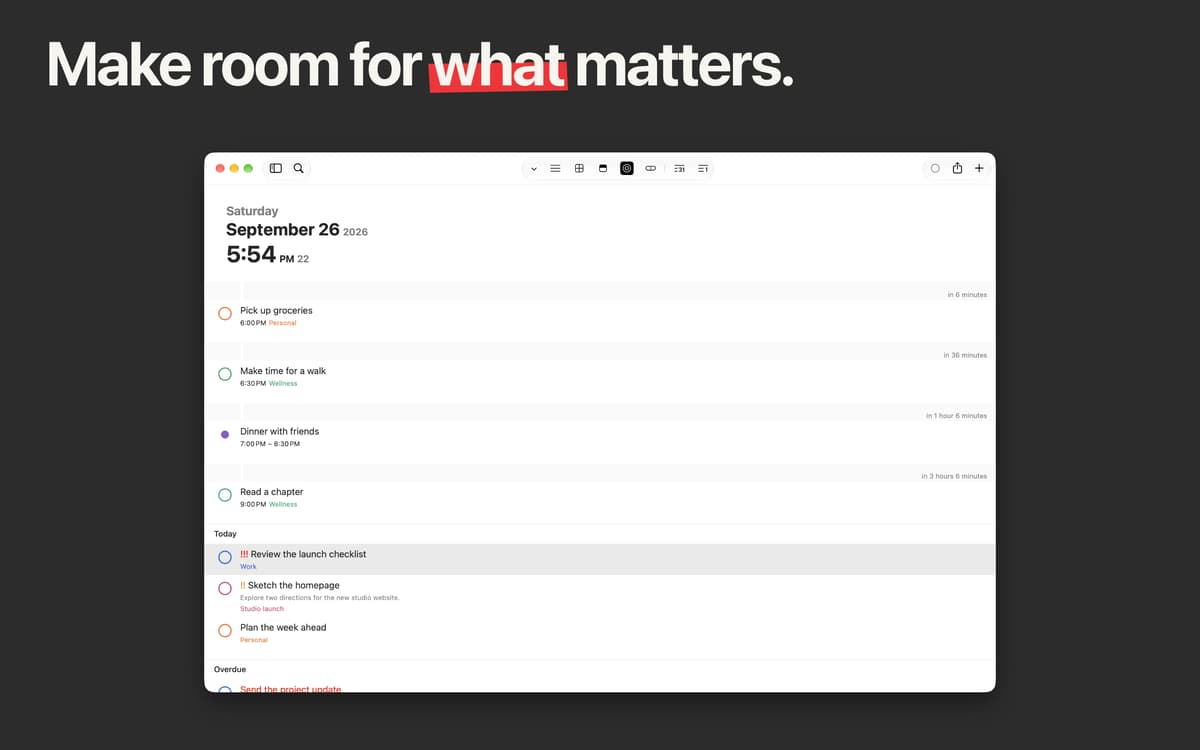
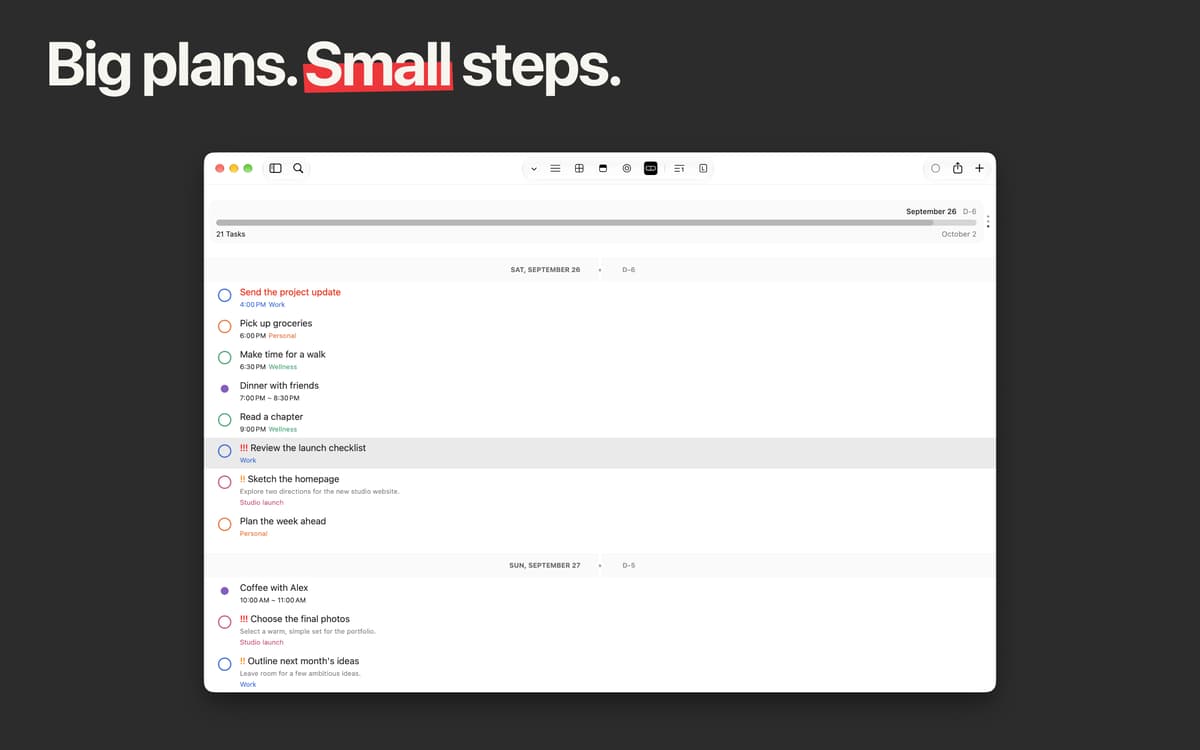
Com integração total aos apps Lembretes e Calendário da Apple, o GoodTask foi feito para ampliar os recursos oferecidos por esses apps. O planejador de calendário perfeito para focar nas tarefas mais importantes. O GoodTask ajuda você não só a organizar e priorizar tarefas e projetos, como também a concluir afazeres simples ou complexos de uma forma mais prática e inteligente.
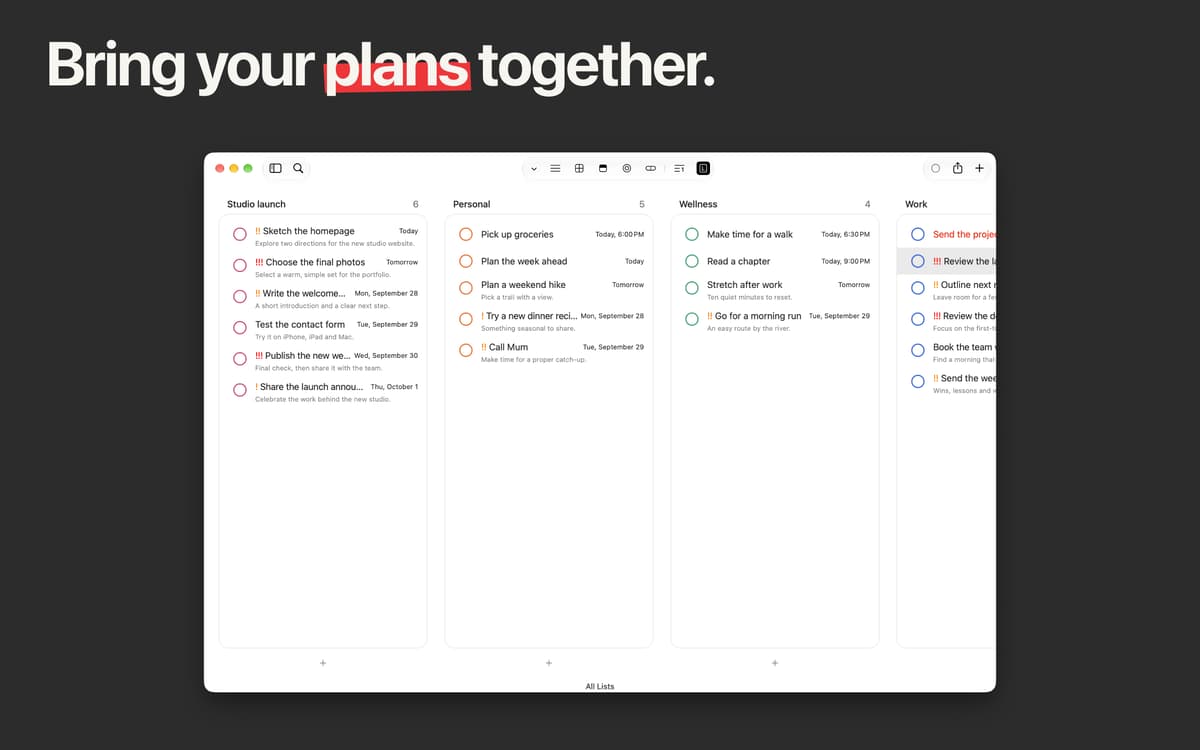
Crie um espaço unificado para gerenciar tarefas
Use fragmentos de texto para criar novas tarefas
Configure lembretes com repetição automática
Use filtros e etiquetas para ter acesso rápido
Recursos do GoodTask
Sincronização com Lembretes e Calendário
Sincronize dados de contas do iCloud e do Outlook/Exchange simultaneamente. Tenha uma visão geral do que há planejado para hoje, amanhã e depois. Marque tudo aquilo que você já concluiu e concentre‑se no que ainda há de importante por fazer.
Listas inteligentes para ter mais produtividade
Filtre as tarefas de acordo com as suas necessidades. Mostre o que está atrasado e crie novas tarefas em uma questão de segundos. Adicione subtarefas a qualquer tarefa existente para gerenciar o seu calendário com perfeição.
Ações rápidas e fragmentos de texto
Ative ações rápidas para criar tarefas na velocidade da luz. Sempre que precisar, use fragmentos de texto para configurar tarefas ao digitar. Tudo o que você digita no GoodTask é preservado, para que a cada uso ele fique ainda mais rápido.
Lembretes de tarefa com repetição automática
Precisa fazer as mesmas coisas regularmente? Não há necessidade de criar novas tarefas desde o início, basta ativar o modo de repetição automática e especificar quando você deseja que a tarefa comece novamente.
Etiquetas para busca fácil
No GoodTask, é muito simples e rápido adicionar etiquetas a projetos ou tarefas. Nas preferências, você pode optar por criar etiquetas para notas e títulos e usá‑las para filtrar aquilo que procura.
Ordenação personalizável
A ordenação de tarefas no GoodTask é superflexível. Todas as entradas podem ser ordenadas alfabeticamente (a–z ou z–a), por data (início ou fim) e por data de criação (crescente ou decrescente). E claro, você também pode ordená‑las manualmente.
Classificações e avaliações
GoodTask
•
397 classificações
Jan
1 de mai. de 2026
Versão do app: 8.2.1
Like another user said before, it’s a pretty sweet spot between a simple (often too simple) task list and a more advanced (often too advanced) pm app. GoodTask does’nt demand to fit in any method or order, you can customize it to your individual needs.
Tom Arnold
16 de mar. de 2026
Versão do app: 8.1.9
I use this app daily and have used it for years. A perfect middle ground between default reminders and project management. 2026 Edit: Still using this daily on macOS and iOS
Jose Romero
14 de mar. de 2026
Versão do app: 8.1.9
La mejor para gestión de tareas.
Obtenha centenas de apps com o Membership
Obtenha um membership do Setapp e use centenas de apps estelares numa única assinatura.
Experimente grátis por 7 dias. Depois, pague um valor único.
Instale o Setapp no Mac
Explore apps para Mac, iOS e web. Encontre formas fáceis de lidar com as tarefas do dia a dia.

Obtenha o app que chamou sua atenção
Aquele app especial está esperando você no Setapp. Instale‑o com um clique.

GoodTask
Escolha uma assinatura
Um ou mais apps com um membership do Setapp. Obtenha os apps que você quer.

Obtenha centenas de apps com o Membership
Obtenha um membership do Setapp e use centenas de apps estelares numa única assinatura.
Experimente grátis por 7 dias. Depois, pague um valor único.
1
Instale o Setapp no Mac
Explore apps para Mac, iOS e web. Encontre formas fáceis de lidar com as tarefas do dia a dia.
2
Obtenha o app que chamou sua atenção
Aquele app especial está esperando você no Setapp. Instale‑o com um clique.
GoodTask
3
Escolha uma assinatura
Um ou mais apps com um membership do Setapp. Obtenha os apps que você quer.
A casa dos melhores apps
Desde tarefas rotineiras e de planejamento a atividades criativas e de programação, encare suas tarefas com os apps do Setapp.

TypingMind
IU alternativa para conversar com IA
gere ou resuma textos
use uma biblioteca de ações
IA

Spark Mail
Gerencie e‑mails
IA

CleanMyMac
Limpe os detritos

Bartender
Personalize a barra de menus

CleanShot X
Capturas de tela versáteis

Luminar Neo
Edite suas fotos
IA

ClearVPN
Conecte‑se com mais segurança

Craft
Trabalhe com documentos
IA
GoodTask
Sincronize tarefas com lembretes