
Mockuuups Studio
Gere protótipos para dispositivos
Mac
Versão 3.9.1
macOS 10.11.0 ou posterior
363.9 MB
11 idiomas
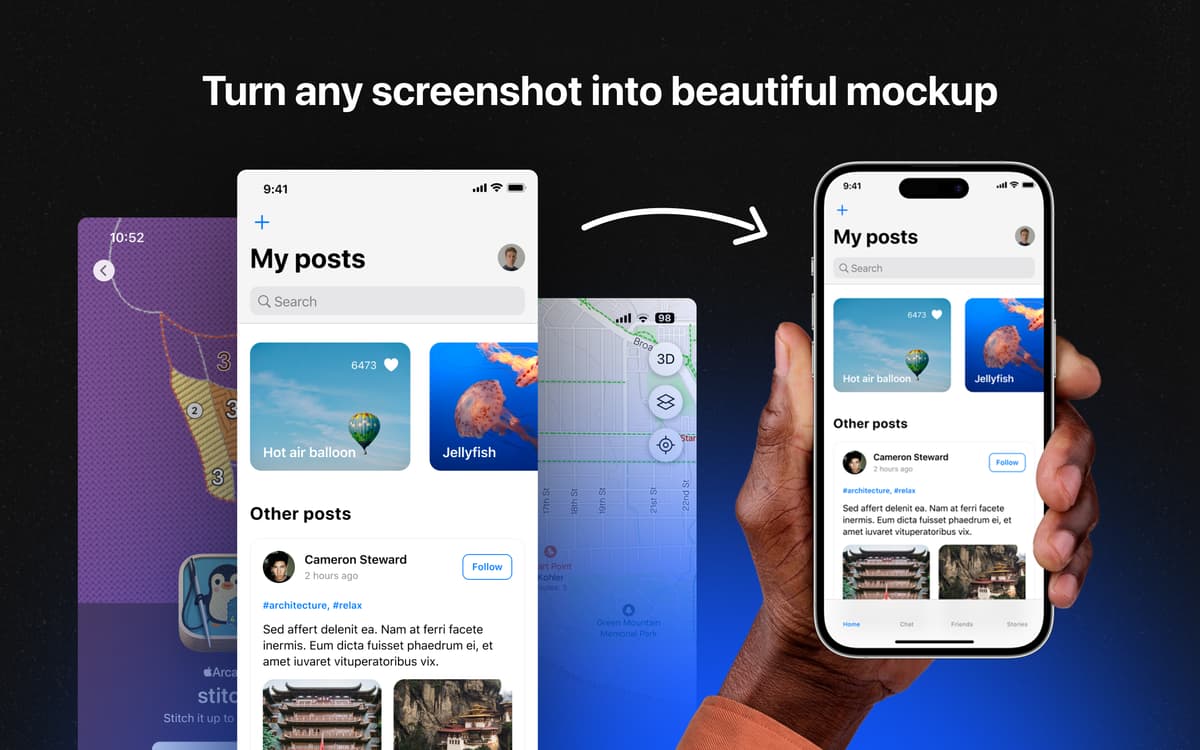
Precisando mostrar seu produto em um cenário realista? Simplesmente arraste e solte imagens no Mockuuups Studio para criar protótipos instantâneos com o app. Gere facilmente gráficos chamativos e engajantes dos seus produtos para campanhas de marketing e em redes sociais, publicações em blogs, artigos e outros.
Confira a aparência de designs em dispositivos
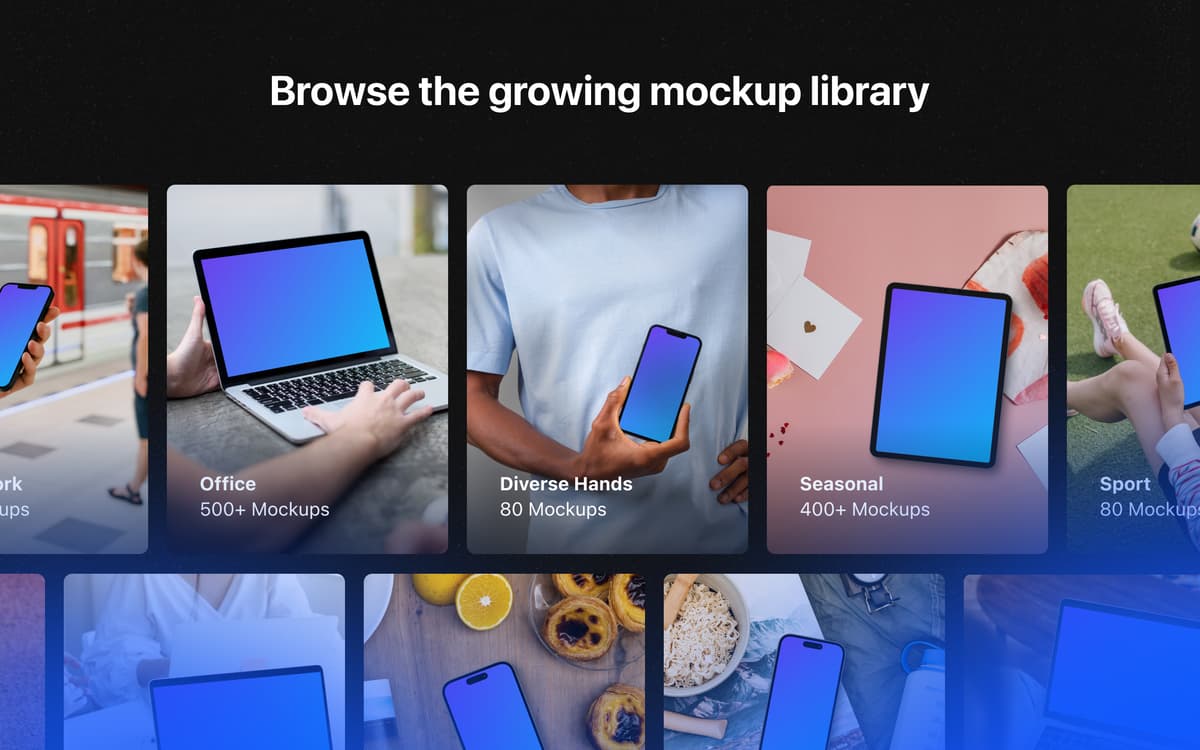
Escolha entre uma coleção de cenas integradas
Salve cenas favoritas para protótipos futuros
Sincronize com o Sketch, Figma e Photoshop
Recursos do Mockuuups Studio
Pré-visualização instantânea
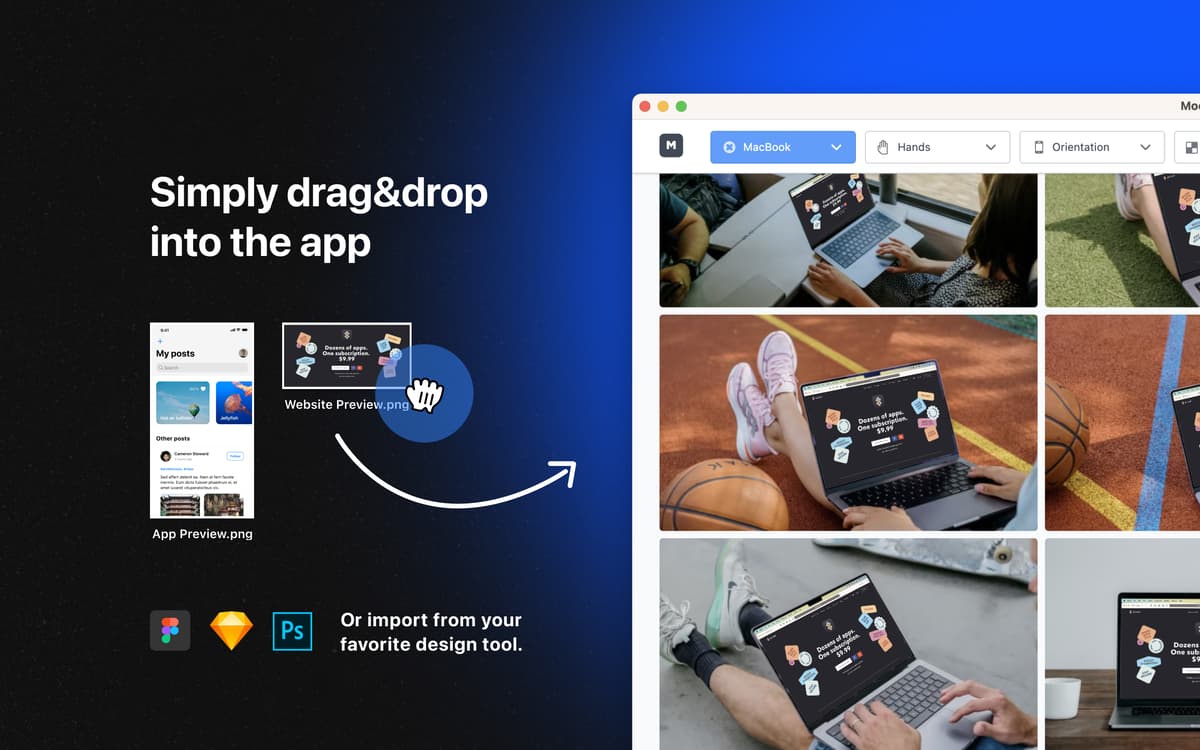
Deseja pré-visualizar um site, app ou até uma simples imagem em diversos dispositivos? Basta arrastar e soltar a imagem na janela do Mockuuups Studio para ter uma pré-visualização instantânea em diversos dispositivos com uma variedade de fundos. Proporcionalmente redimensionadas e perfeitamente integradas, as imagens ficam prontas para ser pré-visualizadas instantaneamente.
Cenas personalizadas
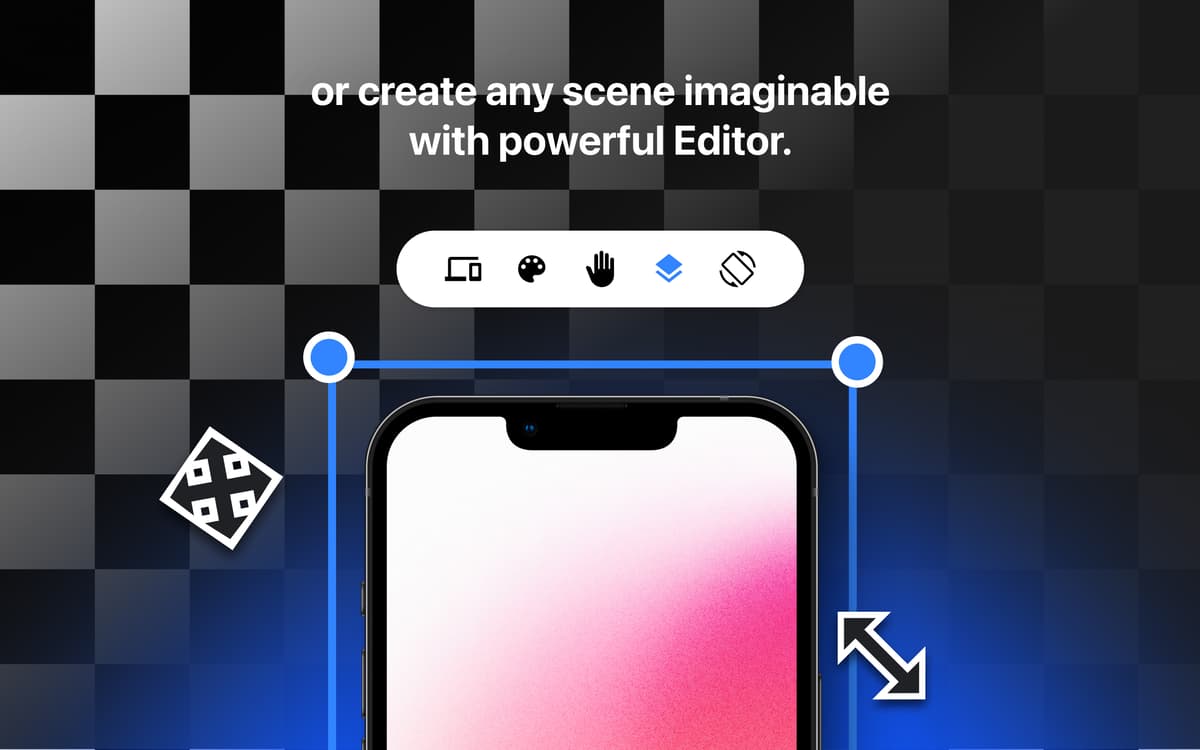
Selecione dispositivos, mãos e fundos nos protótipos para personalizar as pré-visualizações. Uma vasta seleção de mãos e numerosas opções de fundo (transparente, colorido, em gradiente, e até imagens de estoque) que ajudam a criar um protótipo para qualquer projeto.
Biblioteca vasta
O Mockuuups Studio oferece mais de 700 configurações de alta qualidade para as suas necessidades de protótipos. Explore vários ângulos, tipos de dispositivos e ambientes, e escolha os que combinam melhor para que os seus gráficos de marketing sejam mais realistas, ajudando o público a visualizar como um produto se encaixaria em suas vidas.
Filtros práticos
Às vezes, é bom explorar dezenas de fundos e dispositivos, e ver com quais deles um produto combina melhor. Mas outras vezes, você só precisa de uma configuração específica e um modelo exato de dispositivo, rapidamente. Atinja isso em instantes com os filtros do Mockuuups Studio: selecione os ajustes desejados e produza facilmente os gráficos impactantes que o projeto exige.
Compatível com apps de design
O Mockuuups Studio sabe que às vezes você precisa integrar ferramentas de design populares ao processo de criação de protótipos. Se você ou a sua equipe trabalha com Figma, Sketch ou Photoshop, uma boa notícia: o Mockuuups Studio é compatível com todos esses apps!
Classificações e avaliações
Mockuuups Studio
•
612 classificações
Sid K
12 de out. de 2026
Versão do app: 3.9.1
Used to be quite good. Something's changed. Asks for login to save and I can't even export anymore. Uninstalling.
Mark
27 de ago. de 2026
Versão do app: 3.9.1
Seaerch sucks, as it doesn’t respect any of the parameters to filter. And then it doesn’t preserve favorites between sessions!
Samuel Bauer
26 de ago. de 2026
Versão do app: 3.9.1
Used to be amazing and most importantly simple and straight forward. But right now the Figma plugin does not really work. When updating existing mockups it bugs out and I just cannot update the screen. I have to re-do the mockup and place it in Figma. Also, I am getting logged out so much.
Obtenha centenas de apps com o Membership
Obtenha um membership do Setapp e use centenas de apps estelares numa única assinatura.
Experimente grátis por 7 dias. Depois, pague um valor único.
Instale o Setapp no Mac
Explore apps para Mac, iOS e web. Encontre formas fáceis de lidar com as tarefas do dia a dia.

Obtenha o app que chamou sua atenção
Aquele app especial está esperando você no Setapp. Instale‑o com um clique.

Mockuuups Studio
Escolha uma assinatura
Um ou mais apps com um membership do Setapp. Obtenha os apps que você quer.

Obtenha centenas de apps com o Membership
Obtenha um membership do Setapp e use centenas de apps estelares numa única assinatura.
Experimente grátis por 7 dias. Depois, pague um valor único.
1
Instale o Setapp no Mac
Explore apps para Mac, iOS e web. Encontre formas fáceis de lidar com as tarefas do dia a dia.
2
Obtenha o app que chamou sua atenção
Aquele app especial está esperando você no Setapp. Instale‑o com um clique.
Mockuuups Studio
3
Escolha uma assinatura
Um ou mais apps com um membership do Setapp. Obtenha os apps que você quer.
A casa dos melhores apps
Desde tarefas rotineiras e de planejamento a atividades criativas e de programação, encare suas tarefas com os apps do Setapp.

TypingMind
IU alternativa para conversar com IA
gere ou resuma textos
use uma biblioteca de ações
IA

Spark Mail
Gerencie e‑mails
IA

CleanMyMac
Limpe os detritos

Bartender
Personalize a barra de menus

CleanShot X
Capturas de tela versáteis

Luminar Neo
Edite suas fotos
IA

ClearVPN
Conecte‑se com mais segurança

Craft
Trabalhe com documentos
IA
Mockuuups Studio
Gere protótipos para dispositivos