
Renamer
Renomeie arquivos em lote
Mac
Versão 7.3.2
macOS 15.0 ou posterior
673.7 MB
1 idiomas
E se você pudesse renomear um monte de arquivos em instantes? Seria ótimo, não é? Com o Renamer, isso é possível! Este app acaba com a tarefa tediosa de renomear e gerenciar dezenas de arquivos. Agora, você pode manipular nomes de arquivos e pastas em lote. Além disso, o Renamer ajuda você a organizar tudo no Mac de uma maneira inteligente e conveniente. Este app superleve vem equipado com todas as possibilidades que você pode precisar para renomear arquivos. Experimente!
Renomeie, numere e adicione datas a arquivos
Busque e substitua texto nos nomes de arquivos
Organize músicas ou filmes por nome
Altere ou remova extensões de arquivos
Recursos do Renamer
Várias formas de renomear
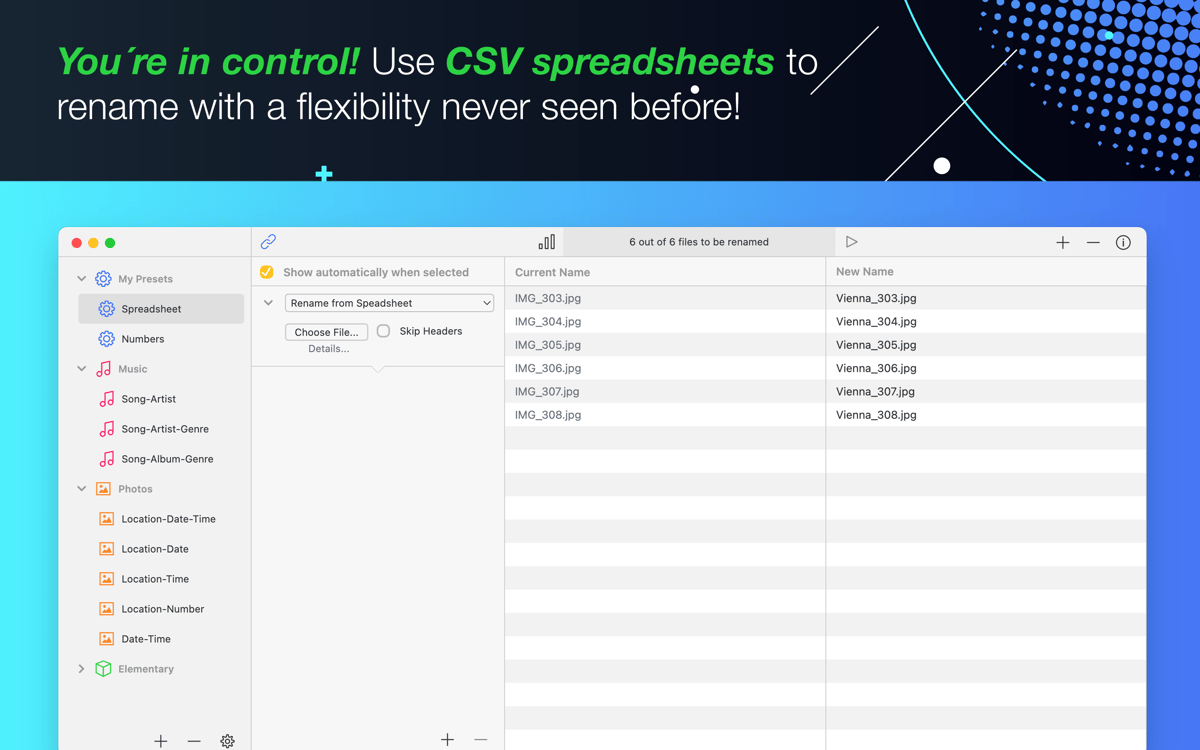
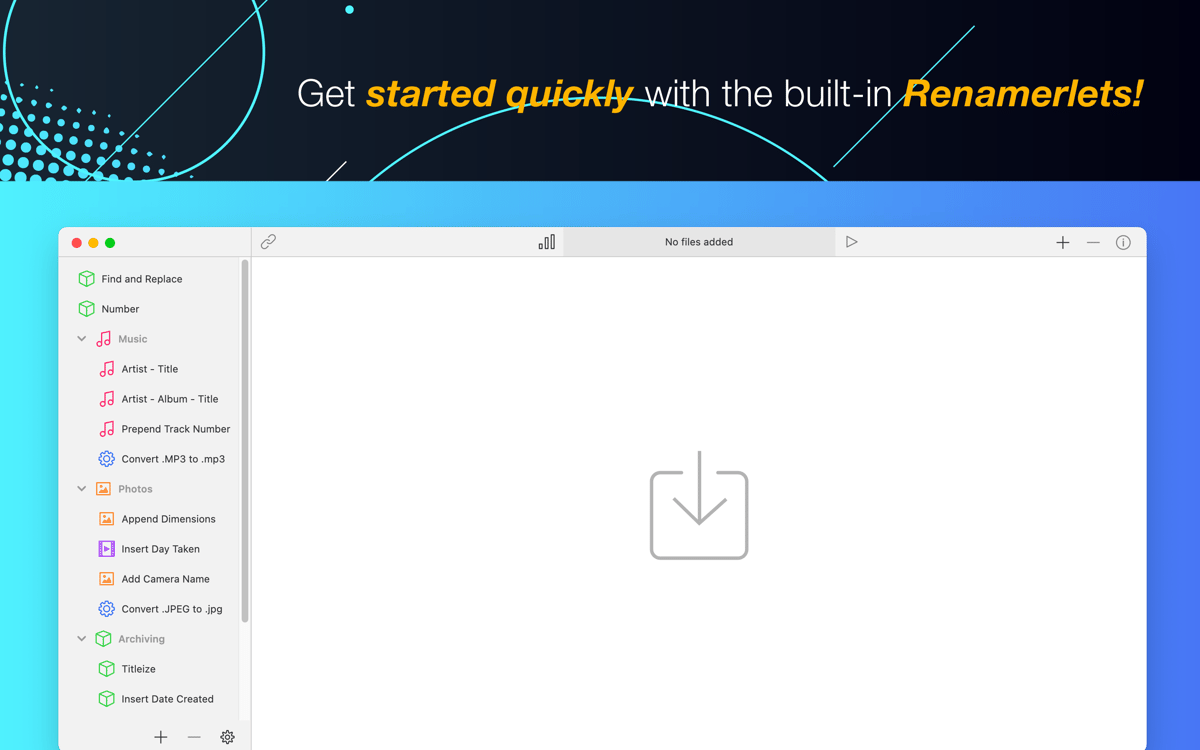
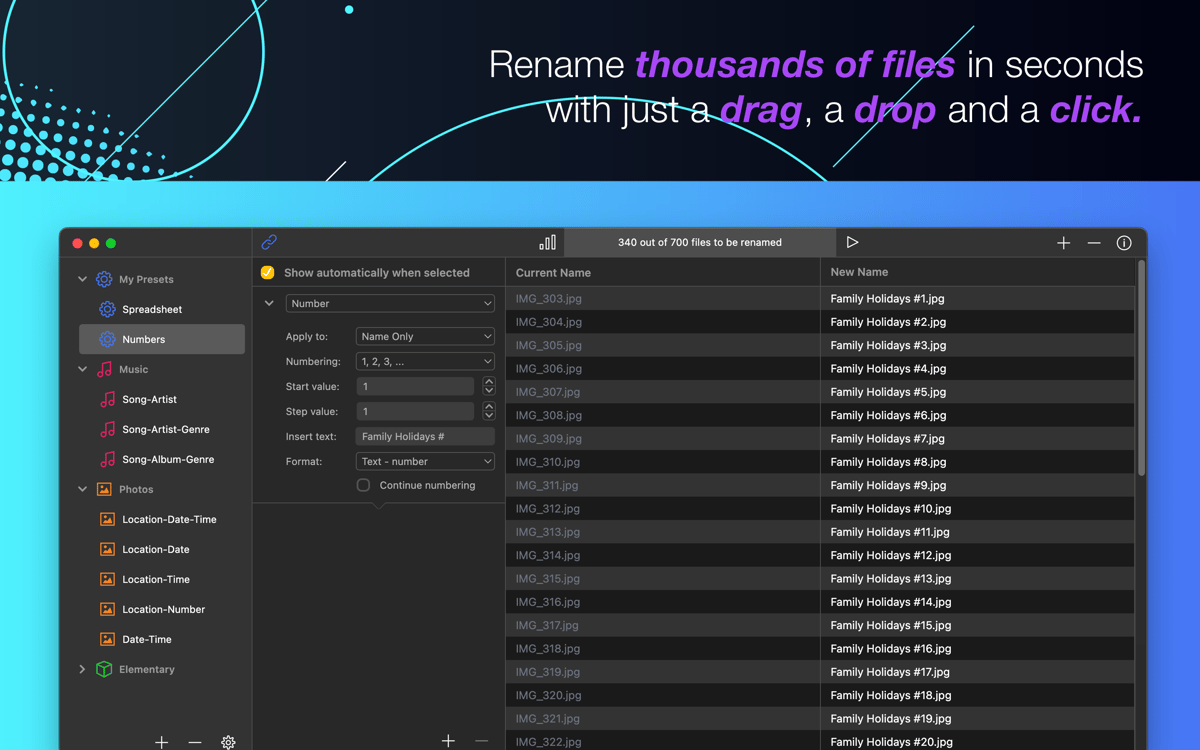
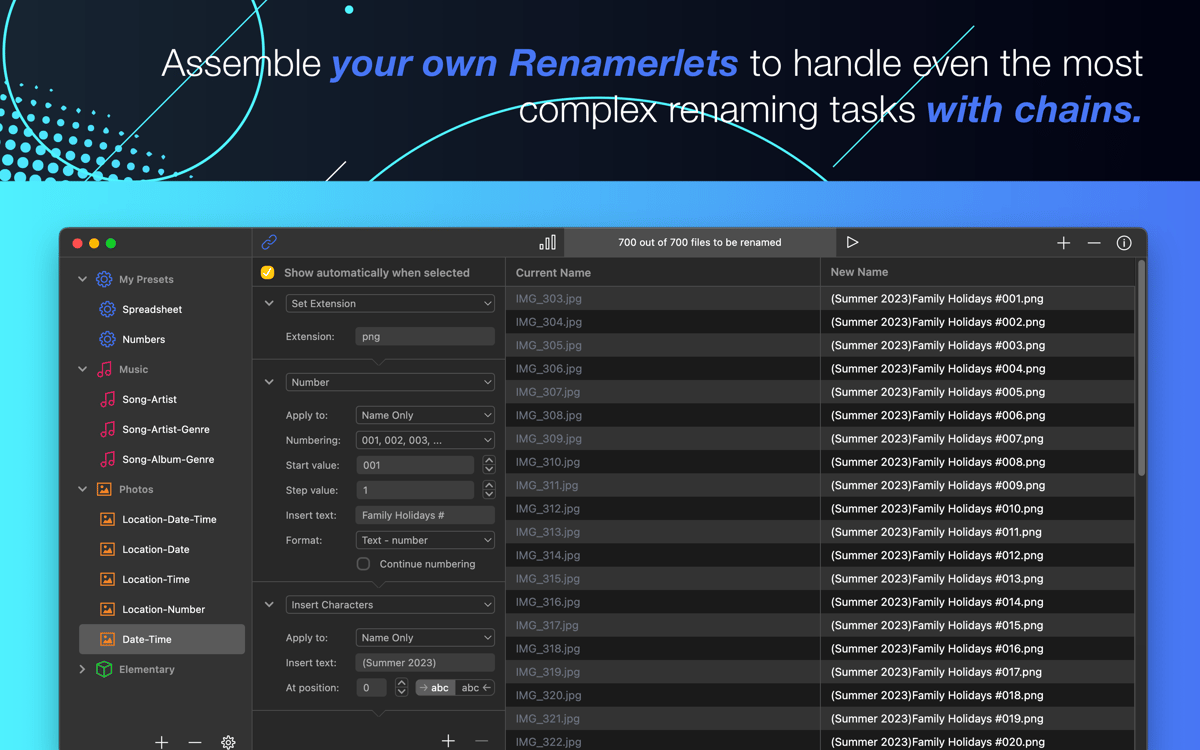
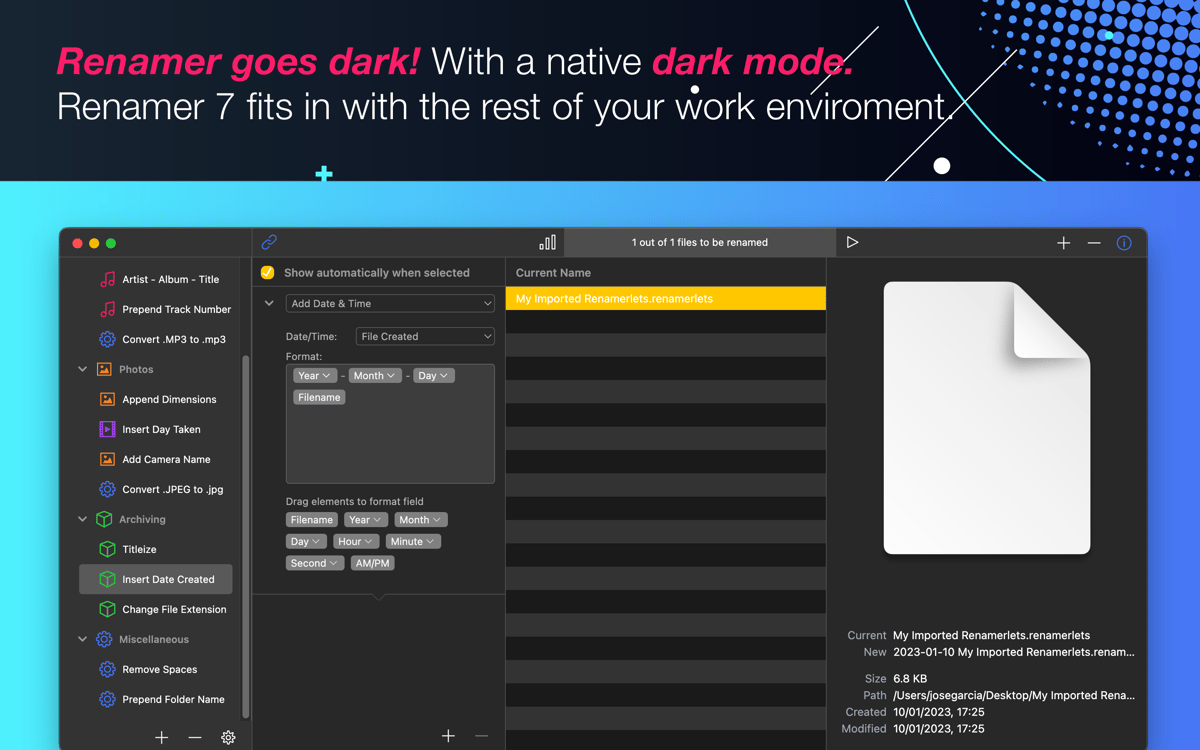
O Renamer foi feito para ajudar você a renomear vários arquivos de uma só vez. Sua interface é simples e minimalista, e permite que tarefas em lote sejam executadas em segundos. A montagem de passos faz com que qualquer tarefa para renomear arquivos de forma complexa fique fácil.
Pré-visualização em tempo real
Veja como os arquivos serão renomeados antes de realmente renomeá-los: a visualização em tempo real é perfeita para detectar erros e aprimorar o processo. E ainda economiza muito tempo se você estiver usando o Renamer profissionalmente.
Substituição de texto sem esforço
Muitos arquivos estão com o nome errado? Encontre-os rapidamente e renomeie-os instantaneamente. As opções incluem até mesmo a possibilidade de renomear músicas ou fotos. Depois de usar o Renamer, você nunca mais desperdiçará horas renomeando arquivos. Com dois cliques, tudo fica pronto.
Músicas organizadas
Organize a sua biblioteca de música da maneira que você quer. Mantenha tudo estruturado e organizado para que seja fácil encontrar e curtir suas músicas. Agrupe músicas por álbum, título, número da faixa e artista. Gerencie músicas com base em etiquetas ID3. Em imagens, insira a largura e altura, se desejar.
Conversão de maiúsculas e minúsuculas
Todos sabem o quão irritante é LER NOMES DE ARQUIVOS EM MAIÚSCULAS. Com o Renamer, você converte entre MAIÚSULAS, minúsculas e Variações dos Dois facilmente. O Renamer é simples, rápido e fácil de usar — e deixa tempo de sobra para você se divertir!
Desfazer inteligente e backup de arquivos
Não se preocupe em perder nada — o Renamer tem opções incríveis, como o desfazer inteligente e o backup de arquivos. Não tenha medo de experimentar e buscar a melhor forma de manipular o nome de arquivos, pois você sempre pode voltar atrás.
Classificações e avaliações
Renamer
•
1044 classificações
Anthony Clarke
16 de set. de 2026
Versão do app: 7.3.2
Saved me so much time, easy to use and just what I needed
SteveU75
20 de jun. de 2026
Versão do app: 7.2.2
I love the app and the ability to rename a bunch of files but it shows the file names changed while finder doew not reflect the name changes
Lyn Kym
18 de mai. de 2026
Versão do app: 7.2.1
Works well
Obtenha centenas de apps com o Membership
Obtenha um membership do Setapp e use centenas de apps estelares numa única assinatura.
Experimente grátis por 7 dias. Depois, pague um valor único.
Instale o Setapp no Mac
Explore apps para Mac, iOS e web. Encontre formas fáceis de lidar com as tarefas do dia a dia.

Obtenha o app que chamou sua atenção
Aquele app especial está esperando você no Setapp. Instale‑o com um clique.

Renamer
Escolha uma assinatura
Um ou mais apps com um membership do Setapp. Obtenha os apps que você quer.

Obtenha centenas de apps com o Membership
Obtenha um membership do Setapp e use centenas de apps estelares numa única assinatura.
Experimente grátis por 7 dias. Depois, pague um valor único.
1
Instale o Setapp no Mac
Explore apps para Mac, iOS e web. Encontre formas fáceis de lidar com as tarefas do dia a dia.
2
Obtenha o app que chamou sua atenção
Aquele app especial está esperando você no Setapp. Instale‑o com um clique.
Renamer
3
Escolha uma assinatura
Um ou mais apps com um membership do Setapp. Obtenha os apps que você quer.
A casa dos melhores apps
Desde tarefas rotineiras e de planejamento a atividades criativas e de programação, encare suas tarefas com os apps do Setapp.

TypingMind
IU alternativa para conversar com IA
gere ou resuma textos
use uma biblioteca de ações
IA

Spark Mail
Gerencie e‑mails
IA

CleanMyMac
Limpe os detritos

Bartender
Personalize a barra de menus

CleanShot X
Capturas de tela versáteis

Luminar Neo
Edite suas fotos
IA

ClearVPN
Conecte‑se com mais segurança

Craft
Trabalhe com documentos
IA
Renamer
Renomeie arquivos em lote