
Notchie
Read scripts from your notch
Mac
Version 3.2
macOS 14.0 or later
5.6 MB
1 languages
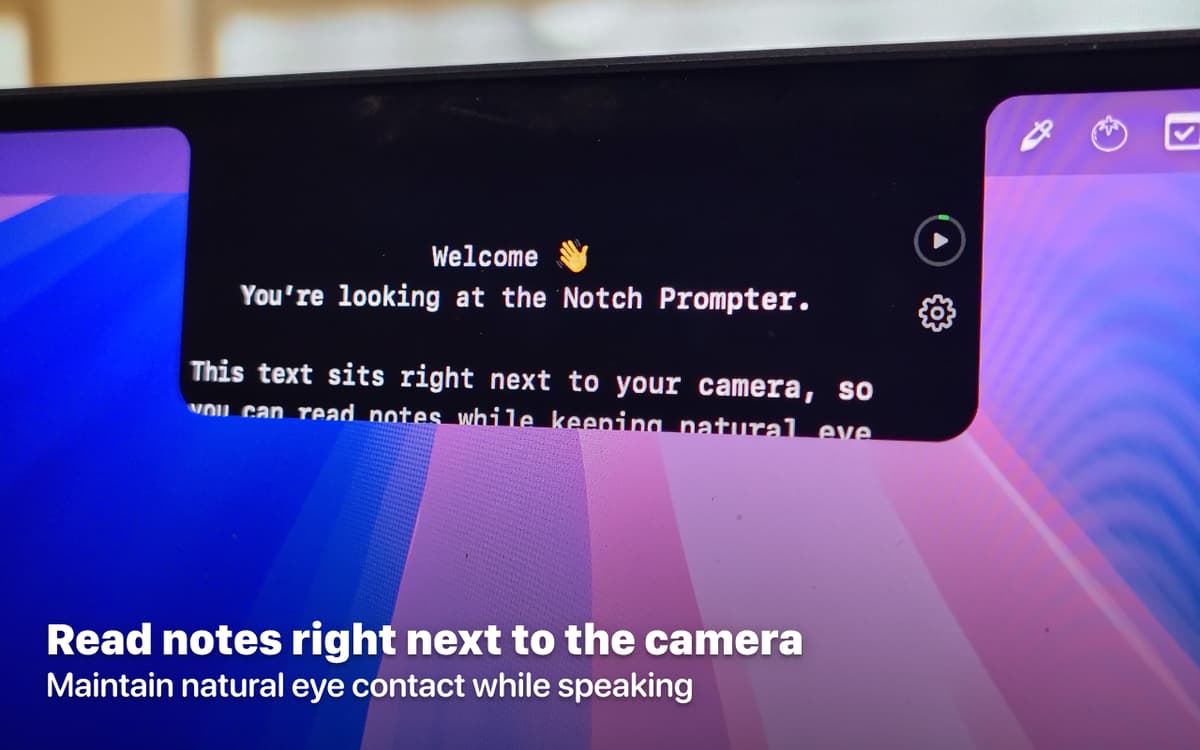
Most teleprompters sit below or beside your screen — so your eyes drift, and everyone watching knows you're reading. Notchie puts your script right in the notch, exactly where your camera is. You look straight at whoever's watching, because that's exactly where the words are.
Read scripts while maintaining eye contact
Display scripts directly in your notch
Adjust scrolling speed on the fly
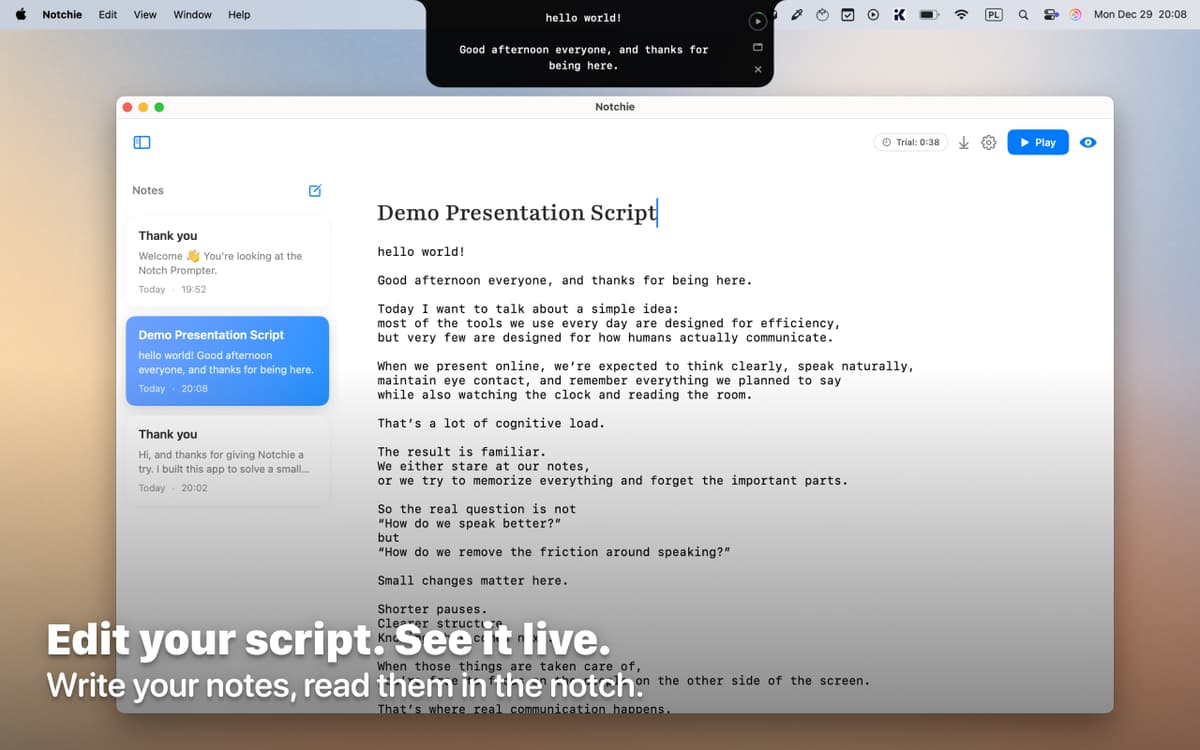
Import and format scripts easily
Notchie features
Read where you look
Notchie puts your script right in the notch, exactly where your camera sits. You look natural on camera because you're reading from the same spot you're filming. No more shifty eyes or obvious reading.
Control your pace without breaking flow
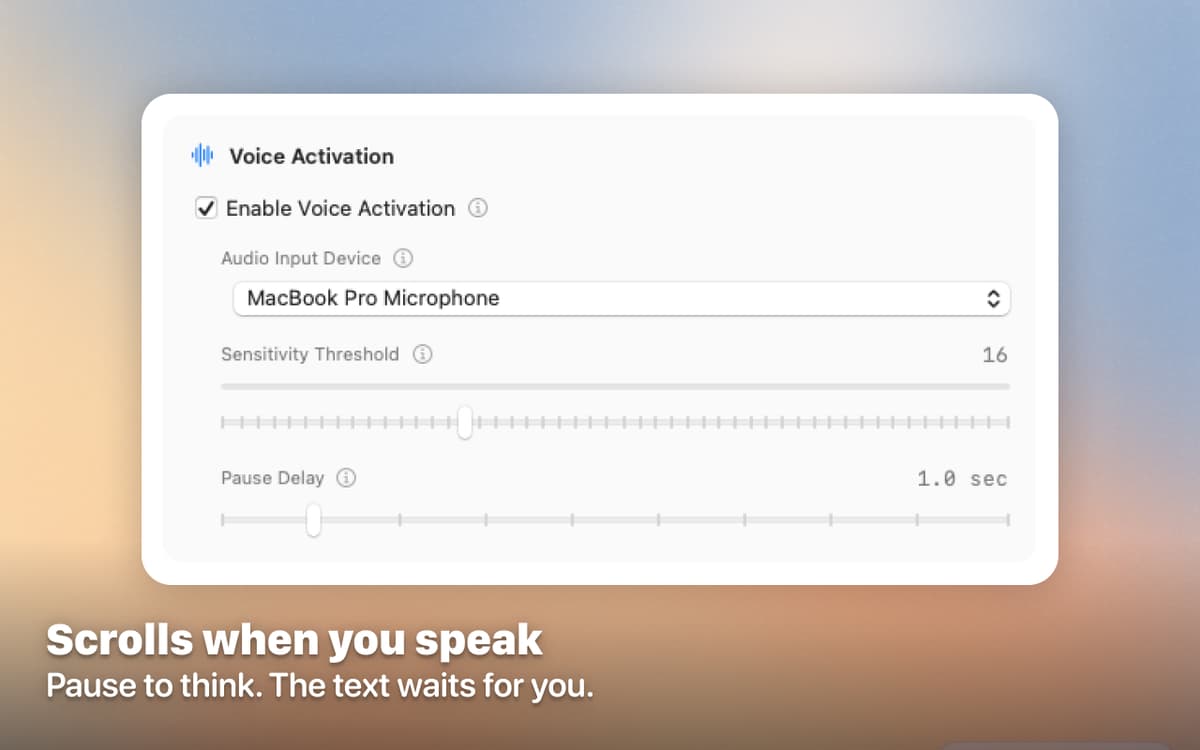
Notchie listens to your voice and scrolls automatically — pause mid-sentence and the text waits, pick up the pace and it keeps up. No buttons, no manual adjustments.
Format your way
Adjust text size, choose comfortable fonts, and tweak spacing to match your reading style. Import scripts from anywhere and make them work for you. Notchie adapts to your workflow, not the other way around.
Stay in the zone
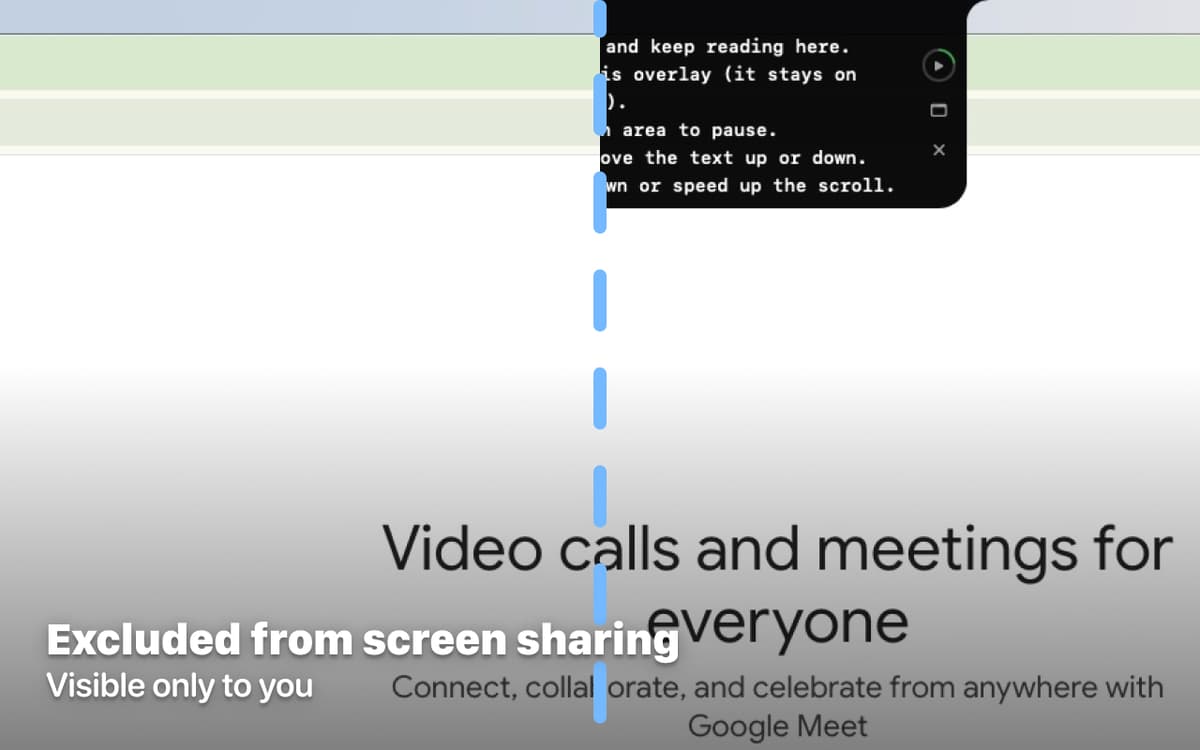
The interface stays minimal and out of your way. You see your script when you need it, nothing more.
Ratings and reviews
Notchie
•
40 ratings
Jeff
Aug 12, 2026
App version: 3.2
Horrible. It deletes entries and doesn’t work with other video recording apps.
Jason *NO UPDATE 2026-08-05*
Aug 5, 2026
App version: 3.2
*NO UPDATE* Good app, came just as my Speakflow subscription was about to renew. Firstly, love that this is offline. Speakflow even wants to capture your video recordings, and is massively overpriced for what it is. Improvements to Notchie needed ASAP: 1. Voice flow mode on Speakflow is remarkably good and works on a word by word basis (pausing and continuing), Notchie just seems to be a simple voice activator. So it goes running off scrolling through the entire script at the slightest sound. Seeing as it’s so small, you’ve got far less room for this to go wrong. This needs to be improved ASAP. Nice to haves: 1. Copy and pasting my scripts from Speakflow should default to one text, I want to just see one uniform black or white text in the same size, not be messing around pasting it into a text editor to remove the formatting and then into Notchie. Overall, nice work. If voice activated mode were made more robust this would be a daily driver for me. Thanks for adding this, Setapp.
Nadir Palacios
Jul 29, 2026
App version: 3.2
Good app
Get hundreds of apps with Membership
Become Setapp member and use hundreds of stellar apps with one subscription.
Try 7 days free, then pay one simple fee.
Install Setapp on Mac
Explore apps for Mac, iOS, and web. Find easy ways to solve daily tasks.

Get the app you came for
That one shiny app is waiting inside Setapp. Install with a click.

Notchie
Choose your subscription
One app or more with a Setapp membership. Get apps the way you want.

Get hundreds of apps with Membership
Become Setapp member and use hundreds of stellar apps with one subscription.
Try 7 days free, then pay one simple fee.
1
Install Setapp on Mac
Explore apps for Mac, iOS, and web. Find easy ways to solve daily tasks.
2
Get the app you came for
That one shiny app is waiting inside Setapp. Install with a click.
Notchie
3
Choose your subscription
One app or more with a Setapp membership. Get apps the way you want.
Home to the top apps
From planning and routine tasks to creative pursuits and coding, tackle tasks with apps on Setapp.


Notchie
Read scripts from your notch