
Repo Man
Back up your code for real
Mac
Version 1.3.1
macOS 26.4 or later
30.8 MB
11 languages
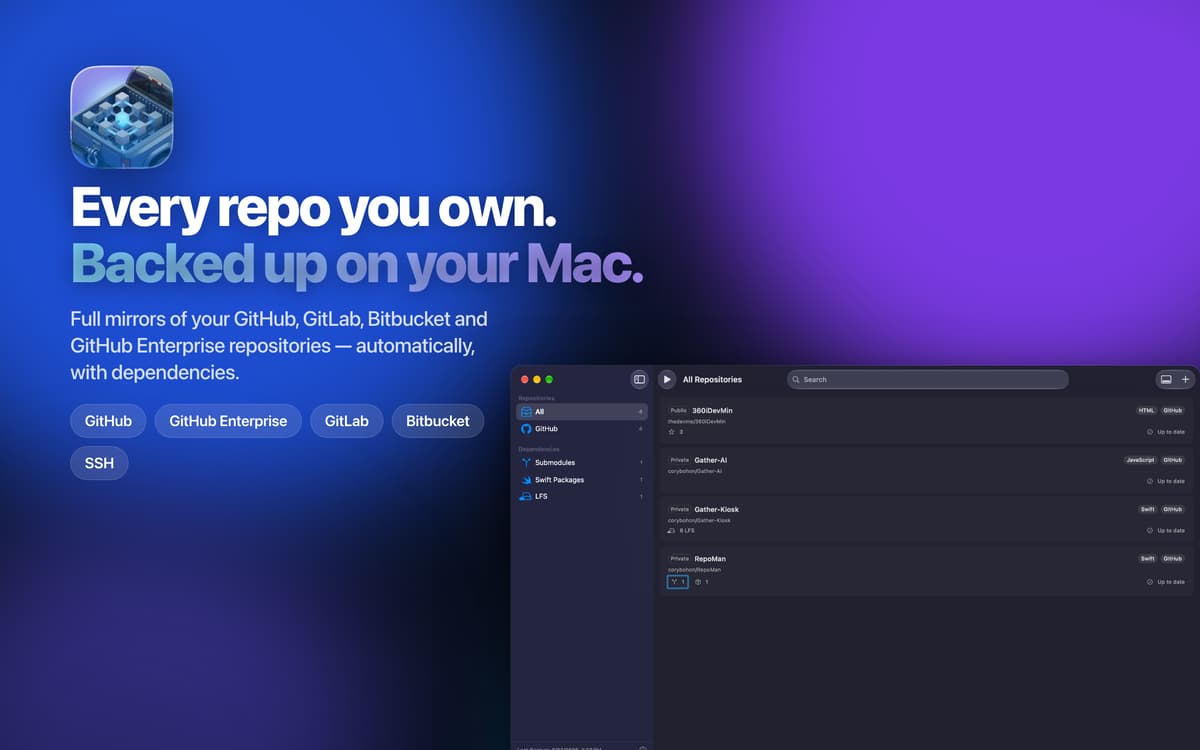
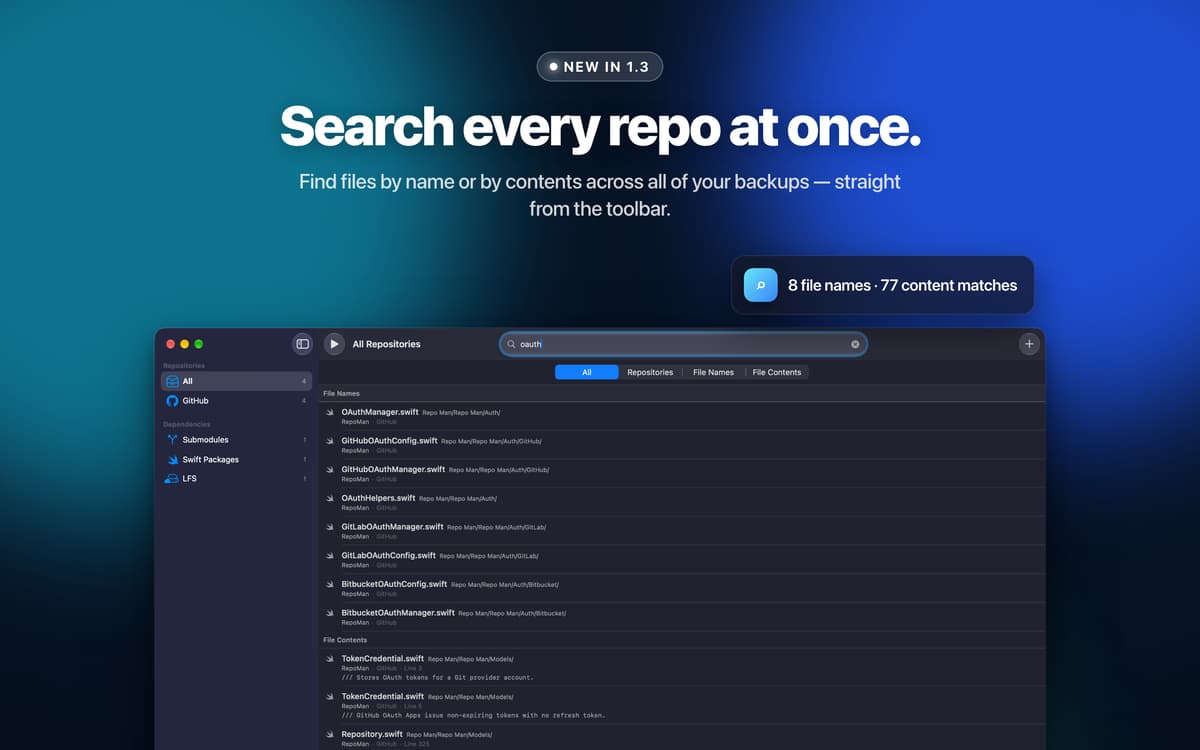
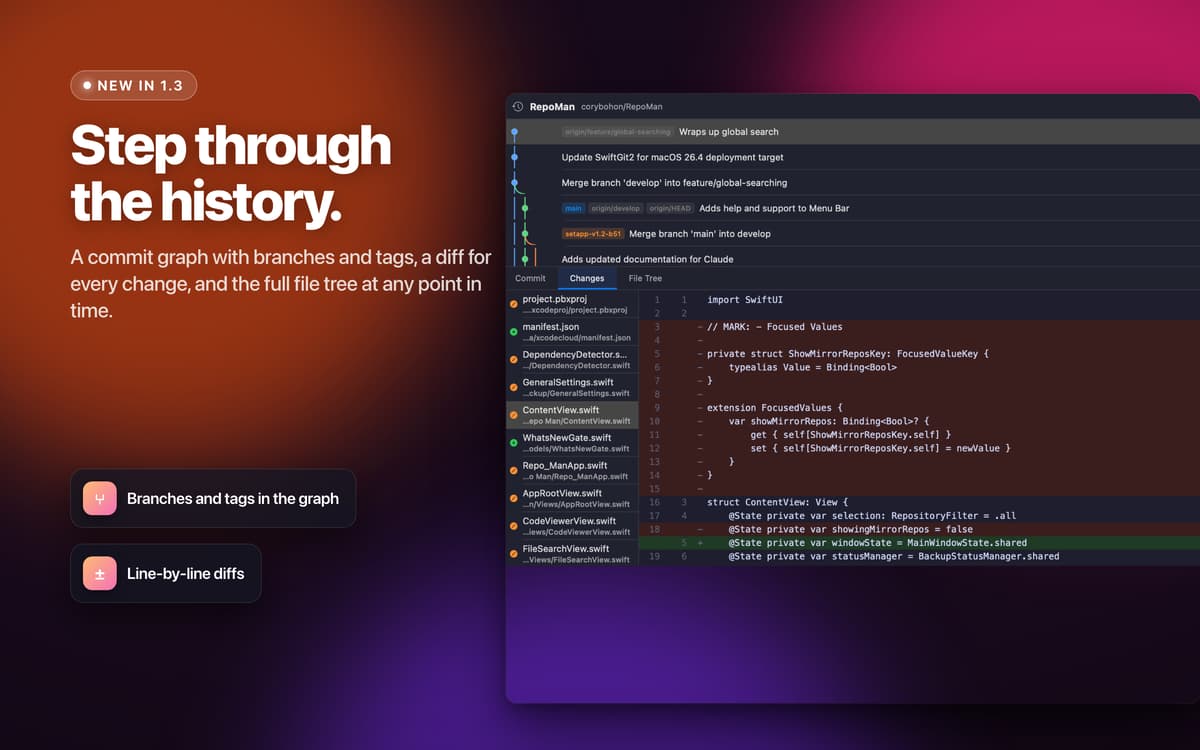
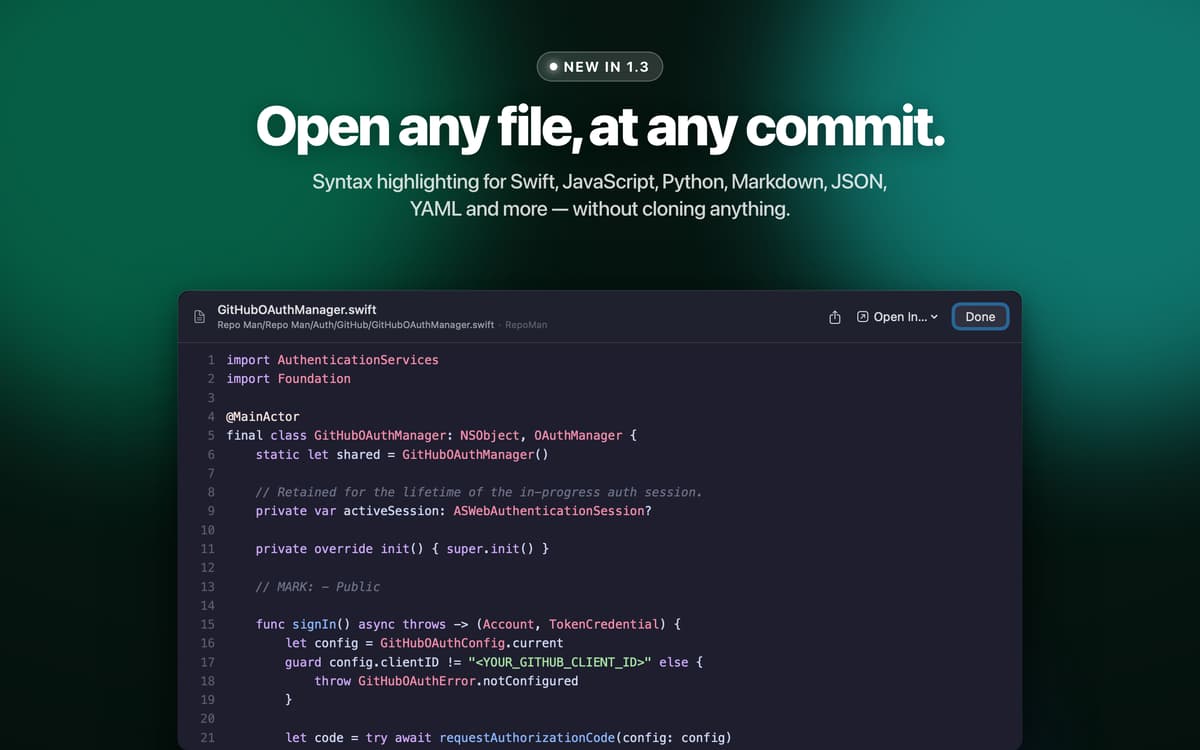
Repo Man — Git repository backup app for Mac. Connect to GitHub, GitLab, Bitbucket, or any SSH URL to mirror your repositories locally as bare clones. It doesn't stop at the repo itself — Repo Man automatically surfaces and backs up dependencies like submodules and Swift Packages too. Store your backups on a NAS, external drive, or cloud provider, and know your code is safe even when a service goes down.
Mirror GitHub, GitLab & Bitbucket repos
Schedule daily, weekly, or monthly backups
Back up submodules and Swift Packages
Export a repo branch for file retrieval
Repo Man features
Mirror repos from any host
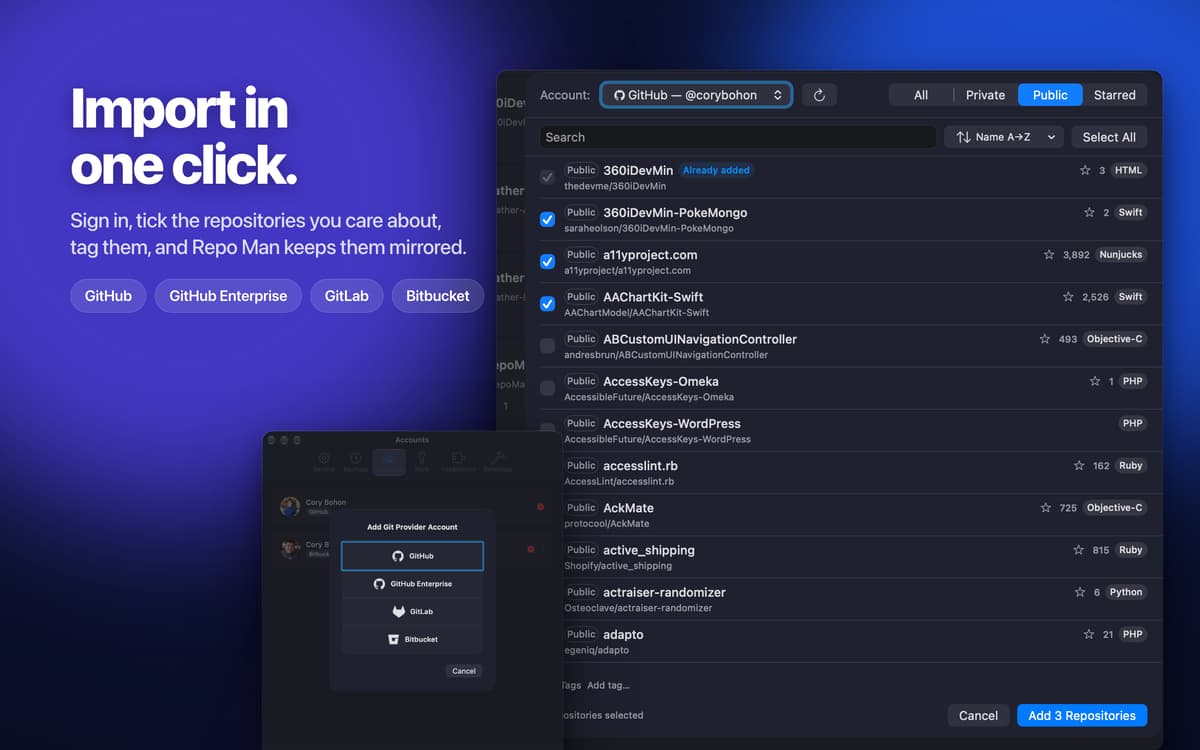
Connect Repo Man to GitHub, GitLab, Bitbucket, or GitHub Enterprise — or add any repository manually via SSH URL. Repo Man uses git's mirror functionality to create a complete bare clone of each repo, giving you a faithful local copy that stays in sync with your remote.
Back up all your dependencies too
The real power is in what Repo Man pulls in alongside your repos. It automatically detects and backs up git submodules and Swift Package dependencies from any `Package.resolved` file. Need to go further? A JavaScript plugin architecture lets you write custom plugins to surface additional git URLs worth backing up.
Set it and forget it with Smart Backups
Schedule backups daily, weekly, monthly, or on a custom interval — and let Repo Man run them automatically. Smart Backups take it a step further: for GitHub, GitLab, and Bitbucket repos, Repo Man checks whether anything has actually changed on the remote before running, so you're not wasting time backing up repos that haven't moved.
Stay organized with tags and logs
Tag your repositories any way you like to keep things tidy across large collections. After every backup run, logs give you a clear record of what was backed up and how long each operation took — so you always know exactly what's been saved and when.
Works with Git LFS
Got repos with large files tracked by Git LFS? Repo Man handles those too, mirroring LFS objects alongside your regular repository data so nothing gets left behind.
Export a branch when you need it
Right-click any backed-up repository to export a full clone of a specific branch. It's a quick way to retrieve files or hand off a snapshot of your code — no digging through bare repos manually required.
Get hundreds of apps with Membership
Become Setapp member and use hundreds of stellar apps with one subscription.
Try 7 days free, then pay one simple fee.
Install Setapp on Mac
Explore apps for Mac, iOS, and web. Find easy ways to solve daily tasks.

Get the app you came for
That one shiny app is waiting inside Setapp. Install with a click.

Repo Man
Choose your subscription
One app or more with a Setapp membership. Get apps the way you want.

Get hundreds of apps with Membership
Become Setapp member and use hundreds of stellar apps with one subscription.
Try 7 days free, then pay one simple fee.
1
Install Setapp on Mac
Explore apps for Mac, iOS, and web. Find easy ways to solve daily tasks.
2
Get the app you came for
That one shiny app is waiting inside Setapp. Install with a click.
Repo Man
3
Choose your subscription
One app or more with a Setapp membership. Get apps the way you want.
Home to the top apps
From planning and routine tasks to creative pursuits and coding, tackle tasks with apps on Setapp.


Repo Man
Back up your code for real