Screenshot Blur
Hide sensitive details fast

Mac
Version 1.1.0
macOS 13.0 or later
23.3 MB
1 languages
Screenshot Blur is a screenshot privacy tool for Mac. It plugs into the native macOS screenshot flow, so you can jump straight from capture to cleanup without breaking your rhythm. Blur or pixelate passwords, tokens, emails, wallet addresses, and other sensitive details before anything gets shared. Every edit stays local on your Mac, and you can save the result, copy it, or do both in one step.
Blur private data before sharing
Hide tokens, emails, and URLs
Clean screenshots for docs and posts
Save or copy in one move
Screenshot Blur features
Edit screenshots right after capture
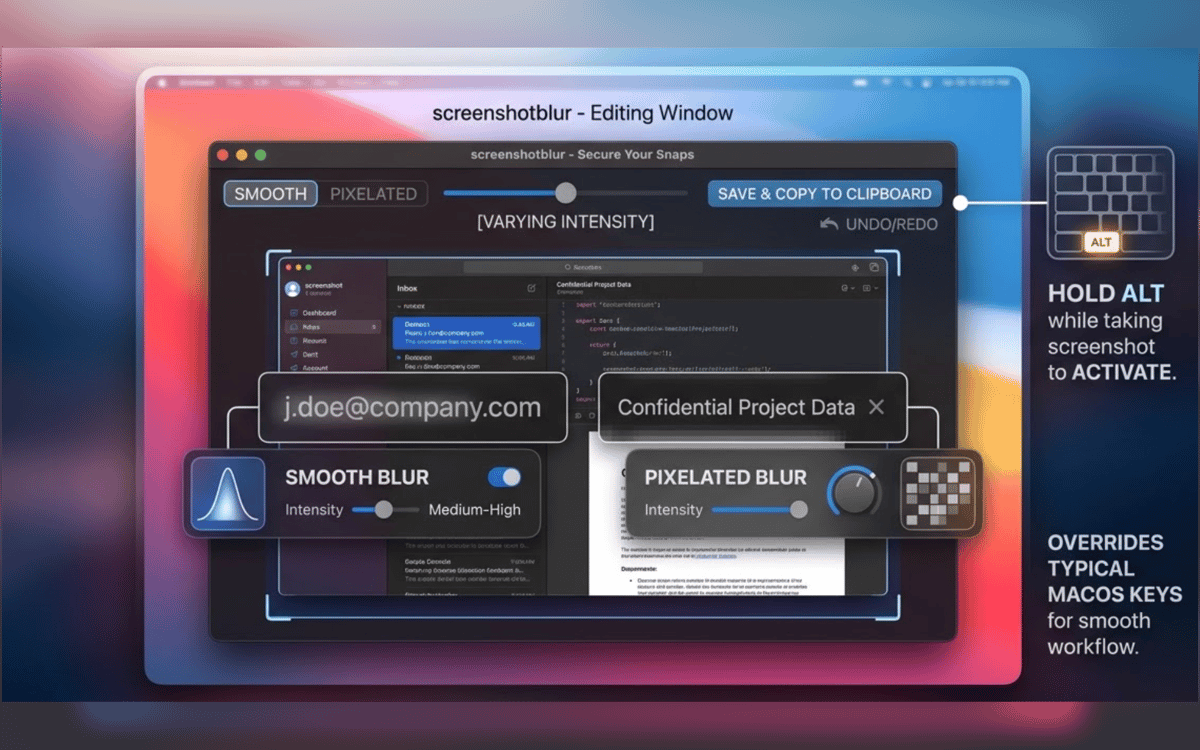
No reopening files. No digging through folders. Take a screenshot with the built-in macOS shortcut, hold Option, and Screenshot Blur opens the image immediately so you can clean it up on the spot.
Stay in the screenshot flow you already use
Screenshot Blur works with the native macOS screenshot workflow instead of forcing you into a separate capture tool. That means less friction and fewer steps every time you need to share something fast.
Blur or pixelate private details
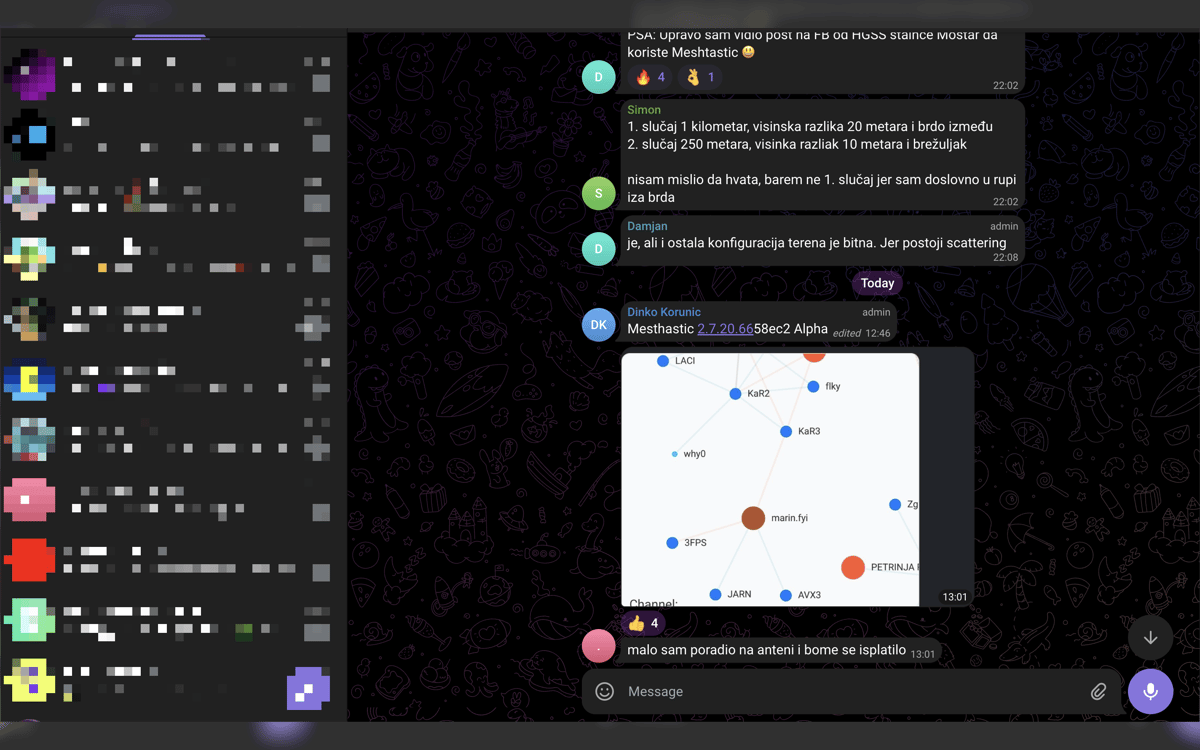
Hide what shouldn’t leave your screen - passwords, API keys, access tokens, customer data, wallet addresses, internal URLs, and more. Choose between smooth blur and pixelation depending on what looks best in the final image.
Keep every edit local
This app is built for privacy, not uploads. Your screenshots stay on your Mac, with no cloud editor, no forced account, and no dependency on an online service just to hide a few details.
Export the way you work
Once the screenshot is cleaned up, save it, copy it, or do both in one move. It’s a small thing, but it cuts out the annoying last step when you’re working on docs, support replies, internal chats, or social posts.
Get hundreds of apps with Membership
Become Setapp member and use hundreds of stellar apps with one subscription.
Try 7 days free, then pay one simple fee.
Install Setapp on Mac
Explore apps for Mac, iOS, and web. Find easy ways to solve daily tasks.

Get the app you came for
That one shiny app is waiting inside Setapp. Install with a click.

Screenshot Blur
Choose your subscription
One app or more with a Setapp membership. Get apps the way you want.

Get hundreds of apps with Membership
Become Setapp member and use hundreds of stellar apps with one subscription.
Try 7 days free, then pay one simple fee.
1
Install Setapp on Mac
Explore apps for Mac, iOS, and web. Find easy ways to solve daily tasks.
2
Get the app you came for
That one shiny app is waiting inside Setapp. Install with a click.
Screenshot Blur
3
Choose your subscription
One app or more with a Setapp membership. Get apps the way you want.
Home to the top apps
From planning and routine tasks to creative pursuits and coding, tackle tasks with apps on Setapp.


Screenshot Blur
Hide sensitive details fast