
choclift
Turn iPhone into a touch bar
Mac, iOS
Version 2.3.6
macOS 14 ou version supérieure
39.3 MB
8 langues
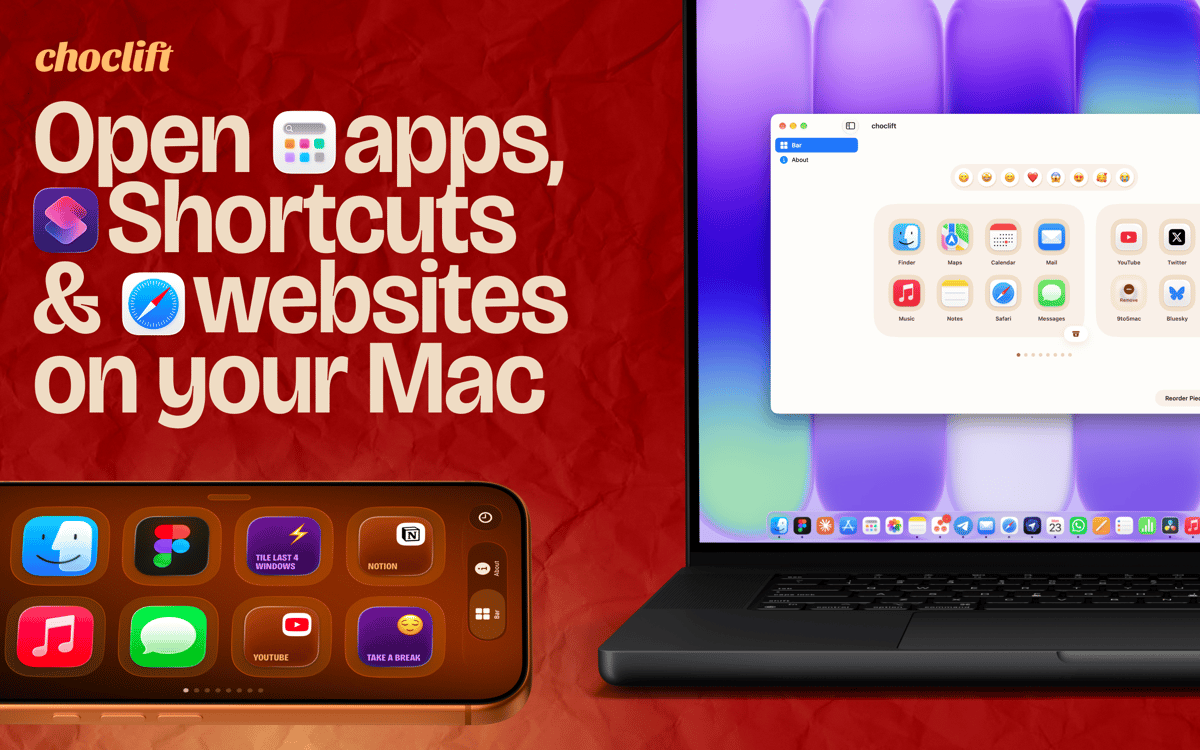
choclift is the third input device you didn't know your Mac needed. It turns your iPhone or iPad into a touch (chocolate) bar, so your favorite apps, Apple Shortcuts, and website bookmarks are always one tap away. Expect a beautiful design, a satisfying feel, and a few sweet chocolate references along the way. One thing to know: you need choclift installed on both your Mac and your iPhone or iPad. It's also highly optimized for iPhone Duo.
Launch apps, Shortcuts and websites in one tap
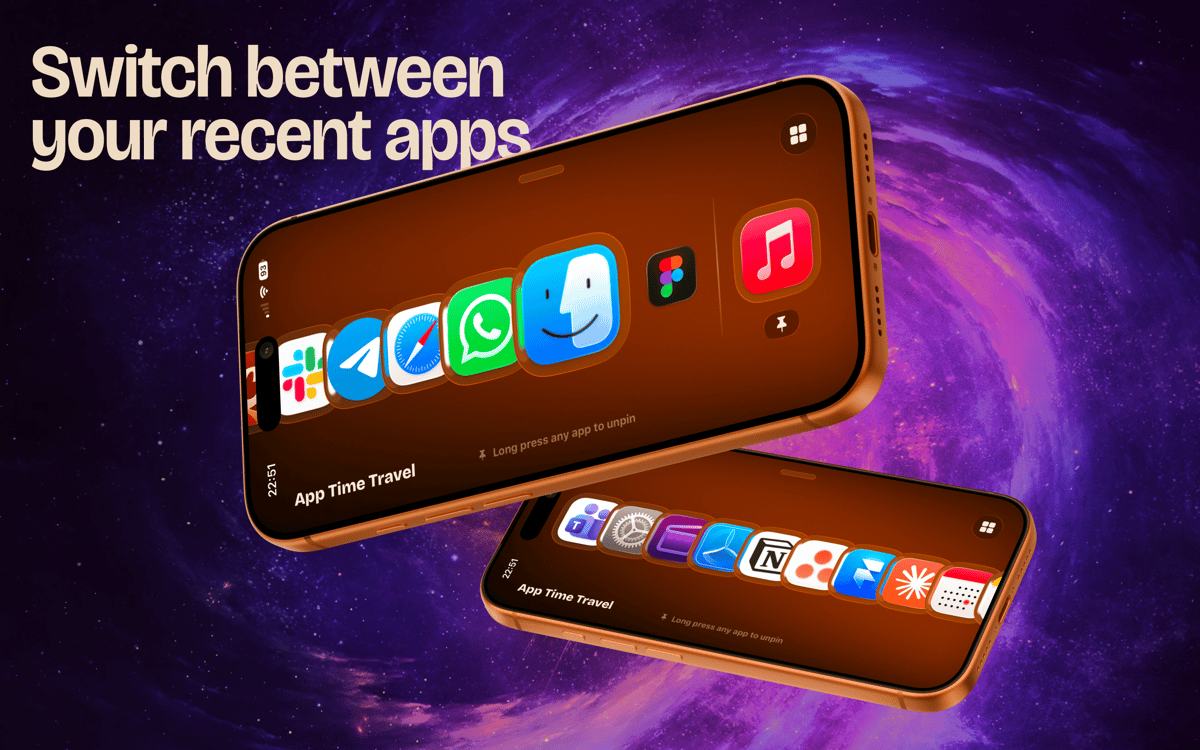
Switch between recently opened apps in an instant
Use swipe gestures for common actions
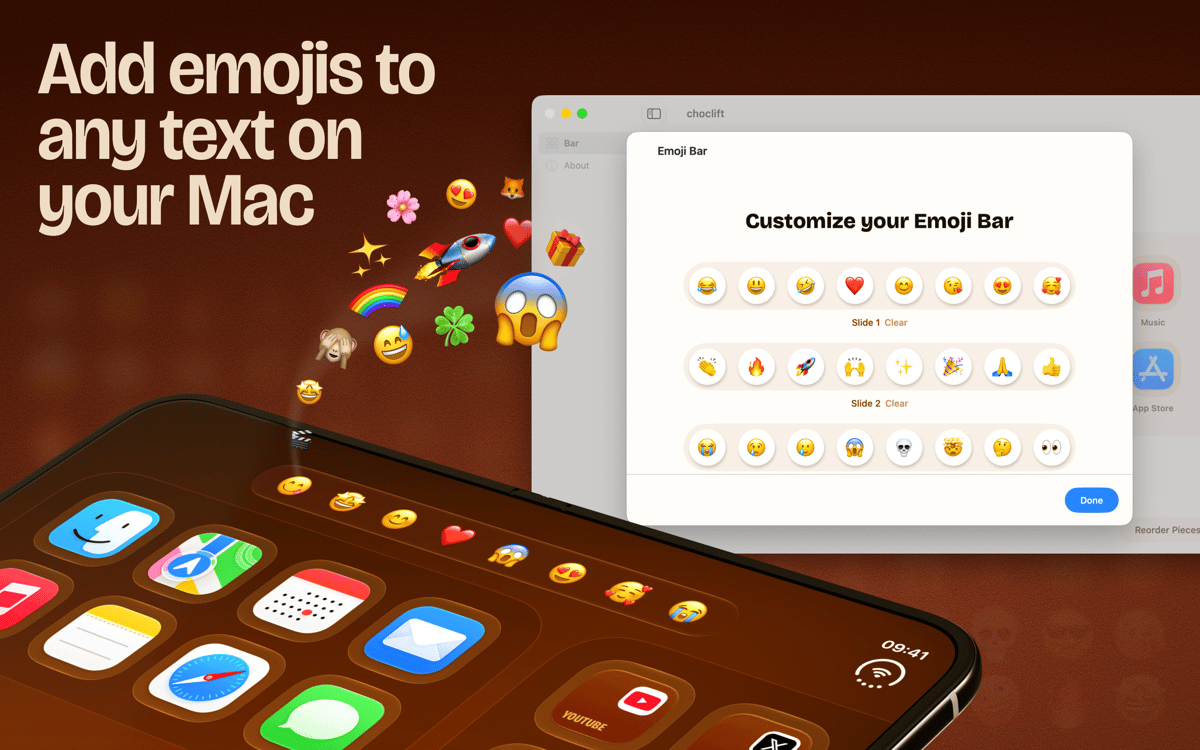
Pick emojis right where you type
Fonctionnalités de choclift
Keep your favorites one tap away
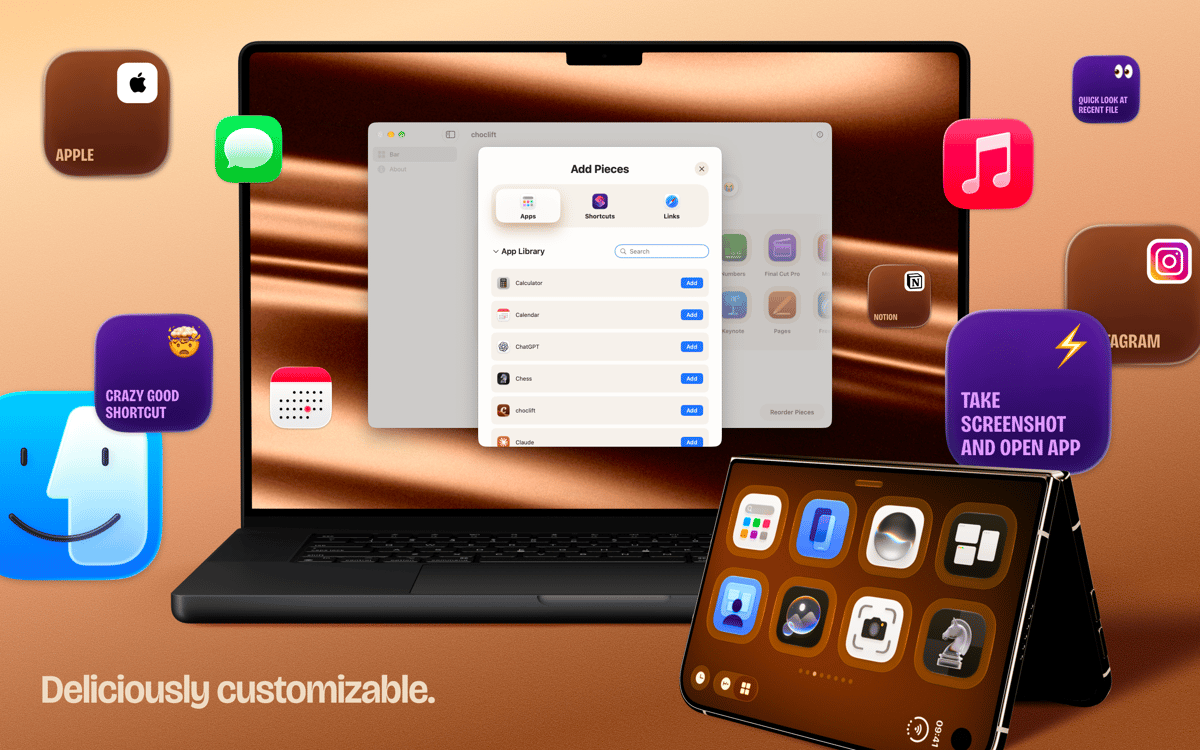
Set up to eight pages in your choclift bar. Fill them with the apps, Apple Shortcuts, and website bookmarks you reach for most. No more digging through the Dock or menus. Just tap and go.
Switch apps and drag things faster
Tapping an app on choclift feels great, and it does more than launch. You can switch between apps in an instant and speed up drag and drop. Small time savers add up quickly when you do them all day.
Let App Time Travel follow your workflow
This is a smart dock that shows the apps you opened recently. It adapts as you work, so the apps you need next are usually already there. No setup, no rearranging.
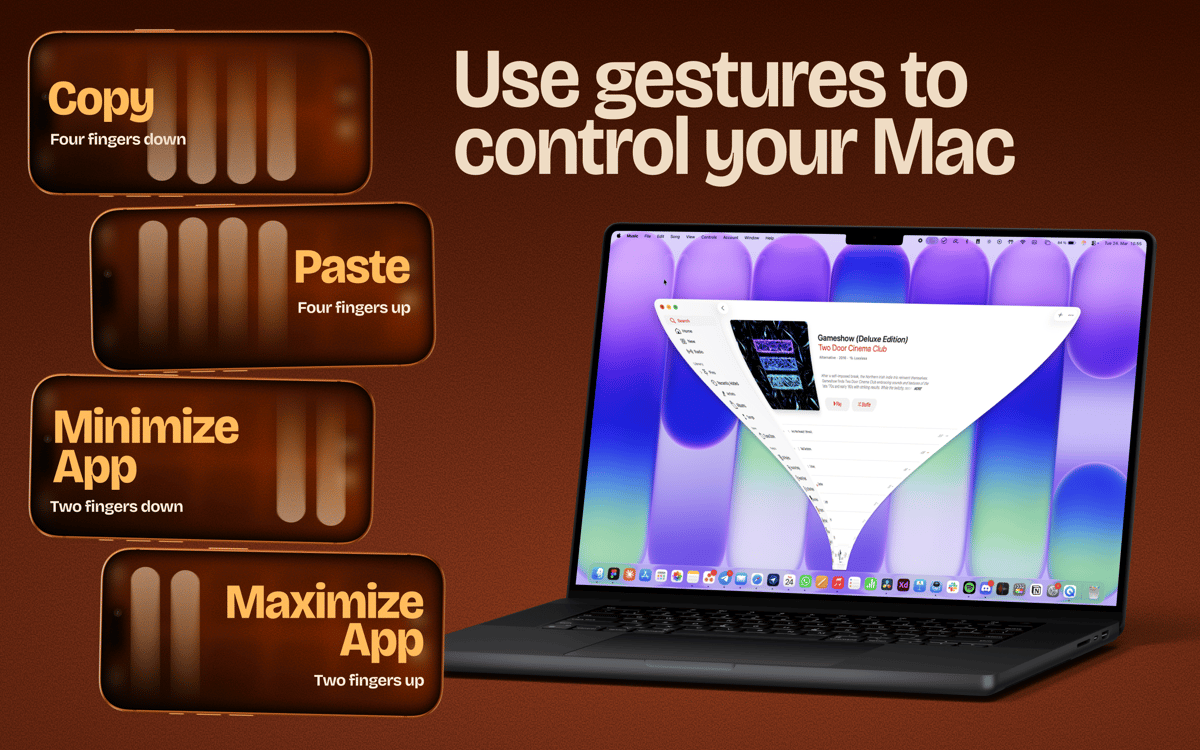
Swipe through your windows
choclift isn't limited by physical buttons, so it can do things a Stream Deck can't. Swipe to minimize or maximize a window. Swipe to copy and paste. It's a different way to work, and it clicks fast.
Add emojis without breaking your flow
Turn on Emoji Bar and get a toolbar for your favorite emojis whenever you type in a text field on your Mac. Tap one and keep writing. It's optional, and it's a nice example of what a touchscreen can do.
Profitez de centaines d'applications avec Membership
Devenez membre Setapp et utilisez des centaines d'applications incroyables grâce à un seul abonnement.
Forfait tout compris, après 7 jours d'essai gratuit
Installez Setapp sur votre Mac
Explorez des applications pour Mac, iOS et le Web. Découvrez comment accomplir facilement les tâches du quotidien.

Téléchargez l'application qui vous intéresse
Cette application vous attend dans Setapp. Installez-la d'un seul clic.

choclift
Choisissez votre abonnement
Une seule application ou bien plus avec un abonnement Setapp. Accédez aux applications comme vous le souhaitez.

Profitez de centaines d'applications avec Membership
Devenez membre Setapp et utilisez des centaines d'applications incroyables grâce à un seul abonnement.
Forfait tout compris, après 7 jours d'essai gratuit
1
Installez Setapp sur votre Mac
Explorez des applications pour Mac, iOS et le Web. Découvrez comment accomplir facilement les tâches du quotidien.
2
Téléchargez l'application qui vous intéresse
Cette application vous attend dans Setapp. Installez-la d'un seul clic.
choclift
3
Choisissez votre abonnement
Une seule application ou bien plus avec un abonnement Setapp. Accédez aux applications comme vous le souhaitez.
Des applications de qualité
Pour gérer des plannings, accomplir des tâches de routine, créer des contenus, coder et bien plus encore, optez pour Setapp.

TypingMind
IA conversationnelle avec interface alternative
générez ou résumez du texte
utilisez une bibliothèque de requêtes
IA

Spark Mail
Gérez vos e-mails
IA

CleanMyMac
Supprimez les fichiers inutiles

Bartender
Personnalisez la barre des menus

CleanShot X
Profitez de plus de possibilités pour les captures d'écran

Luminar Neo
Retouchez vos photos
IA

ClearVPN
Sécurisez votre connexion Internet

Craft
Travaillez sur vos documents
IA
choclift
Turn iPhone into a touch bar