
JoyCast
Améliorez la qualité audio de vos réunions
Mac
Version 26.5.17.0
macOS 13.0 ou version supérieure
52.3 MB
1 langues
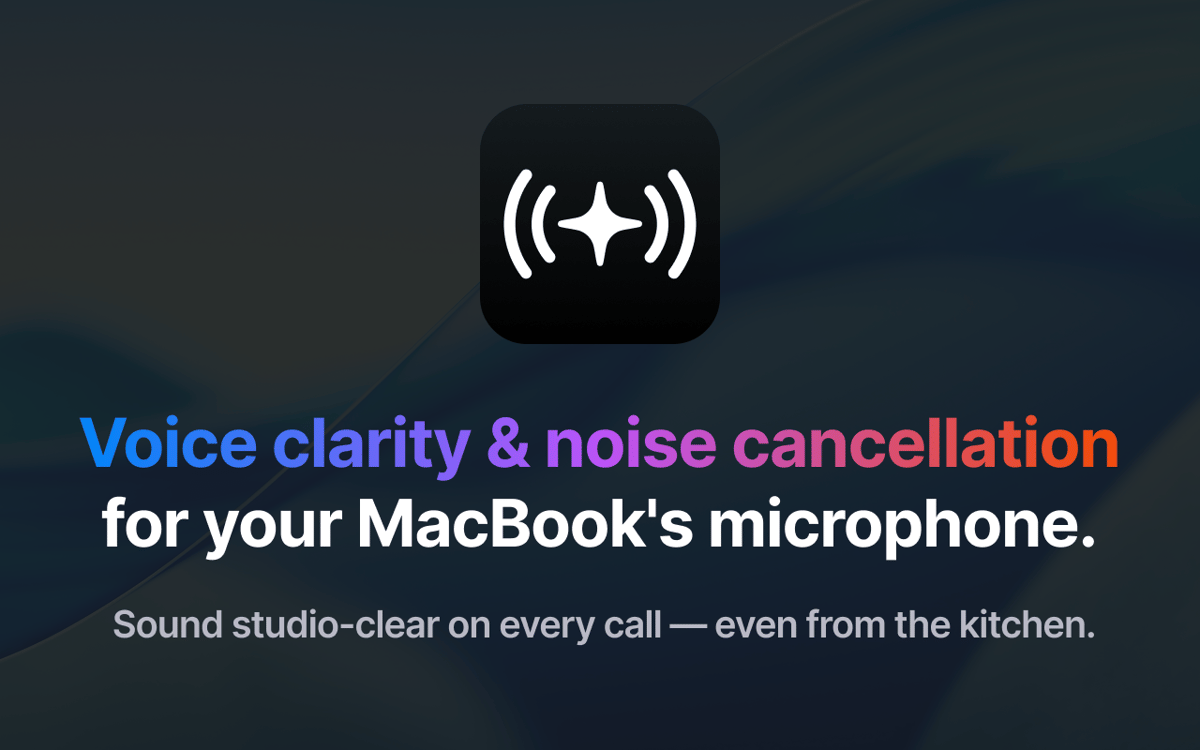
Fini les espaces bruyants, les aboiements de chiens ou les pièces qui résonnent et gâchent vos appels. JoyCast transforme instantanément le micro de votre Mac en un micro de qualité professionnelle, pour que chaque réunion, cours ou enregistrement bénéficie d'un audio de qualité, clair et net, le tout sans avoir à acheter d'équipement ou à toucher à vos paramètres.
Améliorez la qualité du micro intégré de votre Mac
Supprimez automatiquement les bruits de fond
Audio de qualité pour vos vidéos et podcasts
Vérifiez l'image de votre caméra avant les appels
Fonctionnalités de JoyCast
Améliorez tout de suite le micro de votre Mac
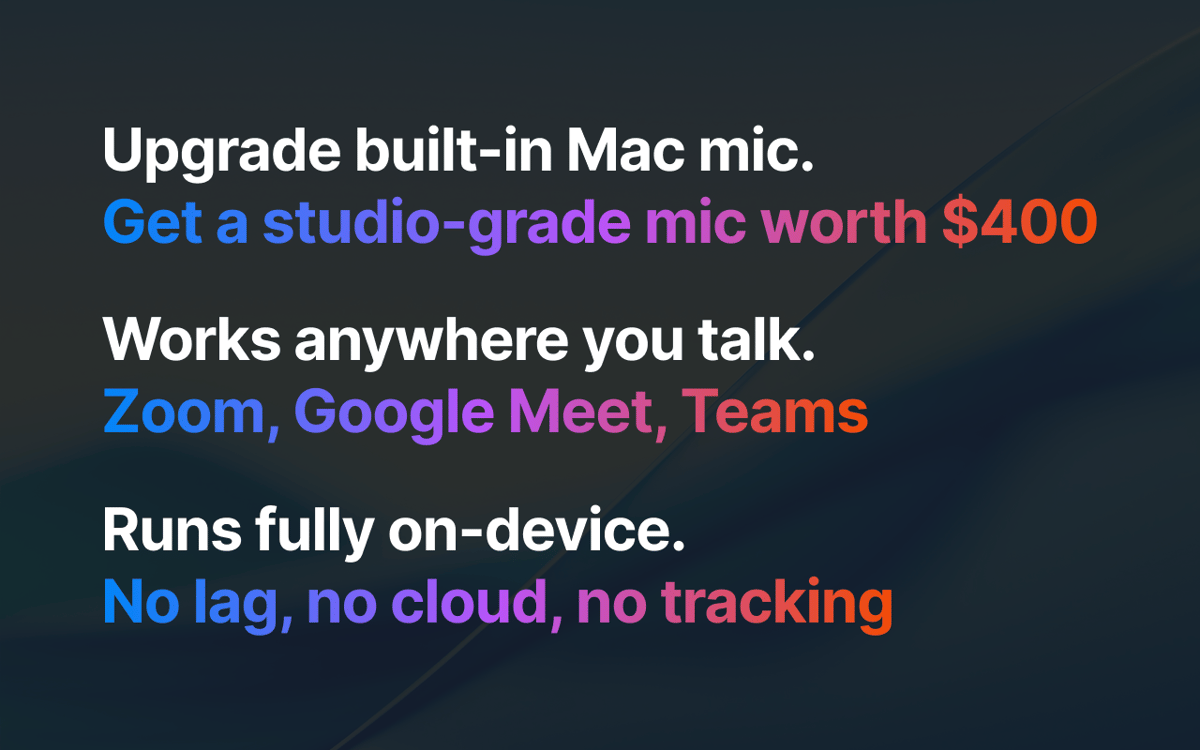
JoyCast est une solution tout-en-un qui efface les bruits de fond, améliore subtilement votre voix et assure un audio uniforme. Fonctionne parfaitement sur Zoom, Google Meet, Teams, Slack et toutes les applications qui utilisent votre micro. Il vous suffit de sélectionner le micro de JoyCast comme entrée audio dans les applications que vous utilisez
Aperçu de la vidéo avant l'appel
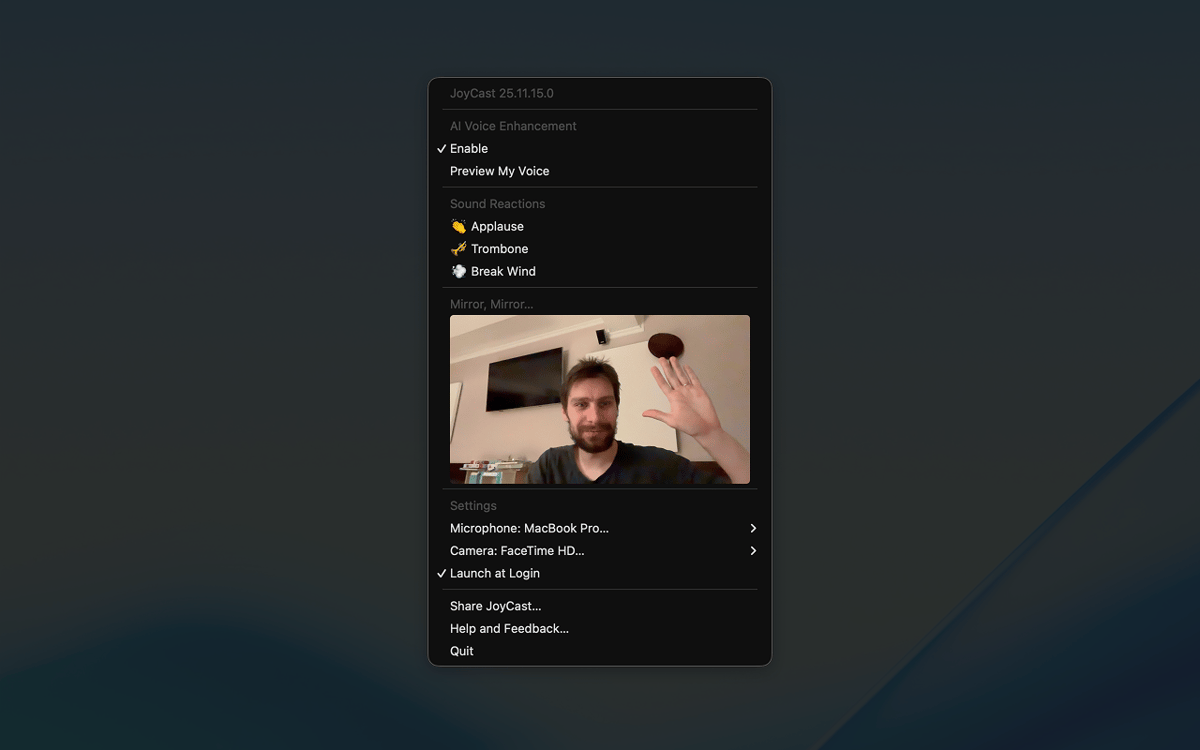
Ne rejoignez pas un appel vidéo sans jeter un coup d'œil à votre vidéo. Grâce à la fonctionnalité Miroir, vous pouvez ouvrir la caméra de votre Mac depuis la barre des menus pour vérifier le cadrage, ajuster la lumière, et vous assurer que tout soit en ordre derrière vous.
Réactions sonores
Les réunions, cours et appels vidéo peuvent parfois sembler monotones ou un peu tendus, et il peut être difficile d'interagir avec les autres participants. Avec les réactions sonores de JoyCast, vous pouvez lire des petits clips audio (applaudissements, rires ou autres effets) pendant vos appels pour briser la glace, détendre l'atmosphère ou mettre l'accent sur des points clés.
Avis et commentaires
JoyCast
•
78 classements
Mitchel
9 sept. 2026
Version de l'application : 26.5.17.0
The app stopped working after about a week. I tried a complete reinstall, but nothing has helped. I’ve also contacted the developer several times and haven’t received any response. I think Setapp really needs to improve the level of support it expects from developers on the platform. We’re paying customers, but at the moment it feels like some developers stop caring about support once their app is included in Setapp.
jkristine
21 août 2026
Version de l'application : 26.5.17.0
Works amazingly, wish there was a yearly or one-time subscription option
Daniel
17 févr. 2026
Version de l'application : 26.2.11.0
I couldn’t tell any difference between having this on or off.
Réponse du développeur
23 févr. 2026
Hey, Daniel 👋. I'm sorry JoyTap caused you inconvenience. Sorry 🙏. I'd love to help, but I'm missing some details. Feel free to email me at [email protected]. Always at your service!
Profitez de centaines d'applications avec Membership
Devenez membre Setapp et utilisez des centaines d'applications incroyables grâce à un seul abonnement.
Forfait tout compris, après 7 jours d'essai gratuit
Installez Setapp sur votre Mac
Explorez des applications pour Mac, iOS et le Web. Découvrez comment accomplir facilement les tâches du quotidien.

Téléchargez l'application qui vous intéresse
Cette application vous attend dans Setapp. Installez-la d'un seul clic.

JoyCast
Choisissez votre abonnement
Une seule application ou bien plus avec un abonnement Setapp. Accédez aux applications comme vous le souhaitez.

Profitez de centaines d'applications avec Membership
Devenez membre Setapp et utilisez des centaines d'applications incroyables grâce à un seul abonnement.
Forfait tout compris, après 7 jours d'essai gratuit
1
Installez Setapp sur votre Mac
Explorez des applications pour Mac, iOS et le Web. Découvrez comment accomplir facilement les tâches du quotidien.
2
Téléchargez l'application qui vous intéresse
Cette application vous attend dans Setapp. Installez-la d'un seul clic.
JoyCast
3
Choisissez votre abonnement
Une seule application ou bien plus avec un abonnement Setapp. Accédez aux applications comme vous le souhaitez.
Des applications de qualité
Pour gérer des plannings, accomplir des tâches de routine, créer des contenus, coder et bien plus encore, optez pour Setapp.

TypingMind
IA conversationnelle avec interface alternative
générez ou résumez du texte
utilisez une bibliothèque de requêtes
IA

Spark Mail
Gérez vos e-mails
IA

CleanMyMac
Supprimez les fichiers inutiles

Bartender
Personnalisez la barre des menus

CleanShot X
Profitez de plus de possibilités pour les captures d'écran

Luminar Neo
Retouchez vos photos
IA

ClearVPN
Sécurisez votre connexion Internet

Craft
Travaillez sur vos documents
IA
JoyCast
Améliorez la qualité audio de vos réunions