
KeyComposer
Du prompt à la présentation soignée
Mac
Version 1.3.0
macOS 15.0 ou version supérieure
20.6 MB
6 langues
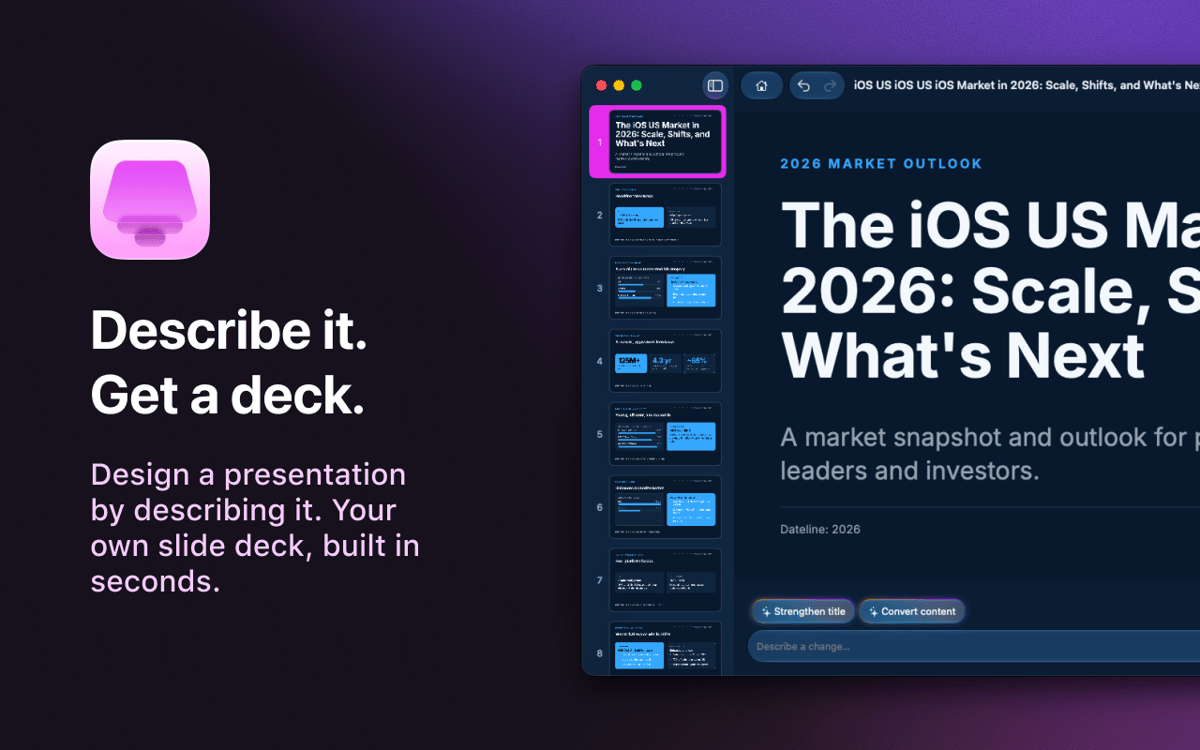
KeyComposer — Générateur de présentations par IA pour Mac. Décrivez la présentation que vous souhaitez, et il génère des diapositives modifiables que vous pouvez vraiment façonner à votre goût — fini le syndrome de la page blanche, fini la galère avec les mises en page. Ajoutez vos propres notes ou documents pour garder un contenu pertinent, puis remplacez les images, modifiez le texte et réorganisez les diapositives directement dans l'application. Une fois prête, exportez votre présentation au format PDF, PPTX, Keynote ou HTML et présentez-la où vous le souhaitez.
Créez un pitch deck à partir d'un seul prompt
Transformez vos notes brouillonnes en diapositives
Exportez au format PDF, PPTX ou Keynote
Modifiez facilement les visuels et le texte
Fonctionnalités de KeyComposer
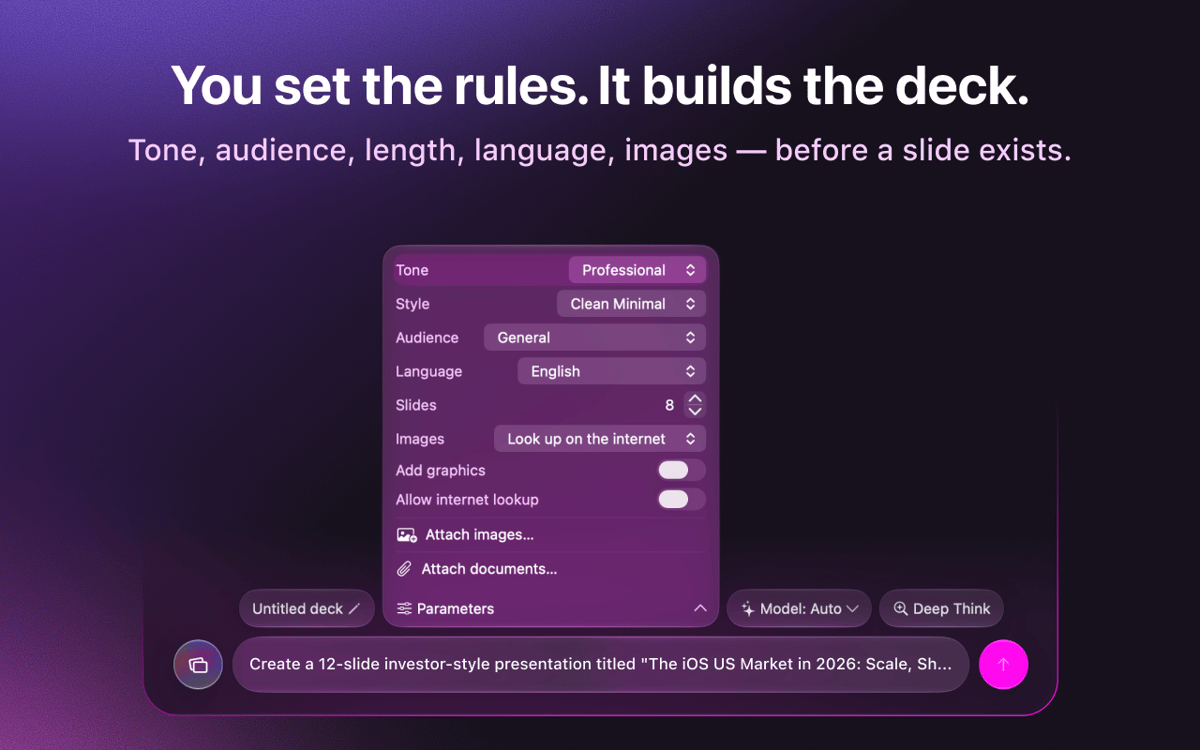
Des présentations à partir d'un seul prompt
Saisissez ce dont vous avez besoin. KeyComposer génère une présentation complète, structure et texte inclus, en une seule fois.
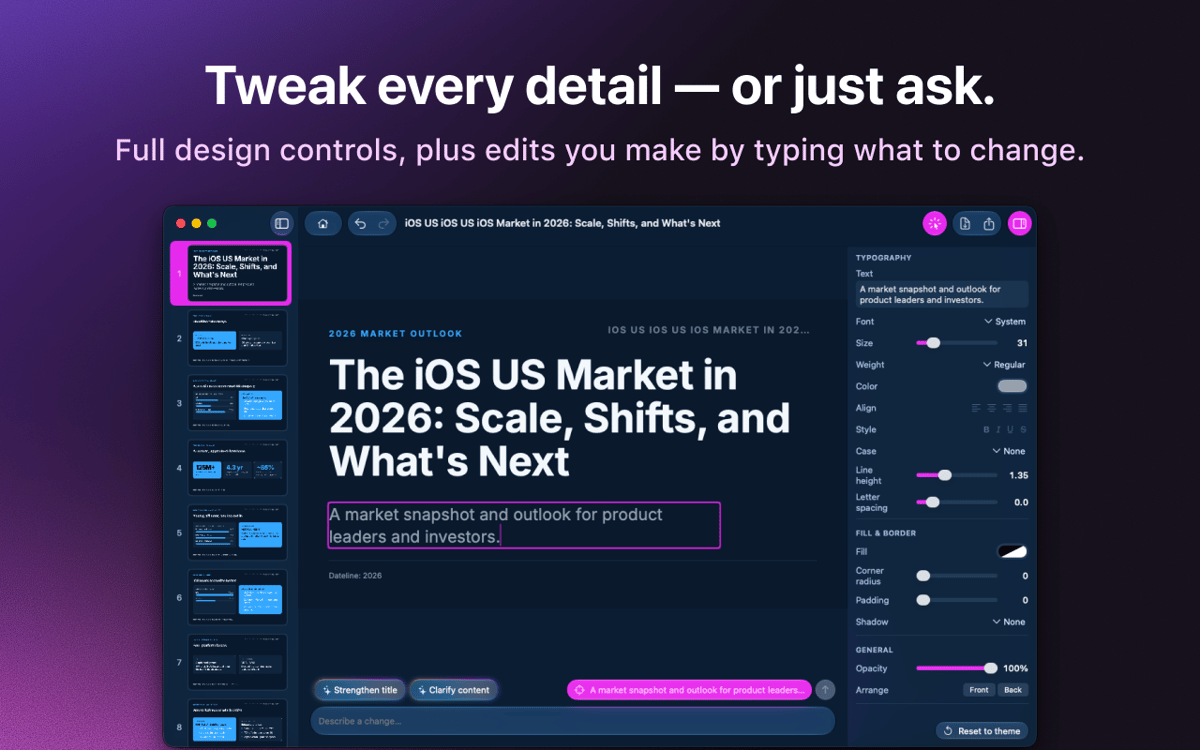
Modifiez tout sans rien casser
Réécrivez le texte, réorganisez les diapositives et modifiez le style des mises en page dans un éditeur visuel. Pas de HTML, pas de code.
Votre contenu, vos données
Ajoutez des notes, des PDF ou des documents, et KeyComposer construit la présentation autour de ceux-ci, pour des diapositives toujours fidèles au contenu.
Images sous licence, prêtes à l'emploi
Recherchez des photos de banque d'images soigneusement sélectionnées et sous licence, puis placez-les directement sur une diapositive.
Exporter dans n'importe quel format
Envoyez votre présentation au format PDF, PPTX, Keynote ou HTML autonome, et ouvrez-la partout où vous présentez.
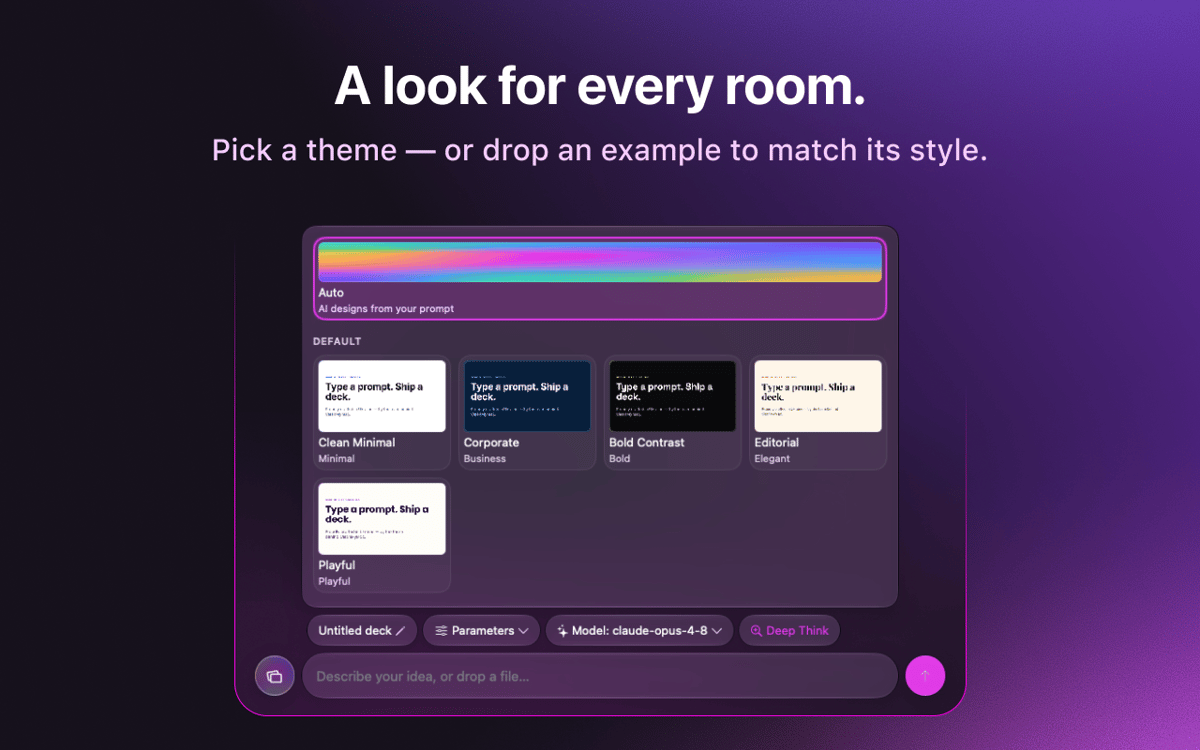
Des modèles de marque qui durent
Importez l'identité visuelle de votre marque une seule fois et réutilisez-la dans toutes vos présentations pour un rendu cohérent.
Avis et commentaires
KeyComposer
•
18 classements
Anja
27 août 2026
Version de l'application : 1.1.0
I love it! useful app, helps with your presentation in minutes
Nadir Palacios
19 août 2026
Version de l'application : 1.1.0
Great app
Marek Skrabak
10 août 2026
Version de l'application : 1.1.0
Wiped out 300 ai credits. did nothing.
Réponse du développeur
11 août 2026
Thank you for the feedback! To dig into your case, it would really help if you could email us at [email protected] and share how you built your deck — what you were creating and which settings you used. We appreciate you taking the time to try it.
Profitez de centaines d'applications avec Membership
Devenez membre Setapp et utilisez des centaines d'applications incroyables grâce à un seul abonnement.
Forfait tout compris, après 7 jours d'essai gratuit
Installez Setapp sur votre Mac
Explorez des applications pour Mac, iOS et le Web. Découvrez comment accomplir facilement les tâches du quotidien.

Téléchargez l'application qui vous intéresse
Cette application vous attend dans Setapp. Installez-la d'un seul clic.

KeyComposer
Choisissez votre abonnement
Une seule application ou bien plus avec un abonnement Setapp. Accédez aux applications comme vous le souhaitez.

Profitez de centaines d'applications avec Membership
Devenez membre Setapp et utilisez des centaines d'applications incroyables grâce à un seul abonnement.
Forfait tout compris, après 7 jours d'essai gratuit
1
Installez Setapp sur votre Mac
Explorez des applications pour Mac, iOS et le Web. Découvrez comment accomplir facilement les tâches du quotidien.
2
Téléchargez l'application qui vous intéresse
Cette application vous attend dans Setapp. Installez-la d'un seul clic.
KeyComposer
3
Choisissez votre abonnement
Une seule application ou bien plus avec un abonnement Setapp. Accédez aux applications comme vous le souhaitez.
Des applications de qualité
Pour gérer des plannings, accomplir des tâches de routine, créer des contenus, coder et bien plus encore, optez pour Setapp.

TypingMind
IA conversationnelle avec interface alternative
générez ou résumez du texte
utilisez une bibliothèque de requêtes
IA

Spark Mail
Gérez vos e-mails
IA

CleanMyMac
Supprimez les fichiers inutiles

Bartender
Personnalisez la barre des menus

CleanShot X
Profitez de plus de possibilités pour les captures d'écran

Luminar Neo
Retouchez vos photos
IA

ClearVPN
Sécurisez votre connexion Internet

Craft
Travaillez sur vos documents
IA
KeyComposer
Du prompt à la présentation soignée