KeyStruck
Make every shortcut visible
Mac
Version 1.1.6
macOS 13.0 ou version supérieure
15.6 MB
11 langues
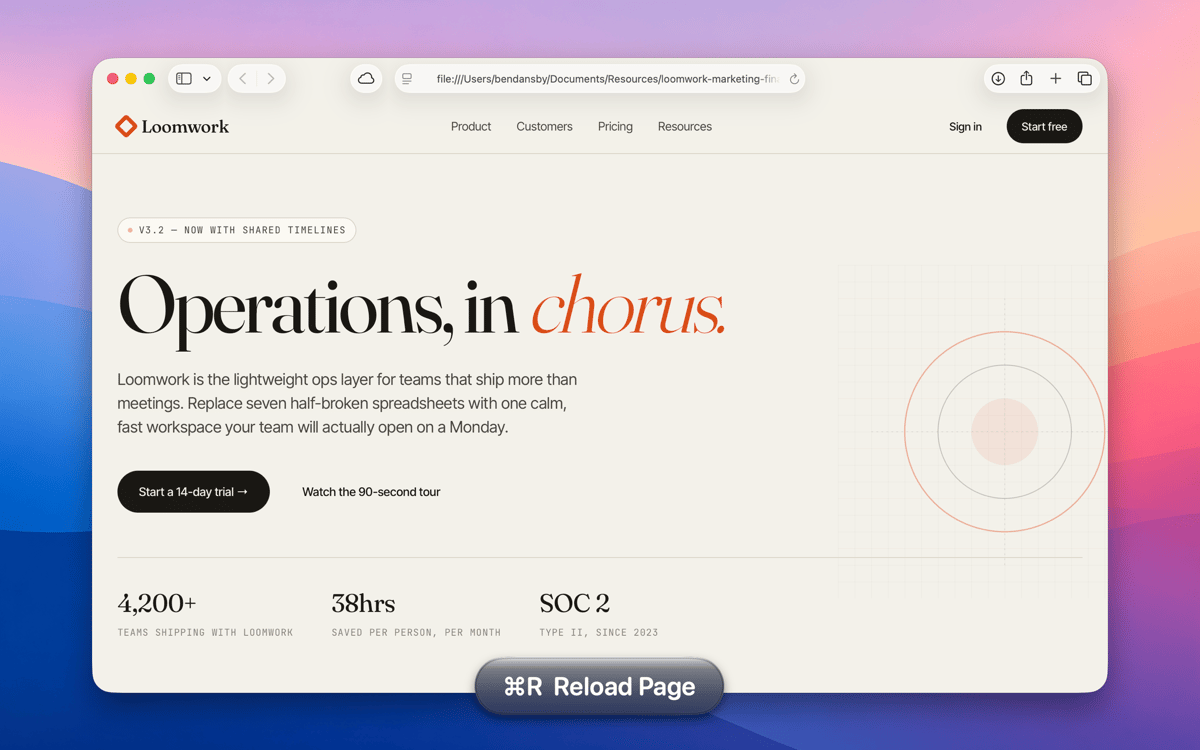
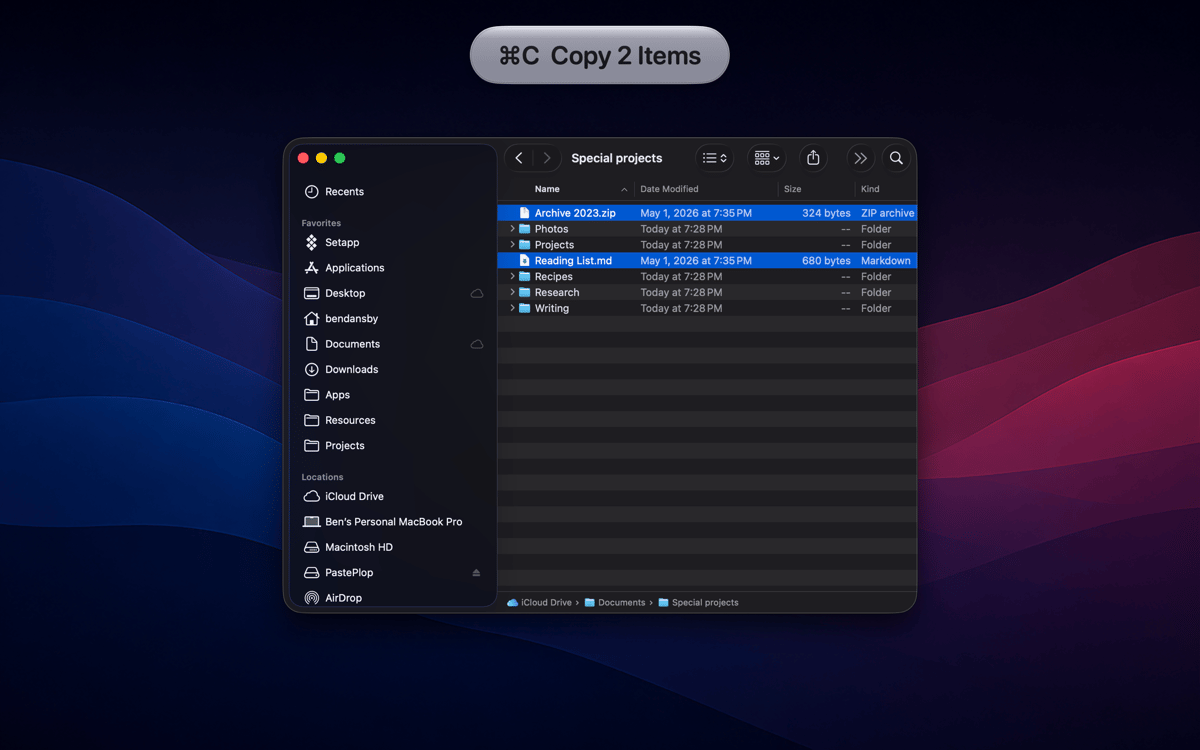
KeyStruck pops a clean HUD with the action name every time you fire a keyboard shortcut. Record a demo, run a class, or share your screen, and the audience sees what you're doing instead of leaning in to read your keyboard. It’s also great for anyone learning shortcuts and to feel confident you invoked the right function.
Record tutorials without narrating keys
Learn a new app's shortcuts fast
Confirm you hit the right shortcut
Create onboarding videos that teach
Fonctionnalités de KeyStruck
HUD on every shortcut
The moment you hit a keyboard shortcut, KeyStruck pops a small, readable overlay showing the menu action's name. No need to pause and explain what just happened — your audience can read it right on screen. It works quietly in the background and shows up only when it's needed.
Make it yours
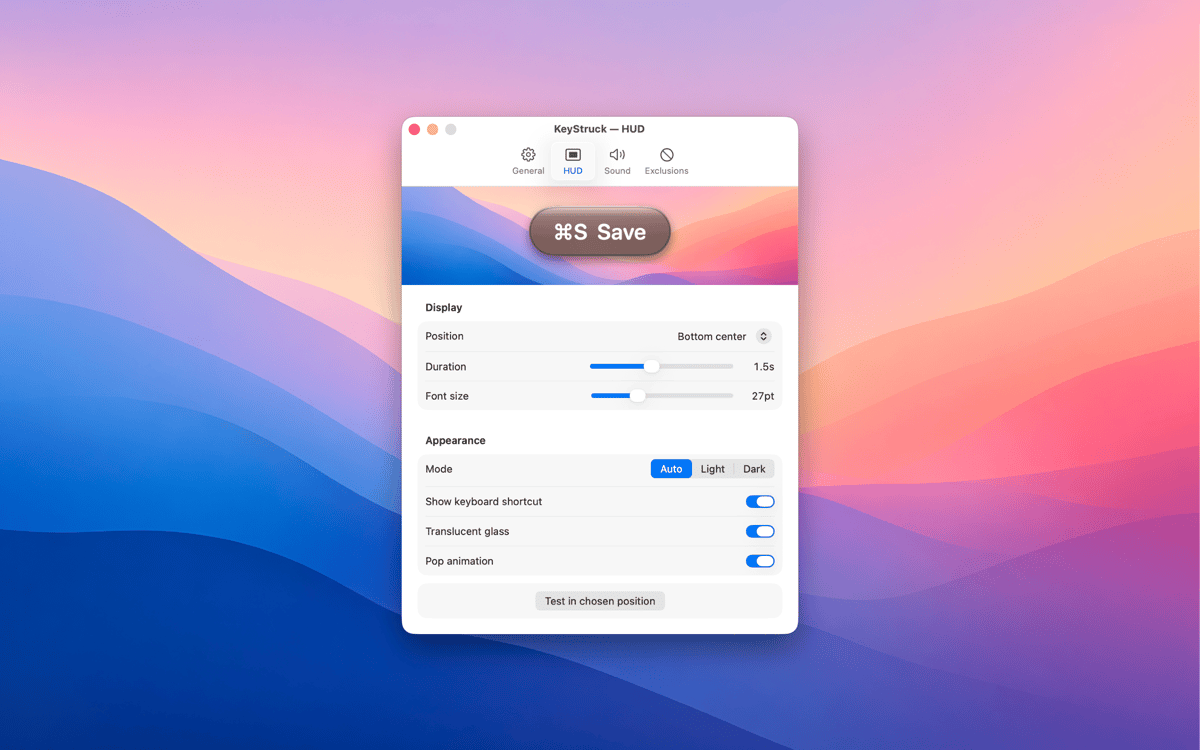
KeyStruck comes with light, dark, glossy, and flat themes so the overlay fits whatever's on screen. Pick a position that works for you — top-left, bottom-right, center, or anywhere in between. The HUD is there to help, not to get in the way.
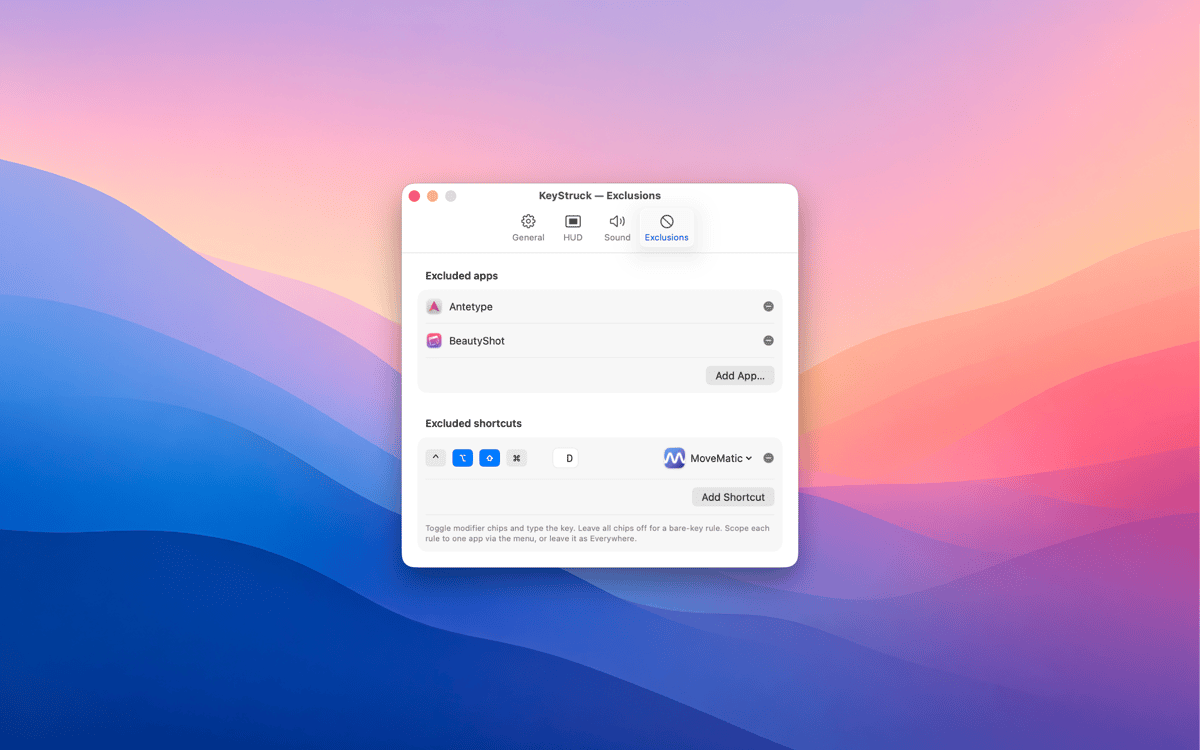
Mute it when you need to
Not every shortcut needs an audience. With exclusions, you can silence the HUD for specific apps or particular shortcuts you'd rather keep private. Share your screen confidently, knowing KeyStruck only shows what you want it to show.
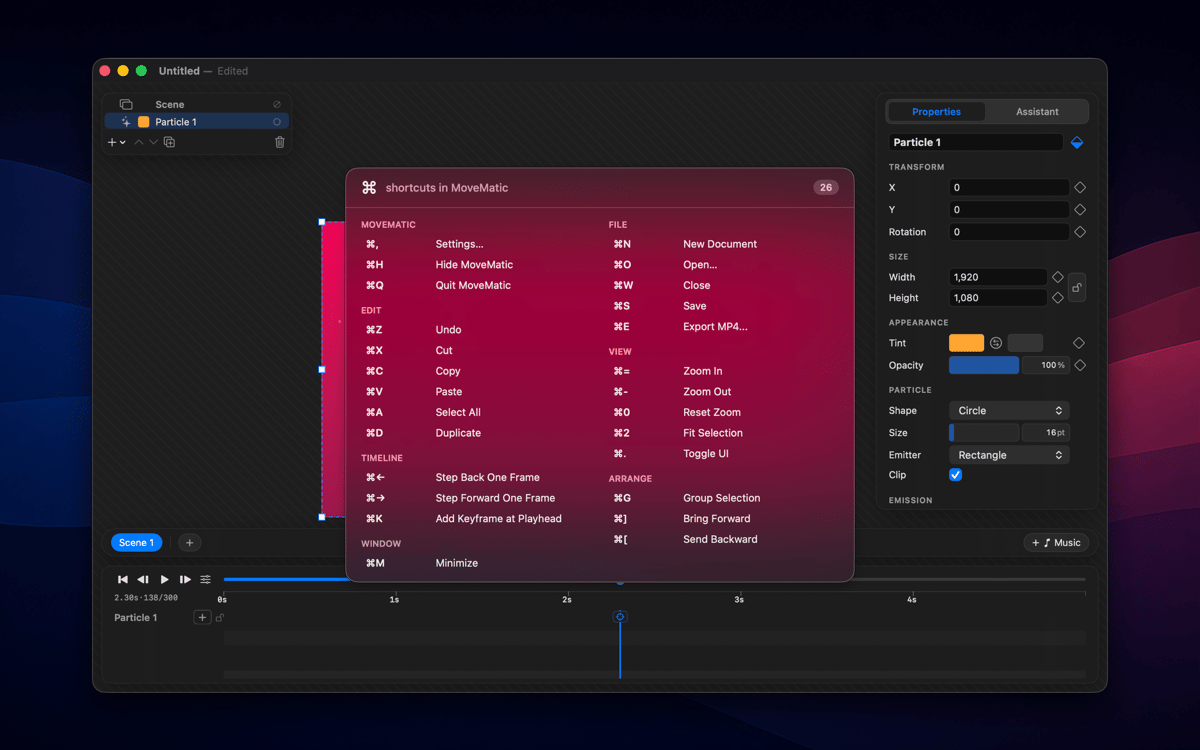
Built-in shortcut cheat sheet
Forget Alt-tabbing to a reference doc. KeyStruck can display every shortcut available in the active app, right there when you need it. It's a great way to explore an app's shortcuts or brush up on ones you haven't memorized yet.
Menu-bar only, no distractions
KeyStruck lives in your menu bar and stays out of your Dock. When you don't need it, pause it with one click. It's the kind of tool that only shows up when it's useful — which is exactly the kind of tool you want.
Profitez de centaines d'applications avec Membership
Devenez membre Setapp et utilisez des centaines d'applications incroyables grâce à un seul abonnement.
Forfait tout compris, après 7 jours d'essai gratuit
Installez Setapp sur votre Mac
Explorez des applications pour Mac, iOS et le Web. Découvrez comment accomplir facilement les tâches du quotidien.

Téléchargez l'application qui vous intéresse
Cette application vous attend dans Setapp. Installez-la d'un seul clic.

KeyStruck
Choisissez votre abonnement
Une seule application ou bien plus avec un abonnement Setapp. Accédez aux applications comme vous le souhaitez.

Profitez de centaines d'applications avec Membership
Devenez membre Setapp et utilisez des centaines d'applications incroyables grâce à un seul abonnement.
Forfait tout compris, après 7 jours d'essai gratuit
1
Installez Setapp sur votre Mac
Explorez des applications pour Mac, iOS et le Web. Découvrez comment accomplir facilement les tâches du quotidien.
2
Téléchargez l'application qui vous intéresse
Cette application vous attend dans Setapp. Installez-la d'un seul clic.
KeyStruck
3
Choisissez votre abonnement
Une seule application ou bien plus avec un abonnement Setapp. Accédez aux applications comme vous le souhaitez.
Des applications de qualité
Pour gérer des plannings, accomplir des tâches de routine, créer des contenus, coder et bien plus encore, optez pour Setapp.

TypingMind
IA conversationnelle avec interface alternative
générez ou résumez du texte
utilisez une bibliothèque de requêtes
IA

Spark Mail
Gérez vos e-mails
IA

CleanMyMac
Supprimez les fichiers inutiles

Bartender
Personnalisez la barre des menus

CleanShot X
Profitez de plus de possibilités pour les captures d'écran

Luminar Neo
Retouchez vos photos
IA

ClearVPN
Sécurisez votre connexion Internet

Craft
Travaillez sur vos documents
IA
KeyStruck
Make every shortcut visible