
Leftovers
Triez les fichiers sans effort
Mac
Version 1.3
macOS 14.6 ou version supérieure
26.3 MB
1 langues
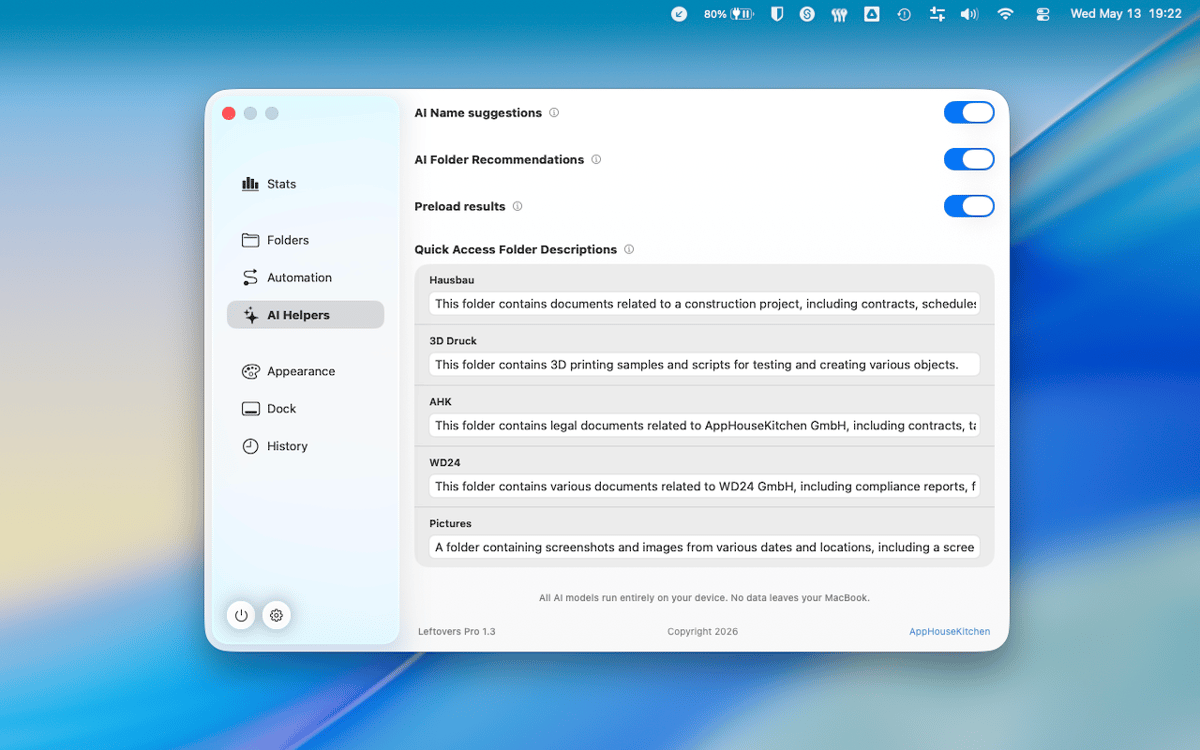
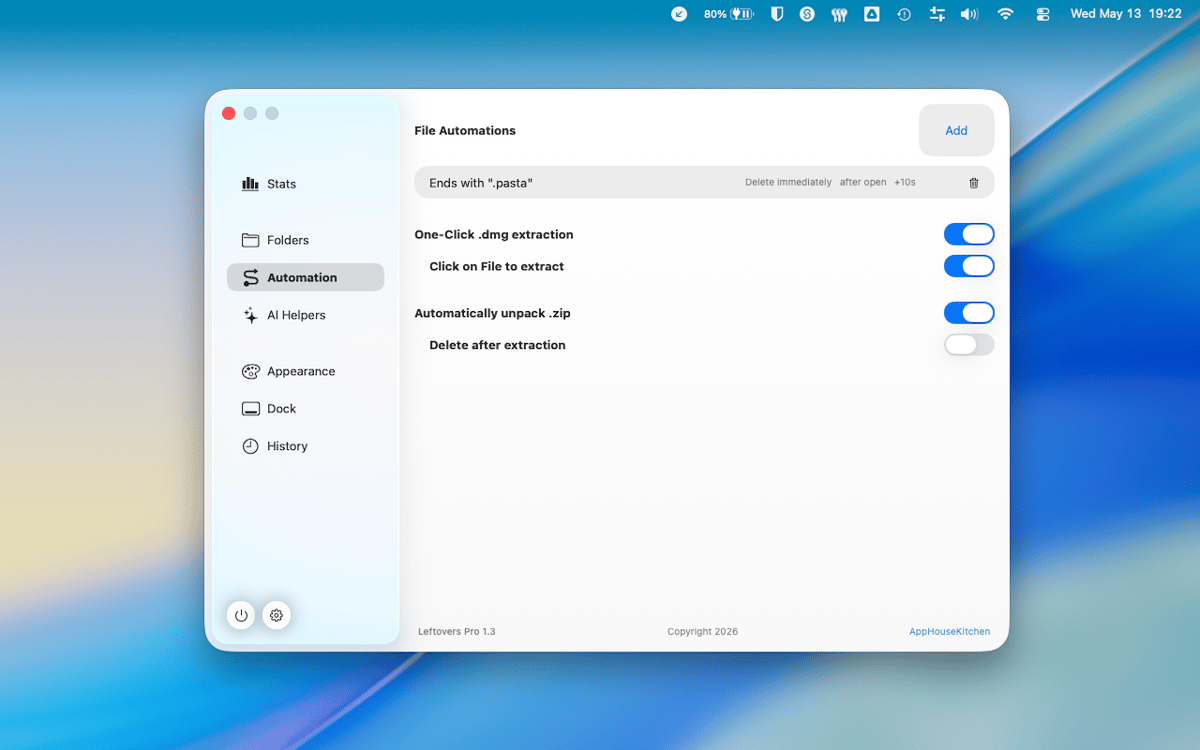
Leftovers est un organisateur de dossier Téléchargements pour Mac. Votre dossier Téléchargements est probablement un cimetière de vieux fichiers DMG, de PDF divers et de fichiers que vous aviez l'intention de trier il y a six mois. Leftovers résout ce problème d'un simple glissement : conservez, supprimez ou déplacez les fichiers un par un, sans que cela ressemble à une corvée. Une notification contextuelle vous alerte quelques secondes après l'arrivée d'un fichier, évitant ainsi toute accumulation dès le départ.
Videz rapidement votre dossier Téléchargements
Triez les nouveaux fichiers dès qu'ils arrivent
Renommez et partagez des fichiers sans Finder
Ne gardez que ce dont vous avez réellement besoin
Fonctionnalités de Leftovers
Balayez pour trier
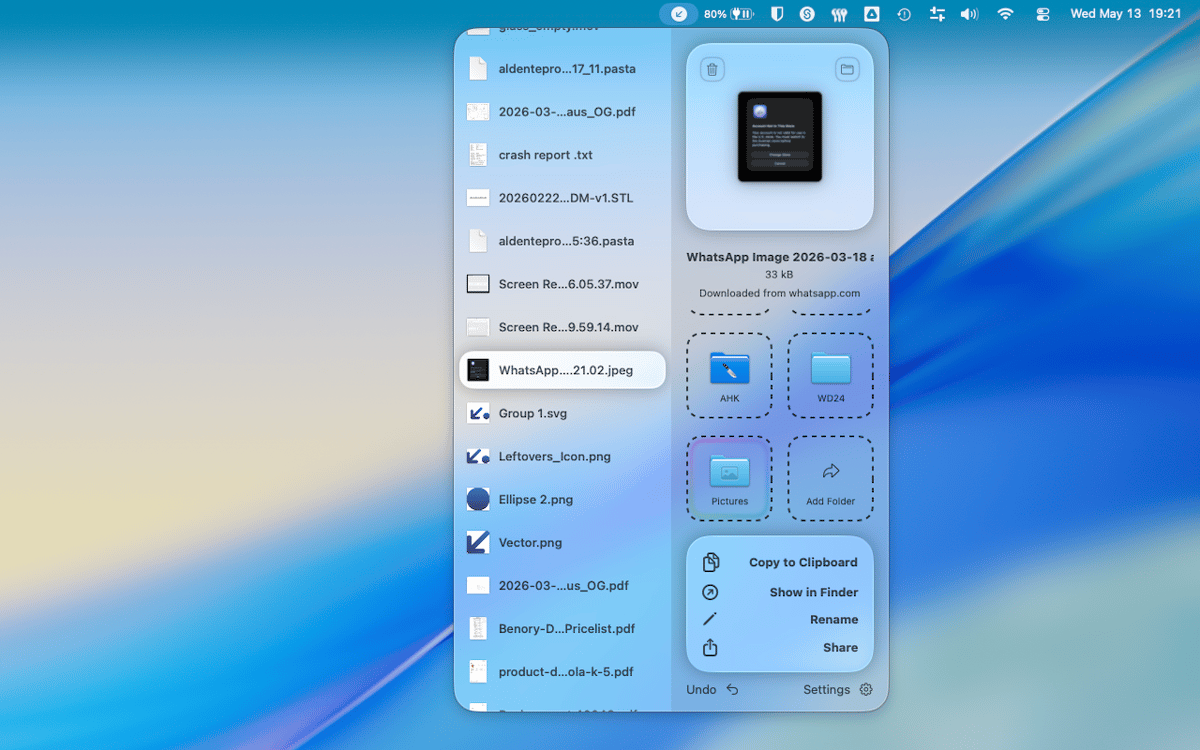
Organisez votre dossier Téléchargements en balayant comme des cartes. Faites glisser un fichier vers la gauche pour le supprimer, vers la droite pour le conserver, ou déposez-le directement dans un dossier. C'est rapide, satisfaisant et étonnamment difficile à mal faire.
Popup Notch pour les nouveaux téléchargements
Quelques secondes après qu'un fichier arrive dans votre dossier Téléchargements, Leftovers apparaît dans l'encoche pour vous demander ce que vous voulez en faire. Traitez-le maintenant ou reportez-le à plus tard — dans tous les cas, rien ne sera oublié.
Accès rapide, partout
Copiez un fichier dans le presse-papiers, renommez-le ou partagez-le — le tout sans quitter Leftovers ni ouvrir le Finder. Les fonctions d'accès rapide sont là quand vous en avez besoin et disparaissent quand ce n'est pas le cas.
Annuler tout
Vous avez fait une erreur ? Chaque action dans Leftovers peut être annulée. Vous avez déplacé un fichier dans le mauvais dossier ou supprimé le mauvais fichier ? Il vous suffit d'annuler et de continuer. Pas de panique.
Fonctionne sur n'importe quel dossier
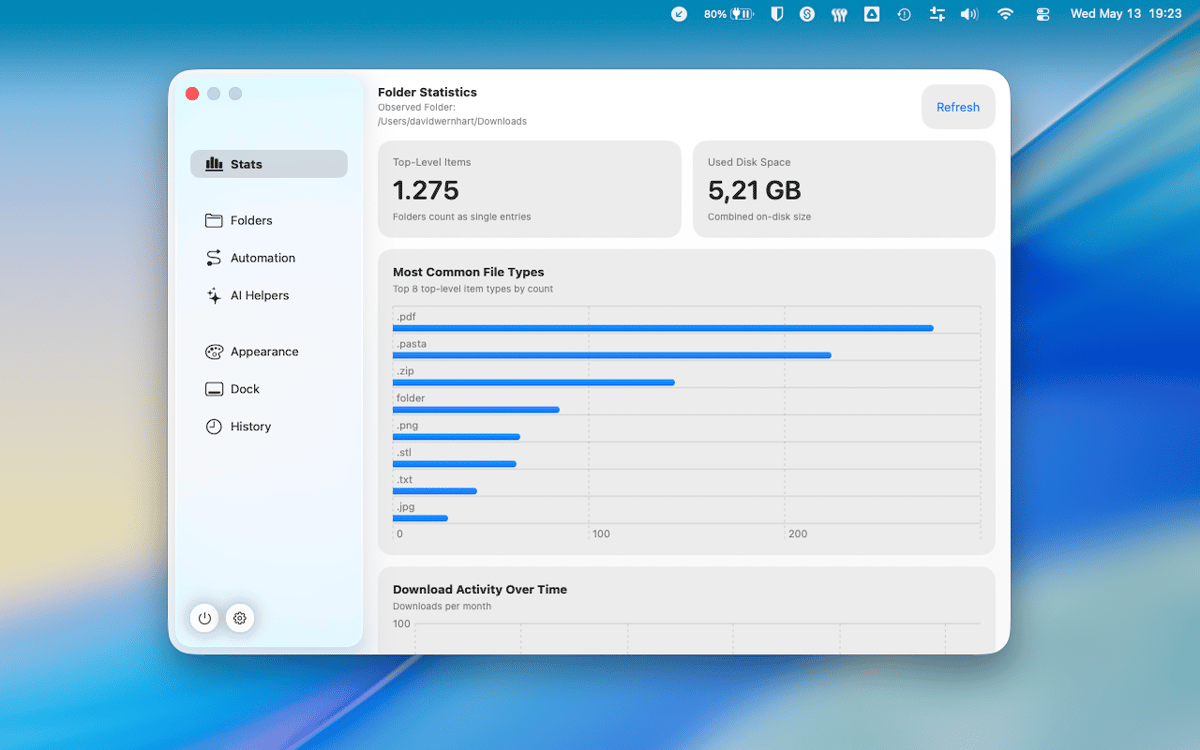
Téléchargements est le dossier par défaut, mais Leftovers fonctionne avec n'importe quel dossier que vous lui indiquez. Chaos sur le bureau, dossiers de projets, captures d'écran en vrac : même flux de navigation par balayage, partout sur votre Mac.
Aucune donnée collectée
Leftovers ne collecte aucune donnée vous concernant. Ce qui est sur votre Mac reste sur votre Mac, point final.
Profitez de centaines d'applications avec Membership
Devenez membre Setapp et utilisez des centaines d'applications incroyables grâce à un seul abonnement.
Forfait tout compris, après 7 jours d'essai gratuit
Installez Setapp sur votre Mac
Explorez des applications pour Mac, iOS et le Web. Découvrez comment accomplir facilement les tâches du quotidien.

Téléchargez l'application qui vous intéresse
Cette application vous attend dans Setapp. Installez-la d'un seul clic.

Leftovers
Choisissez votre abonnement
Une seule application ou bien plus avec un abonnement Setapp. Accédez aux applications comme vous le souhaitez.

Profitez de centaines d'applications avec Membership
Devenez membre Setapp et utilisez des centaines d'applications incroyables grâce à un seul abonnement.
Forfait tout compris, après 7 jours d'essai gratuit
1
Installez Setapp sur votre Mac
Explorez des applications pour Mac, iOS et le Web. Découvrez comment accomplir facilement les tâches du quotidien.
2
Téléchargez l'application qui vous intéresse
Cette application vous attend dans Setapp. Installez-la d'un seul clic.
Leftovers
3
Choisissez votre abonnement
Une seule application ou bien plus avec un abonnement Setapp. Accédez aux applications comme vous le souhaitez.
Des applications de qualité
Pour gérer des plannings, accomplir des tâches de routine, créer des contenus, coder et bien plus encore, optez pour Setapp.

TypingMind
IA conversationnelle avec interface alternative
générez ou résumez du texte
utilisez une bibliothèque de requêtes
IA

Spark Mail
Gérez vos e-mails
IA

CleanMyMac
Supprimez les fichiers inutiles

Bartender
Personnalisez la barre des menus

CleanShot X
Profitez de plus de possibilités pour les captures d'écran

Luminar Neo
Retouchez vos photos
IA

ClearVPN
Sécurisez votre connexion Internet

Craft
Travaillez sur vos documents
IA
Leftovers
Triez les fichiers sans effort