
Microphone Selector
Your mic, always in control
Mac
Version 1.1.0
macOS 13.0 ou version supérieure
13.9 MB
3 langues
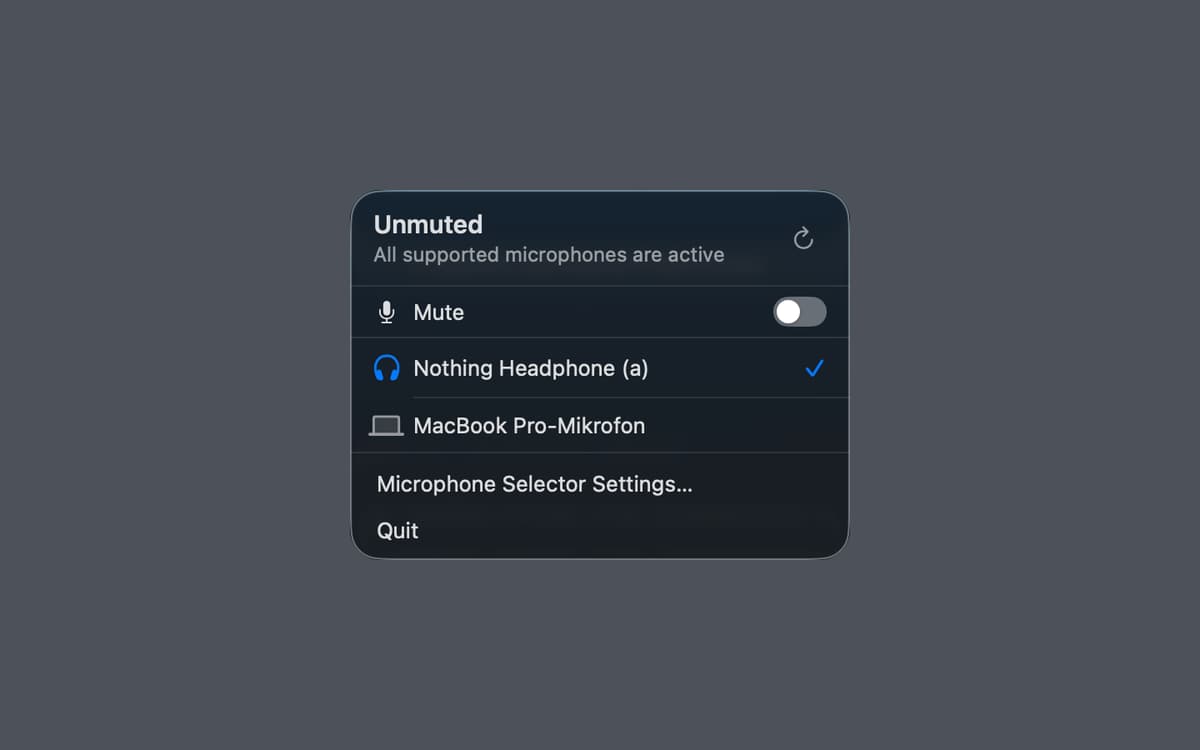
Microphone Selector — Menu bar microphone manager for Mac. It puts your active input device right in the menu bar, so you can switch between mics or mute yourself in one click — no System Settings required. A global keyboard shortcut makes it even faster. The menu bar icon always shows whether you're live or muted, so there are no more awkward "wait, am I muted?" moments. Great for remote calls, home studios, and anyone who regularly juggles multiple input devices.
Switch mics without opening Settings
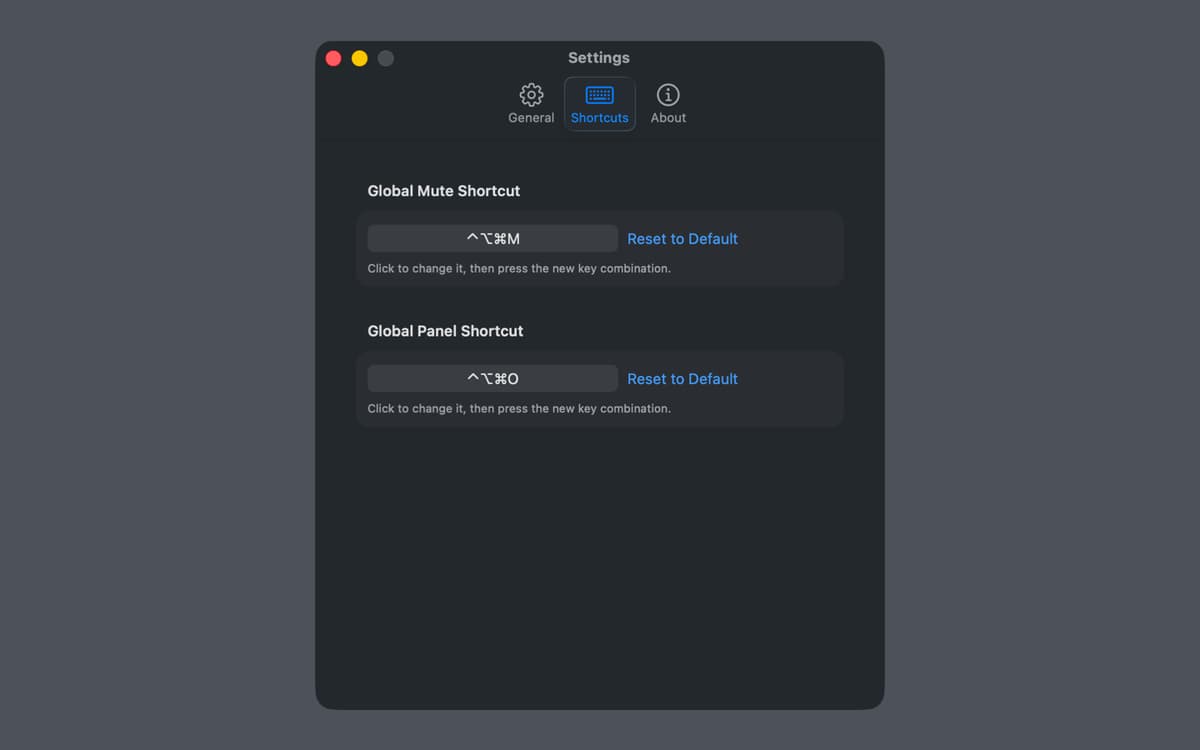
Mute and unmute with a keyboard shortcut
See your mic status at a glance
Manage audio for calls and recording
Fonctionnalités de Microphone Selector
Your mic, always one click away
Microphone Selector lives in the menu bar and shows your current input device at a glance. Switch between microphones instantly — no digging through System Settings, no interrupting your workflow. Everything you need is right where you need it.
Mute in a flash
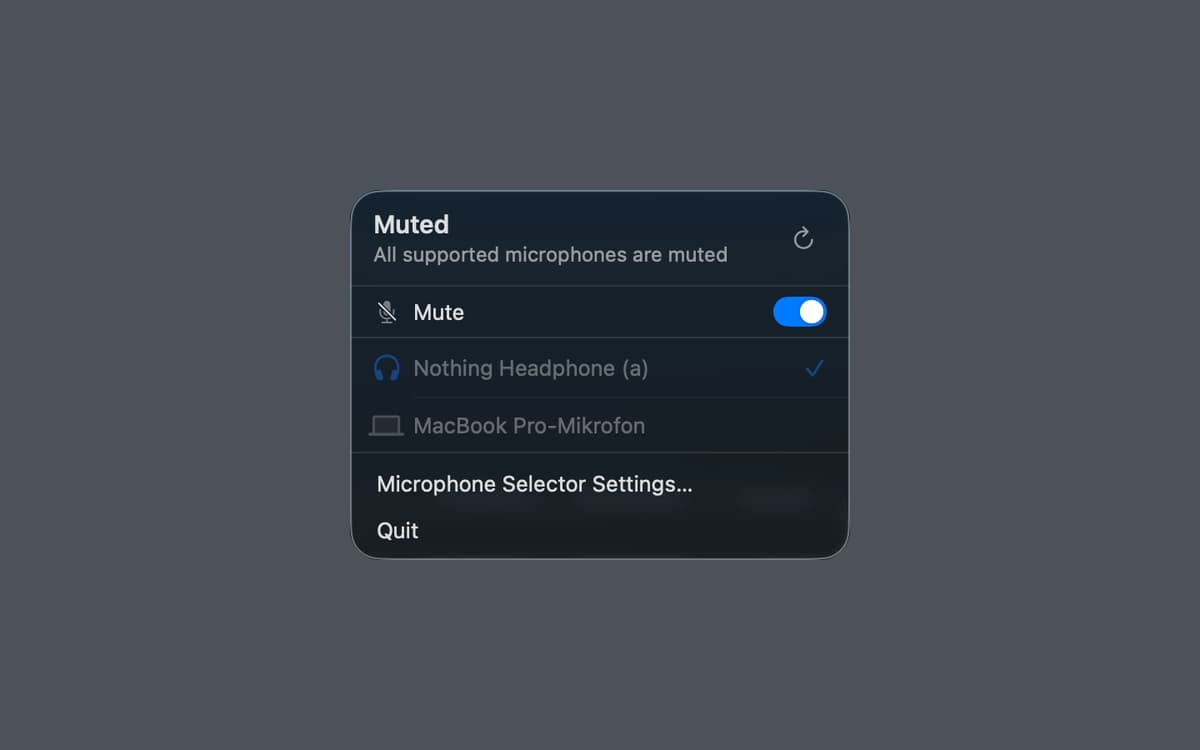
Hit mute instantly with a global keyboard shortcut, from any app, at any moment. Whether you're on a call, recording a voiceover, or going live, you can silence yourself without switching windows. And you'll always know your mute state — the menu bar icon makes it obvious.
See if you're live
The menu bar icon reflects your current mic and mute status in real time. Never wonder whether your mic is on again — just glance up and you'll know immediately.
Built for calls, recording, and streaming
Microphone Selector fits right into the workflows that depend on reliable audio. Use it during video calls, podcast recording sessions, or live streams — wherever switching inputs quickly or muting on cue makes a real difference.
Works offline, collects no data
There's no account, no cloud sync, no analytics. Microphone Selector does its job quietly and locally. Your audio setup stays on your Mac, exactly as it should.
Lightweight and out of the way
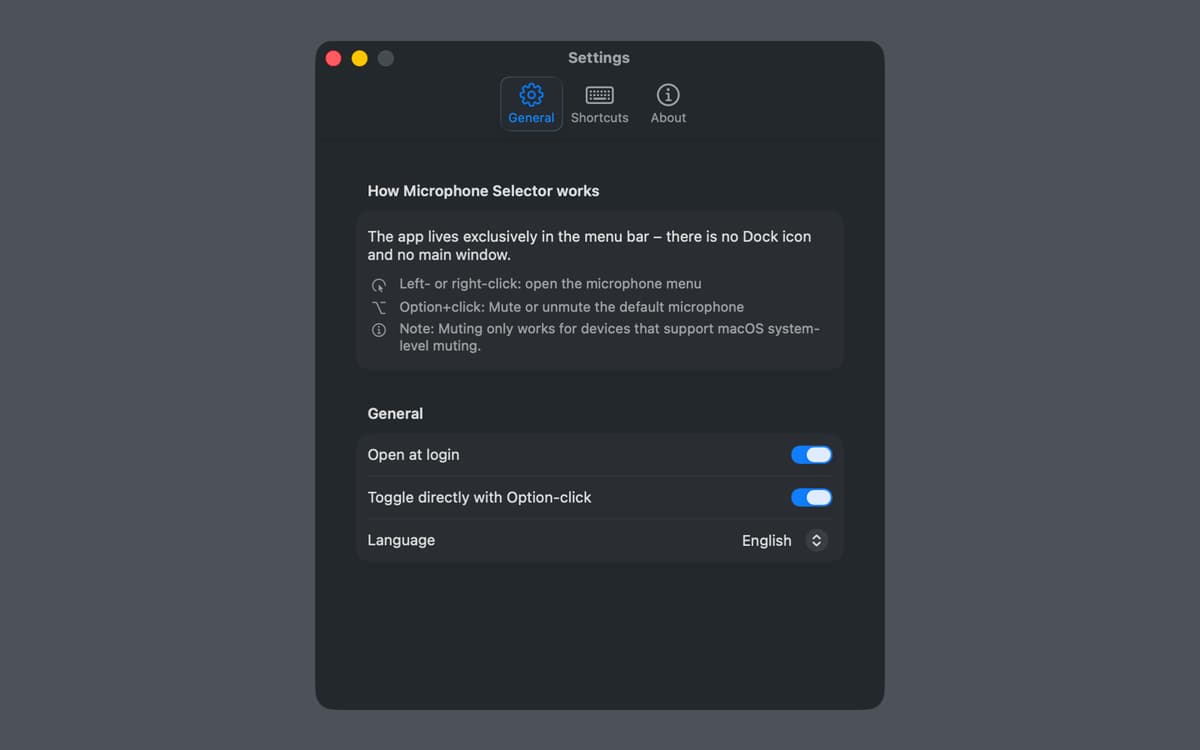
Microphone Selector lives entirely in the menu bar — no dock icon, no extra windows. It's there when you need it and invisible when you don't.
Profitez de centaines d'applications avec Membership
Devenez membre Setapp et utilisez des centaines d'applications incroyables grâce à un seul abonnement.
Forfait tout compris, après 7 jours d'essai gratuit
Installez Setapp sur votre Mac
Explorez des applications pour Mac, iOS et le Web. Découvrez comment accomplir facilement les tâches du quotidien.

Téléchargez l'application qui vous intéresse
Cette application vous attend dans Setapp. Installez-la d'un seul clic.

Microphone Selector
Choisissez votre abonnement
Une seule application ou bien plus avec un abonnement Setapp. Accédez aux applications comme vous le souhaitez.

Profitez de centaines d'applications avec Membership
Devenez membre Setapp et utilisez des centaines d'applications incroyables grâce à un seul abonnement.
Forfait tout compris, après 7 jours d'essai gratuit
1
Installez Setapp sur votre Mac
Explorez des applications pour Mac, iOS et le Web. Découvrez comment accomplir facilement les tâches du quotidien.
2
Téléchargez l'application qui vous intéresse
Cette application vous attend dans Setapp. Installez-la d'un seul clic.
Microphone Selector
3
Choisissez votre abonnement
Une seule application ou bien plus avec un abonnement Setapp. Accédez aux applications comme vous le souhaitez.
Des applications de qualité
Pour gérer des plannings, accomplir des tâches de routine, créer des contenus, coder et bien plus encore, optez pour Setapp.

TypingMind
IA conversationnelle avec interface alternative
générez ou résumez du texte
utilisez une bibliothèque de requêtes
IA

Spark Mail
Gérez vos e-mails
IA

CleanMyMac
Supprimez les fichiers inutiles

Bartender
Personnalisez la barre des menus

CleanShot X
Profitez de plus de possibilités pour les captures d'écran

Luminar Neo
Retouchez vos photos
IA

ClearVPN
Sécurisez votre connexion Internet

Craft
Travaillez sur vos documents
IA
Microphone Selector
Your mic, always in control