NapMac
Don't doze off at your desk
Mac
Version 1.0
macOS 26.4 ou version supérieure
7.7 MB
1 langues
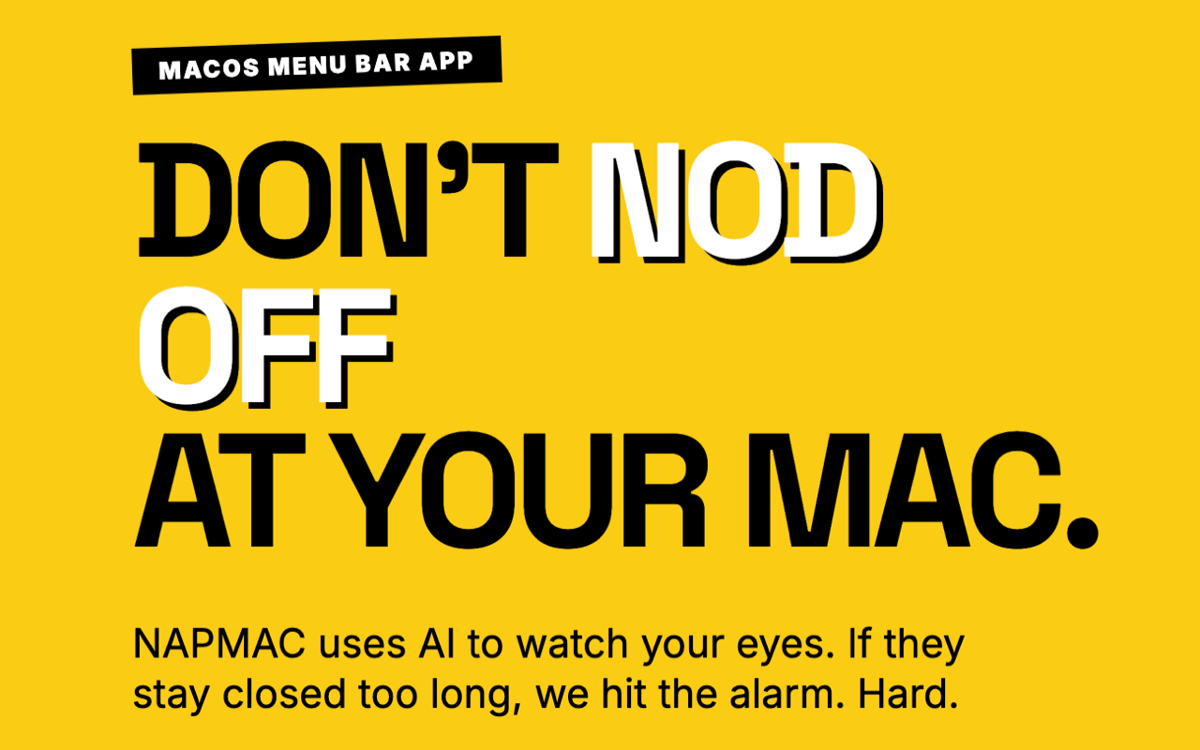
NapMac is a drowsiness detection and focus app for Mac. It watches for the moment your eyes stay shut too long — and sounds the alarm before you fully drift off. Three built-in Pomodoro timers (25, 52, and 90 minutes) help you work in focused sprints, so you stay on task and alert. Powered by Apple's Vision framework and your Mac's built-in camera, it works entirely on-device. No video recorded, no data sent anywhere, no accounts needed. Just a quiet menu bar app that's got your back during long work sessions.
Catch yourself dozing off mid-workday
Set work-hours-only monitoring
Track your nap history and sleep stats
Stay focused with built-in Pomodoro timers
Fonctionnalités de NapMac
Eyes closed — alarm open
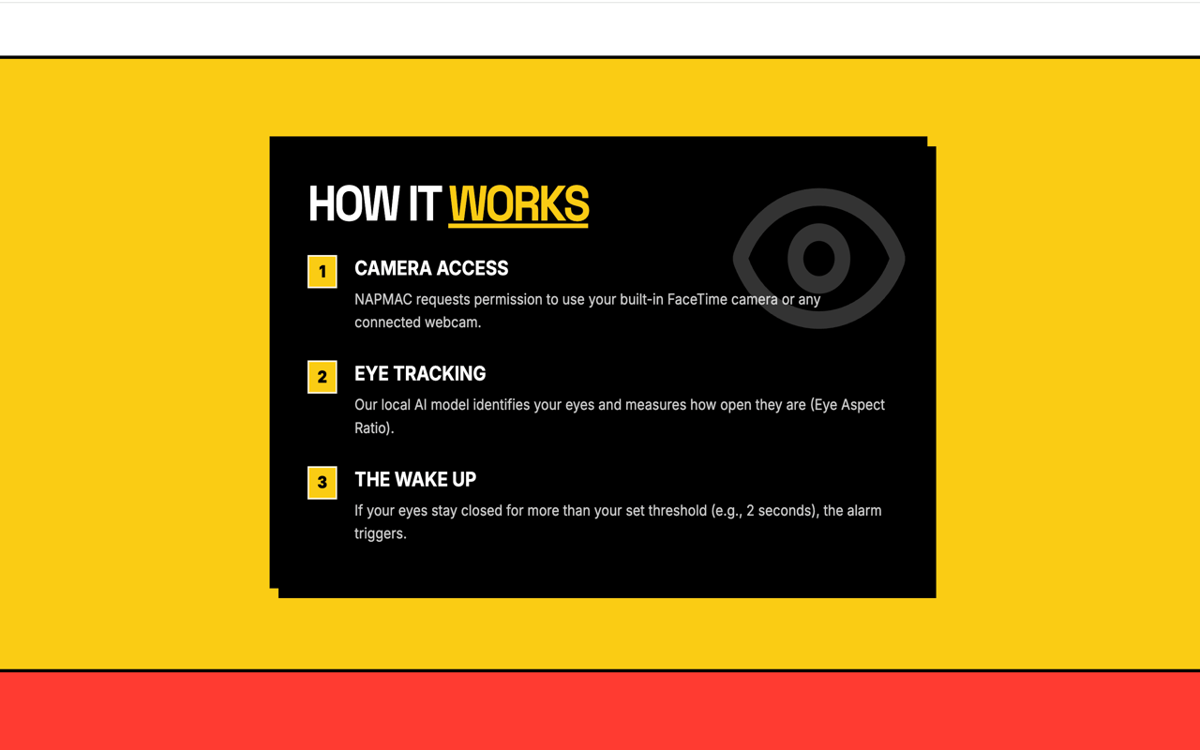
NapMac uses Apple's Vision framework to detect when your eyes stay closed too long. The moment it spots the sign of a doze, it triggers an alarm. You stay in control of the sensitivity, and the app stays out of your way until it's needed.
Three Pomodoro timers
Built-in focus timers for every kind of work session — 25 minutes for classic sprints, 52 minutes for deep work, and 90 minutes for flow state. Pick your mode, start the timer, and let NapMac keep you honest at both ends: focused while you're working, awake while you're trying to.
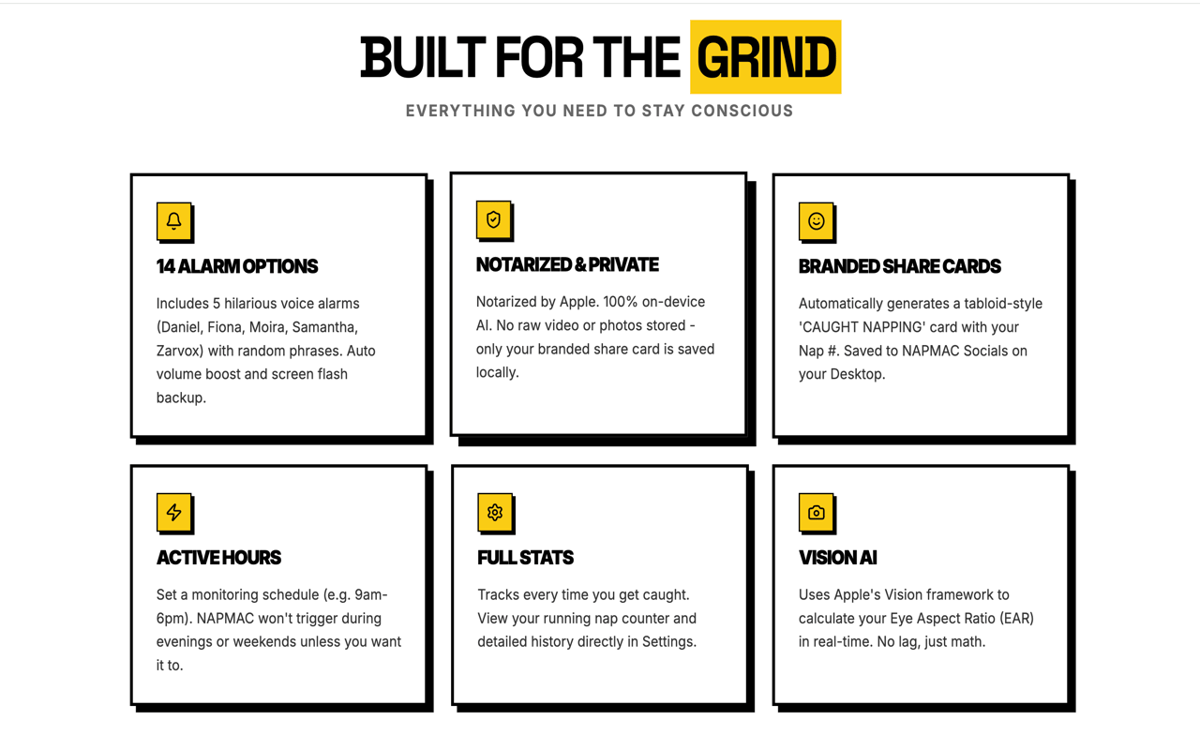
14 alarms — including voices
Pick from 14 alarm options, including voice alarms with characters like Zarvox, Fiona, and Samantha. Whether you want something subtle or something that'll jolt you back to life, there's a tone for every level of stubbornness.
Sleep stats and nap counter
NapMac keeps a quiet log of your drowsy moments. Check your nap count, see patterns over time, and get a clearer picture of when your energy dips most. Useful data — without the data creep.
"CAUGHT NAPPING" share card
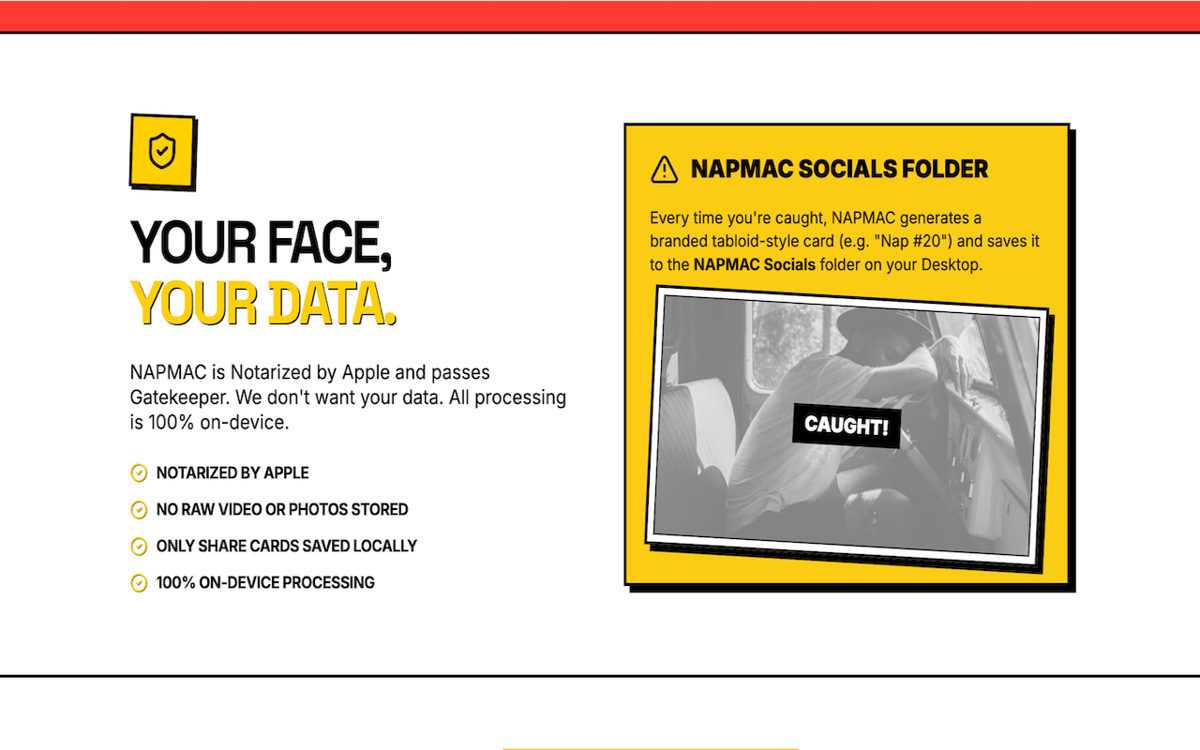
Every time NapMac catches a nap, it auto-generates a share card and saves it to your Desktop. A small, slightly shameful memento. Or the perfect thing to send your team on a Monday afternoon.
Active Hours scheduling
Only need monitoring during the 9-to-5? Set your Active Hours and NapMac will watch for naps within that window only. No need to remember to switch it on or off — it respects your schedule automatically.
Profitez de centaines d'applications avec Membership
Devenez membre Setapp et utilisez des centaines d'applications incroyables grâce à un seul abonnement.
Forfait tout compris, après 7 jours d'essai gratuit
Installez Setapp sur votre Mac
Explorez des applications pour Mac, iOS et le Web. Découvrez comment accomplir facilement les tâches du quotidien.

Téléchargez l'application qui vous intéresse
Cette application vous attend dans Setapp. Installez-la d'un seul clic.

NapMac
Choisissez votre abonnement
Une seule application ou bien plus avec un abonnement Setapp. Accédez aux applications comme vous le souhaitez.

Profitez de centaines d'applications avec Membership
Devenez membre Setapp et utilisez des centaines d'applications incroyables grâce à un seul abonnement.
Forfait tout compris, après 7 jours d'essai gratuit
1
Installez Setapp sur votre Mac
Explorez des applications pour Mac, iOS et le Web. Découvrez comment accomplir facilement les tâches du quotidien.
2
Téléchargez l'application qui vous intéresse
Cette application vous attend dans Setapp. Installez-la d'un seul clic.
NapMac
3
Choisissez votre abonnement
Une seule application ou bien plus avec un abonnement Setapp. Accédez aux applications comme vous le souhaitez.
Des applications de qualité
Pour gérer des plannings, accomplir des tâches de routine, créer des contenus, coder et bien plus encore, optez pour Setapp.

TypingMind
IA conversationnelle avec interface alternative
générez ou résumez du texte
utilisez une bibliothèque de requêtes
IA

Spark Mail
Gérez vos e-mails
IA

CleanMyMac
Supprimez les fichiers inutiles

Bartender
Personnalisez la barre des menus

CleanShot X
Profitez de plus de possibilités pour les captures d'écran

Luminar Neo
Retouchez vos photos
IA

ClearVPN
Sécurisez votre connexion Internet

Craft
Travaillez sur vos documents
IA
NapMac
Don't doze off at your desk