Noticky
Des notes qui restent là
Mac
Version 1.9.4
macOS 15.0 ou version supérieure
39.1 MB
15 langues
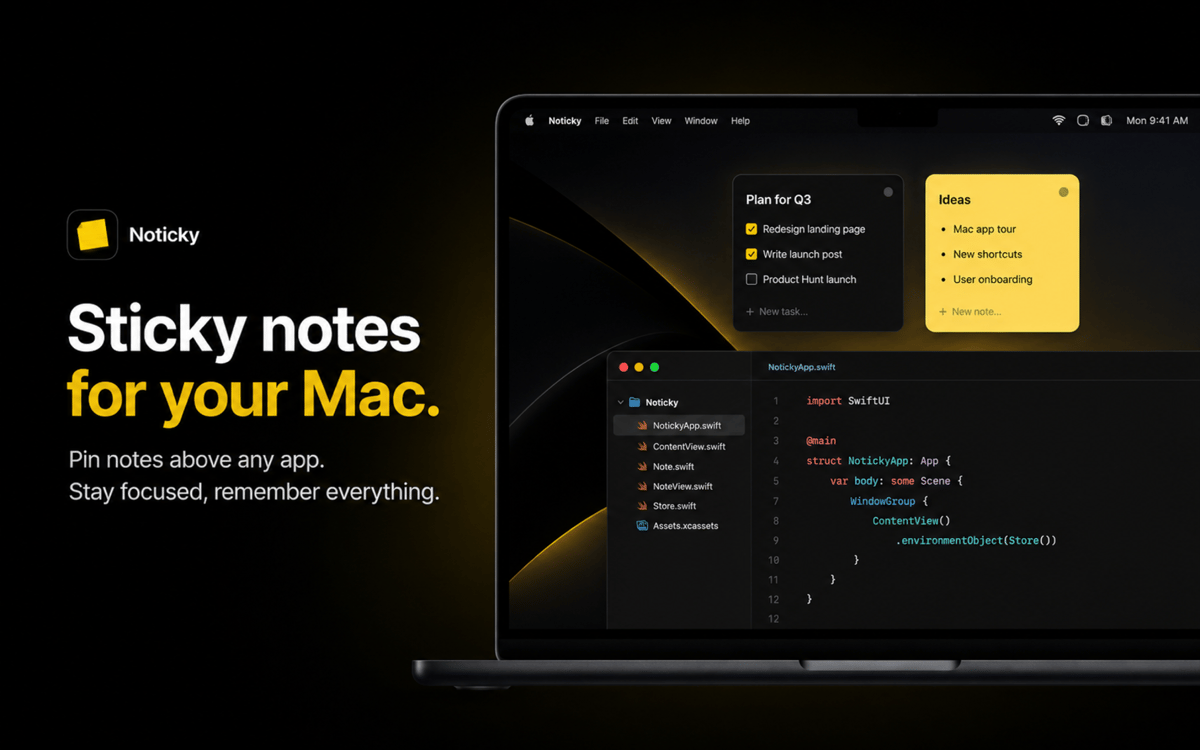
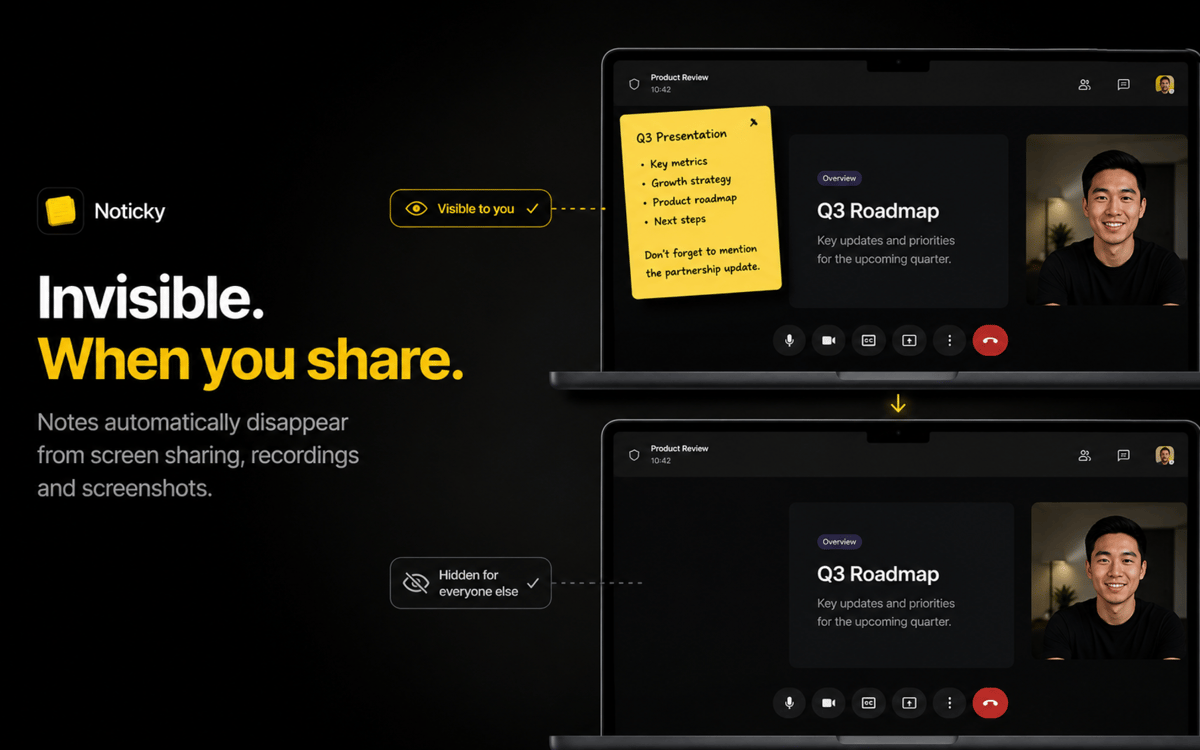
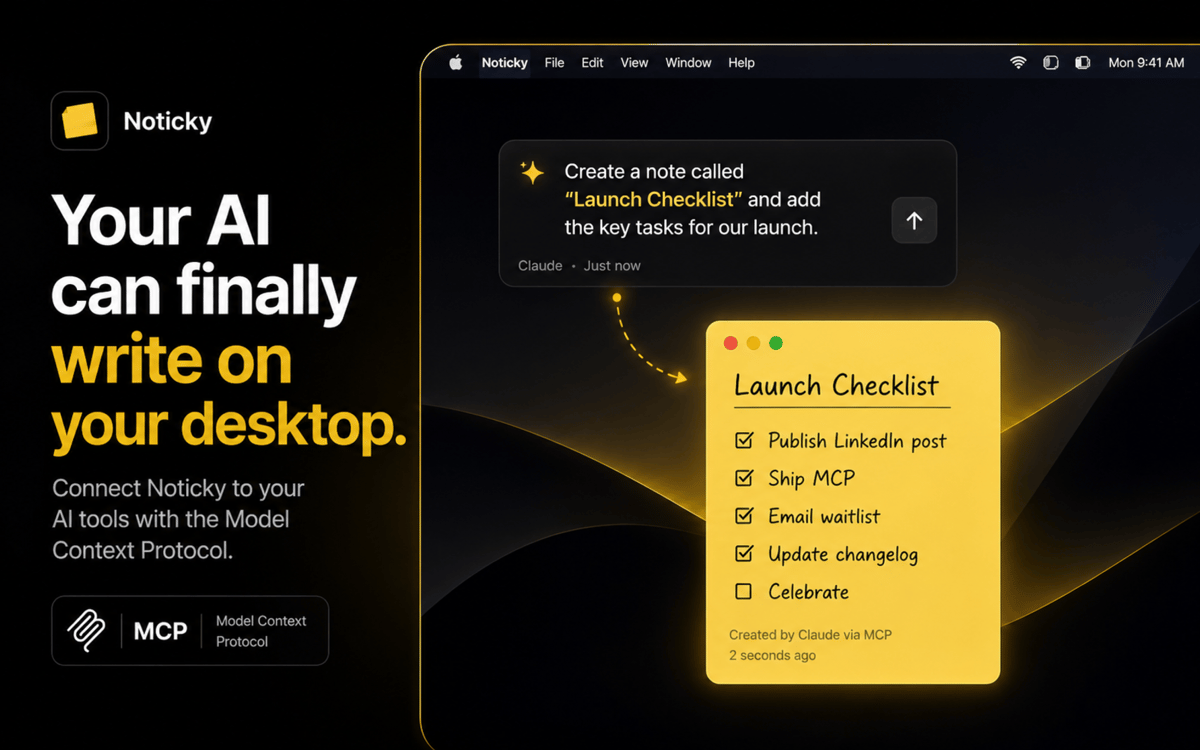
Noticky apporte les notes autocollantes sur votre Mac — celles sur lesquelles vous pouvez vraiment compter. Épinglez-les au-dessus de n'importe quelle fenêtre, empilez-les ou disposez-les en mosaïque pour un agencement soigné, et affichez toute la collection via un raccourci ou en déplaçant le curseur vers un coin actif. Capturez depuis n'importe quelle app via la feuille de partage, organisez par couleur et par sujet, regroupez dans des dossiers et exportez en PDF une fois terminé. Vos notes vous suivent dans Spaces, se synchronisent via iCloud et s'affichent sous forme de widgets sur votre bureau.
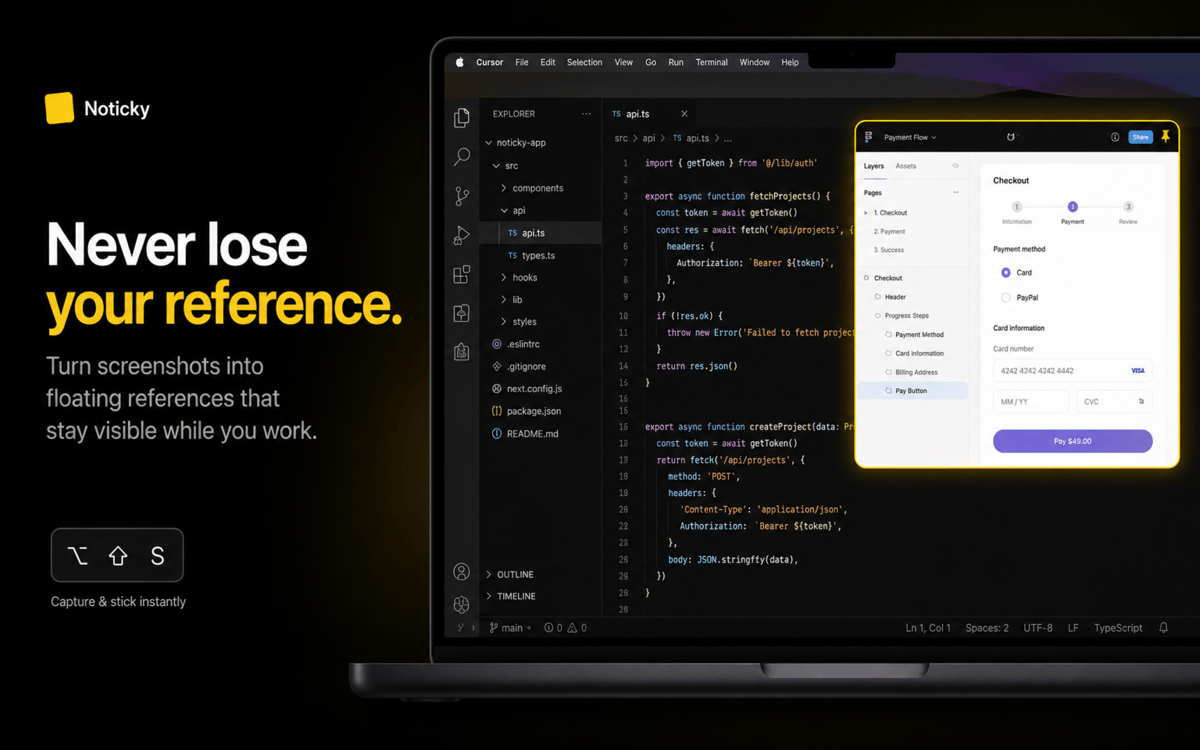
Épinglez des rappels sur vos fenêtres actives
Empilez et organisez les notes en un clic
Capturer depuis n'importe quelle app via partage
Trier par couleur, groupe ou date
Fonctionnalités de Noticky
Épingler au-dessus de n'importe quelle fenêtre
Gardez une note visible pendant que vous travaillez ailleurs. Noticky flotte au premier plan, vous suit dans Spaces et ne disparaît jamais derrière un onglet Safari.
Empilez et organisez vos notes
Réorganisez automatiquement les notes ouvertes en une pile ordonnée ou en une grille en mosaïque, d'un simple raccourci. Faites glisser pour réorganiser, cliquez pour mettre une note au premier plan — plus besoin de courir après vos notes sur l'écran.
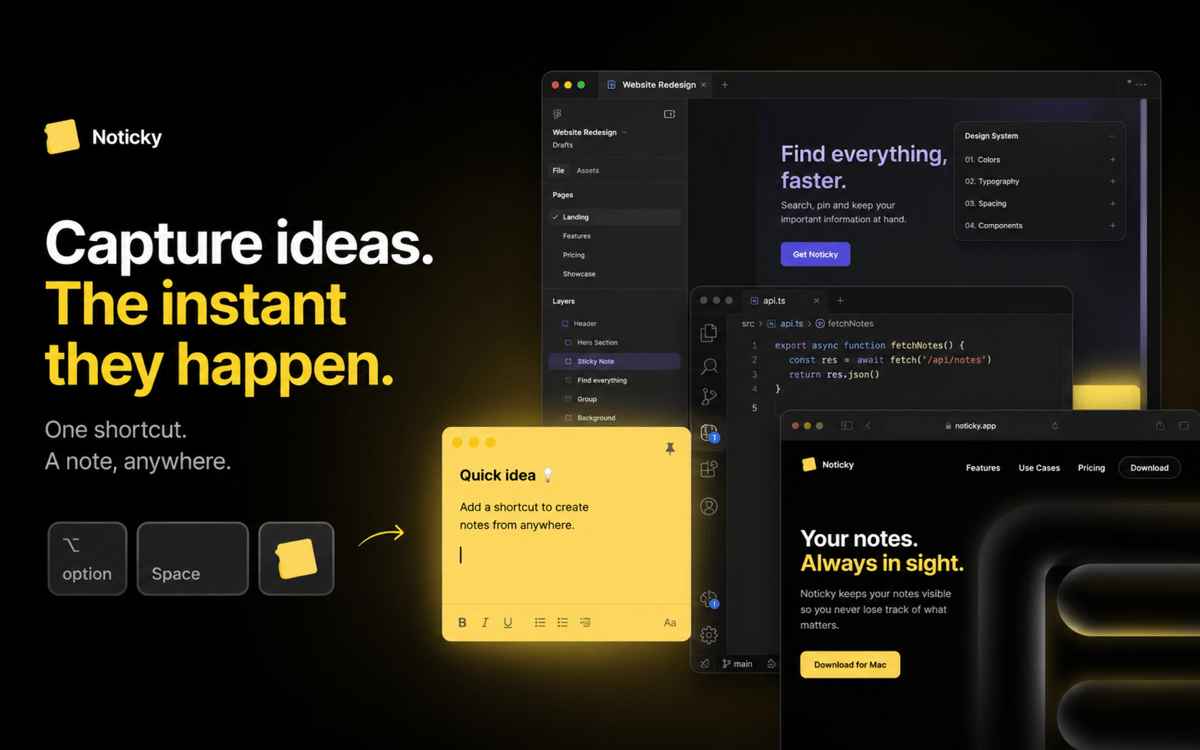
Capturez depuis n'importe où
Appuyez sur ⌘⇧N pour créer une nouvelle note, déplacez votre curseur vers un coin actif ou envoyez le texte sélectionné depuis n'importe quelle application via la feuille de partage macOS. À vous de choisir.
Code couleur et groupe
Triez vos notes par couleur, classez-les dans des dossiers et filtrez la liste par couleur, date, groupe ou mot-clé quand la collection s'agrandit.
Widgets sur votre bureau
Déposez une seule note, un tableau de plusieurs notes ou la liste complète sur votre bureau macOS. Épinglez-en un comme widget et il se met à jour au fil de vos modifications.
Synchronisation iCloud et export PDF
Vos notes restent synchronisées sur tous vos Mac. Exportez n'importe quelle note en PDF pour la partager en dehors de Noticky.
Profitez de centaines d'applications avec Membership
Devenez membre Setapp et utilisez des centaines d'applications incroyables grâce à un seul abonnement.
Forfait tout compris, après 7 jours d'essai gratuit
Installez Setapp sur votre Mac
Explorez des applications pour Mac, iOS et le Web. Découvrez comment accomplir facilement les tâches du quotidien.

Téléchargez l'application qui vous intéresse
Cette application vous attend dans Setapp. Installez-la d'un seul clic.

Noticky
Choisissez votre abonnement
Une seule application ou bien plus avec un abonnement Setapp. Accédez aux applications comme vous le souhaitez.

Profitez de centaines d'applications avec Membership
Devenez membre Setapp et utilisez des centaines d'applications incroyables grâce à un seul abonnement.
Forfait tout compris, après 7 jours d'essai gratuit
1
Installez Setapp sur votre Mac
Explorez des applications pour Mac, iOS et le Web. Découvrez comment accomplir facilement les tâches du quotidien.
2
Téléchargez l'application qui vous intéresse
Cette application vous attend dans Setapp. Installez-la d'un seul clic.
Noticky
3
Choisissez votre abonnement
Une seule application ou bien plus avec un abonnement Setapp. Accédez aux applications comme vous le souhaitez.
Des applications de qualité
Pour gérer des plannings, accomplir des tâches de routine, créer des contenus, coder et bien plus encore, optez pour Setapp.

TypingMind
IA conversationnelle avec interface alternative
générez ou résumez du texte
utilisez une bibliothèque de requêtes
IA

Spark Mail
Gérez vos e-mails
IA

CleanMyMac
Supprimez les fichiers inutiles

Bartender
Personnalisez la barre des menus

CleanShot X
Profitez de plus de possibilités pour les captures d'écran

Luminar Neo
Retouchez vos photos
IA

ClearVPN
Sécurisez votre connexion Internet

Craft
Travaillez sur vos documents
IA
Noticky
Des notes qui restent là