
PDF Content Search
Search inside scanned files
Mac
Version 1.50
macOS 14.0 ou version supérieure
17.7 MB
23 langues
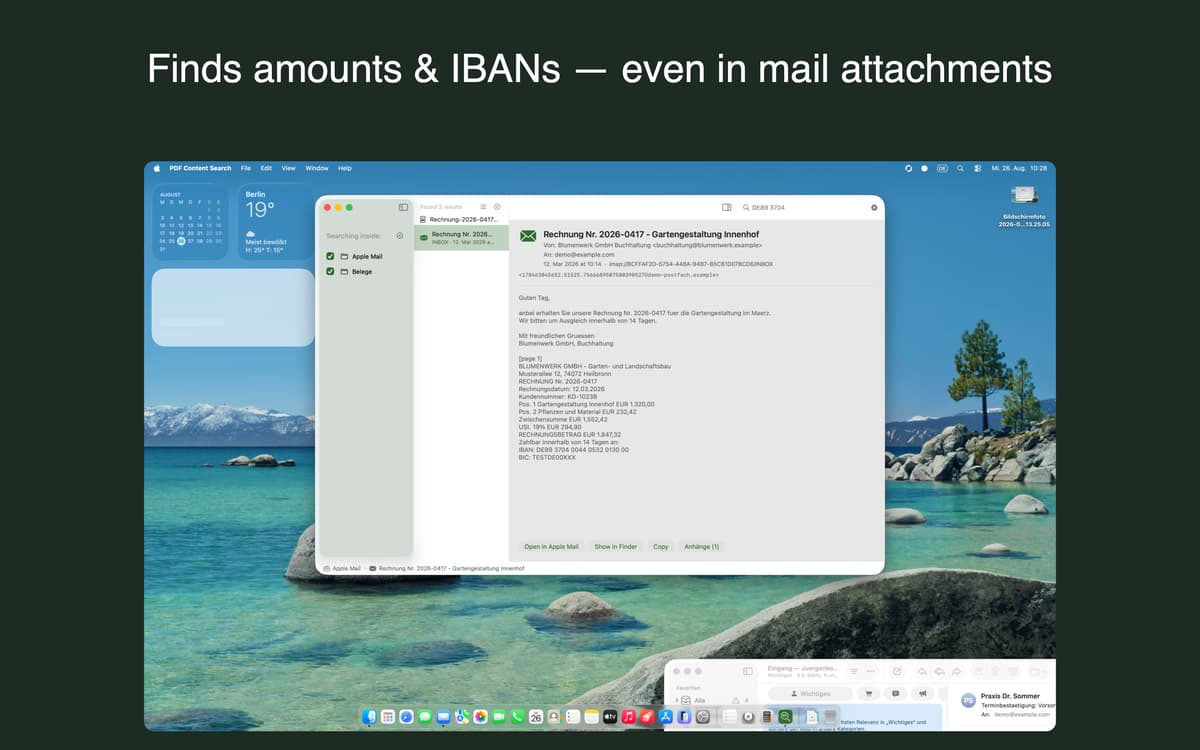
PDF Content Search is a document search app for Mac that reads what Spotlight can't. Point it at a folder, and it finds text in scanned PDFs, photos, screenshots, and Mail attachments. Type a word, get the document, and jump to the exact page. No more opening files one by one to hunt for that one IBAN.
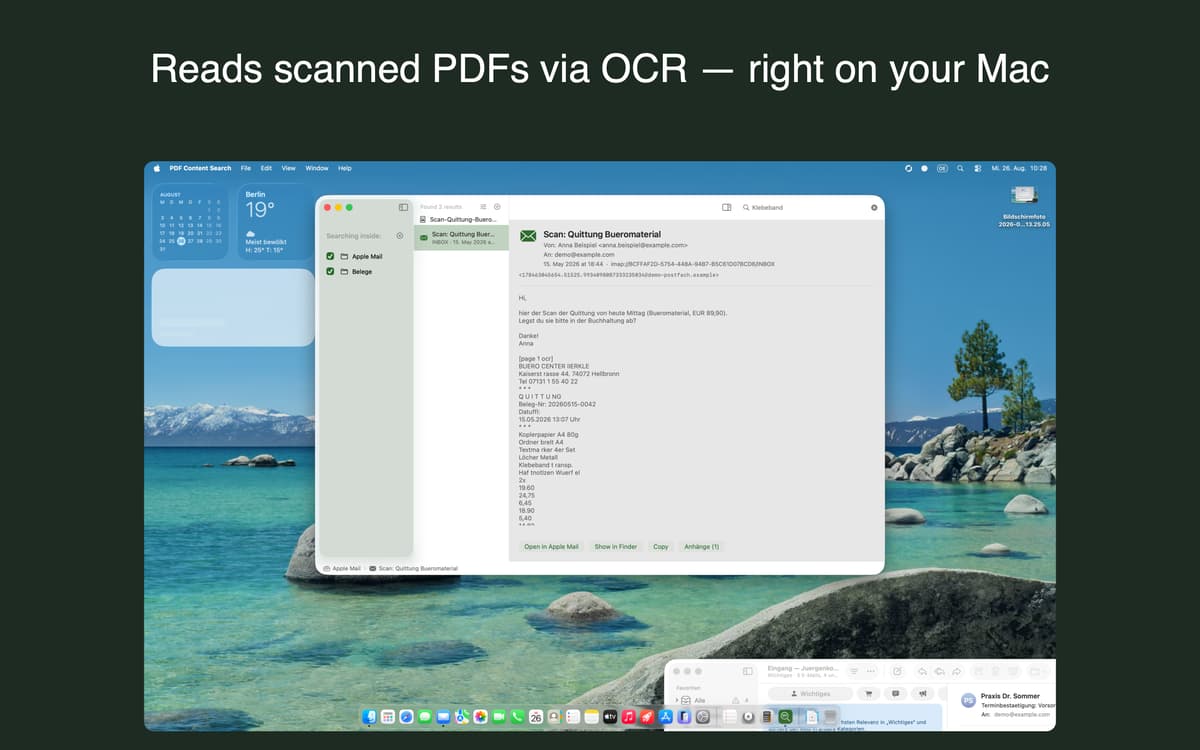
Search scanned PDFs and images
Find text in Mail attachments
Find invoices and contract numbers
Filter a decade of files by date
Fonctionnalités de PDF Content Search
Scanned files, finally searchable
To macOS, a scanned invoice is just a picture. PDF Content Search reads the text inside it, so you can find it like any other document. It works on scanned PDFs, photos, screenshots, and plain text files. Text recognition runs on your Mac, and the index updates when your files change.
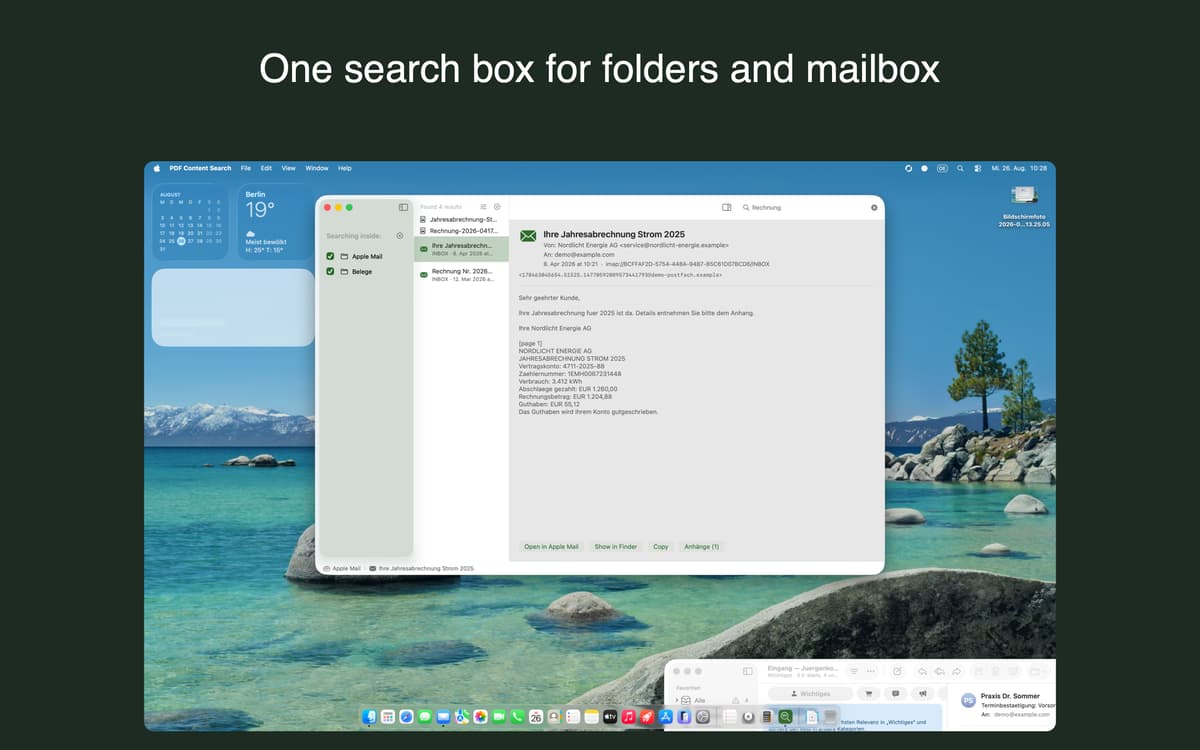
Apple Mail in the same search
Subjects, message bodies, and attachment contents show up right next to your files. Open an attachment straight from a result. Or reveal the original message in Mail with one keystroke.
Search that gets what you mean
Type "Mueller" and it finds "Müller" too. Accents and umlauts just work. Partial word search helps with those very long German compound words. The app is available in 23 languages.
Office and iWork, covered
Word, Excel, Pages, Numbers and Keynote files get indexed too, so your whole archive lives in one search box. Reading these formats needs an optional conversion service that stays off until you switch it on. The file is then sent to our own server in Germany for text extraction and deleted within 24 hours.
Date filters and highlighted previews
Narrow a decade of paperwork down to a single quarter. Then open the preview, where matches are highlighted. You'll see right away why a document came up.
Works with your AI assistant
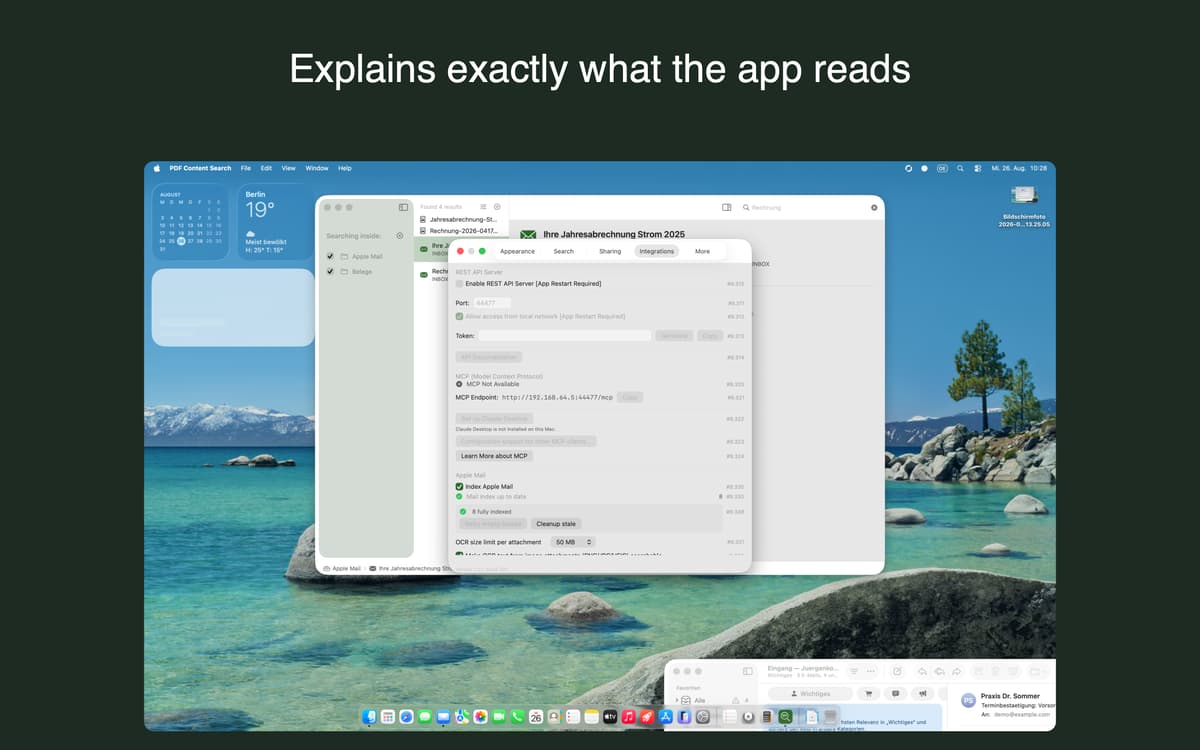
AI assistants like Claude Desktop, Claude Code, VS Code or Cursor can search your documents directly through the Model Context Protocol (MCP). A local REST API is there for your own scripts and automations. Both run on your Mac, without a relay server or an extra account, and stay off until you turn them on.
Profitez de centaines d'applications avec Membership
Devenez membre Setapp et utilisez des centaines d'applications incroyables grâce à un seul abonnement.
Forfait tout compris, après 7 jours d'essai gratuit
Installez Setapp sur votre Mac
Explorez des applications pour Mac, iOS et le Web. Découvrez comment accomplir facilement les tâches du quotidien.

Téléchargez l'application qui vous intéresse
Cette application vous attend dans Setapp. Installez-la d'un seul clic.

PDF Content Search
Choisissez votre abonnement
Une seule application ou bien plus avec un abonnement Setapp. Accédez aux applications comme vous le souhaitez.

Profitez de centaines d'applications avec Membership
Devenez membre Setapp et utilisez des centaines d'applications incroyables grâce à un seul abonnement.
Forfait tout compris, après 7 jours d'essai gratuit
1
Installez Setapp sur votre Mac
Explorez des applications pour Mac, iOS et le Web. Découvrez comment accomplir facilement les tâches du quotidien.
2
Téléchargez l'application qui vous intéresse
Cette application vous attend dans Setapp. Installez-la d'un seul clic.
PDF Content Search
3
Choisissez votre abonnement
Une seule application ou bien plus avec un abonnement Setapp. Accédez aux applications comme vous le souhaitez.
Des applications de qualité
Pour gérer des plannings, accomplir des tâches de routine, créer des contenus, coder et bien plus encore, optez pour Setapp.

TypingMind
IA conversationnelle avec interface alternative
générez ou résumez du texte
utilisez une bibliothèque de requêtes
IA

Spark Mail
Gérez vos e-mails
IA

CleanMyMac
Supprimez les fichiers inutiles

Bartender
Personnalisez la barre des menus

CleanShot X
Profitez de plus de possibilités pour les captures d'écran

Luminar Neo
Retouchez vos photos
IA

ClearVPN
Sécurisez votre connexion Internet

Craft
Travaillez sur vos documents
IA
PDF Content Search
Search inside scanned files