
Proximate
Affichez les alertes près de votre curseur


Mac
Version 1.13.6
macOS 14.0 ou version supérieure
239 MB
52 langues
Proximate est un utilitaire de notification de curseur pour Mac. Elle affiche les éléments que vous avez tendance à manquer — alertes d'applications, heure, minuteurs — juste à côté de l'endroit où vos yeux se trouvent déjà : votre pointeur de souris. Sur les grands écrans, les notifications apparaissent dans un coin éloigné alors que vous êtes concentré sur votre travail. Proximate fait discrètement remonter l'essentiel sans vous sortir de votre flux de travail.
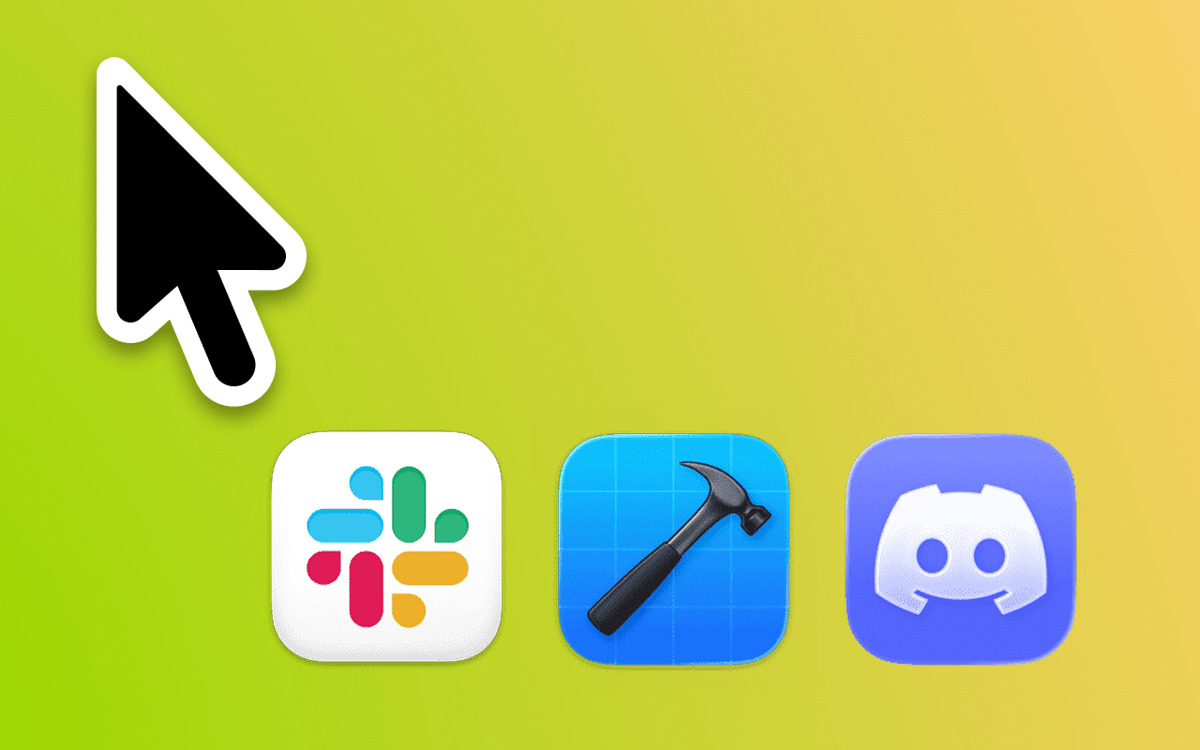
Ne ratez aucune notification sur grands écrans
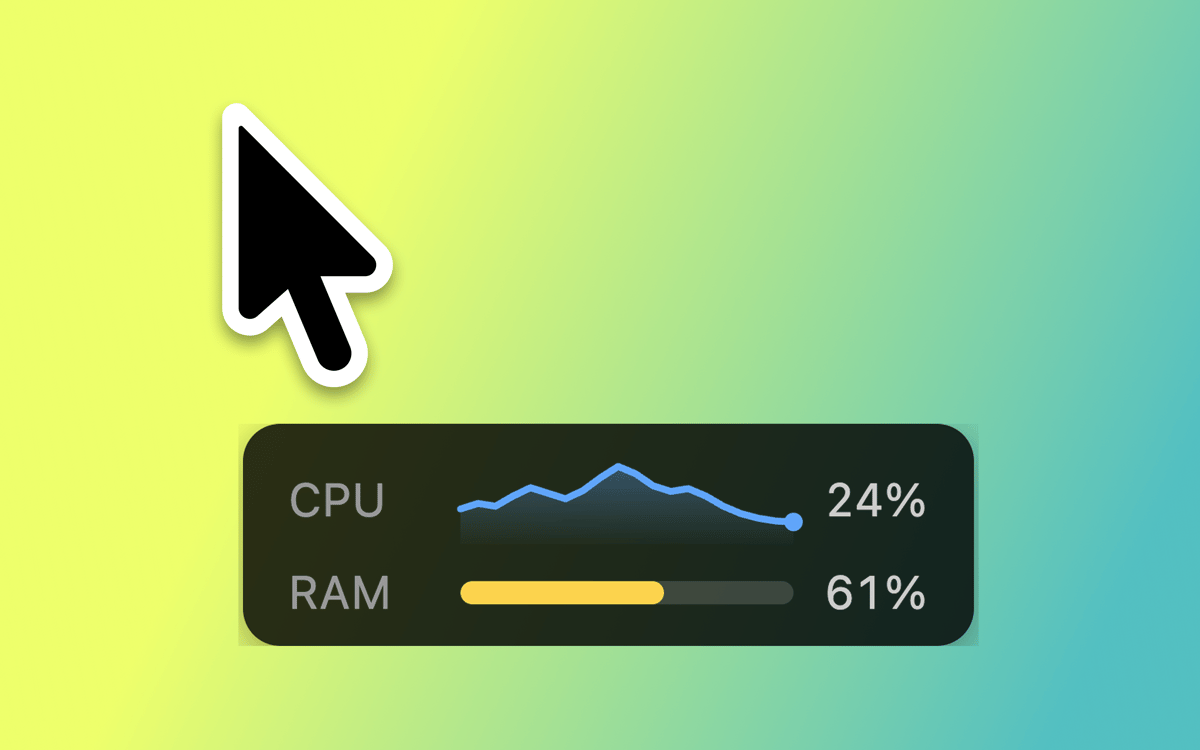
Toujours voir l’heure d’un coup d’œil
Définissez des minuteurs à rebours avec la souris
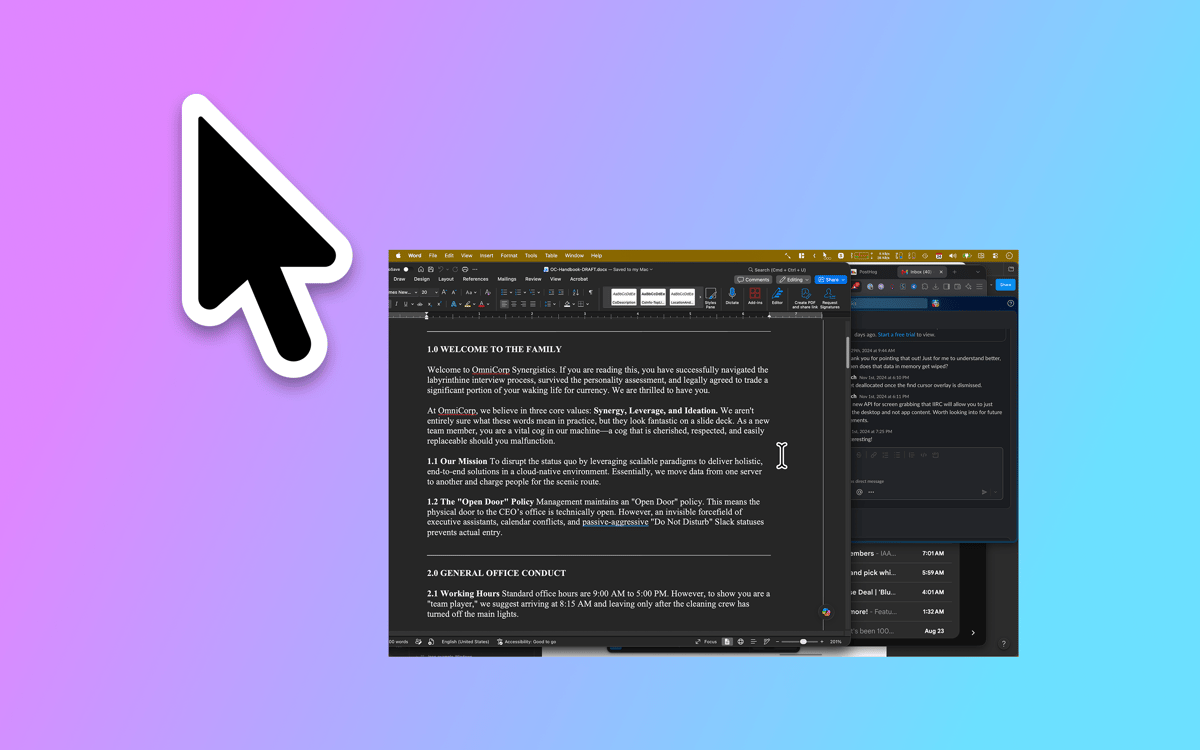
Restez concentré tout en restant dans le coup
Fonctionnalités de Proximate
Notifications du curseur
Choisissez les applications à surveiller, et Proximate affiche leurs icônes juste à côté de votre pointeur dès qu'elles nécessitent votre attention. Fini de plisser les yeux pour voir le coin supérieur droit d'un écran de 27 pouces. Les icônes disparaissent automatiquement dès que vous vous enregistrez — aucun nettoyage nécessaire.
Horloge à curseur
Fonctionne-t-elle en plein écran ? L'horloge de la barre de menus disparaît également. Proximate affiche l'heure et la date flottantes à côté de votre curseur pour que vous sachiez toujours où vous en êtes, sans jamais quitter votre travail des yeux.
Minuteurs de curseur
Configurez un ou plusieurs minuteurs qui s'affichent directement à côté de votre pointeur. Comptez à rebours jusqu'à une échéance, chronométrez une session de travail concentrée, ou suivez simplement la durée d'exécution de quelque chose. Choisissez parmi un compteur numérique, une barre de progression ou un cercle qui change de couleur.
Des raccourcis clavier pour tout
Activez et désactivez tous les éléments Proximate, supprimez les notifications d'icônes en une seule fois ou recentrez votre pointeur de souris à l'écran, le tout sans toucher votre trackpad. Rapide, net et toujours à portée de main.
Apparence entièrement personnalisable
Positionnez les icônes d'applications et l'horloge selon l'angle et la distance de votre choix par rapport à votre curseur. Ajustez la taille des icônes, la police de l'horloge, les couleurs et le format de l'heure. Définissez des règles de transparence selon que votre souris est en mouvement ou immobile. Proximate s'adapte exactement à vos besoins.
Synchronisation iCloud des réglages
Vous utilisez Proximate sur plusieurs Mac ? Vos paramètres vous suivent automatiquement via iCloud. Configurez-le une seule fois et il fonctionne partout — aucune configuration manuelle requise.
Profitez de centaines d'applications avec Membership
Devenez membre Setapp et utilisez des centaines d'applications incroyables grâce à un seul abonnement.
Forfait tout compris, après 7 jours d'essai gratuit
Installez Setapp sur votre Mac
Explorez des applications pour Mac, iOS et le Web. Découvrez comment accomplir facilement les tâches du quotidien.

Téléchargez l'application qui vous intéresse
Cette application vous attend dans Setapp. Installez-la d'un seul clic.

Proximate
Choisissez votre abonnement
Une seule application ou bien plus avec un abonnement Setapp. Accédez aux applications comme vous le souhaitez.

Profitez de centaines d'applications avec Membership
Devenez membre Setapp et utilisez des centaines d'applications incroyables grâce à un seul abonnement.
Forfait tout compris, après 7 jours d'essai gratuit
1
Installez Setapp sur votre Mac
Explorez des applications pour Mac, iOS et le Web. Découvrez comment accomplir facilement les tâches du quotidien.
2
Téléchargez l'application qui vous intéresse
Cette application vous attend dans Setapp. Installez-la d'un seul clic.
Proximate
3
Choisissez votre abonnement
Une seule application ou bien plus avec un abonnement Setapp. Accédez aux applications comme vous le souhaitez.
Des applications de qualité
Pour gérer des plannings, accomplir des tâches de routine, créer des contenus, coder et bien plus encore, optez pour Setapp.

TypingMind
IA conversationnelle avec interface alternative
générez ou résumez du texte
utilisez une bibliothèque de requêtes
IA

Spark Mail
Gérez vos e-mails
IA

CleanMyMac
Supprimez les fichiers inutiles

Bartender
Personnalisez la barre des menus

CleanShot X
Profitez de plus de possibilités pour les captures d'écran

Luminar Neo
Retouchez vos photos
IA

ClearVPN
Sécurisez votre connexion Internet

Craft
Travaillez sur vos documents
IA
Proximate
Affichez les alertes près de votre curseur