Screenshot Blur
Masquez rapidement les détails sensibles
Mac
Version 1.1.0
macOS 13.0 ou version supérieure
23.3 MB
1 langues
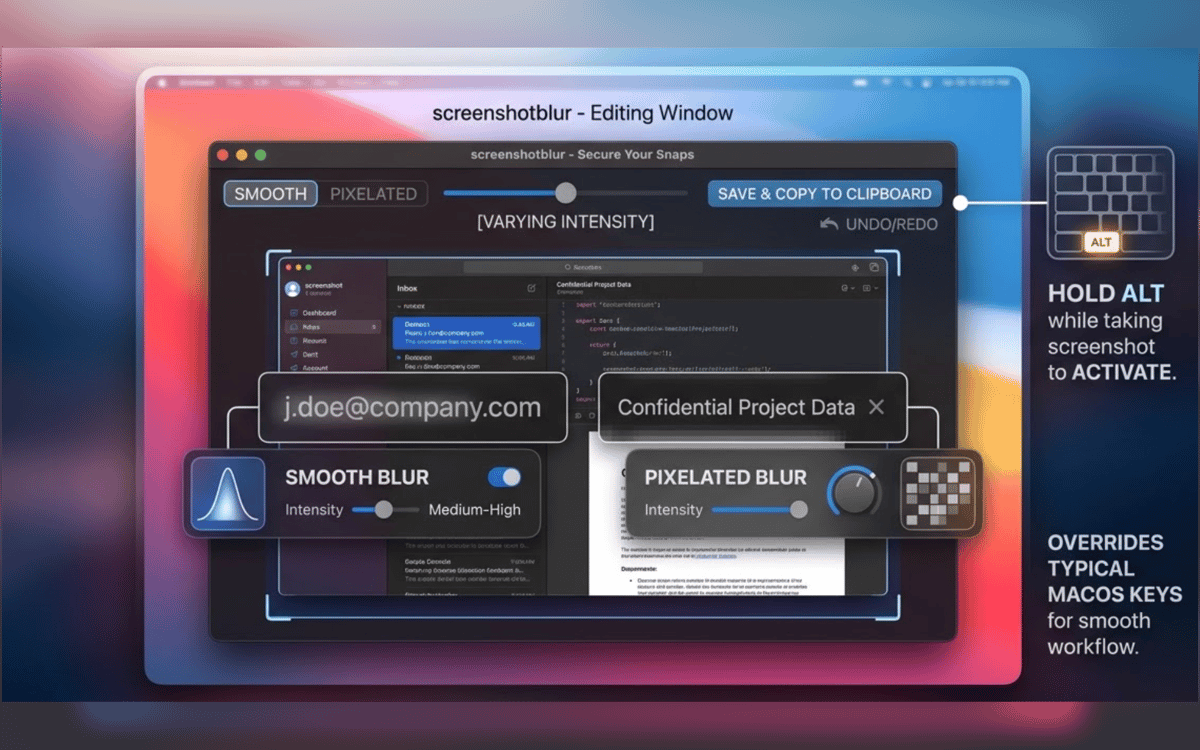
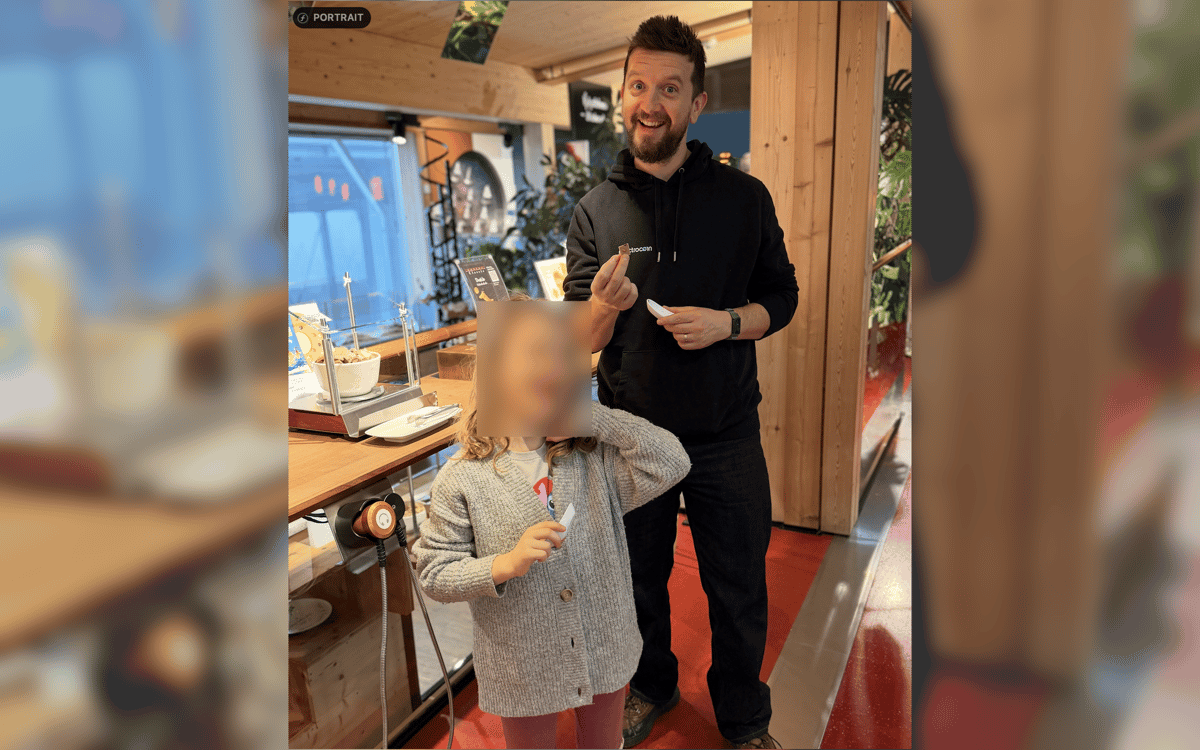
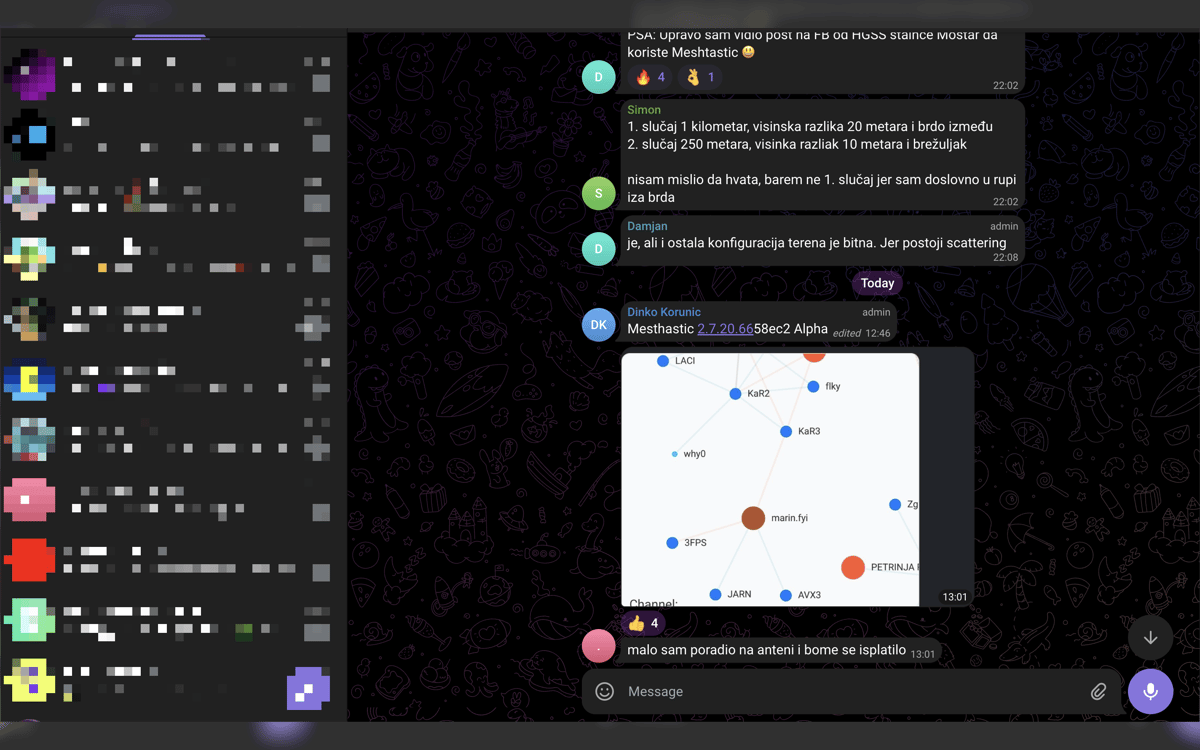
Screenshot Blur est un outil de confidentialité pour les captures d'écran sur Mac. Il s'intègre au flux de capture d'écran natif de macOS, vous permettant ainsi de passer directement de la capture au nettoyage sans interrompre votre rythme. Floutez ou pixellisez les mots de passe, jetons, e-mails, adresses de portefeuille et autres informations sensibles avant tout partage. Chaque modification reste locale sur votre Mac, et vous pouvez enregistrer le résultat, le copier, ou faire les deux en une seule étape.
Flouter les données privées avant partage
Masquer jetons, e-mails et URL
Captures d'écran nettes pour docs et posts
Enregistrer ou copier en un clic
Fonctionnalités de Screenshot Blur
Modifiez les captures d'écran juste après leur prise
Aucune réouverture de fichiers. Fini de fouiller dans les dossiers. Prenez une capture d'écran avec le raccourci intégré de macOS, maintenez la touche Option enfoncée, et Screenshot Blur ouvre immédiatement l'image pour que vous puissiez la retoucher sur place.
Restez dans le flux de capture d'écran que vous utilisez déjà
Screenshot Blur fonctionne avec le flux de travail natif de capture d'écran de macOS au lieu de vous imposer un outil de capture séparé. Cela signifie moins de friction et moins d'étapes à chaque fois que vous devez partager quelque chose rapidement.
Flouter ou pixelliser les détails privés
Masquez ce qui ne doit pas quitter votre écran : mots de passe, clés API, jetons d'accès, données client, adresses de portefeuille, URL internes, etc. Choisissez entre un flou doux et une pixellisation selon ce qui convient le mieux à l'image finale.
Gardez chaque modification en local
Cette app est conçue pour la confidentialité, pas pour les téléchargements. Vos captures d'écran restent sur votre Mac, sans éditeur cloud, sans compte obligatoire et sans dépendance à un service en ligne juste pour masquer quelques détails.
Exportez votre façon de travailler
Une fois la capture d'écran nettoyée, enregistrez-la, copiez-la, ou faites les deux d'un coup. C'est un petit détail, mais cela élimine la dernière étape fastidieuse lorsque vous travaillez sur des documents, des réponses au support, des discussions internes ou des publications sur les réseaux sociaux.
Profitez de centaines d'applications avec Membership
Devenez membre Setapp et utilisez des centaines d'applications incroyables grâce à un seul abonnement.
Forfait tout compris, après 7 jours d'essai gratuit
Installez Setapp sur votre Mac
Explorez des applications pour Mac, iOS et le Web. Découvrez comment accomplir facilement les tâches du quotidien.

Téléchargez l'application qui vous intéresse
Cette application vous attend dans Setapp. Installez-la d'un seul clic.

Screenshot Blur
Choisissez votre abonnement
Une seule application ou bien plus avec un abonnement Setapp. Accédez aux applications comme vous le souhaitez.

Profitez de centaines d'applications avec Membership
Devenez membre Setapp et utilisez des centaines d'applications incroyables grâce à un seul abonnement.
Forfait tout compris, après 7 jours d'essai gratuit
1
Installez Setapp sur votre Mac
Explorez des applications pour Mac, iOS et le Web. Découvrez comment accomplir facilement les tâches du quotidien.
2
Téléchargez l'application qui vous intéresse
Cette application vous attend dans Setapp. Installez-la d'un seul clic.
Screenshot Blur
3
Choisissez votre abonnement
Une seule application ou bien plus avec un abonnement Setapp. Accédez aux applications comme vous le souhaitez.
Des applications de qualité
Pour gérer des plannings, accomplir des tâches de routine, créer des contenus, coder et bien plus encore, optez pour Setapp.

TypingMind
IA conversationnelle avec interface alternative
générez ou résumez du texte
utilisez une bibliothèque de requêtes
IA

Spark Mail
Gérez vos e-mails
IA

CleanMyMac
Supprimez les fichiers inutiles

Bartender
Personnalisez la barre des menus

CleanShot X
Profitez de plus de possibilités pour les captures d'écran

Luminar Neo
Retouchez vos photos
IA

ClearVPN
Sécurisez votre connexion Internet

Craft
Travaillez sur vos documents
IA
Screenshot Blur
Masquez rapidement les détails sensibles