
ShutdownBar
Shut down Mac on a timer
Mac
Version 1.0.0
macOS 13.0 ou version supérieure
13.6 MB
4 langues
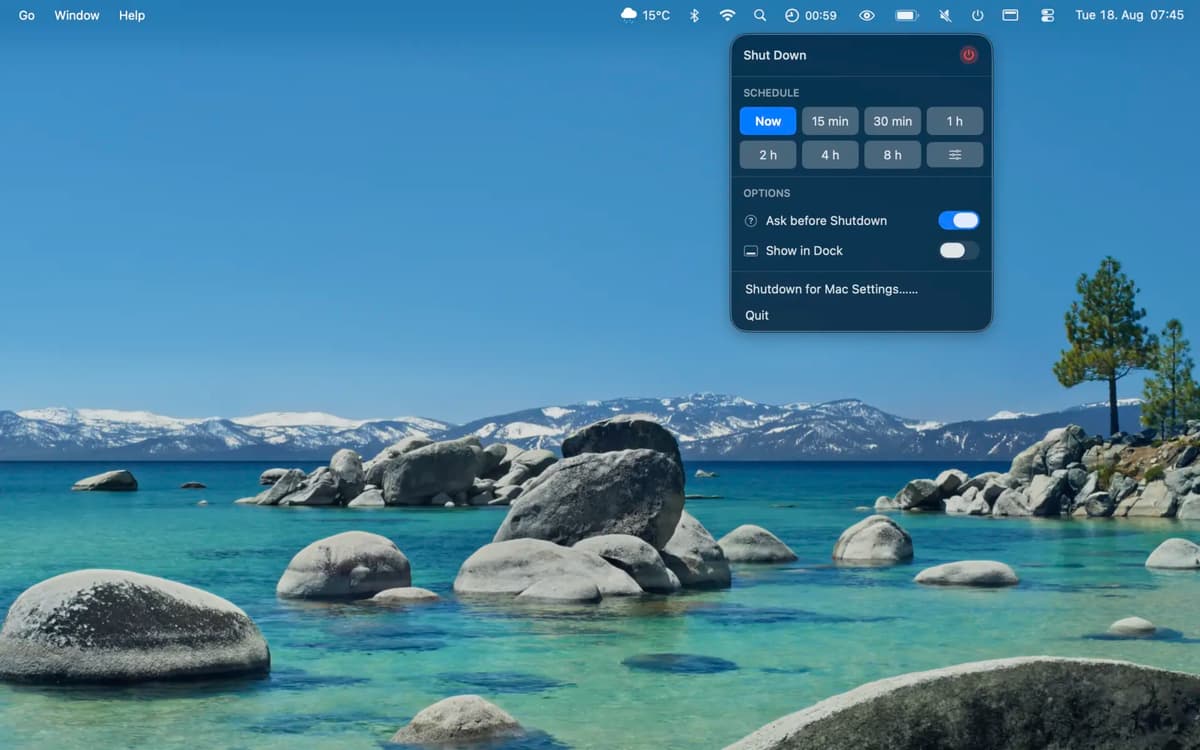
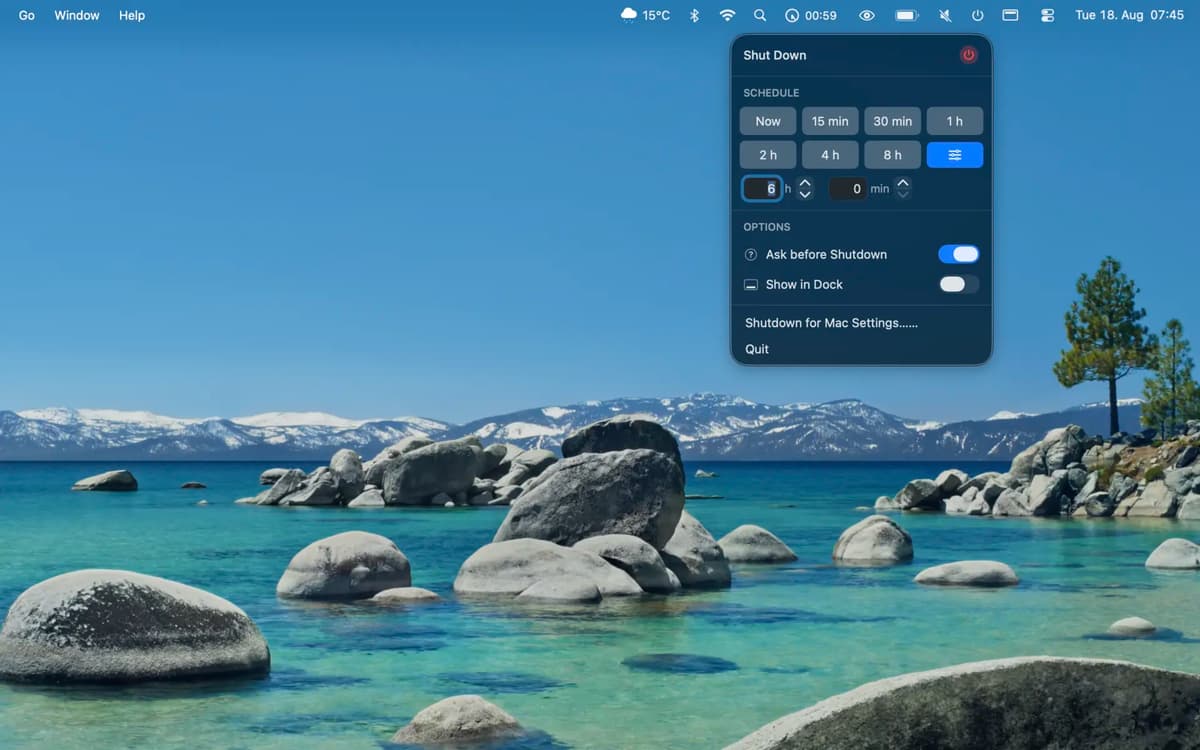
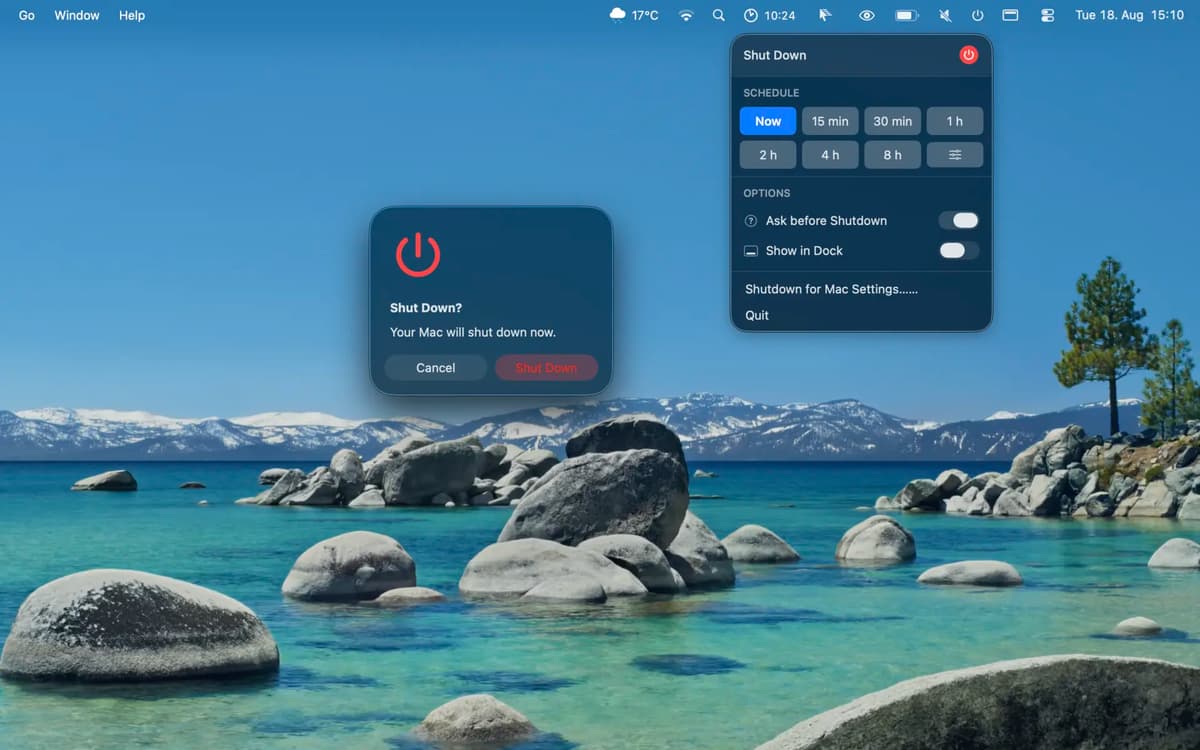
ShutdownBar is a shutdown timer for Mac. Choose a preset from 15 minutes to 8 hours or set a custom duration in hours and minutes. Check or cancel the scheduled shutdown anytime from the menu bar.
Save energy when work is done
Shut down after a long download
Set a one-time shutdown timer
Cancel a scheduled shutdown anytime
Fonctionnalités de ShutdownBar
Schedule a shutdown
Choose when you want your Mac to shut down, and ShutdownBar takes care of it automatically. Handy when you’re leaving a download, export, or another long task to finish.
Pick a preset
Set the timer for anywhere from 15 minutes to 8 hours. Choose a preset and get back to what you were doing.
Check what’s coming next
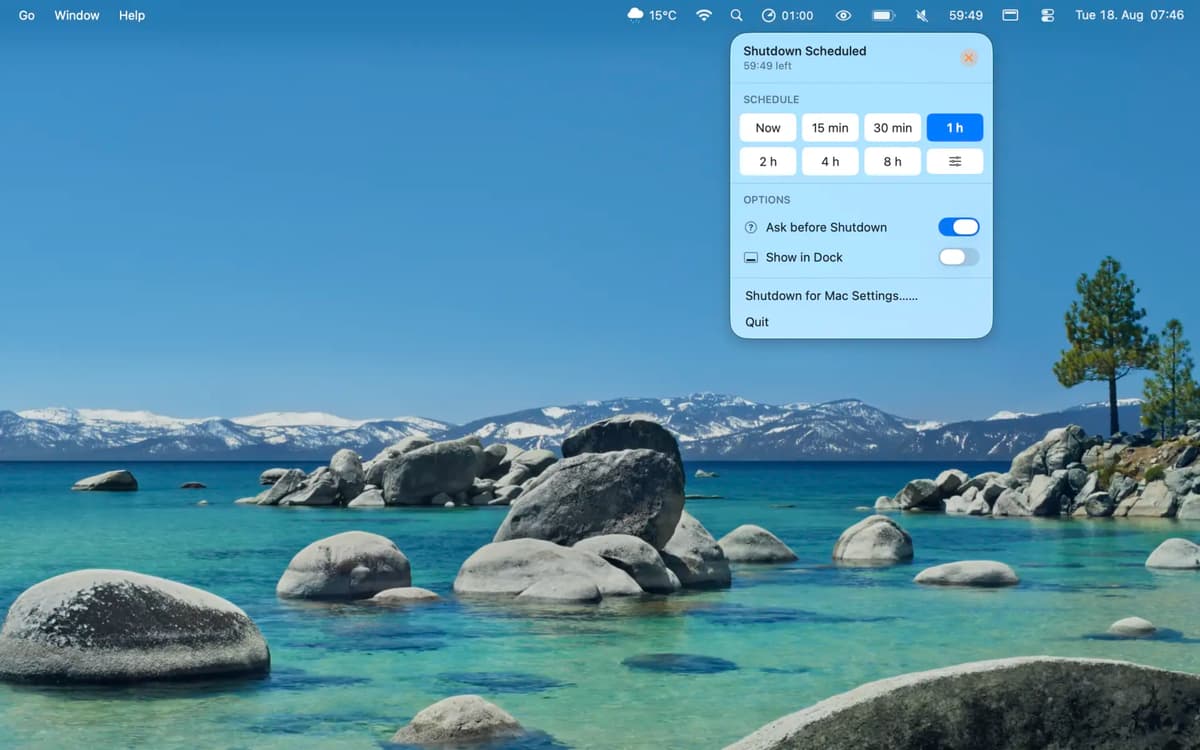
See the scheduled shutdown directly from the menu bar. You’ll always know how much time is left.
Add a confirmation
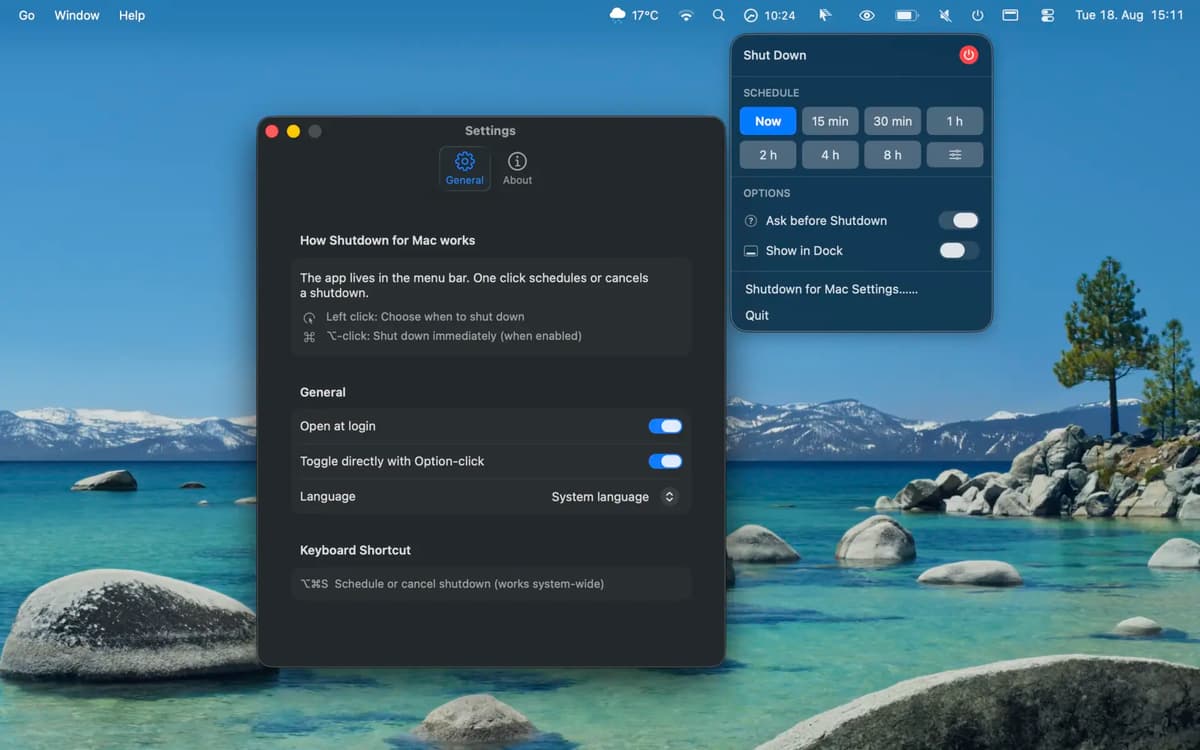
Enable an optional confirmation before shutdown if you want one last chance to keep your Mac running. It’s turned off by default.
Profitez de centaines d'applications avec Membership
Devenez membre Setapp et utilisez des centaines d'applications incroyables grâce à un seul abonnement.
Forfait tout compris, après 7 jours d'essai gratuit
Installez Setapp sur votre Mac
Explorez des applications pour Mac, iOS et le Web. Découvrez comment accomplir facilement les tâches du quotidien.

Téléchargez l'application qui vous intéresse
Cette application vous attend dans Setapp. Installez-la d'un seul clic.

ShutdownBar
Choisissez votre abonnement
Une seule application ou bien plus avec un abonnement Setapp. Accédez aux applications comme vous le souhaitez.

Profitez de centaines d'applications avec Membership
Devenez membre Setapp et utilisez des centaines d'applications incroyables grâce à un seul abonnement.
Forfait tout compris, après 7 jours d'essai gratuit
1
Installez Setapp sur votre Mac
Explorez des applications pour Mac, iOS et le Web. Découvrez comment accomplir facilement les tâches du quotidien.
2
Téléchargez l'application qui vous intéresse
Cette application vous attend dans Setapp. Installez-la d'un seul clic.
ShutdownBar
3
Choisissez votre abonnement
Une seule application ou bien plus avec un abonnement Setapp. Accédez aux applications comme vous le souhaitez.
Des applications de qualité
Pour gérer des plannings, accomplir des tâches de routine, créer des contenus, coder et bien plus encore, optez pour Setapp.

TypingMind
IA conversationnelle avec interface alternative
générez ou résumez du texte
utilisez une bibliothèque de requêtes
IA

Spark Mail
Gérez vos e-mails
IA

CleanMyMac
Supprimez les fichiers inutiles

Bartender
Personnalisez la barre des menus

CleanShot X
Profitez de plus de possibilités pour les captures d'écran

Luminar Neo
Retouchez vos photos
IA

ClearVPN
Sécurisez votre connexion Internet

Craft
Travaillez sur vos documents
IA
ShutdownBar
Shut down Mac on a timer