
Speedup
Fast-forward the boring parts
Mac
Version 1.0.3
macOS 15.0 ou version supérieure
8.4 MB
1 langues
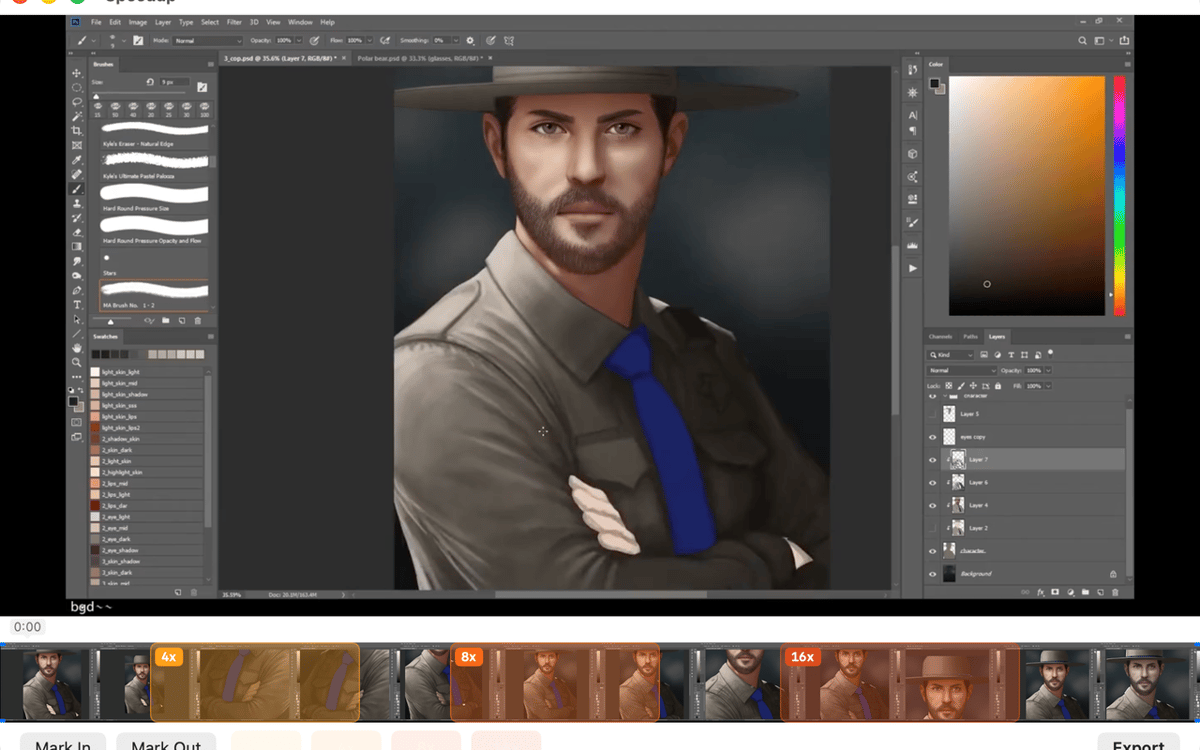
Speedup is a screen recording editor for Mac. Open any .mp4, .mov, or .m4v, mark the parts that drag, pick a speed multiplier for each, and export a polished video — no project files, no import steps. It's built for one thing: making long process recordings actually worth watching. Your files stay on your Mac the whole time.
Speed up long screen recordings
Mark and skip slow sections
Trim dead air before export
Export clean .mp4 in one click
Fonctionnalités de Speedup
Open and play — no setup required
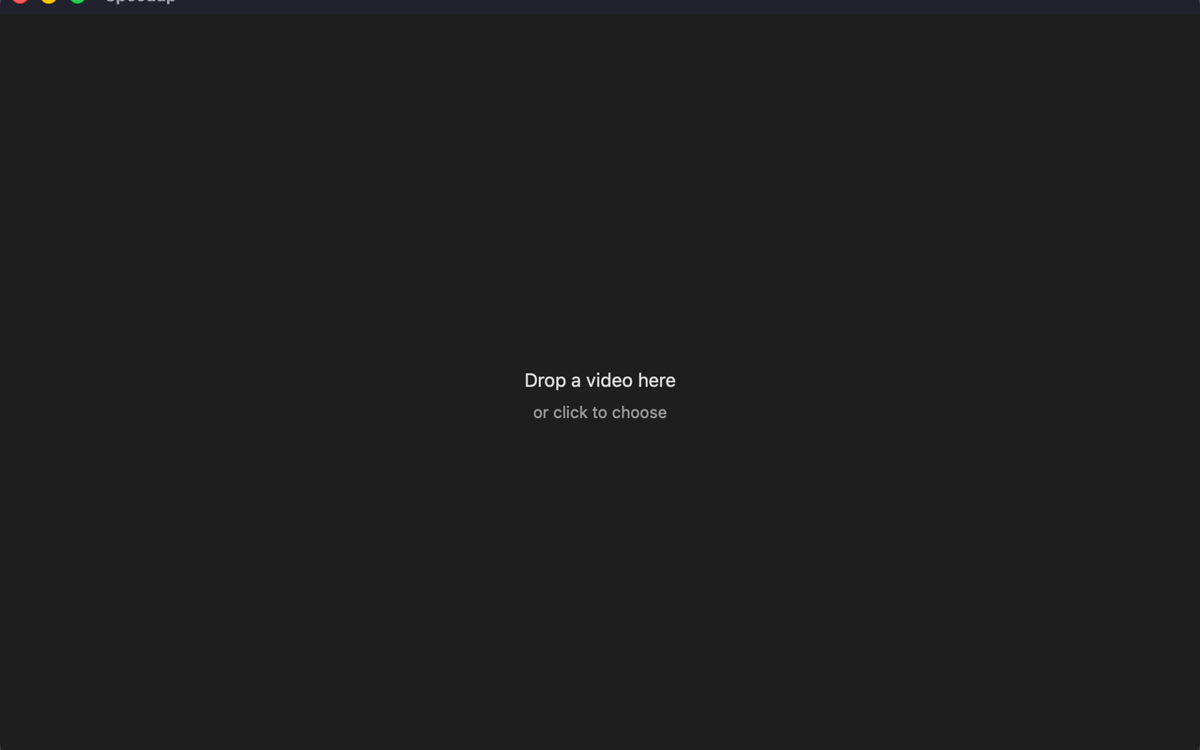
Drop in a recording from QuickTime, CleanShot, OBS, or any app that saves .mp4, .mov, or .m4v. Speedup plays it immediately — no import step, no project file to manage. What you see is what you edit.
Mark regions, your way
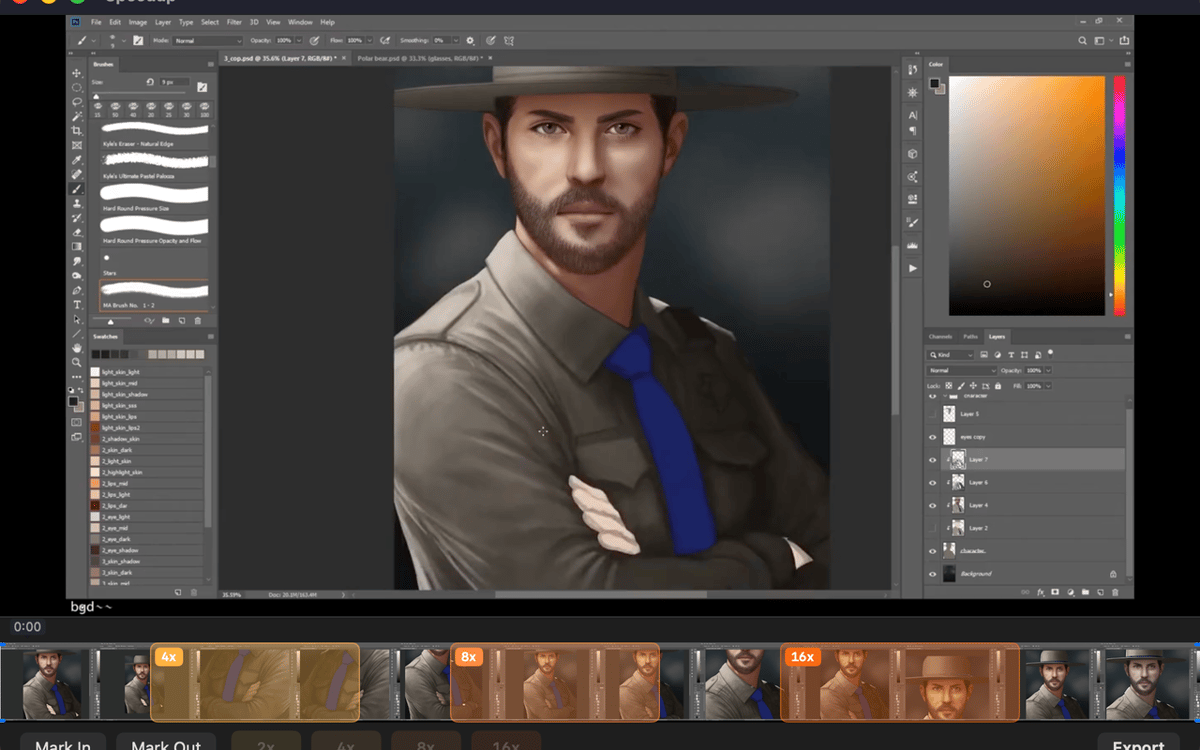
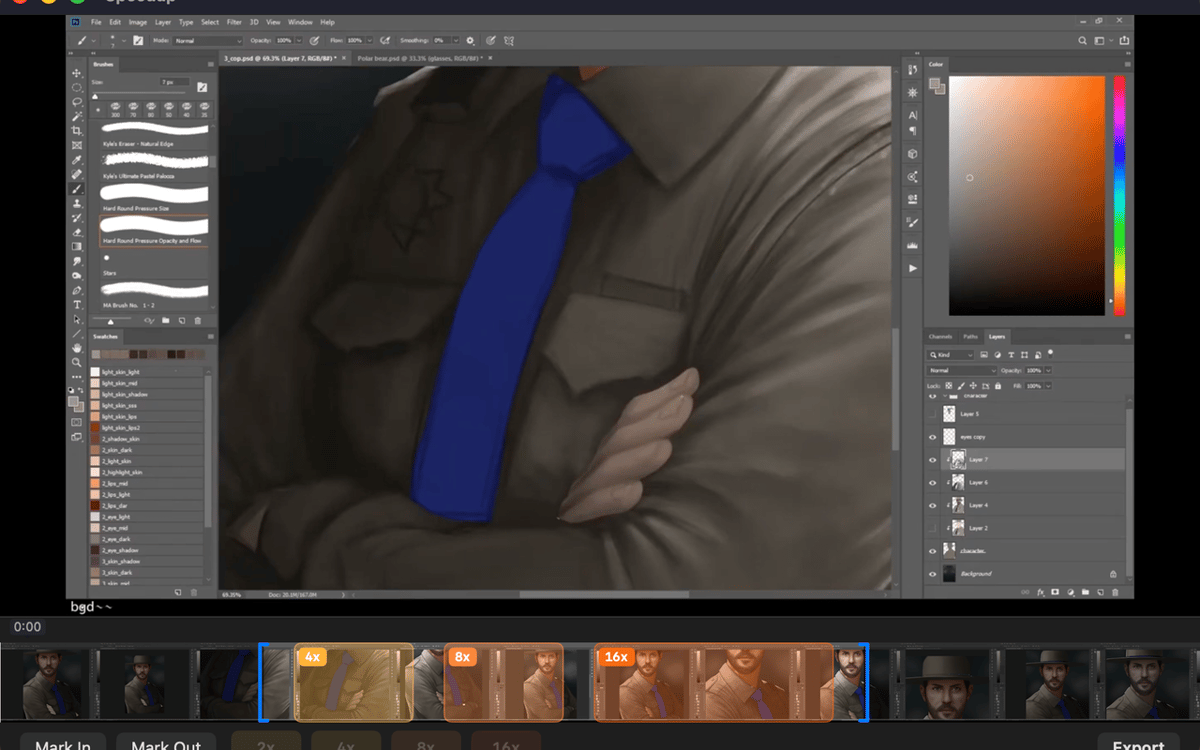
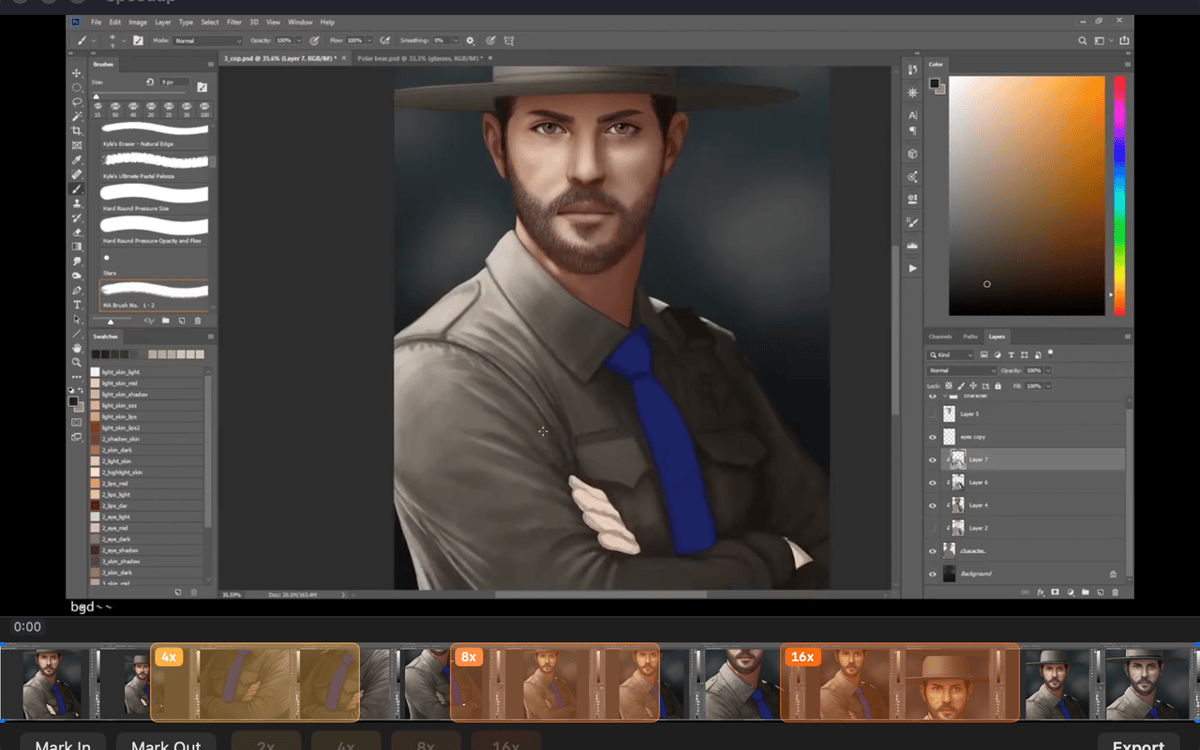
Two ways to mark a stretch: drag across the filmstrip for a fast range selection, or scrub with the playhead and use mark in / mark out for precision. Pick whichever fits the moment — both work the same way in the final export.
Set speed per region
Tap a speed chip — 2×, 4×, 8×, or 16× — for each marked region. Sped-up sections play fast and muted; everything else stays at full speed with audio intact. You stay in control of exactly how fast the boring parts go.
Trim the edges clean
Drag the trim handles at either end of the timeline to cut dead air from the start and finish. It's the kind of small thing that makes a big difference when someone's actually watching your video.
Export with one shortcut
Hit ⌘E or click Export and the finished .mp4 lands right next to the source file in Finder. No export settings to dig through, no mystery output folder.
Stays on your Mac, always
Speedup runs entirely locally. No telemetry, no analytics, no background network activity. Your recordings never leave your machine — which is exactly how it should be.
Profitez de centaines d'applications avec Membership
Devenez membre Setapp et utilisez des centaines d'applications incroyables grâce à un seul abonnement.
Forfait tout compris, après 7 jours d'essai gratuit
Installez Setapp sur votre Mac
Explorez des applications pour Mac, iOS et le Web. Découvrez comment accomplir facilement les tâches du quotidien.

Téléchargez l'application qui vous intéresse
Cette application vous attend dans Setapp. Installez-la d'un seul clic.

Speedup
Choisissez votre abonnement
Une seule application ou bien plus avec un abonnement Setapp. Accédez aux applications comme vous le souhaitez.

Profitez de centaines d'applications avec Membership
Devenez membre Setapp et utilisez des centaines d'applications incroyables grâce à un seul abonnement.
Forfait tout compris, après 7 jours d'essai gratuit
1
Installez Setapp sur votre Mac
Explorez des applications pour Mac, iOS et le Web. Découvrez comment accomplir facilement les tâches du quotidien.
2
Téléchargez l'application qui vous intéresse
Cette application vous attend dans Setapp. Installez-la d'un seul clic.
Speedup
3
Choisissez votre abonnement
Une seule application ou bien plus avec un abonnement Setapp. Accédez aux applications comme vous le souhaitez.
Des applications de qualité
Pour gérer des plannings, accomplir des tâches de routine, créer des contenus, coder et bien plus encore, optez pour Setapp.

TypingMind
IA conversationnelle avec interface alternative
générez ou résumez du texte
utilisez une bibliothèque de requêtes
IA

Spark Mail
Gérez vos e-mails
IA

CleanMyMac
Supprimez les fichiers inutiles

Bartender
Personnalisez la barre des menus

CleanShot X
Profitez de plus de possibilités pour les captures d'écran

Luminar Neo
Retouchez vos photos
IA

ClearVPN
Sécurisez votre connexion Internet

Craft
Travaillez sur vos documents
IA
Speedup
Fast-forward the boring parts