Strongbox
Stockez vos mots de passe en toute sécurité


Mac, iOS
Version 1.64.2
macOS 12.0 ou version supérieure
153.3 MB
17 langues
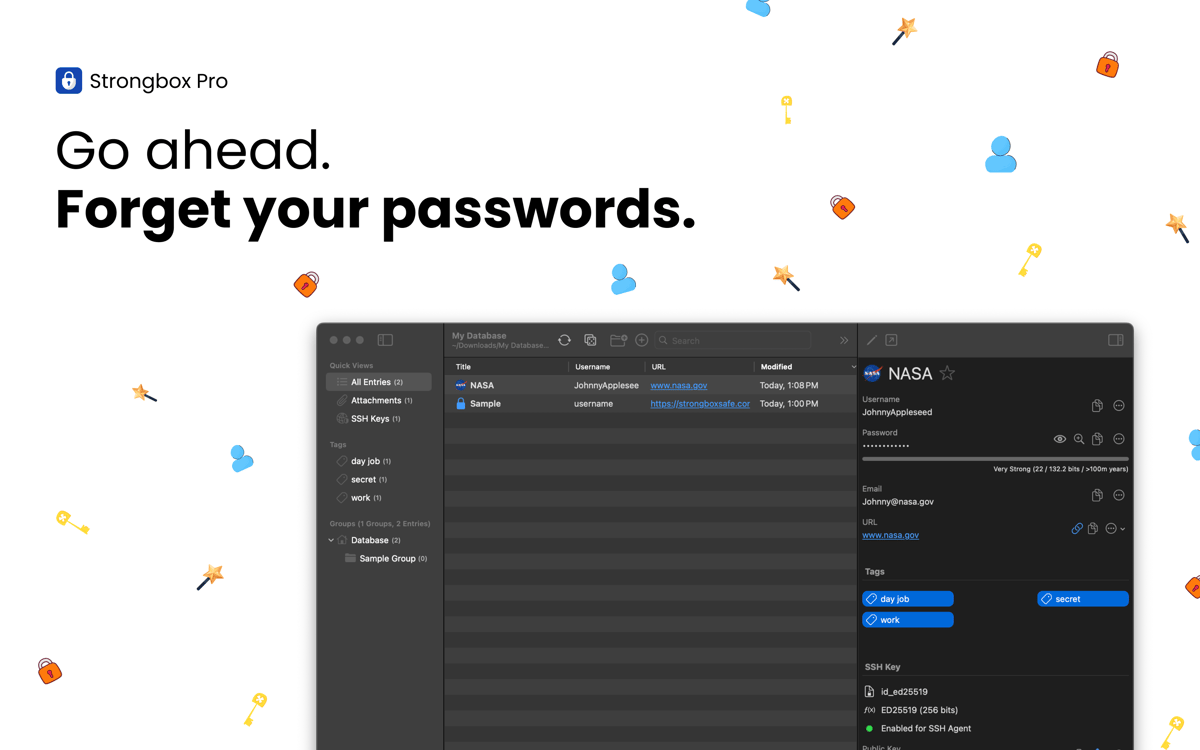
Strongbox stocke vos mots de passe, coordonnées bancaires, clés de récupération et notes privées en toute sécurité dans une base de données KeePass entièrement chiffrée. Vous pouvez créer plusieurs coffres-forts, ajouter des champs personnalisés, générer des mots de passe robustes, et plus encore. Intégrée en profondeur à l'écosystème Apple, l'application fonctionne parfaitement avec Face ID, Touch ID et le remplissage automatique, pour que vous puissiez accéder à vos données plus rapidement et de manière plus sécurisée, aussi bien sur iPhone que sur iPad ou Mac.
Stockez vos mots de passe et données sensibles
Identifiez et remplacez les mots de passe faibles
Alertes pour les mots de passe exposés
Synchronisation sur plusieurs appareils
Fonctionnalités de Strongbox
Protégez vos données avec un chiffrage de qualité
Toutes vos données sensibles sont protégées grâce à une cryptographie avancée, conçue pour résister aux attaques des hackers. Le standard de chiffrement par défaut de Strongbox est l'AES-256, mais vous pouvez aussi opter pour TwoFish ou ChaCha20. Grâce à la clé de dérivation Argon2, qui résiste aux attaques avec carte graphique, et à la prise en charge de clés matérielles comme YubiKey, vos données sont en sécurité même en cas de perte ou de vol de vos appareils.
Synchronisez vos coffres-forts
Strongbox maintient vos bases de données à jour sur tous vos appareils et fusionne les changements effectués à partir de différentes sources, pour que vous ne perdiez jamais vos mises à jour et que vous ne rencontriez jamais de problème. En plus de ça, votre coffre-fort est sauvegardé. Vous pouvez donc dormir sur vos deux oreilles : vos données sont toujours accessibles et en sécurité.
Organisez vos coffres-forts
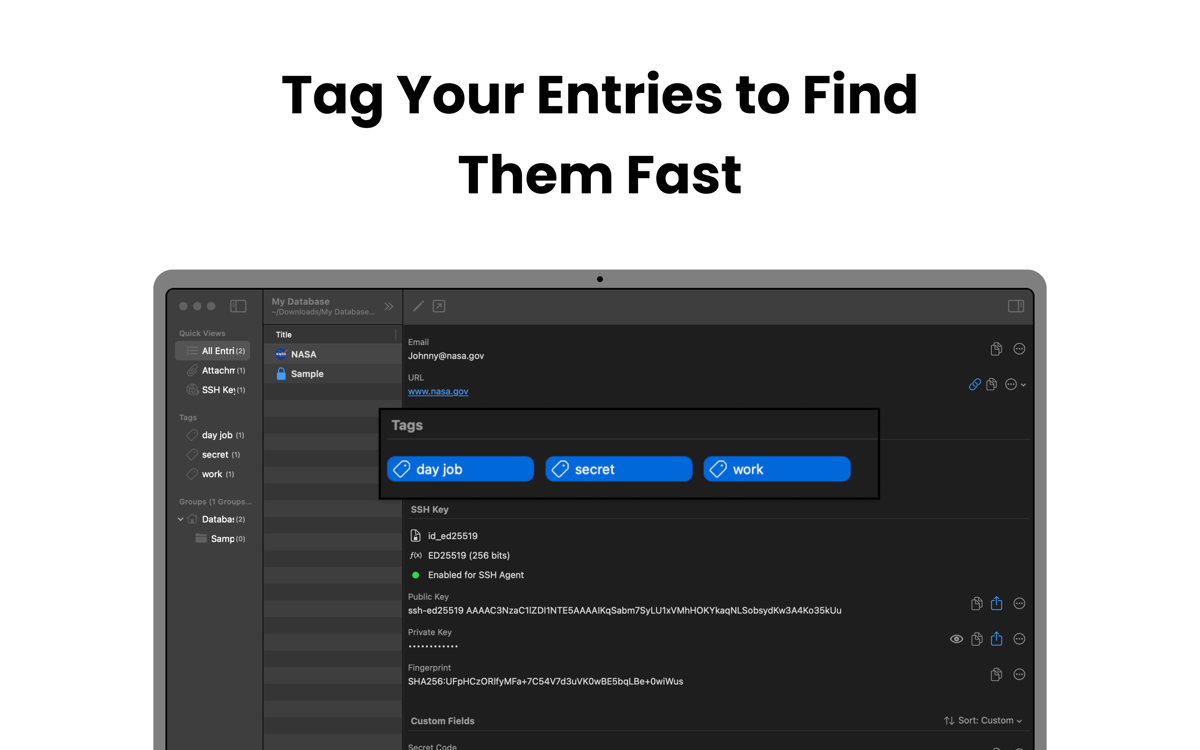
Strongbox vous permet de regrouper les entrées dans des dossiers, d'ajouter des mots-clés comme « famille », « travail » ou « réseaux sociaux » et de choisir vos mots de passe favoris pour y accéder facilement. Vous pouvez aussi ajouter les notes de Markdown à vos entrées et afficher les icônes de favoris des sites web, pour mieux vous y retrouver dans votre coffre-fort grâce à une interface très visuelle.
Renforcez les mots de passe faibles et dupliqués
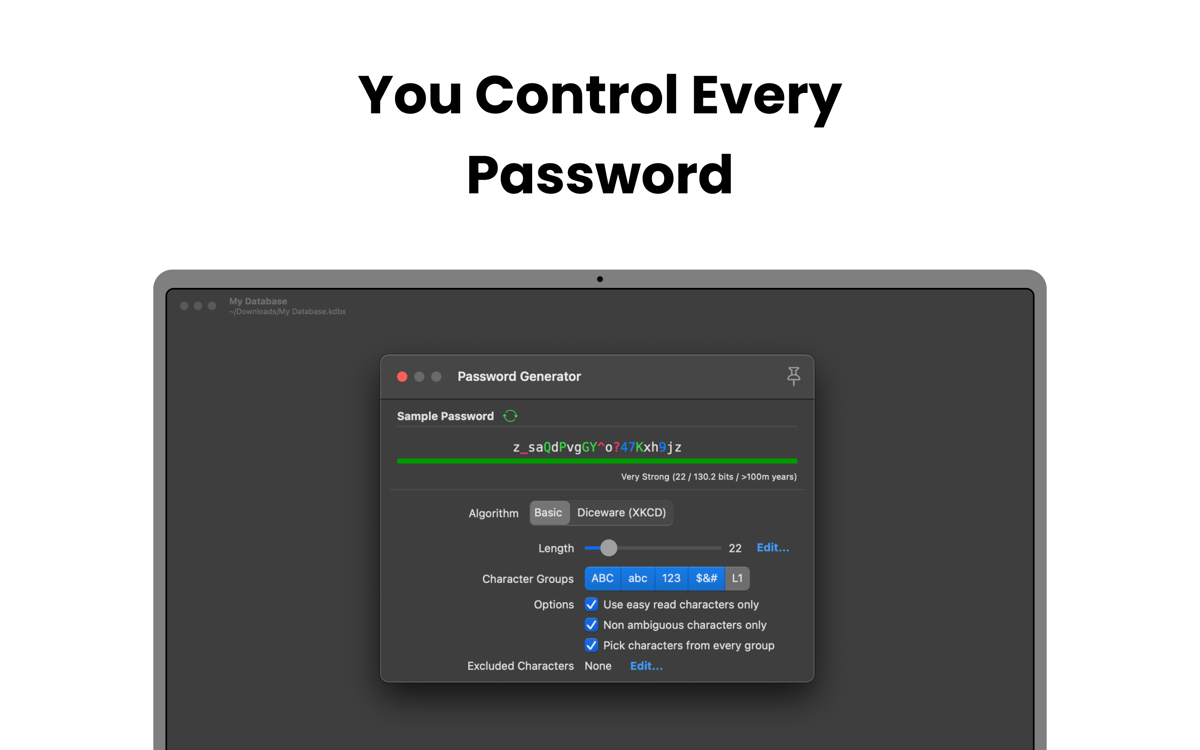
Analysez votre coffre-fort pour identifier les mots de passe faibles, courts, trop faciles à deviner ou utilisés sur différents comptes. Strongbox vous aide ensuite à les mettre à jour et à générer des mots de passe plus robustes afin de réduire les risques de piratage.
Recevez des alertes lors de violations de données
Strongbox vérifie que vos mots de passe enregistrés n'aient pas été divulgués lors de violations de données grâce à l'outil Have I Been Pwned. Si l'un de vos mots de passe a été compromis, l'application vous alerte immédiatement et vous montre les comptes affectés. Vous pouvez alors mettre à jour vos données de connexion et empêcher les accès non autorisés avant que des problèmes ne se présentent.
Avis et commentaires
Strongbox
•
66 classements
Benedikt Otto
7 juil. 2026
Version de l'application : 1.64.2
Intalled the app and tried to import browser passwords. The app would not read any of the exported .csv files from neither Safar, Firefox, nor Chrome. The Documentation said to edit the first line in the file manually, as to make it match the requirements for the app (which is already completely ridiculous). But what’s even more criminal is that I wasn’t even able to do it. Plus I had help from google Gemini to fix the Problem and it still didn’t work. I wont trust my passwords to an app from developers who can’t fix a issue as simple as a browser import… Big NOPE from me.
Mike Harris
6 juil. 2026
Version de l'application : 1.64.2
Great interface and usability. I like the way it integrates so cleanly with apple password management. I also like that you are 100% in control of your own data.
Isabelle Louche
3 juil. 2026
Version de l'application : 1.64.2
Très bonne application, facile a utiliser
Profitez de centaines d'applications avec Membership
Devenez membre Setapp et utilisez des centaines d'applications incroyables grâce à un seul abonnement.
Forfait tout compris, après 7 jours d'essai gratuit
Installez Setapp sur votre Mac
Explorez des applications pour Mac, iOS et le Web. Découvrez comment accomplir facilement les tâches du quotidien.

Téléchargez l'application qui vous intéresse
Cette application vous attend dans Setapp. Installez-la d'un seul clic.

Strongbox
Choisissez votre abonnement
Une seule application ou bien plus avec un abonnement Setapp. Accédez aux applications comme vous le souhaitez.

Profitez de centaines d'applications avec Membership
Devenez membre Setapp et utilisez des centaines d'applications incroyables grâce à un seul abonnement.
Forfait tout compris, après 7 jours d'essai gratuit
1
Installez Setapp sur votre Mac
Explorez des applications pour Mac, iOS et le Web. Découvrez comment accomplir facilement les tâches du quotidien.
2
Téléchargez l'application qui vous intéresse
Cette application vous attend dans Setapp. Installez-la d'un seul clic.
Strongbox
3
Choisissez votre abonnement
Une seule application ou bien plus avec un abonnement Setapp. Accédez aux applications comme vous le souhaitez.
Des applications de qualité
Pour gérer des plannings, accomplir des tâches de routine, créer des contenus, coder et bien plus encore, optez pour Setapp.

TypingMind
IA conversationnelle avec interface alternative
générez ou résumez du texte
utilisez une bibliothèque de requêtes
IA

Spark Mail
Gérez vos e-mails
IA

CleanMyMac
Supprimez les fichiers inutiles

Bartender
Personnalisez la barre des menus

CleanShot X
Profitez de plus de possibilités pour les captures d'écran

Luminar Neo
Retouchez vos photos
IA

ClearVPN
Sécurisez votre connexion Internet

Craft
Travaillez sur vos documents
IA
Strongbox
Stockez vos mots de passe en toute sécurité