
TackNote
Notes that know where they go

Mac
Version 1.3.2
macOS 14.0 ou version supérieure
20.7 MB
18 langues
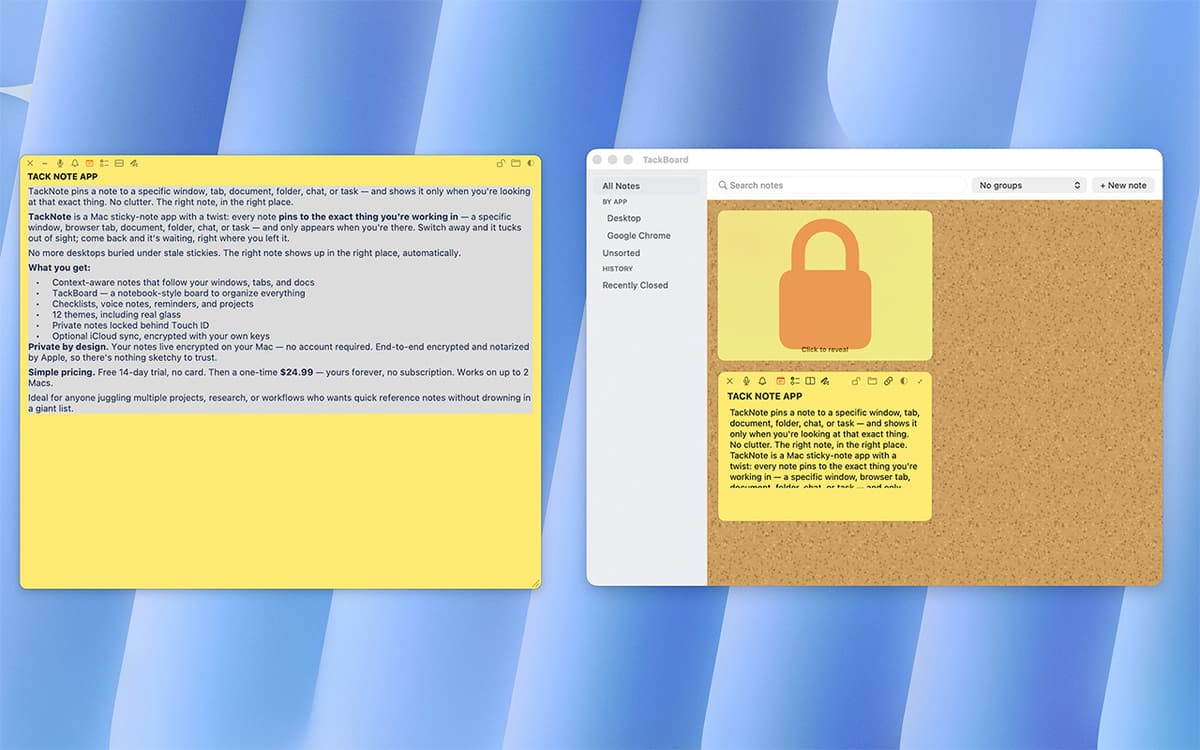
TackNote is a sticky notes app for Mac that actually pays attention. Instead of piling up on your desktop, notes pin to the exact window, tab, or folder they belong to — and only show up when you're looking at that thing. Switch away, and the note steps aside. Come back, and it's right where you left it. No account needed, no subscription — just notes that finally make sense.
Pin reminders to a browser tab
Track to-dos inside any project
Sketch quick ideas on any window
Never lose a note again
Fonctionnalités de TackNote
Context-aware pinning
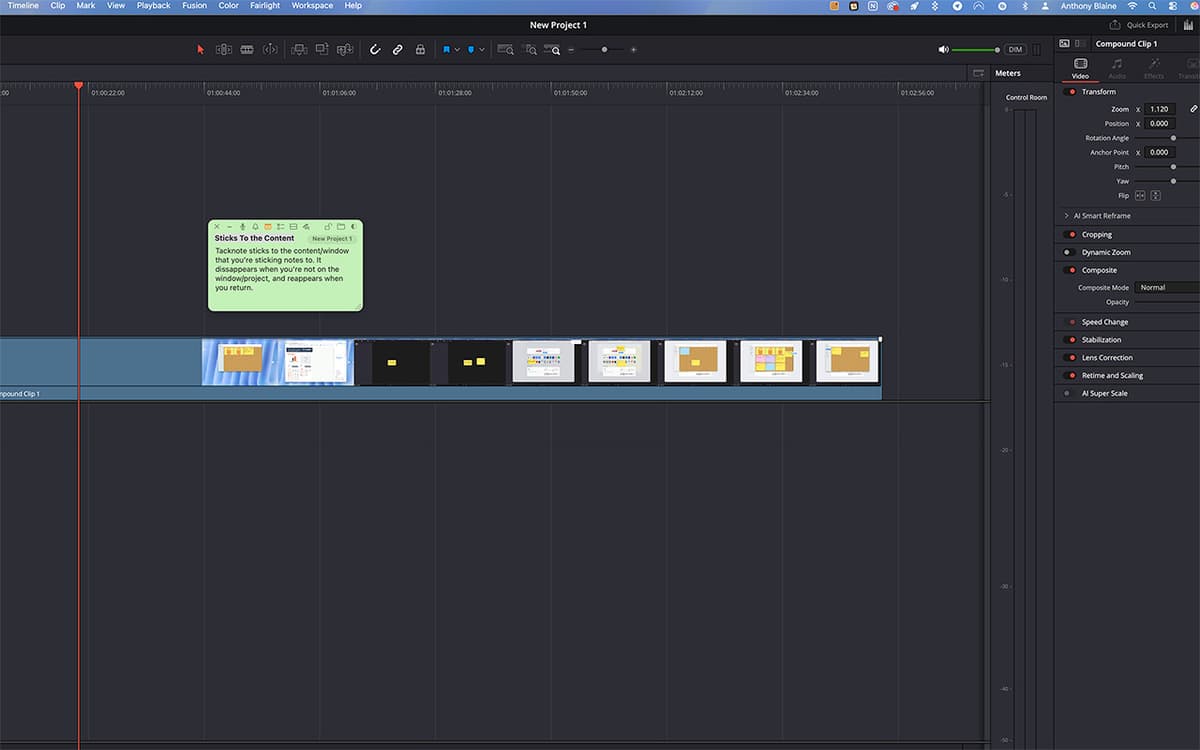
A note on your staging site shows up only when that browser tab is open. A note on a Notion project appears only when you're in it. TackNote quietly tracks the window, tab, or folder behind each note, so your notes find you instead of the other way around.
Five ways to capture a thought
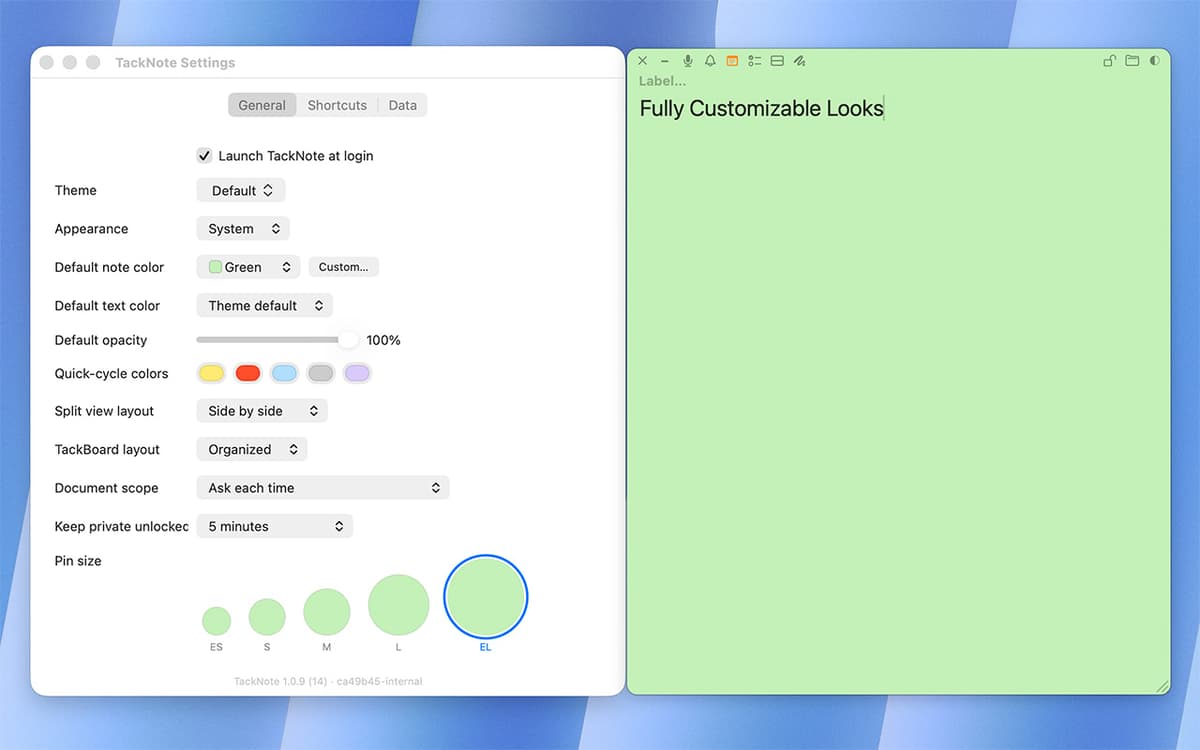
Every note can hold plain text, a checklist with live progress tracking, a split layout for side-by-side info, a quick sketch, or a voice capture. Switch between them without starting over.
TackBoard
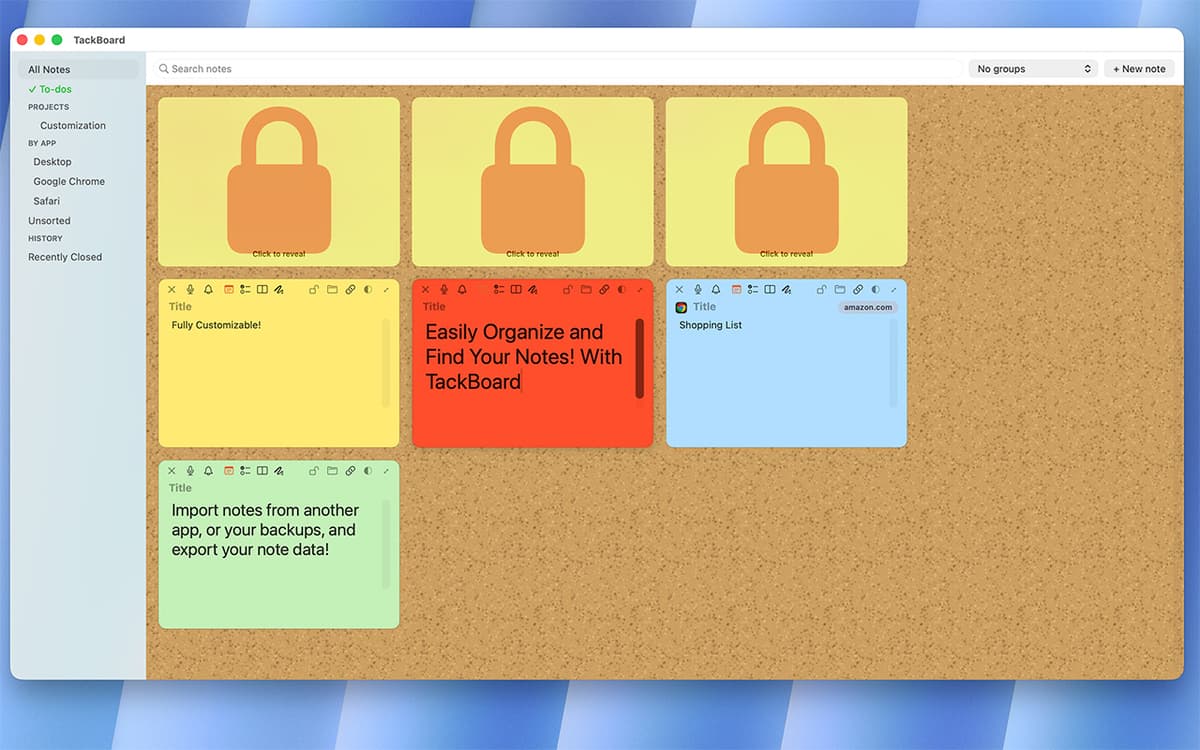
Zoom out and see every note at once. TackBoard lays your notes out like a corkboard, organized into projects and folders, fully searchable — text, checklists, labels, even voice transcripts.
Voice memos, transcribed on-device
Record a quick voice note right inside TackNote. Right-click the playhead to transcribe it and drop the text straight into your note — transcription happens on-device, stays private, and is fully searchable later.
Smart reminders
Set a reminder for a specific time, or ask TackNote to nudge you next time you open something. A quiet badge keeps track, so nothing slips through.
Built for privacy
Every note is encrypted end-to-end, with the key stored in your Mac's Keychain. No account, no cloud storage of your notes — just you and your Mac.
Profitez de centaines d'applications avec Membership
Devenez membre Setapp et utilisez des centaines d'applications incroyables grâce à un seul abonnement.
Forfait tout compris, après 7 jours d'essai gratuit
Installez Setapp sur votre Mac
Explorez des applications pour Mac, iOS et le Web. Découvrez comment accomplir facilement les tâches du quotidien.

Téléchargez l'application qui vous intéresse
Cette application vous attend dans Setapp. Installez-la d'un seul clic.

TackNote
Choisissez votre abonnement
Une seule application ou bien plus avec un abonnement Setapp. Accédez aux applications comme vous le souhaitez.

Profitez de centaines d'applications avec Membership
Devenez membre Setapp et utilisez des centaines d'applications incroyables grâce à un seul abonnement.
Forfait tout compris, après 7 jours d'essai gratuit
1
Installez Setapp sur votre Mac
Explorez des applications pour Mac, iOS et le Web. Découvrez comment accomplir facilement les tâches du quotidien.
2
Téléchargez l'application qui vous intéresse
Cette application vous attend dans Setapp. Installez-la d'un seul clic.
TackNote
3
Choisissez votre abonnement
Une seule application ou bien plus avec un abonnement Setapp. Accédez aux applications comme vous le souhaitez.
Des applications de qualité
Pour gérer des plannings, accomplir des tâches de routine, créer des contenus, coder et bien plus encore, optez pour Setapp.

TypingMind
IA conversationnelle avec interface alternative
générez ou résumez du texte
utilisez une bibliothèque de requêtes
IA

Spark Mail
Gérez vos e-mails
IA

CleanMyMac
Supprimez les fichiers inutiles

Bartender
Personnalisez la barre des menus

CleanShot X
Profitez de plus de possibilités pour les captures d'écran

Luminar Neo
Retouchez vos photos
IA

ClearVPN
Sécurisez votre connexion Internet

Craft
Travaillez sur vos documents
IA
TackNote
Notes that know where they go