
Vexel
N'importe quel texte. N'importe quelle voix.
Mac
Version 1.5.0
macOS 15.0 ou version supérieure
27 MB
8 langues
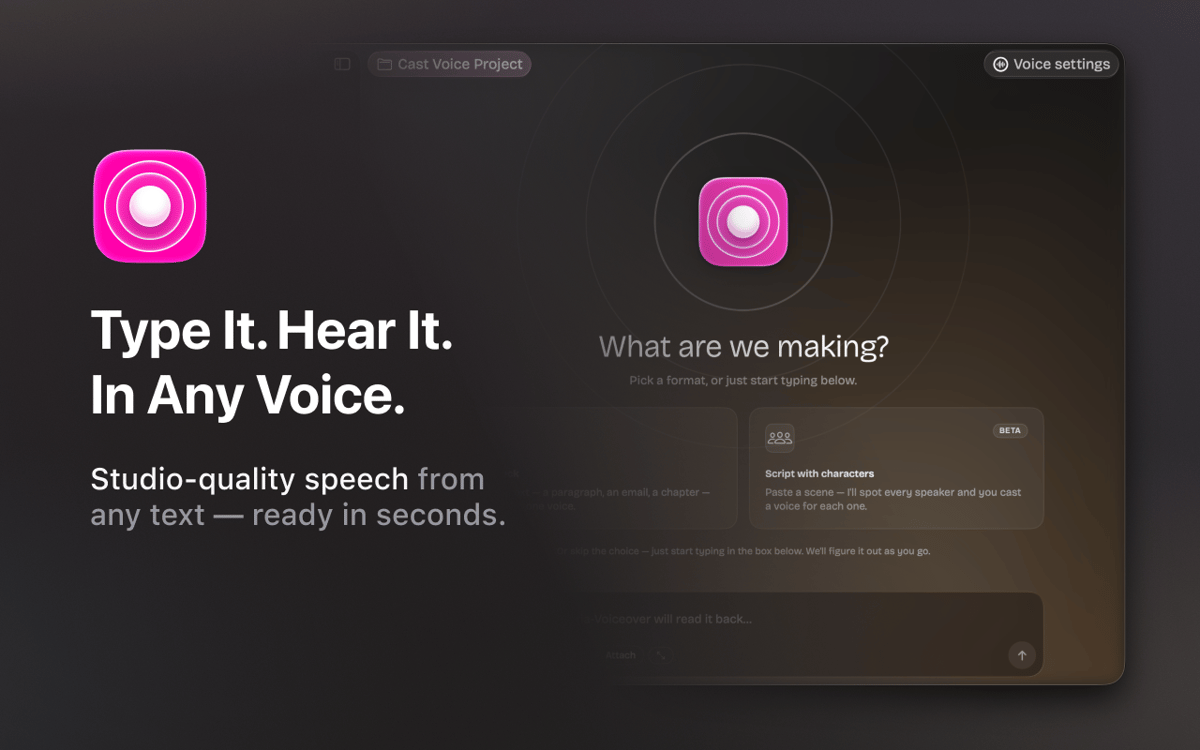
Vexel est une application de synthèse vocale pour Mac — conçue pour les auteurs, les podcasteurs, les narrateurs et toutes les personnes qui travaillent avec la parole. Saisissez votre script, choisissez une voix et obtenez un rendu audio de qualité studio en quelques secondes. Propulsé par Respeecher, Vexel prend en charge plus de 22 voix professionnelles dans plusieurs langues. Besoin d'une scène multi-haut-parleurs ? Collez un script et Vexel détecte automatiquement chaque personnage — il ne vous reste plus qu'à lui attribuer une voix. Organisez votre travail en projets, peaufinez le style et le ton de voix, et exportez des fichiers audio WAV sans quitter l'application.
Transformez vos scripts en audio narré
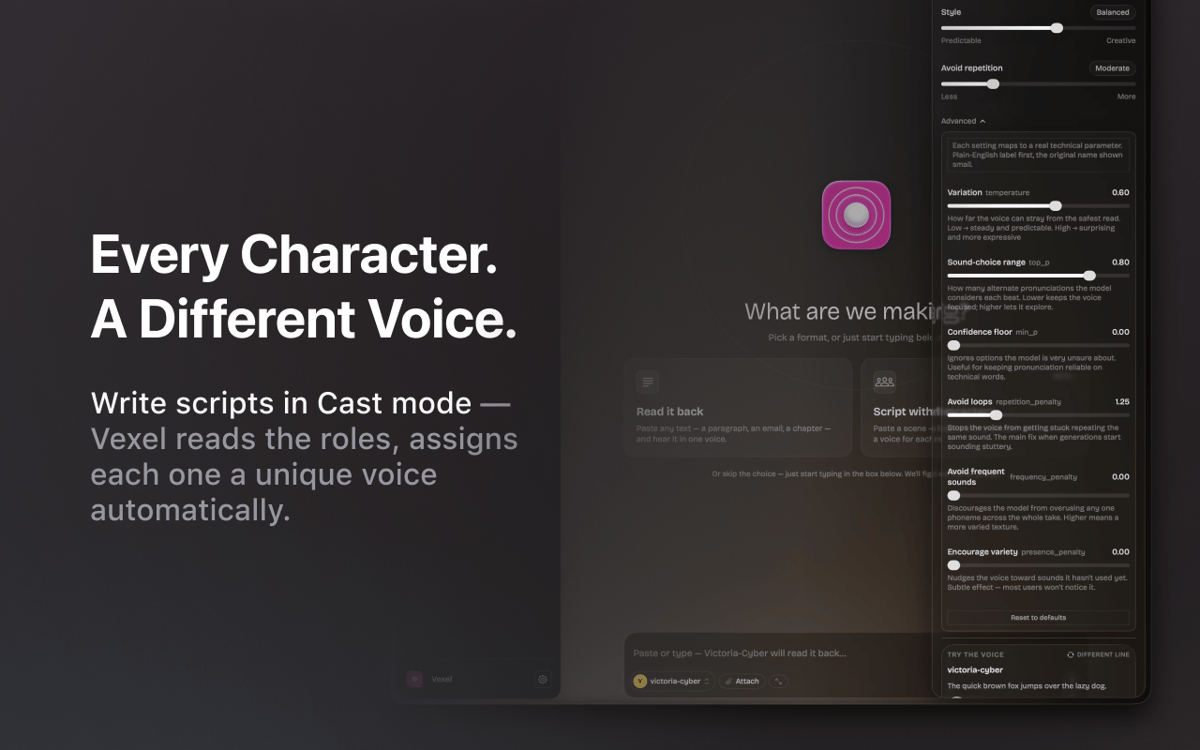
Attribuez une voix différente à chaque personnage
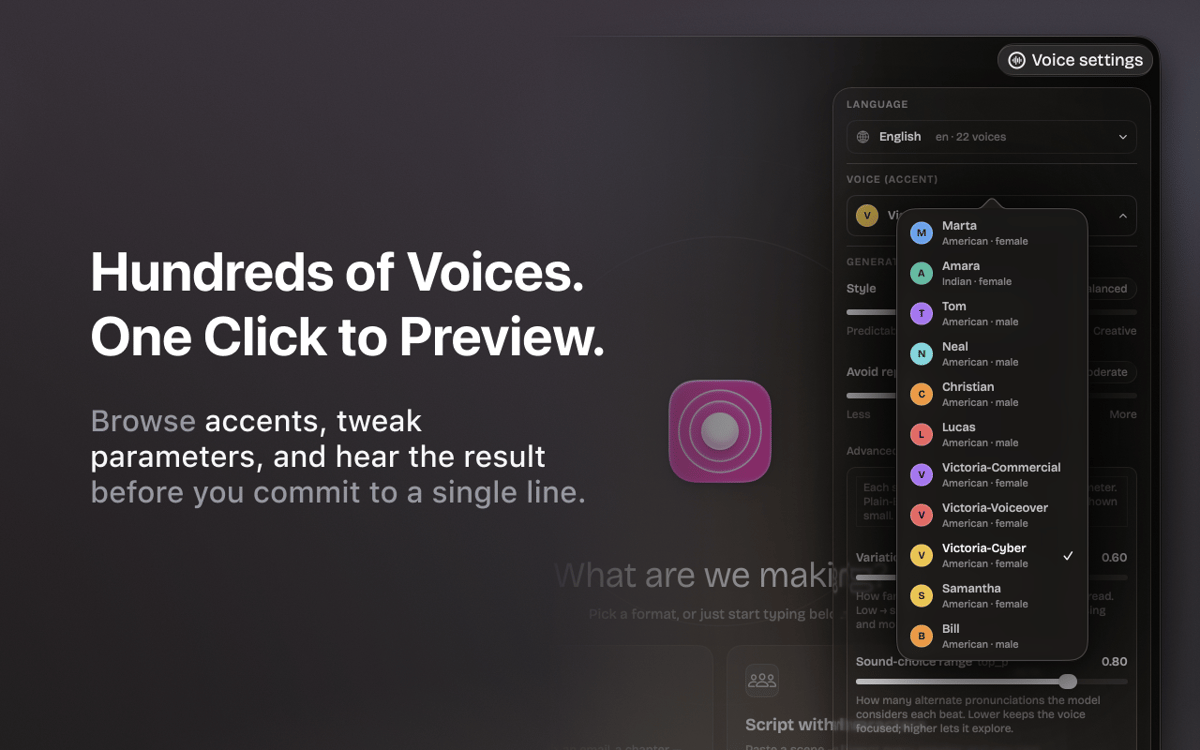
Prévisualisez chaque voix avant de la générer
Exportez des fichiers WAV propres en un seul clic
Fonctionnalités de Vexel
Voix naturelles et professionnelles
Plus de 22 voix de qualité studio en anglais et en ukrainien. Propulsé par la technologie Respeecher — le même moteur utilisé dans les productions professionnelles.
Scripts à plusieurs intervenants
Collez un dialogue et Vexel détecte automatiquement chaque intervenant. Attribuez une voix différente à chaque personnage et générez toute la scène en une seule fois.
Accordeur de voix
Passez d'un style prévisible à un style expressif, ajustez la gestion des répétitions et peaufinez le rendu jusqu'à ce qu'il sonne exactement comme il faut.
Essayez avant de générer
Prévisualisez n'importe quelle voix sur une ligne d'exemple avant de lancer la génération complète. Aucune mauvaise surprise, aucune prise gâchée.
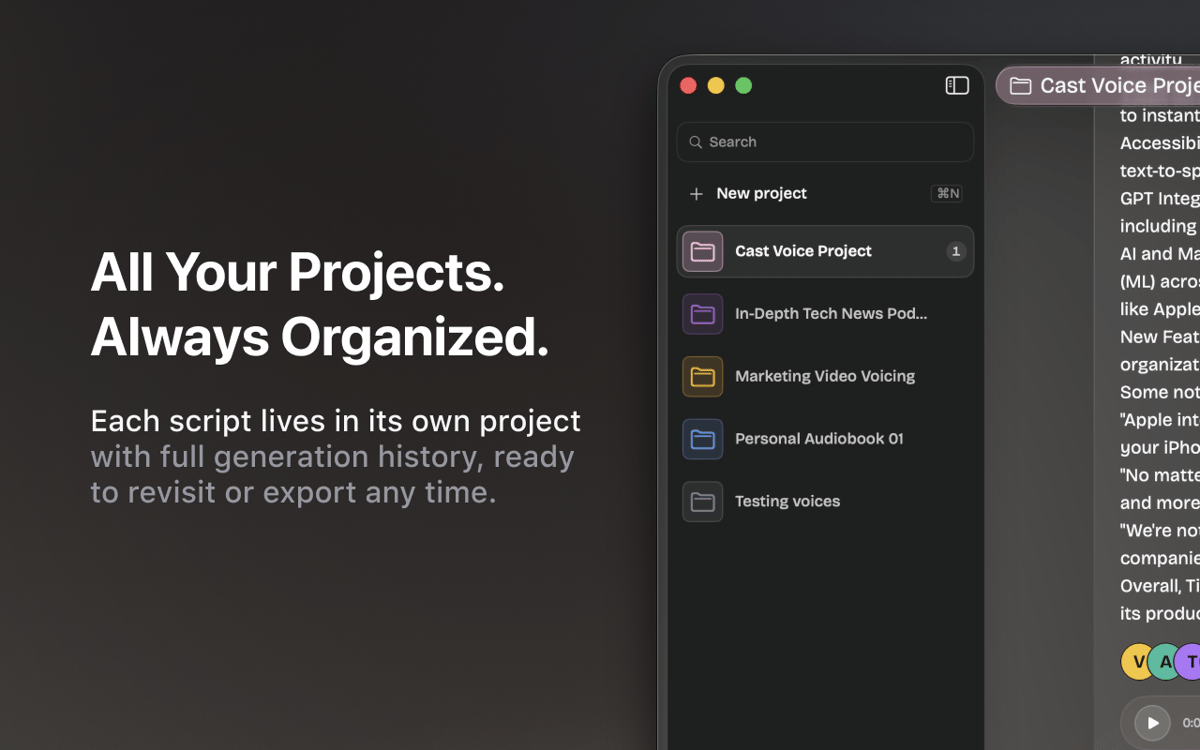
Espace de travail du projet
Chaque script réside dans son propre projet, avec un historique complet de ses générations. Passez des podcasts aux narrations et aux brouillons sans perdre votre progression.
Découper et exporter
Découpez l'audio généré, exportez des fichiers WAV propres et intégrez-les directement à votre flux de travail — aucun outil supplémentaire n'est nécessaire.
Avis et commentaires
Vexel
•
7 classements
Andrii R.
6 oct. 2026
Version de l'application : 1.5.0
I really like this app! Helped a lot in making a nice audiobook
Réponse du développeur
7 oct. 2026
Thank you for your feedback, Andrii! We're glad to hear that you liked Vexel. There's more to come in upcoming updates.
Abdel
27 sept. 2026
Version de l'application : 1.5.0
Ne propose pas de langues en ligne en français, uniquement Arabe, Allemand, Anglais, Portugais et Ukrainien. Dommage. Les voix synthètiques locales sont bien trop robotiques et datées, inutilisables sauf si vous voulez faire des blagues en copiant la voix de Siri...
Réponse du développeur
29 sept. 2026
Hello, Abdel! Thank you for your honest feedback. Right now, we're working to expand the library of available voices, including more reliable, human-sounding options. Please stay tuned for our updates.
Sean
21 sept. 2026
Version de l'application : 1.5.0
Really nice App. If I could use a local model or use my own AI subscriptions it would be useful. But I'm not purchasing AI credits through Setapp, that's ridiculous to me.
Réponse du développeur
22 sept. 2026
Thank you for the kind words and for the honest feedback! Good news: support for local models is coming in one of the next updates of the app. We're also looking into letting you connect your models. To make sure we cover what you actually use, could you drop us a line at [email protected] and tell us which models or providers you'd like to connect? That would help us a lot. Thanks again for using the app!
Profitez de centaines d'applications avec Membership
Devenez membre Setapp et utilisez des centaines d'applications incroyables grâce à un seul abonnement.
Forfait tout compris, après 7 jours d'essai gratuit
Installez Setapp sur votre Mac
Explorez des applications pour Mac, iOS et le Web. Découvrez comment accomplir facilement les tâches du quotidien.

Téléchargez l'application qui vous intéresse
Cette application vous attend dans Setapp. Installez-la d'un seul clic.

Vexel
Choisissez votre abonnement
Une seule application ou bien plus avec un abonnement Setapp. Accédez aux applications comme vous le souhaitez.

Profitez de centaines d'applications avec Membership
Devenez membre Setapp et utilisez des centaines d'applications incroyables grâce à un seul abonnement.
Forfait tout compris, après 7 jours d'essai gratuit
1
Installez Setapp sur votre Mac
Explorez des applications pour Mac, iOS et le Web. Découvrez comment accomplir facilement les tâches du quotidien.
2
Téléchargez l'application qui vous intéresse
Cette application vous attend dans Setapp. Installez-la d'un seul clic.
Vexel
3
Choisissez votre abonnement
Une seule application ou bien plus avec un abonnement Setapp. Accédez aux applications comme vous le souhaitez.
Des applications de qualité
Pour gérer des plannings, accomplir des tâches de routine, créer des contenus, coder et bien plus encore, optez pour Setapp.

TypingMind
IA conversationnelle avec interface alternative
générez ou résumez du texte
utilisez une bibliothèque de requêtes
IA

Spark Mail
Gérez vos e-mails
IA

CleanMyMac
Supprimez les fichiers inutiles

Bartender
Personnalisez la barre des menus

CleanShot X
Profitez de plus de possibilités pour les captures d'écran

Luminar Neo
Retouchez vos photos
IA

ClearVPN
Sécurisez votre connexion Internet

Craft
Travaillez sur vos documents
IA
Vexel
N'importe quel texte. N'importe quelle voix.