What are the best Mac apps for freelancers?
They take care of the admin around paid work: tracking billable time, invoicing, expenses, client communication, and focus. All 13 Mac apps for side hustle work on this list are available on Setapp.
What's the best time tracking app for freelancer billing? Timing tracks your Mac activity automatically and turns it into reports for invoices. If you'd rather start timers by hand and invoice from the same app, TimeBill does both and keeps all data on your Mac.
How do I keep invoices, receipts, and bills in order? Invoice Rex creates invoices on Mac, iPhone, and iPad, Receipts reads totals and tax from your receipts, and Chronicle reminds you before bills are due.
Which apps make client communication easier? CleanShot X captures annotated screenshots and recordings you can share as a link, and Spark Mail screens new senders and schedules emails for clients in other time zones.
Freelancing and running your own business might be fun, but it sure ain't easy. What comes as given to office-dwellers, eats up a good deal of our precious time since we have to be our own accountant, manager and IT-support. I know this firsthand — because I'm in the same boat. Fortunately, good people of this world have made amazing software to help us on the way.
So, let me share a set of apps I personally use as a freelancer — tools that I believe are pure gold. Whether you work remotely or part-time, in a creative or technical field, these apps can make your workday a whole lot easier. I've spent years testing different options, and these are the ones I keep coming back to.
Top 13 apps for freelancers
I'll start with a quick overview, followed by more detailed descriptions below. But first, one important highlight: all of these apps are available through Setapp — a subscription service that gives you access to 300+ apps for macOS, iOS, and web for a single flat monthly fee. The user ratings shown in this table reflect the experiences of Setapp members.
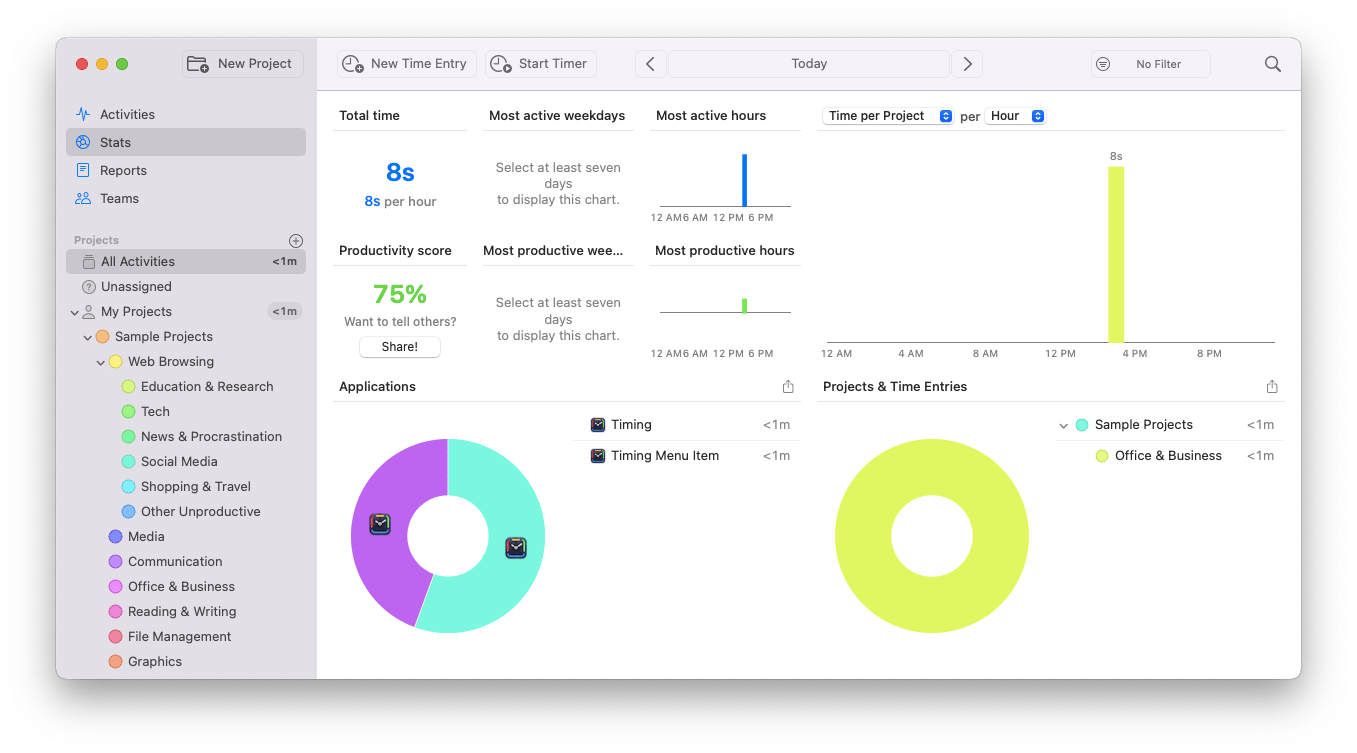
If you have an hourly work rate and the time you spend on tasks is vital, this is your new favorite app. Timing is an automatic task tracker: it records how long you spend on each client or project for reports and invoices. And the best part is that you don't have to do it manually because Timing tracks everything on its own.
User's take: "The Timing app has been so helpful for tracking my time via active windows. I don't have to start or stop timers, or log anything. It also imports my calendars. Bonus is that I can set rules by keyword or action, AND everything is exportable in various formats for upload/transport into billing software or invoices. As an #AuDHD person, the automatic time tracking with active windows has been a lifesaver (and no noticeable burden on my battery or CPU)."
Platform: macOS
Freelancing and billing by the hour? Try Timemator too: color-code your projects, add your rate, and get client-ready reports without switching timers by hand.
TimeBill
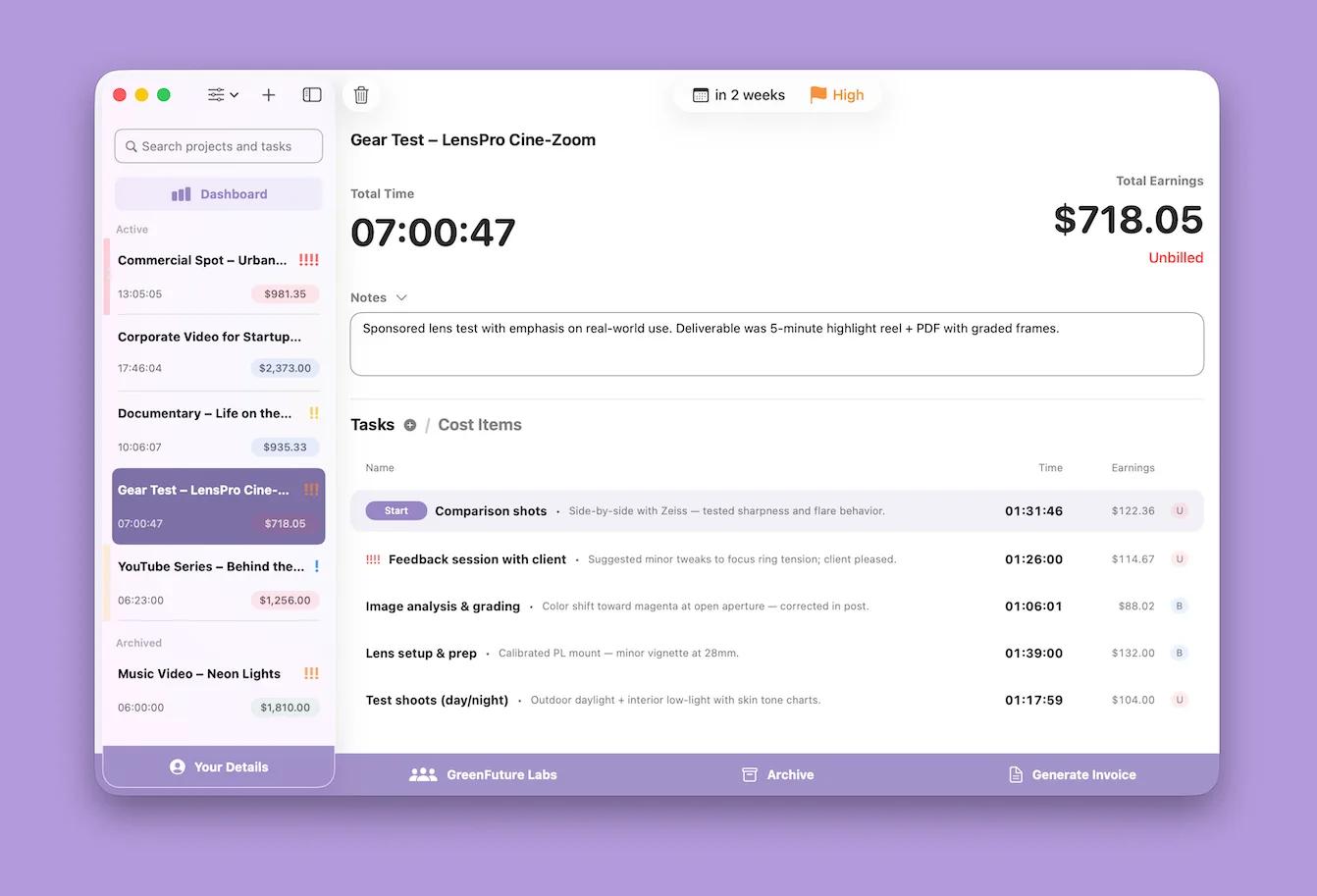
TimeBill is a time tracking app for freelancer billing: it logs hours by client, project, and task, then turns them into a PDF invoice. Where Timing records your Mac activity on its own, TimeBill works with manual timers, which suits anyone who bills for specific tasks rather than screen time. What I like most is that everything stays on your Mac: there is no account to create and no cloud dashboard to log in to.
Platform: macOS
Invoice clients and keep expenses in order
Invoice Rex
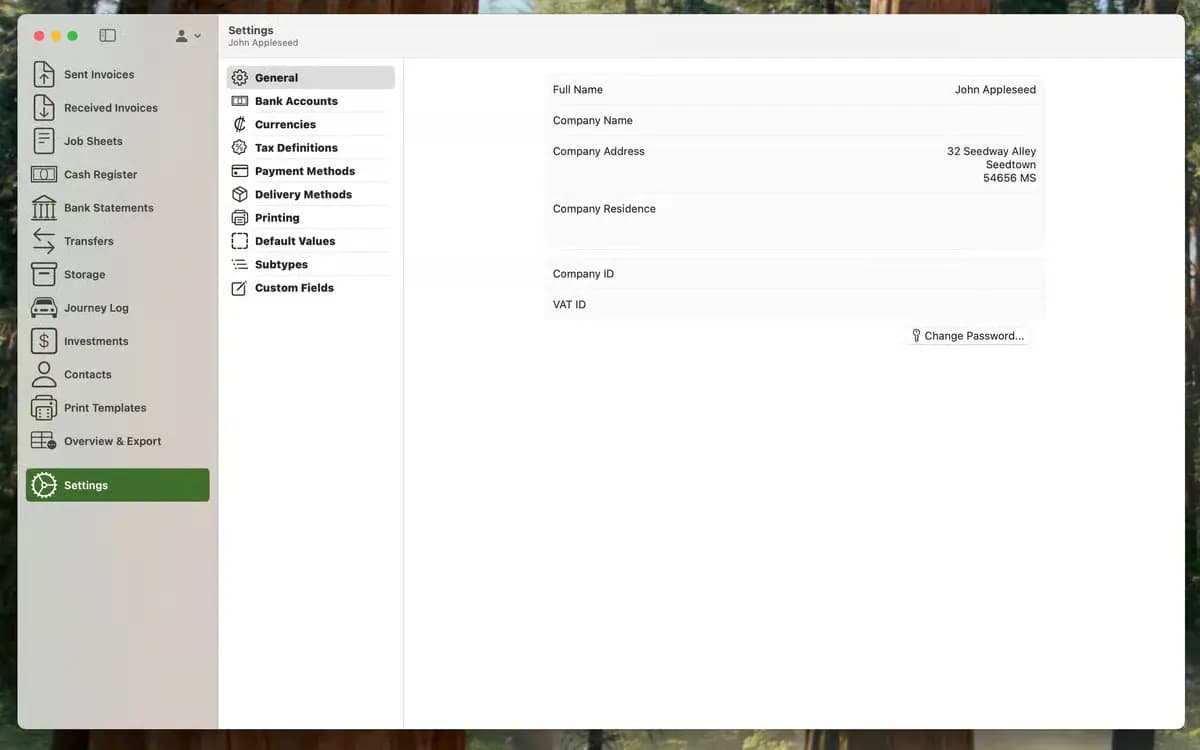
Invoice Rex is made for freelancers and small businesses that want invoices and basic bookkeeping in a native app rather than a web service. I keep my regular clients as saved contacts, so a new invoice takes me a couple of minutes: I pick the client, and my own template with my fonts and colors is already applied. You can also log bank statements, cash receipts, and journeys in the same app.
User's take: "My invoices look professional and are lightning fast to set up."
Platform: macOS, iOS
Receipts
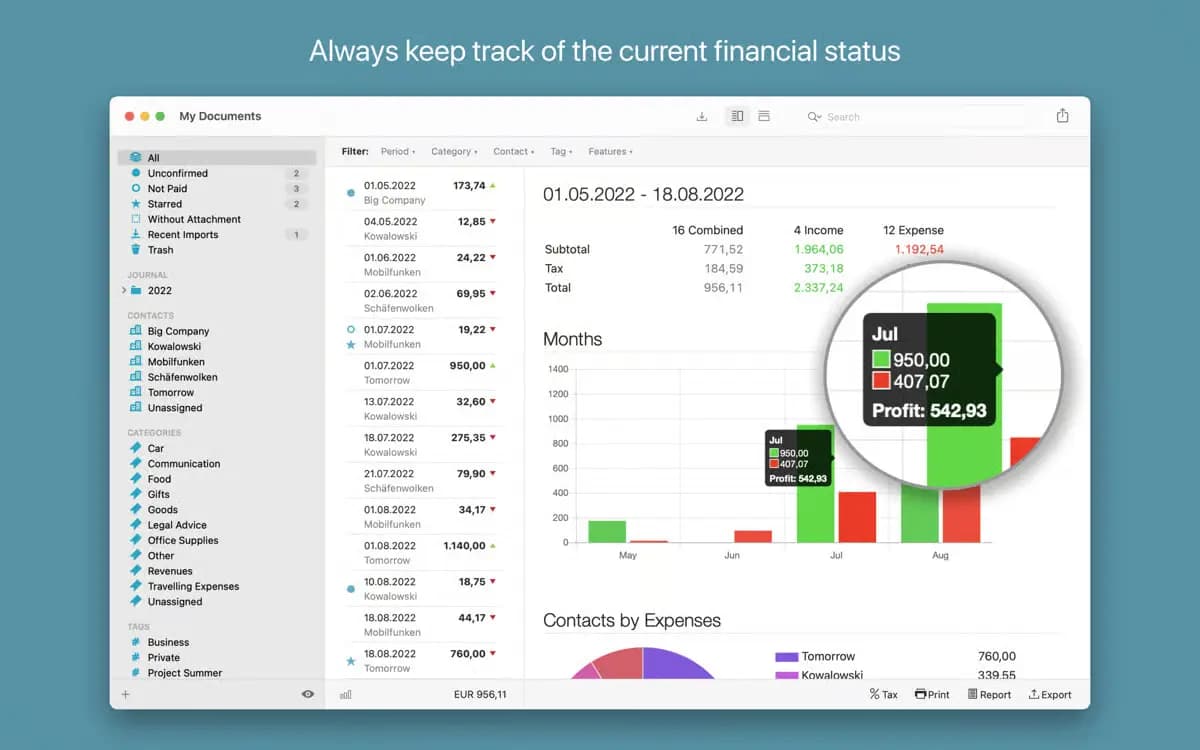
Receipts is a Mac app that collects receipts and invoices in one library and reads the key numbers for you. For a side hustle, that's a big part of expense prep before tax season. Exports cover CSV, Excel, DATEV, and JSON, and Receipts can also import receipts straight from Apple Mail.
User's take: "Love Receipts, it's ace and fits my small business needs perfectly."
Platform: macOS
Chronicle
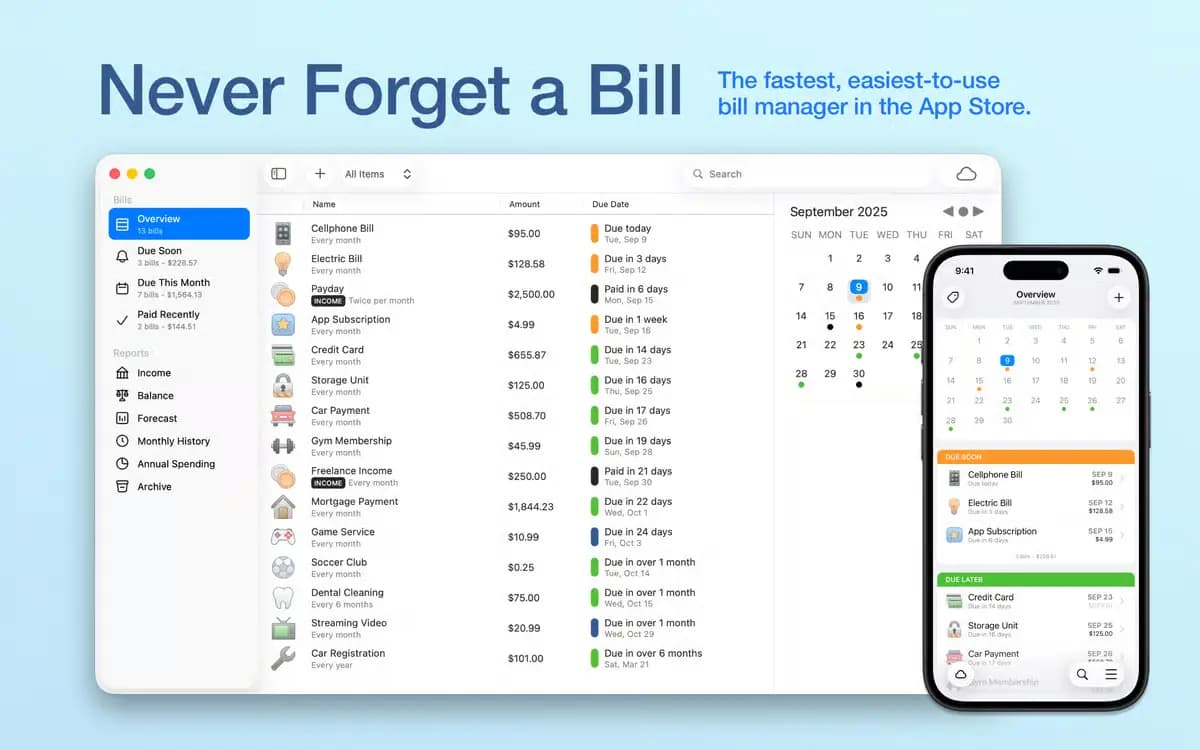
As someone who does their own taxes and manages their own bills, you've probably just winced reading this sentence. Well, wince no more, Chronicle's here to the rescue. It's a personal finance manager that keeps record of your bills and expenses, stores payments and fees, and makes sure money matters are not slowing down your buzz-iness.
User's take: "I switched over to Chronicle. It's a bit manual but it works. I just like the fact that nothing will drop off or break due to a login error so that's really nice."
Platform: macOS, iOS
Manage client work
Workspaces
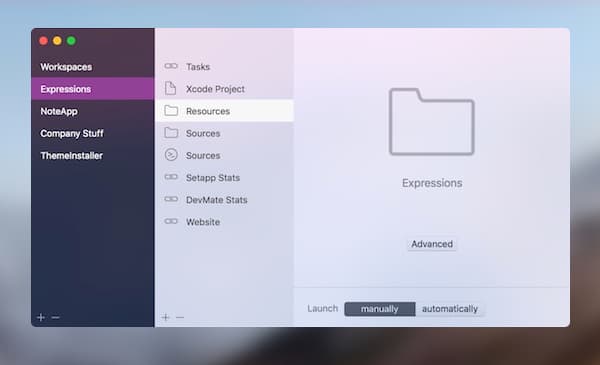
If your usual routine includes juggling a dozen of projects at once, try Workspaces. It's an app with special "pockets" for projects. Simply drag all documents, plans, invoices, images, videos, links, and whatnot to a separate project pocket and you'll have instant access to them whenever you need.
User's take: "It's really handy tool to organise workspaces and even projects. But what I also love is quickly open it without searching it again in the whole desktop."
Platform: macOS
CleanShot X
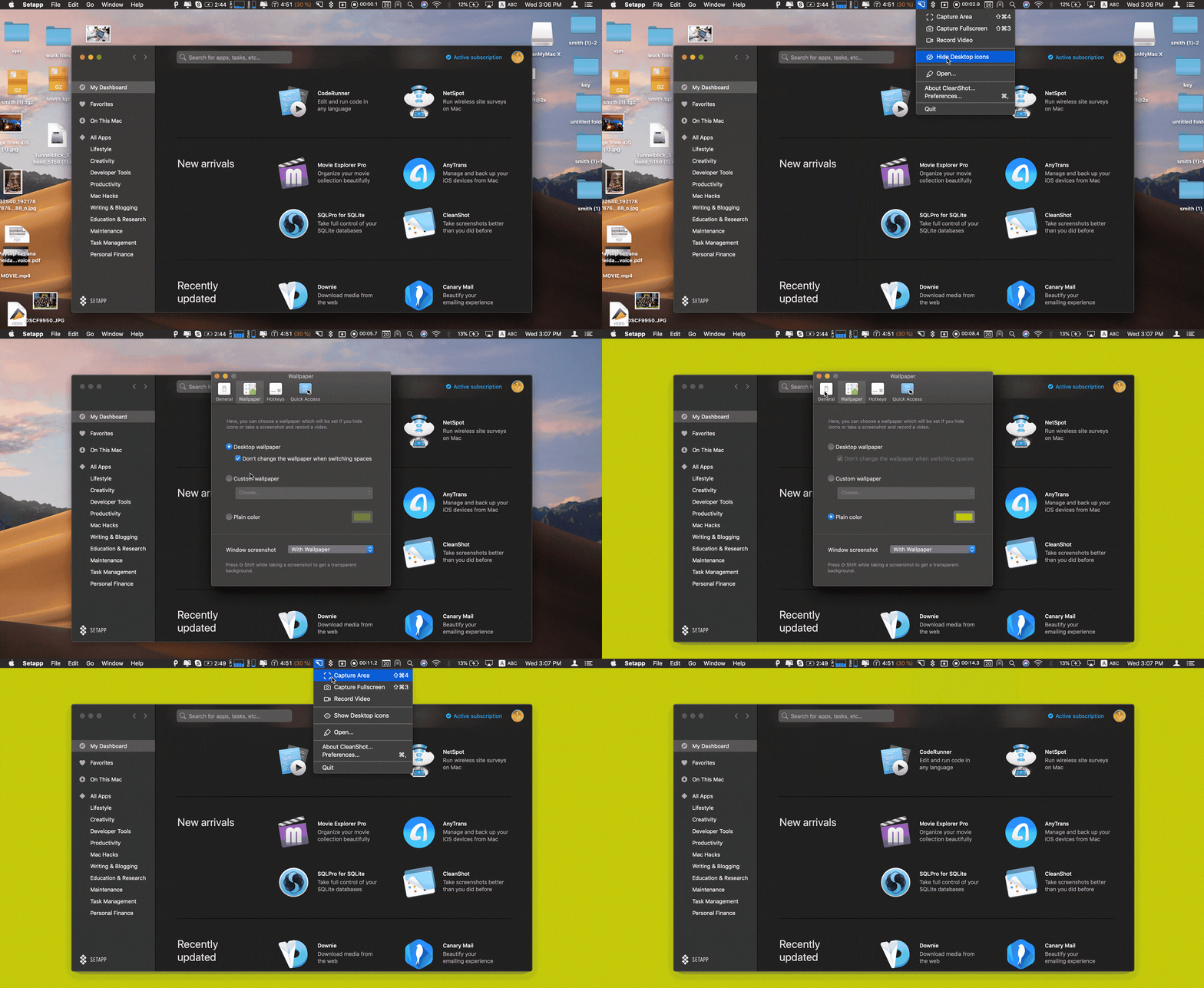
CleanShot X is a screenshot and screen recording app for Mac, and it's the one I'd pick for showing clients exactly what I mean. You can capture an area, a window, the full screen, or a scrolling page, hide desktop icons for a clean shot, and then annotate, highlight, or blur private details before the image leaves your Mac. Every capture opens in the Quick Access Overlay. CleanShot Cloud uploads a capture and gives you a link to paste into an email or a chat. There's also a text recognition tool that copies text from any part of the screen.
User's take: "I use it constantly for development and my day to day"
Platform: macOS
Spark Mail
Spark Mail is an email app that puts all your accounts in one inbox and moves important messages to the top. Gatekeeper is the first setting I'd turn on: emails from new senders wait until you accept or block them, so cold pitches don't land next to client threads. Mark key clients as Priority Senders, and save templates for messages you send often, like quotes or onboarding steps. The AI assistant summarizes long threads and helps draft or translate replies.
User's take: "For me this app alone is worth the Setapp subscription."
Platform: macOS, iOS
Tip Freelancers wear many hats. See how others manage projects, invoices, content, and time — all with Setapp apps. Explore tested freelancer workflows and build your own routine.
Work faster and stay focused
Eney
Eney is a proactive AI assistant for Mac and iPhone that works with your email, calendar, files, and everyday apps, so small tasks stop eating into billable hours. Ask it to draft a reply, summarize a long PDF, or sort a cluttered Downloads folder, and start the day with a briefing of meetings and open items. Eney Wand lets you point at text, numbers, or files on your screen and act on them without copy-paste, and Eney Spell catches typos as you type in Mail, Slack, and most Mac apps. Eney needs macOS 15 or later and an M-series chip, and it is free to download, with 10,000 credits to use in your first 14 days. After that, you continue with an AI credits subscription from $14.99 per month.
Platform: macOS, iOS
Paste
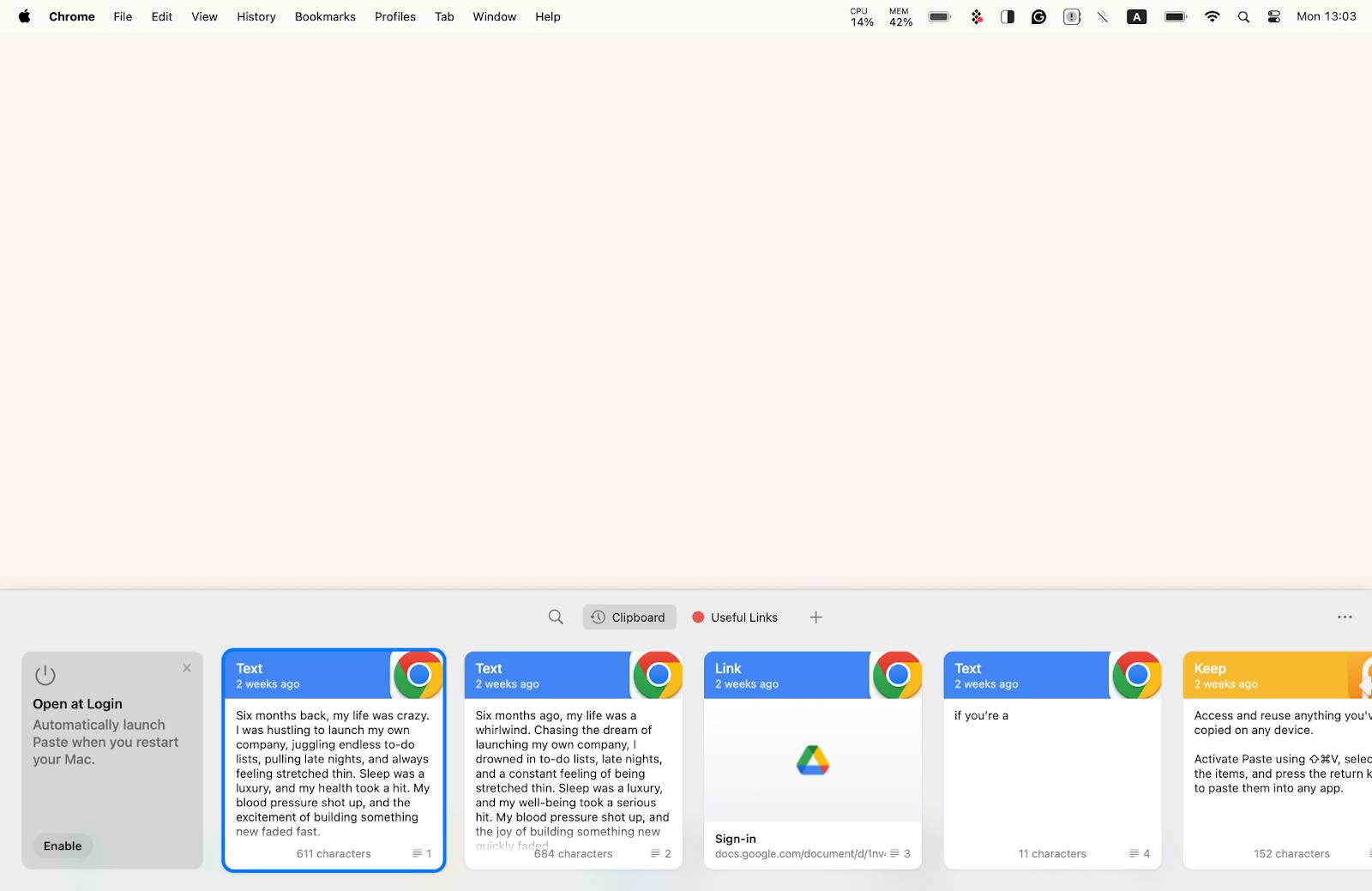
This is a clipboard you've always dreamed of (if you happen to dream of clipboards). Paste has memory: it remembers things you copied 100 copies ago, even 500 copies ago. It remembers texts, links, and images, and you can search through all of its memory and find anything super-fast, which almost feels like time travel.
User's take: "Paste, hands down. Especially since the iOS version has a custom keyboard where you can just tap stuff to insert it into any app. Top tier."
Platform: macOS, iOS
Ulysses
Ulysses gives you that feeling of a fresh piece of paper. That is, if paper was stacked with markdown editors, direct medium uploads, rich editing, nice typography, and ebook creation. It's a sleek, convenient place for writing and blogging, with iCloud sync and all the tools at hand.
"Ulysses is where I do my best writing — it's clean, distraction-free, and lets me focus on the words, not the formatting. I love how everything stays organized in one place, syncs to iCloud, and with just a click, I can publish straight to WordPress or export a polished PDF", shares Olha Novitska, content writer, expert iOS and Mac app reviewer at Setapp.
Platform: macOS, iOS
HazeOver
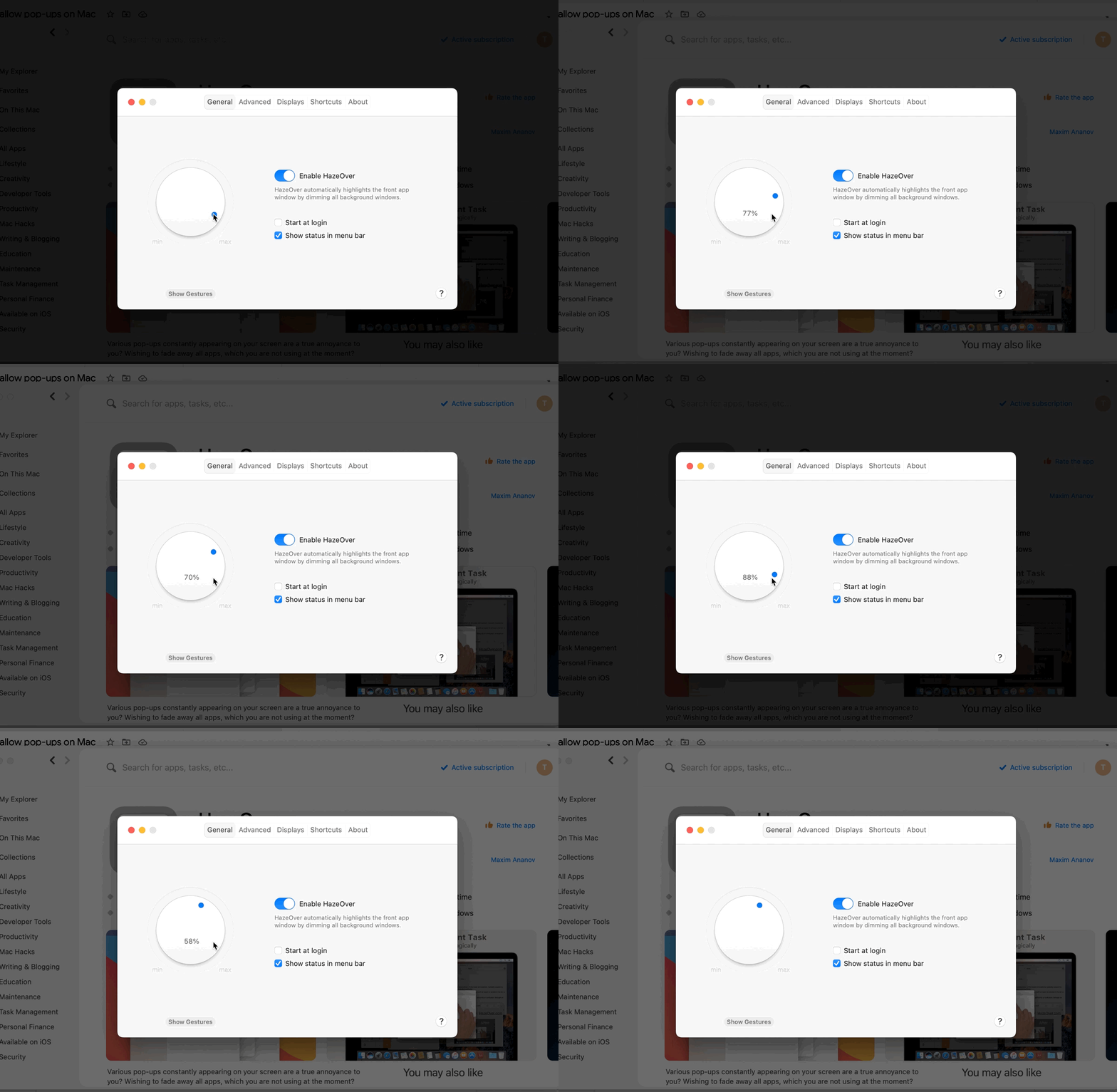
HazeOver is one of those apps you wouldn't envision yourself because it's just so obviously simple and, nevertheless, brilliant. HazeOver highlights the window you're working in and dims the rest of the screen. A simple trick that does miracles to your abilities to focus on task and ignore distractions.
User's take: "HazeOver is a very good and useful app. I was sold when I realized it differentiated which iterm window had focus. Previously, switching to iterm and having more than one window pop to the front, I could never tell which had the focus. I found myself typing into the wrong window many times. It is also great for low light sessions. With only one window having focus and others dimmed, the light output from the screen is not so overwhelming."
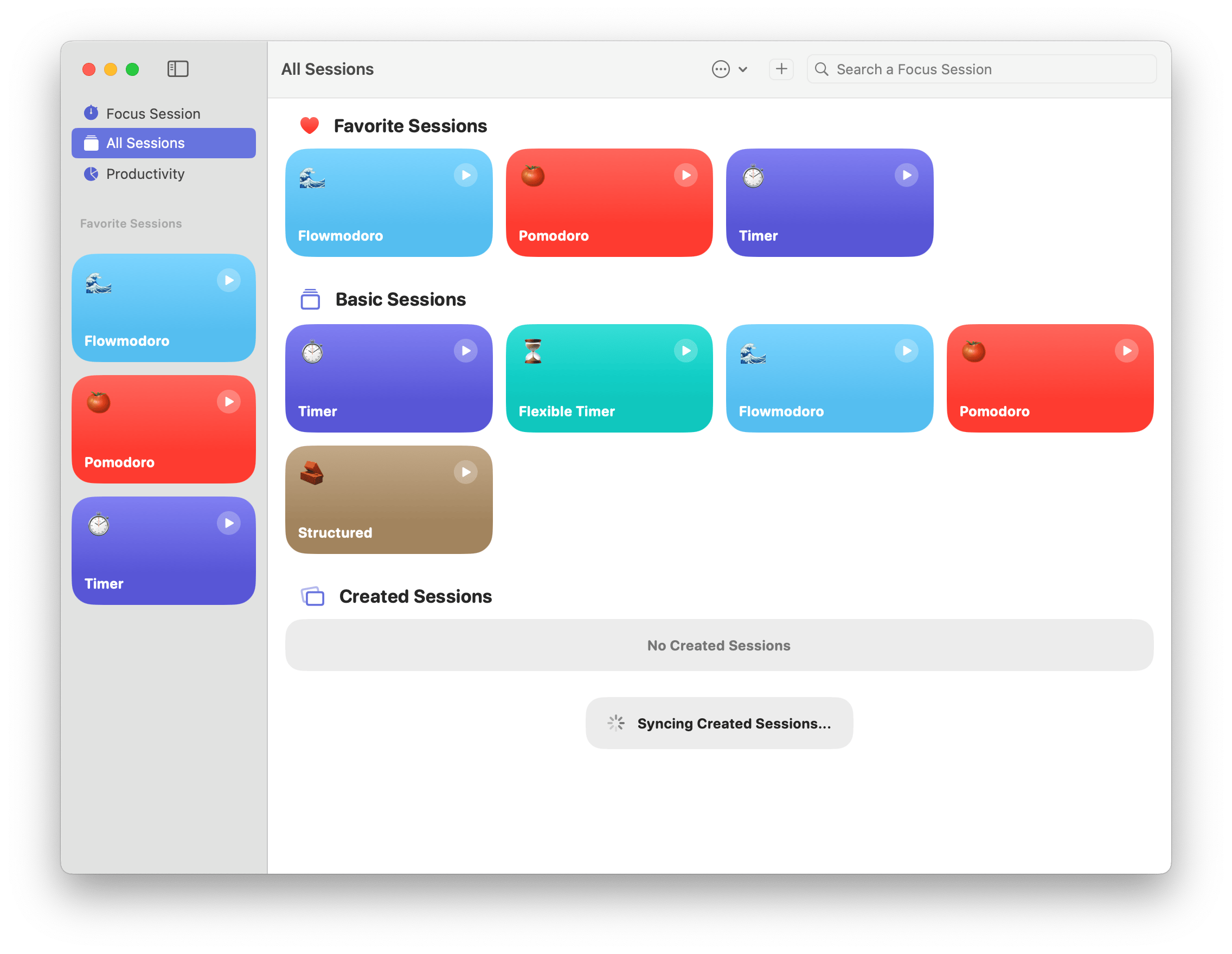
Another tool for productive timed focus sessions is Focused Work. This handy app has an assortment of session types — from ones inspired by the Pomodoro technique to more flexible or more structured focus sessions — that you can use to get more productive. Add apps and websites to block for the duration of each session, set session reminders, and jot down ideas or thoughts in the Scratch Pad with Focused Work.
User's take: "I love the preset workflows and the ease of creating my own. You can set it to block distracting apps and websites during a focus session, which can be hugely helpful. I like the quick, optional post-session review and it's nice being able to see my focus-time statistics in the Productivity section."
Platform: macOS, iOS
As I mentioned before, every app on this list is available in Setapp collection. Setapp gives you great software by subscription, with more than 300 apps for a single monthly fee. There's also a 7-day free trial, so sign up!
FAQ
What are the best Mac apps for freelancers?
The best Mac apps for freelancers take care of the admin around client work. Timing tracks billable hours automatically, Invoice Rex handles invoices, and Receipts and Chronicle keep expenses and bills in order. For client communication, use CleanShot X for annotated screenshots and Spark Mail for email. All are included in Setapp Membership, so you can try them free for 7 days.
What apps do I need to start a side hustle on a Mac?
You need apps for four jobs: tracking time, billing clients, recording expenses, and talking to clients. A simple set of Mac apps for side hustle work looks like this:
Start with time tracking and invoicing, then add the rest as you take on more clients.
Is there free invoicing software for Mac?
Yes. Apple's free Pages and Numbers apps include invoice templates, which work fine for a few invoices a month. Once you bill clients regularly, a dedicated app saves time: Invoice Rex keeps contacts, invoices, and payments in one place and syncs them across Mac, iPhone, and iPad through iCloud. It's included in Setapp Membership, so you can try it free for 7 days.
How can I track billable hours automatically on a Mac?
Use Timing, a time tracking app for freelancer work that records the apps, documents, and websites you use in the background. To set it up:
Install Timing from Setapp.
Create a project for each client, and let Timing add a rule that matches the project's name.
Hold the Option key while dragging activities onto a project to create more rules.
Export a report for your invoice.
Prefer manual timers? TimeBill tracks hours and turns them into PDF invoices.
Is Setapp worth it for a freelancer or a side hustle?
It pays off if you use several paid apps. The Setapp Mac plan costs $18.44 per month, including tax and billed monthly, and gives you 300+ apps, plus 1,000 AI credits. If you also work on an iPhone or iPad, the Mac + iOS plan costs $23.36 per month and covers 1 Mac and 4 iOS devices. You can try Setapp free for 7 days.
Work smarter, not harder with Setapp
Discover how real users solve everyday tasks with Setapp apps!






 Best solution
 Best solution