
Paste
Never lose anything you copy

Mac, iOS
Version 7.0.2
macOS 14.0 or later
62.6 MB
1 languages
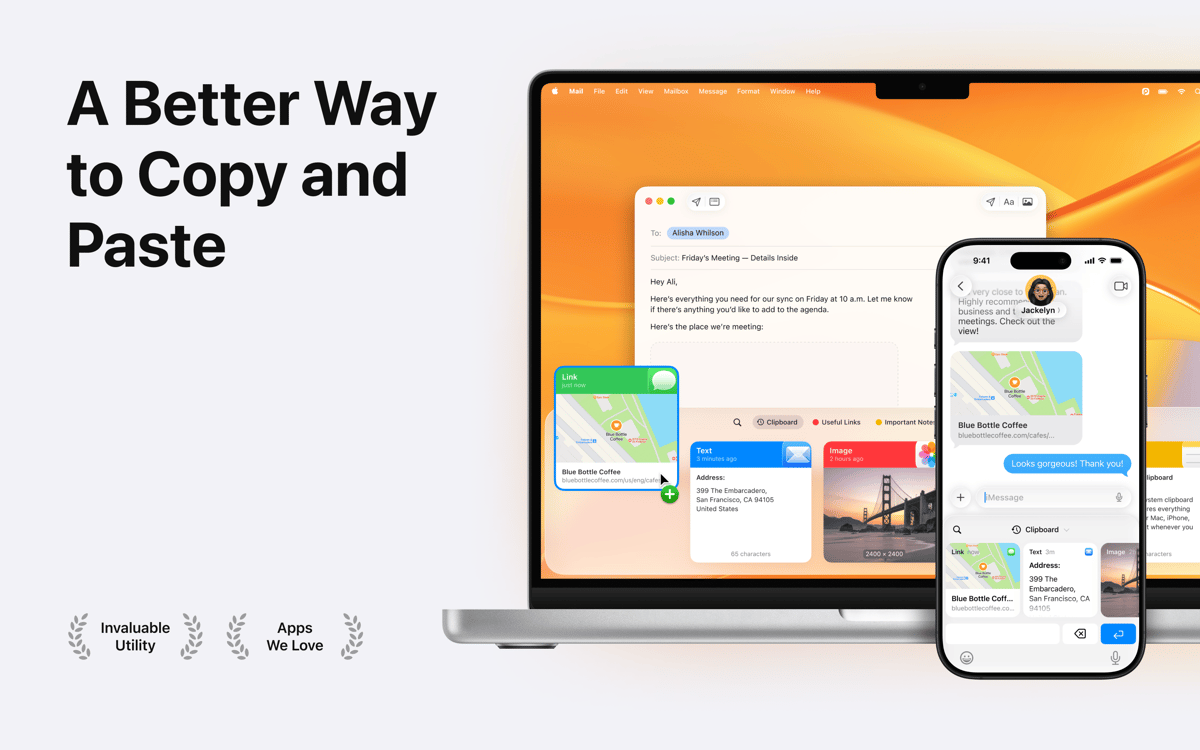
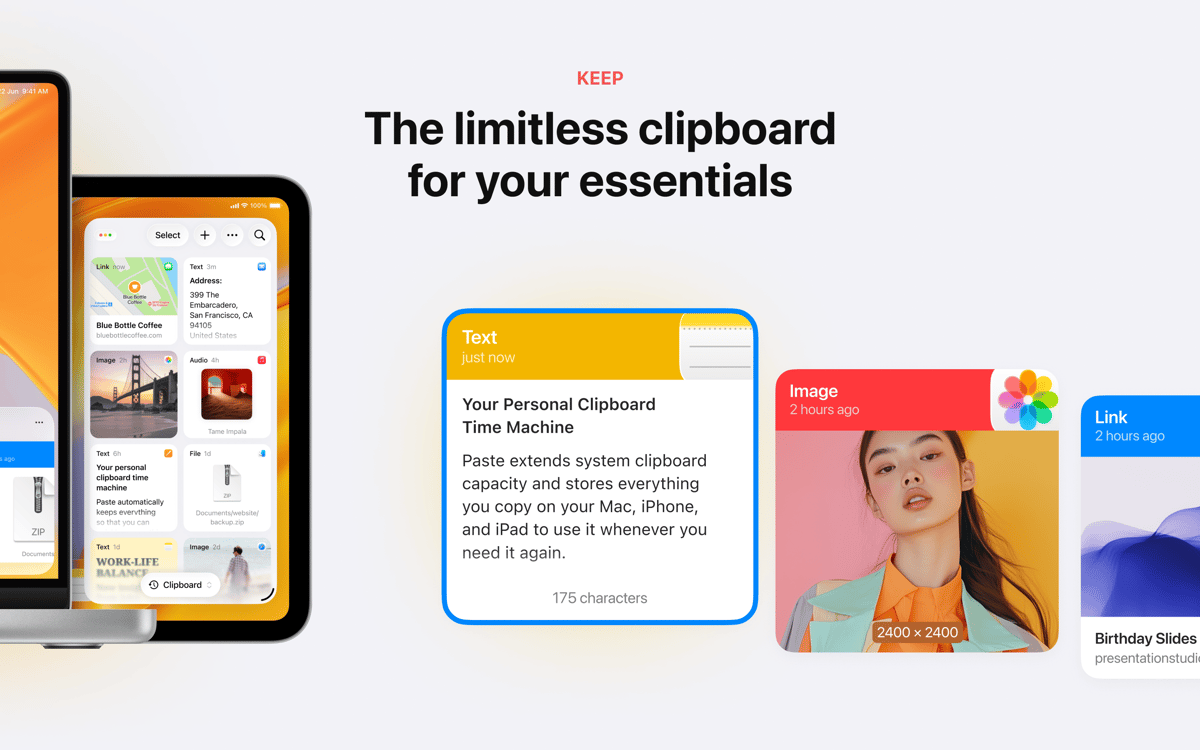
How about significantly boosting your daily copy-and-paste workflow? Use Paste app when you wish to simultaneously copy and paste multiple items and get back the stuff you've copied before within seconds. Wondering how it works? Everything is rather straightforward. This powerful clipboard history manager automatically keeps everything you have copied regardless of its format - text, pictures, screenshots, links, and others. So, you quickly get anything back anytime you need it. Thus, it can be said without exaggeration, the app unlimits your Mac’s clipboard capacity. What is more, with this fancy app, you now have a wonderful possibility to store the most important history items in one place in a well-structured manner and access it easily across all your devices using Paste.
Save time copying and pasting
Find that thing you copied long ago
Copy files, texts, links, and images
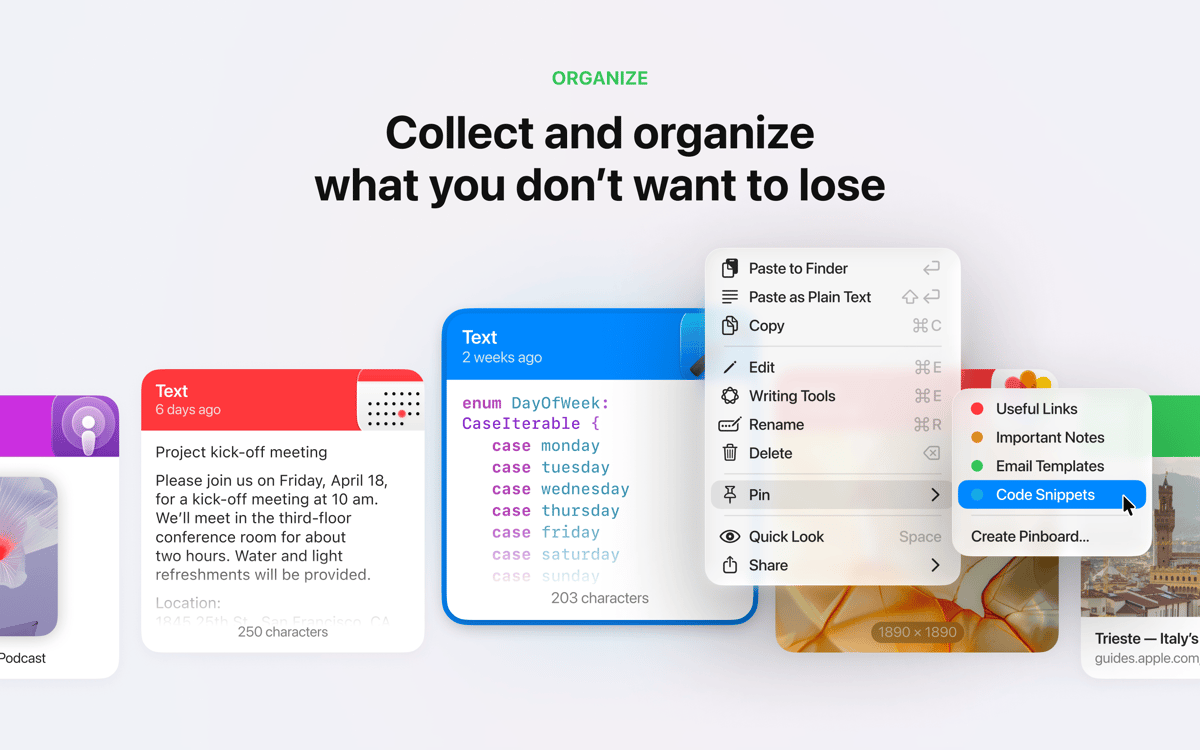
Pin copied items you want to reuse
Paste features
Easily copy and paste multiple items at once
It’s great to be able to simultaneously copy multiple selections and then pick which you wish to paste, right? Use this robust snippets manager when you need to copy and paste multiple items at once with ease. Track what you copy and paste. Select and then drag-n-drop the needed content to any place on your Mac or application.
Get plain text without formatting
Often need to copy the needed text and get the content without its previous formatting? If that is about you, this app makes a helpful option. Forget about workarounds, paste from clipboard directly as plain text. Effortlessly convert any copied files, .docx, HTML, code, or other formatted text to plain text within seconds.
Sync & back up your clipboard history to iCloud
Keep your Clipboard History and Pinboard securely stored in iCloud so that it becomes reachable from all your devices. Enjoy having all your data synced across all of your devices. Needless to add, this snippets manager also runs well with Universal Clipboard on all other devices.
Take advantage of the intelligent search
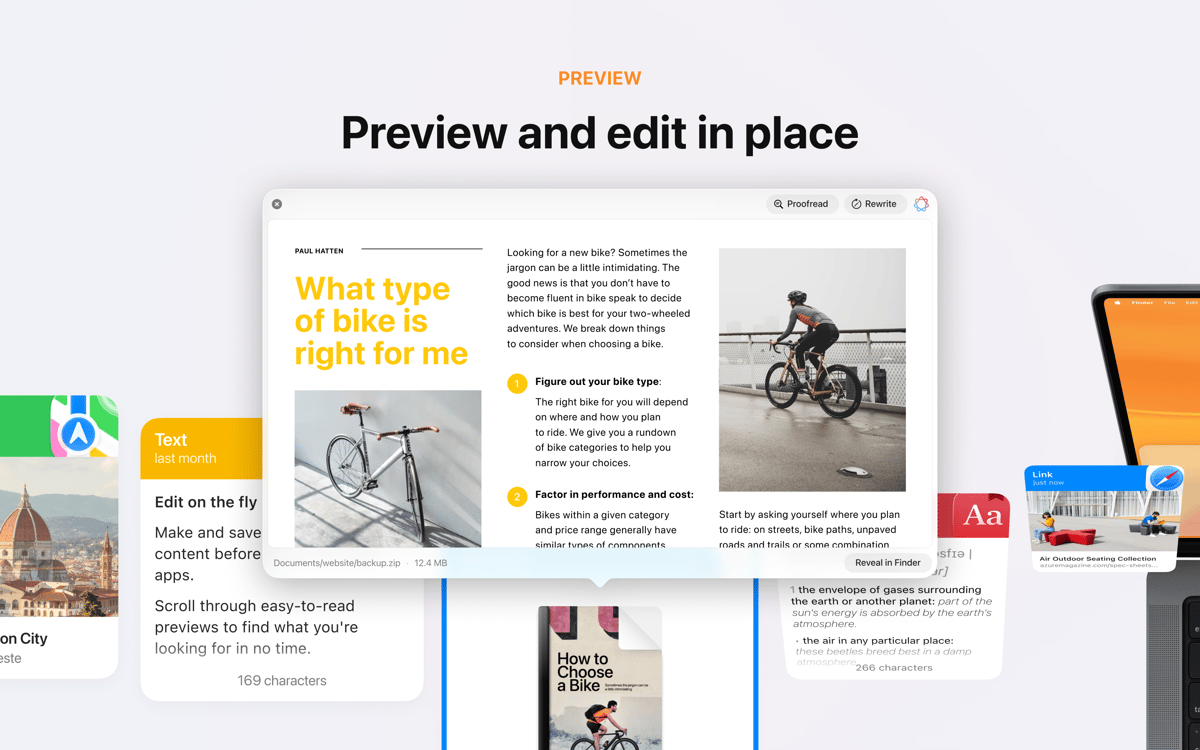
The app lets you quickly find that snippet of text you've been looking for. Use the intelligent search-as-you-type search to get the copied content you need within seconds. It’s really easy and fast. All you need to do is to begin typing and Paste will instantly deliver what you're looking for.
Set shortcuts to meet your ultimate preferences
Use default shortcuts or define your own ones for quick actions to achieve greater productivity. Yep, this time-saving app is highly customizable. The unlimited number of lists for you to manage your favorite clippings. Adjust all the setting to your preferences to take maximum of it.
Easy and straightforward clipboard sharing
Effortlessly share clipboard history with your family, partners or friends without any worries any time you wish. Use this code snippet manager to store your code snippets, organize and re-use them in different projects or share with others. Moreover, you can send the copied content via AirDrop to other Apple devices.
Ratings and reviews
Paste
•
7180 ratings
Dean Raymond
Today
App version: 4.4.0
A fantastic and much needed utility. I’ve been waiting for a very long time!
João Pedro Mestre
Oct 4, 2026
App version: 7.0.1
Amazing, really pratical
Allan Utrera Perdomo
Sep 28, 2026
App version: 7.0.0
Me encanta la app, me gustaría que se pudiera exportar los datos de la app de forma manual para usarlo en alguna otra computadora sin depender de iCloud o de respaldo en nube.
Get hundreds of apps with Membership
Become Setapp member and use hundreds of stellar apps with one subscription.
Try 7 days free, then pay one simple fee.
Install Setapp on Mac
Explore apps for Mac, iOS, and web. Find easy ways to solve daily tasks.

Get the app you came for
That one shiny app is waiting inside Setapp. Install with a click.

Paste
Choose your subscription
One app or more with a Setapp membership. Get apps the way you want.

Get hundreds of apps with Membership
Become Setapp member and use hundreds of stellar apps with one subscription.
Try 7 days free, then pay one simple fee.
1
Install Setapp on Mac
Explore apps for Mac, iOS, and web. Find easy ways to solve daily tasks.
2
Get the app you came for
That one shiny app is waiting inside Setapp. Install with a click.
Paste
3
Choose your subscription
One app or more with a Setapp membership. Get apps the way you want.
Home to the top apps
From planning and routine tasks to creative pursuits and coding, tackle tasks with apps on Setapp.


Paste
Never lose anything you copy