
TypingMind
Use new UI to chat with AI



Mac, Web
Version 1.5.6
macOS 11.3 or later
3.4 MB
1 languages
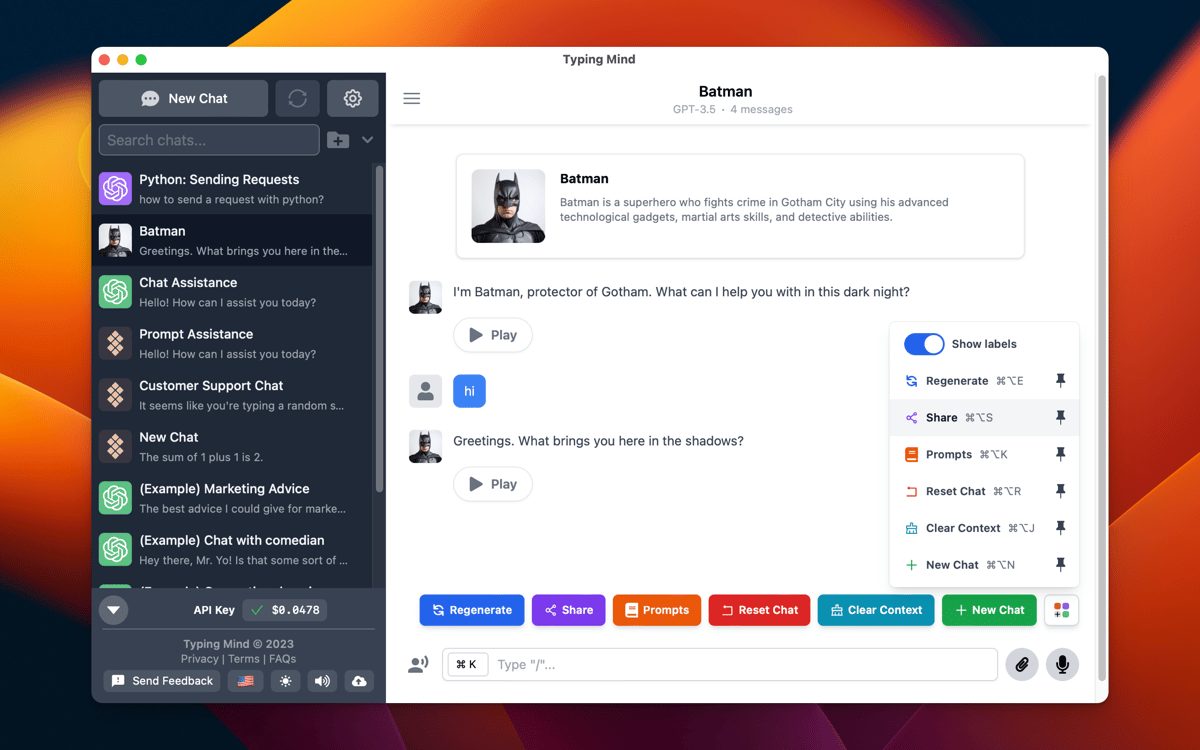
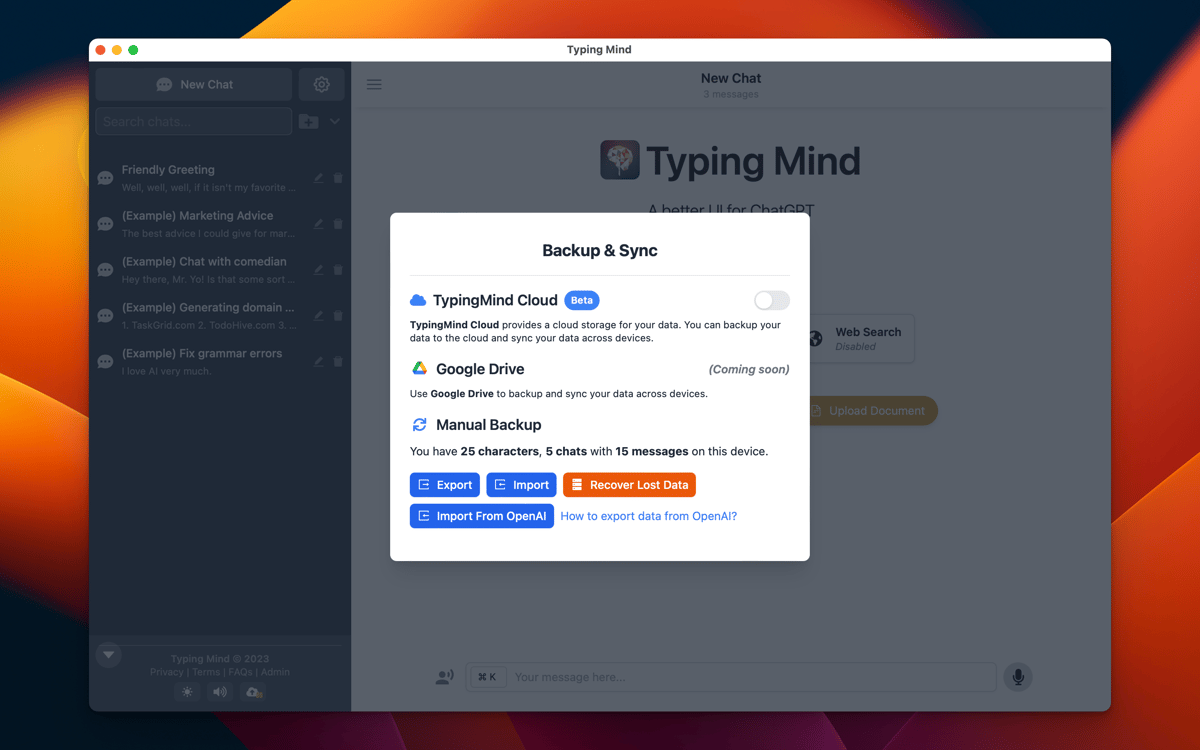
Enjoy a seamless AI chat experience with a new UI via TypingMind app. Interact with built-in AI characters, use community prompts, search your chats, use web search to supplement your AI chat interactions without leaving the app, and more.
Chat with built-in AI characters
Pick response style
Save and search prompts
File chats in folders
TypingMind features
Access various LLMs
Access ChatGPT and DALL·E 3 (OpenAI), Claude (Anthropic), Gemini (Google), Perplexity, and other LLMs, including offline ones — all through a single interface. Add your API key (Open Router integration available), and you’re good to go. Write and switch between AI models directly in the chat to get the best results for your task.
Customizable AI chat experience
With TypingMind, you get vast customization options from adjusting response “temperature” (i.e. style) to number of previous messages to include in the AI context, to chat folders, and more.
Built-in AI characters
TypingMind has a collection of built-in AI characters that you can choose to chat with. From a standup comedian to a professional chef or a software developer, you can pick an AI agent and ask it questions, request pieces of text, guides or explainers.
Integrations via plugins
Got specific needs? Enhance your chat’s functionality with custom functions, workflows, and AI tools. With plugins, you can access Google Calendar, send messages to Slack, send emails with Zapier, extract information from a webpage, and more.
Prompt library
You can create your own prompt library in TypingMind or use the community library to find and use prompts. Categorize your prompts by adding tags and easily find what you need later.
Web search
With TypingMind, you can turn on the web search option to help look up information you need on the web without leaving the chat or switching to a new tab.
Ratings and reviews
TypingMind
•
1362 ratings
Kenji
Sep 10, 2026
App version: 1.5.6
I’ve liked this app because its interface was ahead of the game versus other apps using ChatGPT. However, its Setapp AI model support is ancient and refreshing the list doesn’t work, whereas it does with some other Setapp AI category apps.
Robin Daugherty
Jul 29, 2026
App version: 1.5.6
Not a Mac app. Not interested in running more copies of Chrome.
Dimitri
Jun 7, 2026
App version: 1.5.6
Excellent agrégateur d’IA. Il est très facile à utiliser et à configurer.
Get hundreds of apps with Membership
Become Setapp member and use hundreds of stellar apps with one subscription.
Try 7 days free, then pay one simple fee.
Install Setapp on Mac
Explore apps for Mac, iOS, and web. Find easy ways to solve daily tasks.

Get the app you came for
That one shiny app is waiting inside Setapp. Install with a click.

TypingMind
Choose your subscription
One app or more with a Setapp membership. Get apps the way you want.

Get hundreds of apps with Membership
Become Setapp member and use hundreds of stellar apps with one subscription.
Try 7 days free, then pay one simple fee.
1
Install Setapp on Mac
Explore apps for Mac, iOS, and web. Find easy ways to solve daily tasks.
2
Get the app you came for
That one shiny app is waiting inside Setapp. Install with a click.
TypingMind
3
Choose your subscription
One app or more with a Setapp membership. Get apps the way you want.
Home to the top apps
From planning and routine tasks to creative pursuits and coding, tackle tasks with apps on Setapp.


TypingMind
Use new UI to chat with AI