
App Archiver
Free up space, keep your apps
Mac
Версія 1.1.5
macOS 12 чи новіша
38.8 MB
31 мов(и)
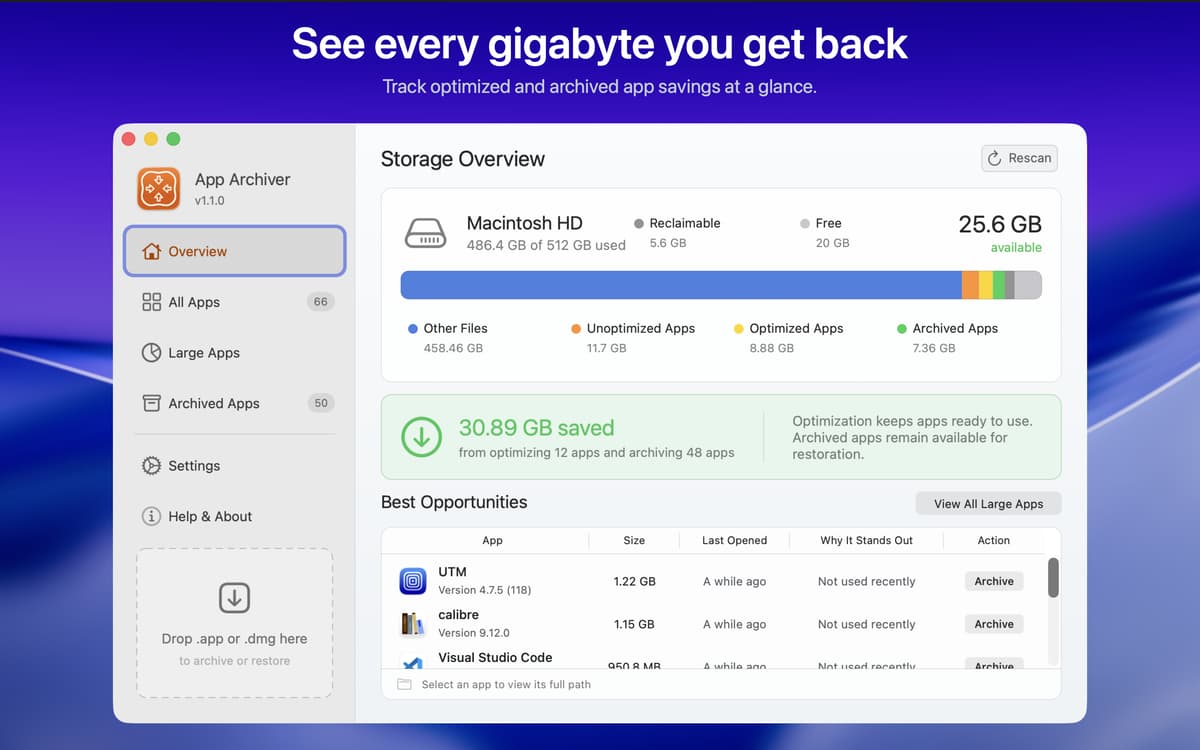
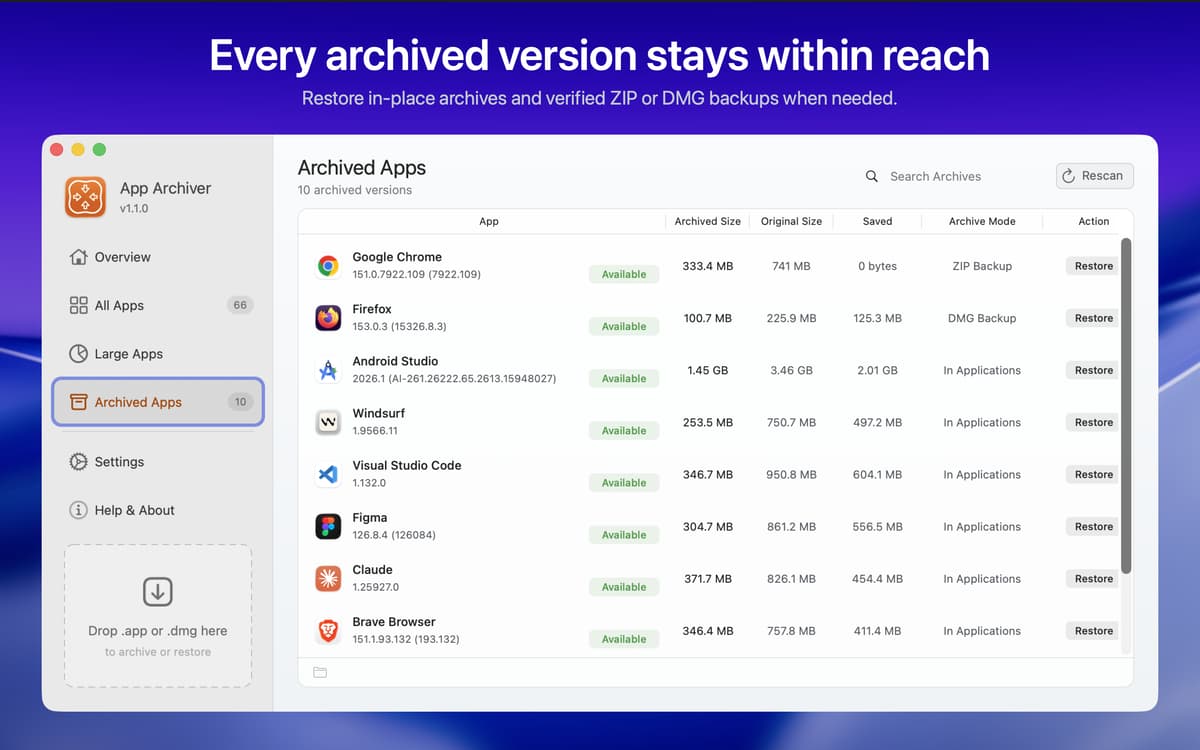
App Archiver is a storage manager for Mac that frees up disk space without making you delete apps. Compress the ones you use daily, archive the ones you rarely open, or back them up as ZIP or DMG files. Check the estimated savings before you start, and restore any app whenever you need it. Your Mac gets more room, and your app collection stays intact.
Shrink apps without deleting them
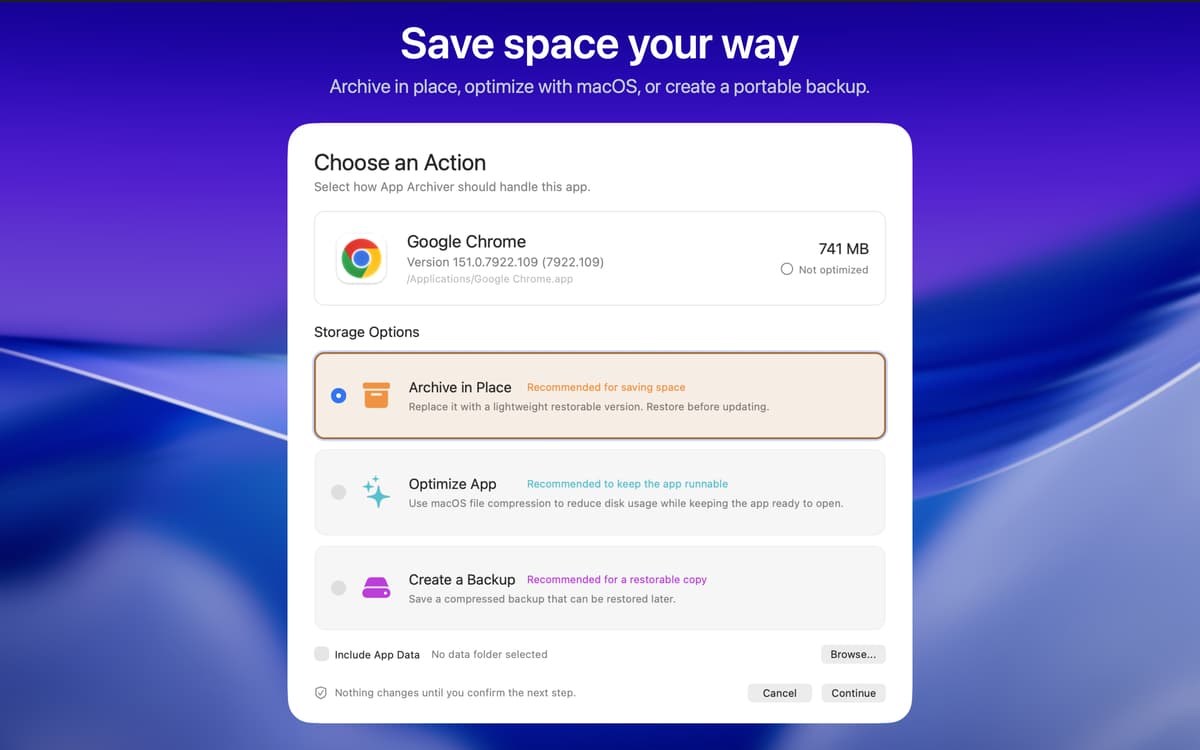
Archive apps you rarely open
Back up apps as ZIP or DMG
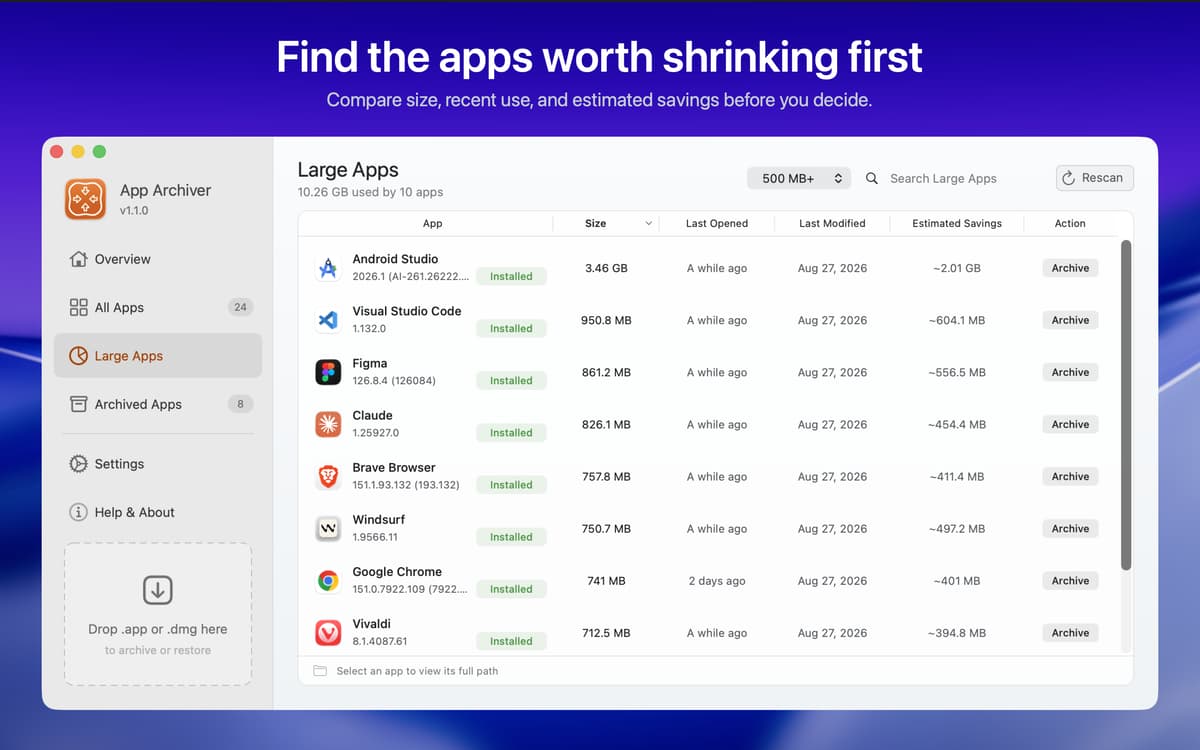
Find the biggest apps on your Mac
Можливості App Archiver
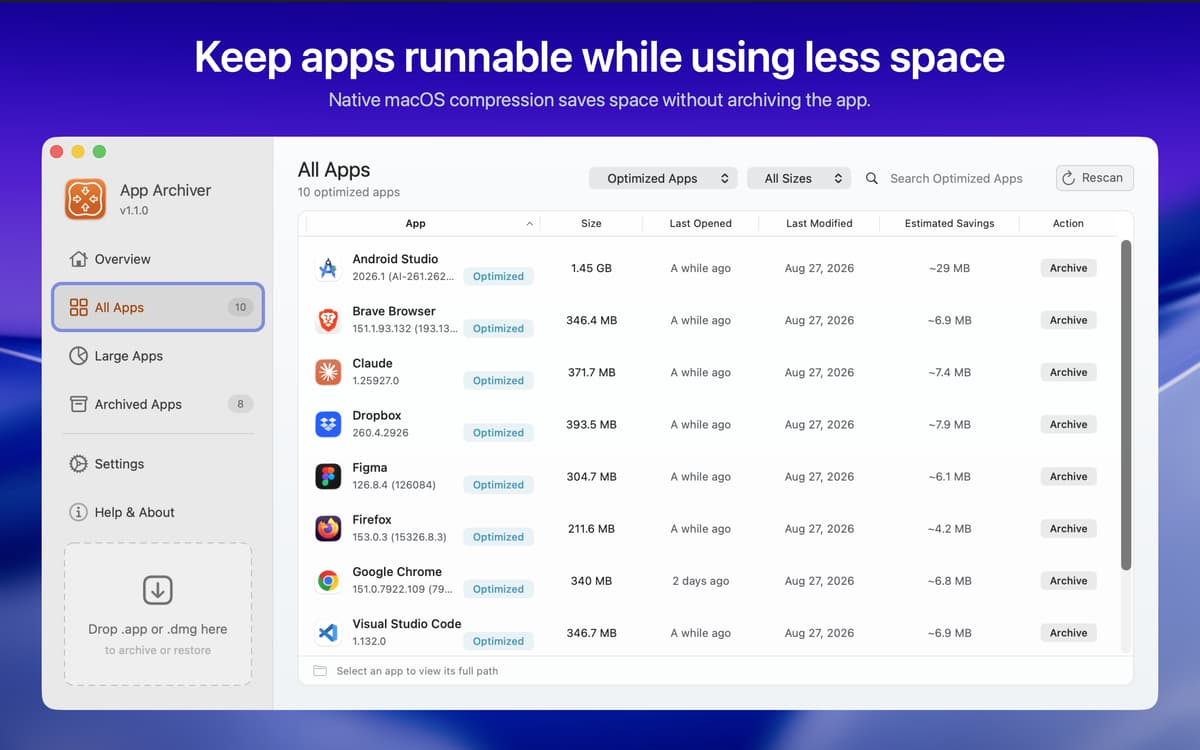
Compress apps, keep them ready to open
Use macOS filesystem compression to make apps take up less space. Everything inside stays intact, so they launch like they always did.
Archive apps in place
Swap a full installation for a compact launcher. When you need the app again, restore the original in a click, whether you want to update it or go back to a regular install.
Back up as ZIP or DMG
Create a backup for storage or transfer. Restore the app to its original location, or pick a different one.
Take app data along
Add settings and files to your archives and backups so they stay with the app. You can also compress app data on its own.
Skip what you want left alone
Set custom exclusions for databases, already-compressed formats, and anything else you'd rather not touch. Those files stay exactly as they are.
See savings before and after
Browse your installed apps, spot the biggest ones, and review estimated savings before you pick an action. Afterward, you get clear before-and-after numbers for the app and its data, including space from files that were already optimized.
Отримайте сотні програм з Membership
Підпишіться на Setapp і користуйтесь сотнями чудових програм.
Перші 7 днів безплатно, а далі – в єдиному простому плані.
Завантажити Setapp на Mac
Знайдіть в Setapp застосунок для macOS, iOS або web, що допоможе вирішити ваше завдання.

Установіть знайдену програму
Виконайте завдання за допомогою новенької програми зі Setapp.

App Archiver
Виберіть план підписки
Один застосунок або всі разом в підписці Setapp. Користуйтеся застосунками на своїх умовах.

Отримайте сотні програм з Membership
Підпишіться на Setapp і користуйтесь сотнями чудових програм.
Перші 7 днів безплатно, а далі – в єдиному простому плані.
1
Завантажити Setapp на Mac
Знайдіть в Setapp застосунок для macOS, iOS або web, що допоможе вирішити ваше завдання.
2
Установіть знайдену програму
Виконайте завдання за допомогою новенької програми зі Setapp.
App Archiver
3
Виберіть план підписки
Один застосунок або всі разом в підписці Setapp. Користуйтеся застосунками на своїх умовах.
Нагору
Від планування та рутинних завдань до програмування і творчості – працюйте ефективніше зі Setapp.

TypingMind
ШІ зі зручним інтерфейсом
генеруйте й обробляйте текст
користуйтеся бібліотекою
ШІ

Spark Mail
Упорядкуйте імейли
ШІ

CleanMyMac
Видаляйте тільки непотрібне

Bartender
Налаштуйте меню під себе

CleanShot X
Робіть будь-які скриншоти

Luminar Neo
Редагуйте фото
ШІ

ClearVPN
Безпечний звʼязок

Craft
Робота з документами
ШІ
App Archiver
Free up space, keep your apps