
BeeMind
Ваш мозок, але доступний для пошуку
Mac, iOS
Версія 1.2202
macOS 13.0 чи новіша
32.4 MB
1 мов(и)
BeeMind — швидке збереження думок для Mac, iPhone та iPad. Зберігай важливі фрагменти, посилання, твіти та ідеї з будь-якої програми, а потім задавай запитання простою мовою, щоб отримати відповіді зі своєї особистої бібліотеки. Ніяких папок, ніяких тегів, ніяких клопотів з організацією файлів — просто зберігай інформацію, а BeeMind сам усе пов'яже. Це компаньйон для читання для тих, хто багато зберігає, але забагато забуває.
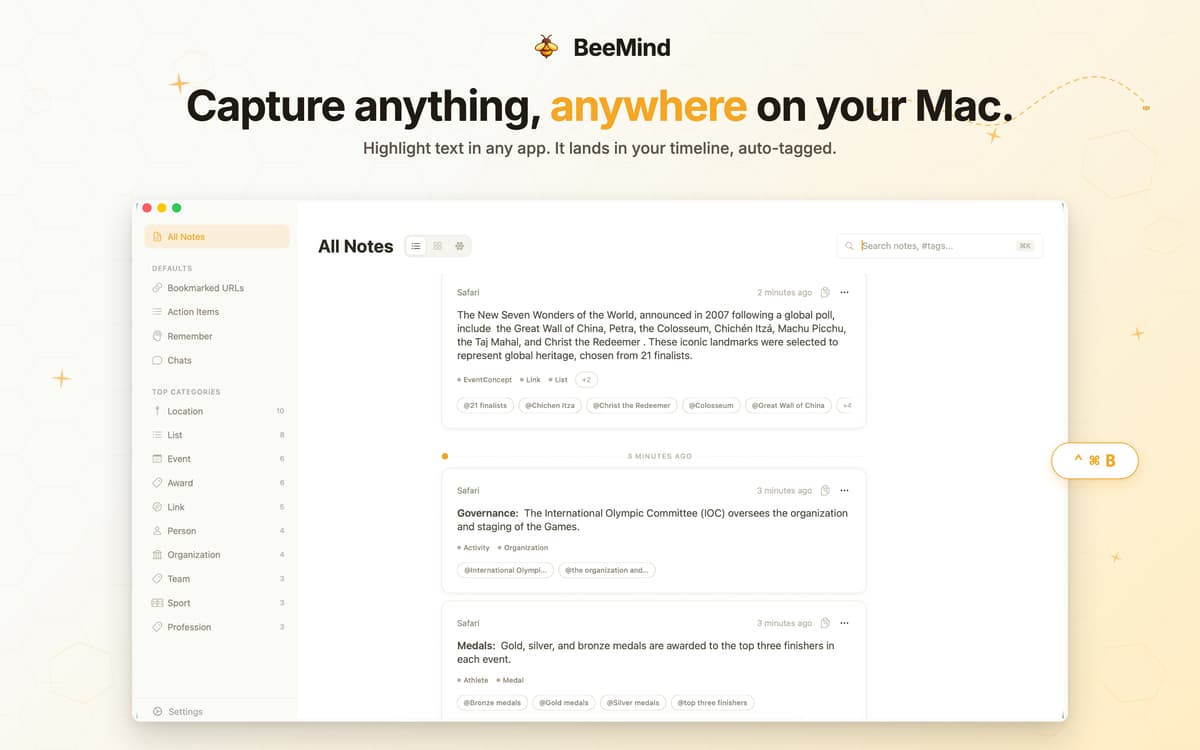
Зберігай будь-які виділення одним скороченням
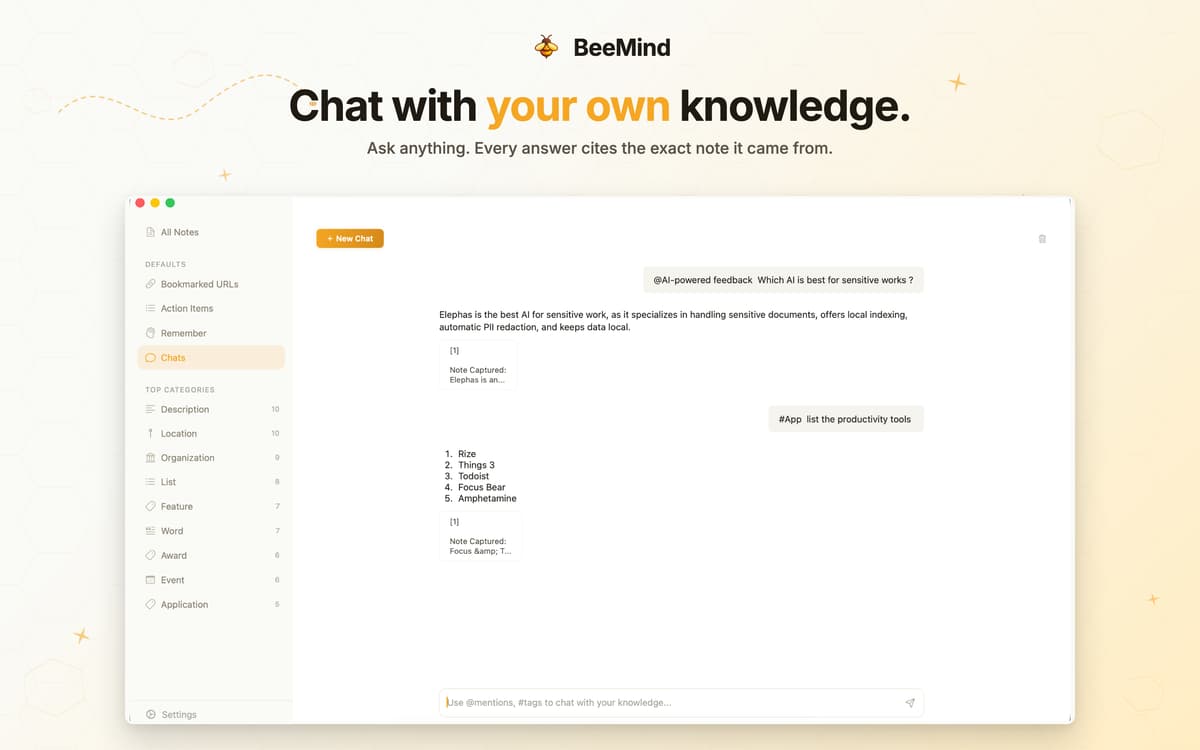
Спілкуйся зі своїми збереженими знаннями
Перетворюй фрагменти на чернетки та публікації
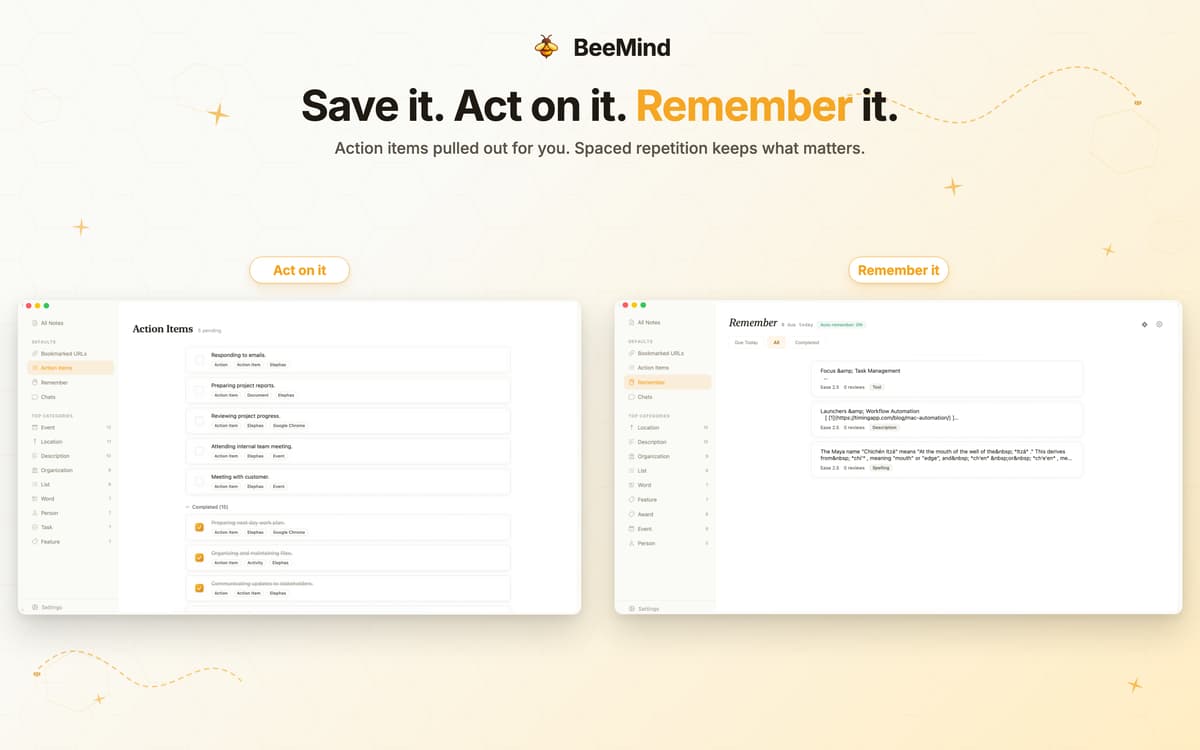
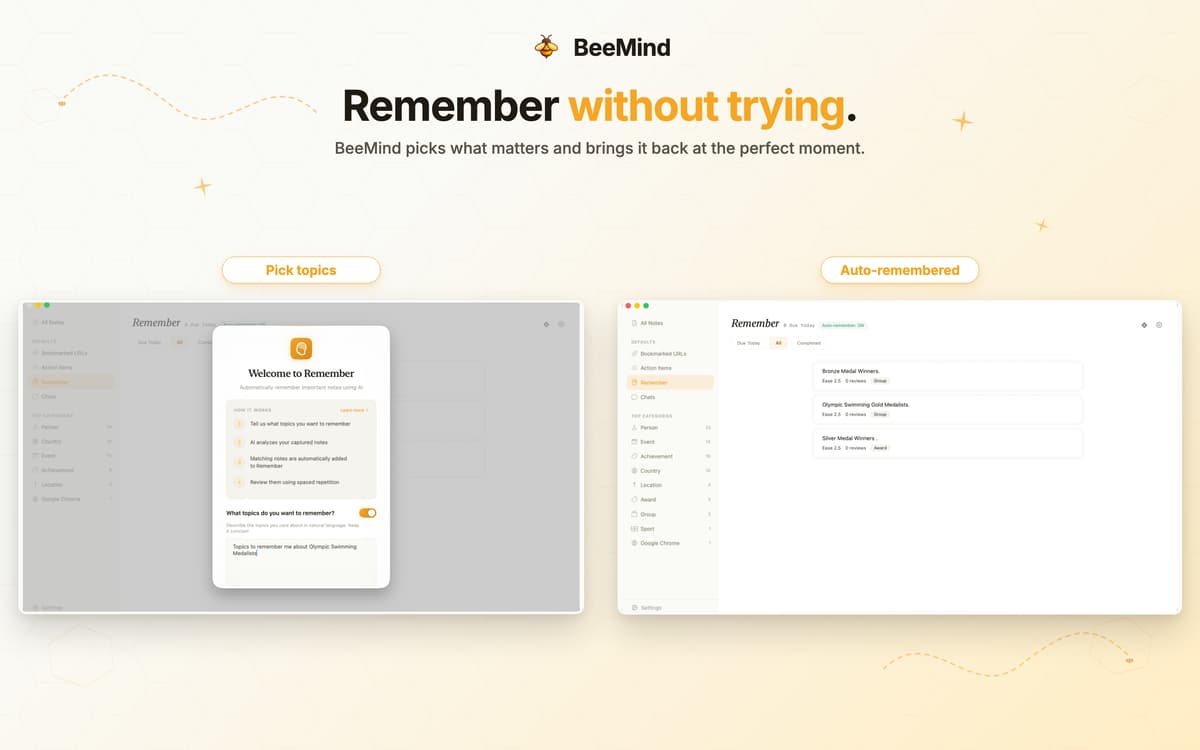
Повторюй важливе з інтервальними повтореннями
Можливості BeeMind
Миттєва зйомка з будь-якого місця
Натисни ⌃⌘B у будь-якій програмі Mac, щоб зберегти виділений фрагмент, або клацни правою кнопкою миші та вибери «Зберегти в BeeMind» у меню «Сервіси». На iPhone та iPad використовуй меню «Поділитися» з будь-якого застосунку. Зберігай цитати, посилання, PDF-файли, відео з YouTube, публікації Substack — що б ти не читав просто зараз.
Спілкуйся зі своєю бібліотекою знань
Ставте BeeMind запитання простою мовою та отримуйте відповіді на основі власних записів із посиланнями. Більше ніякого гортання старих закладок у надії, що щось нагадає тобі про себе. Це як мати помічника-дослідника, який прочитав усе, що ти коли-небудь зберігав.
Перетворіть знімки на контент
Твої збережені фрагменти — це не просто сховище, а сировина. Попроси BeeMind перетворити їх на чернетки, резюме, плани або пости. Шлях від «Я десь це зберіг» до готового матеріалу ще ніколи не був коротшим.
Вбудоване інтервальне повторення
Познач фрагмент як вартий запам'ятовування, і BeeMind запланує його для повторення за допомогою алгоритму SM-2. Важко, Добре, Легко — ось і весь інтерфейс. Auto-Remember може навіть автоматично переносити нові записи до твоєї черги для повторення на основі тем, які ти описуєш звичайною мовою.
Приватний ШІ, ваш шлях
Підключи власний ключ для Claude, GPT-4 або Gemini — або запусти локальну модель на своєму Mac. Твої знімки екрана залишаються у твоїй бібліотеці, а не в навчальних даних когось іншого. Штучний інтелект BeeMind працює для тебе, а не навпаки.
Синхронізується на всіх твоїх пристроях Apple
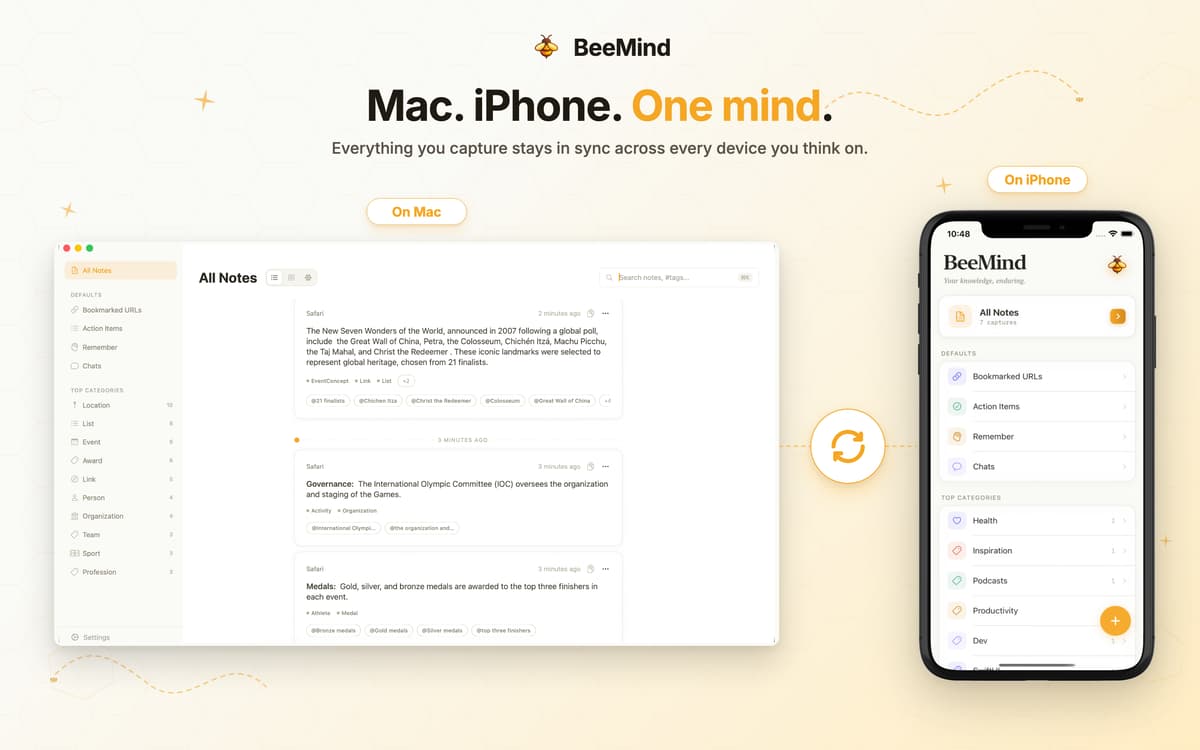
Знімай на Mac, переглядай у дорозі. BeeMind синхронізує Mac, iPhone та iPad через iCloud — тож твій другий мозок завжди з тобою.
Оцінки та відгуки
BeeMind
•
Оцінок: 24
Juanski
13 вер. 2026 р.
Версія: 1.2202
The app looks promising but not really fitting my workflow. What works: copying text, notes into BeeMind, searching for saved notes. What didn’t work: unable to edit notes - or at least haven’t found a way to do that. The tags take some getting used to.
Nadir Palacios
10 лип. 2026 р.
Версія: 1.1203
Good app but useful in day to day basis, you need it open when a bg process is needed
Enrico Frascati
29 черв. 2026 р.
Версія: 1.1203
Very nice app, well designed, light and useful but… but, please, remember that not every user has got 20/20 eyes!!! Please add a way to scale the interface and texts size for people who should wear glasses but don’t like to wear them. We’re a lot, believe me! 🙂
Отримайте сотні програм з Membership
Підпишіться на Setapp і користуйтесь сотнями чудових програм.
Перші 7 днів безплатно, а далі – в єдиному простому плані.
Завантажити Setapp на Mac
Знайдіть в Setapp застосунок для macOS, iOS або web, що допоможе вирішити ваше завдання.

Установіть знайдену програму
Виконайте завдання за допомогою новенької програми зі Setapp.

BeeMind
Виберіть план підписки
Один застосунок або всі разом в підписці Setapp. Користуйтеся застосунками на своїх умовах.

Отримайте сотні програм з Membership
Підпишіться на Setapp і користуйтесь сотнями чудових програм.
Перші 7 днів безплатно, а далі – в єдиному простому плані.
1
Завантажити Setapp на Mac
Знайдіть в Setapp застосунок для macOS, iOS або web, що допоможе вирішити ваше завдання.
2
Установіть знайдену програму
Виконайте завдання за допомогою новенької програми зі Setapp.
BeeMind
3
Виберіть план підписки
Один застосунок або всі разом в підписці Setapp. Користуйтеся застосунками на своїх умовах.
Нагору
Від планування та рутинних завдань до програмування і творчості – працюйте ефективніше зі Setapp.

TypingMind
ШІ зі зручним інтерфейсом
генеруйте й обробляйте текст
користуйтеся бібліотекою
ШІ

Spark Mail
Упорядкуйте імейли
ШІ

CleanMyMac
Видаляйте тільки непотрібне

Bartender
Налаштуйте меню під себе

CleanShot X
Робіть будь-які скриншоти

Luminar Neo
Редагуйте фото
ШІ

ClearVPN
Безпечний звʼязок

Craft
Робота з документами
ШІ
BeeMind
Ваш мозок, але доступний для пошуку