
Contain
Bring your Mac windows together in tabs
Mac
Версія 1.5.0
macOS 13.0 чи новіша
2.5 MB
1 мов(и)
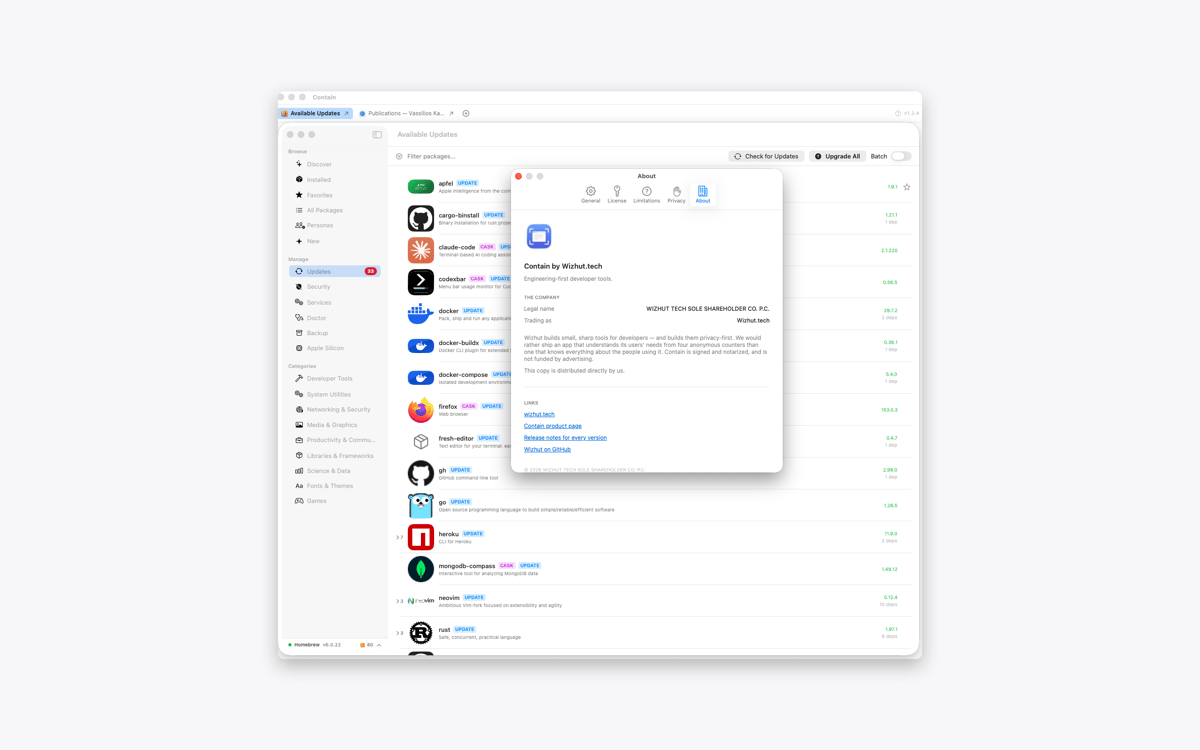
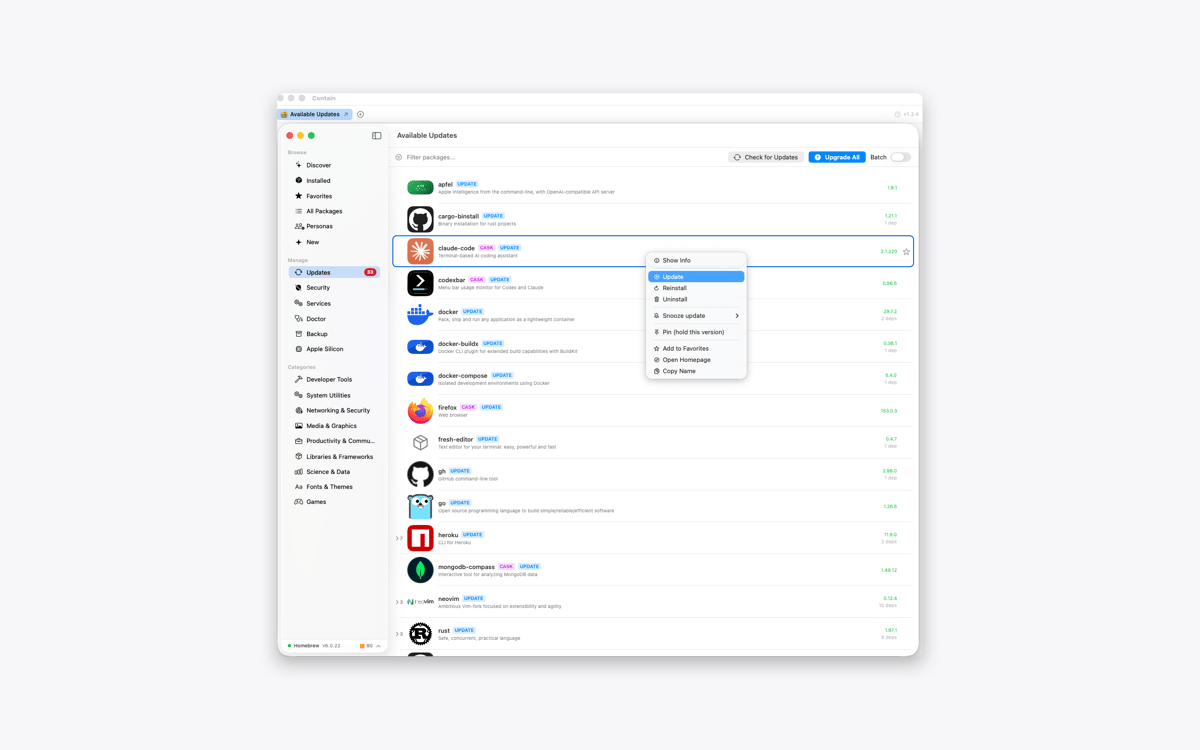
Contain is a tabbed window manager for Mac. Gather documents, browser windows, terminals, and other windows into one resizable container. Each window gets its own tab, so switching between tasks takes one click. When you release a window, it returns to its previous size and position.
Gather windows from different apps
Switch between them using tabs
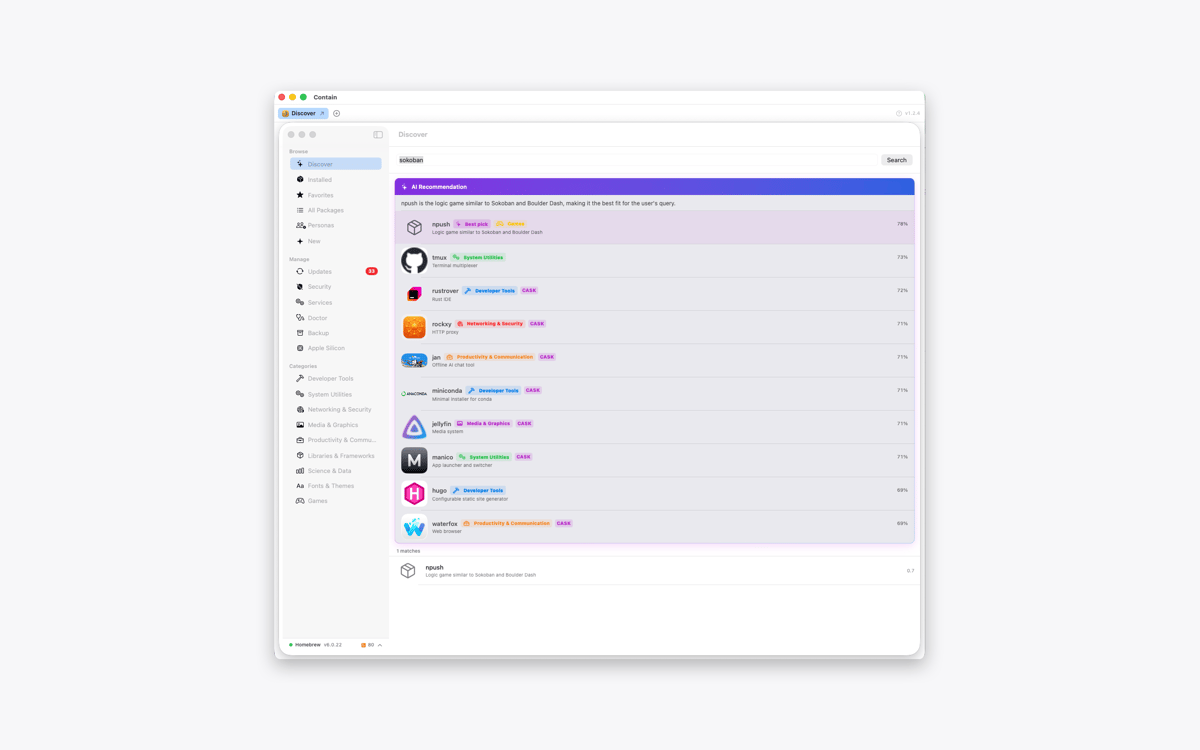
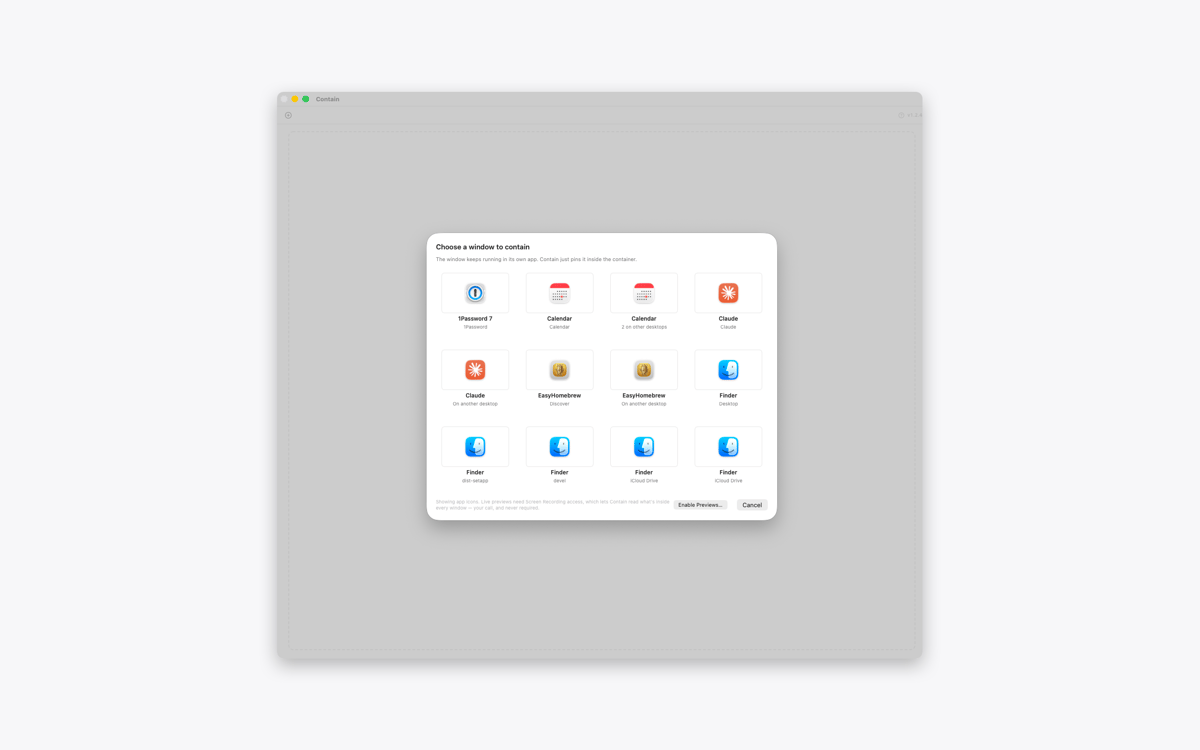
Find windows across desktops and displays
Restore every window to its previous layout
Можливості Contain
Keep different apps together
Collect the windows you need inside one tidy container. Add a document, browser, terminal, or any other open window without changing the rest of your desktop.
Give every window a tab
Contain creates one tab per window, not one per app. If you’re working with three documents from the same app, you’ll get three separate tabs. Click a tab to switch between them.
Find windows across your Mac
Open the grid picker to see windows from different desktops and displays. Select one, and Contain brings it into your current workspace. With optional Screen Recording access, the picker can show live previews instead of app icons.
Move and resize as one
Move or resize the container, and the active window follows along. Use the green window button to fill the display and resize every contained window to match.
Release windows without losing your layout
Click the release button to return a window to the desktop. Contain restores its previous position, size, display, and full-screen state. Quit the app, and all contained windows go back where they were.
Keep every window interactive
Contain doesn’t copy or mirror your windows. The original windows remain fully interactive inside the container, while other windows from the same apps stay untouched.
Отримайте сотні програм з Membership
Підпишіться на Setapp і користуйтесь сотнями чудових програм.
Перші 7 днів безплатно, а далі – в єдиному простому плані.
Завантажити Setapp на Mac
Знайдіть в Setapp застосунок для macOS, iOS або web, що допоможе вирішити ваше завдання.

Установіть знайдену програму
Виконайте завдання за допомогою новенької програми зі Setapp.

Contain
Виберіть план підписки
Один застосунок або всі разом в підписці Setapp. Користуйтеся застосунками на своїх умовах.

Отримайте сотні програм з Membership
Підпишіться на Setapp і користуйтесь сотнями чудових програм.
Перші 7 днів безплатно, а далі – в єдиному простому плані.
1
Завантажити Setapp на Mac
Знайдіть в Setapp застосунок для macOS, iOS або web, що допоможе вирішити ваше завдання.
2
Установіть знайдену програму
Виконайте завдання за допомогою новенької програми зі Setapp.
Contain
3
Виберіть план підписки
Один застосунок або всі разом в підписці Setapp. Користуйтеся застосунками на своїх умовах.
Нагору
Від планування та рутинних завдань до програмування і творчості – працюйте ефективніше зі Setapp.

TypingMind
ШІ зі зручним інтерфейсом
генеруйте й обробляйте текст
користуйтеся бібліотекою
ШІ

Spark Mail
Упорядкуйте імейли
ШІ

CleanMyMac
Видаляйте тільки непотрібне

Bartender
Налаштуйте меню під себе

CleanShot X
Робіть будь-які скриншоти

Luminar Neo
Редагуйте фото
ШІ

ClearVPN
Безпечний звʼязок

Craft
Робота з документами
ШІ
Contain
Bring your Mac windows together in tabs