
Creative Command
Focus time you have to earn

Mac
Версія 2.1
macOS 14.6 чи новіша
31.6 MB
1 мов(и)
Creative Command is a focus timer for Mac that doesn't just take your word for it. Most focus apps count down the minutes and call it a day. This one pauses the moment you go idle, so your session only ends when you've done the work. Set your own inactivity limits, pick which inputs to track, and enjoy your downtime once you've earned it.
Stay on task without watching the clock
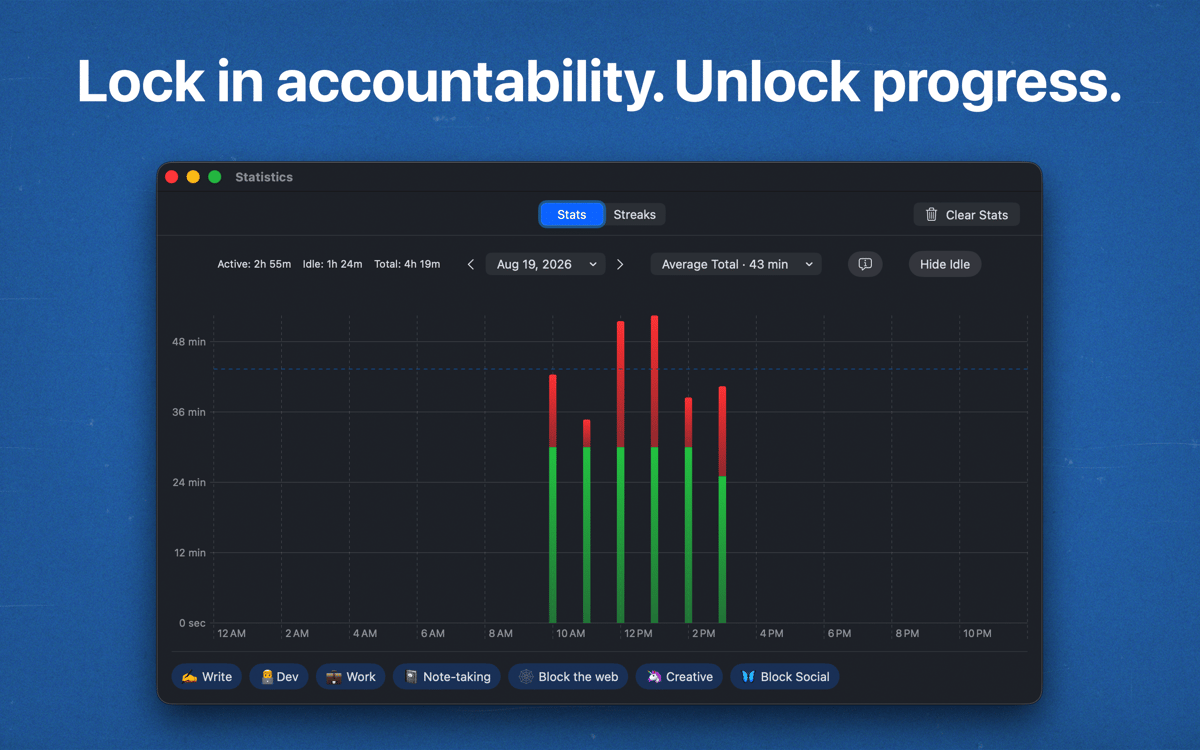
Make deep work sessions actually count
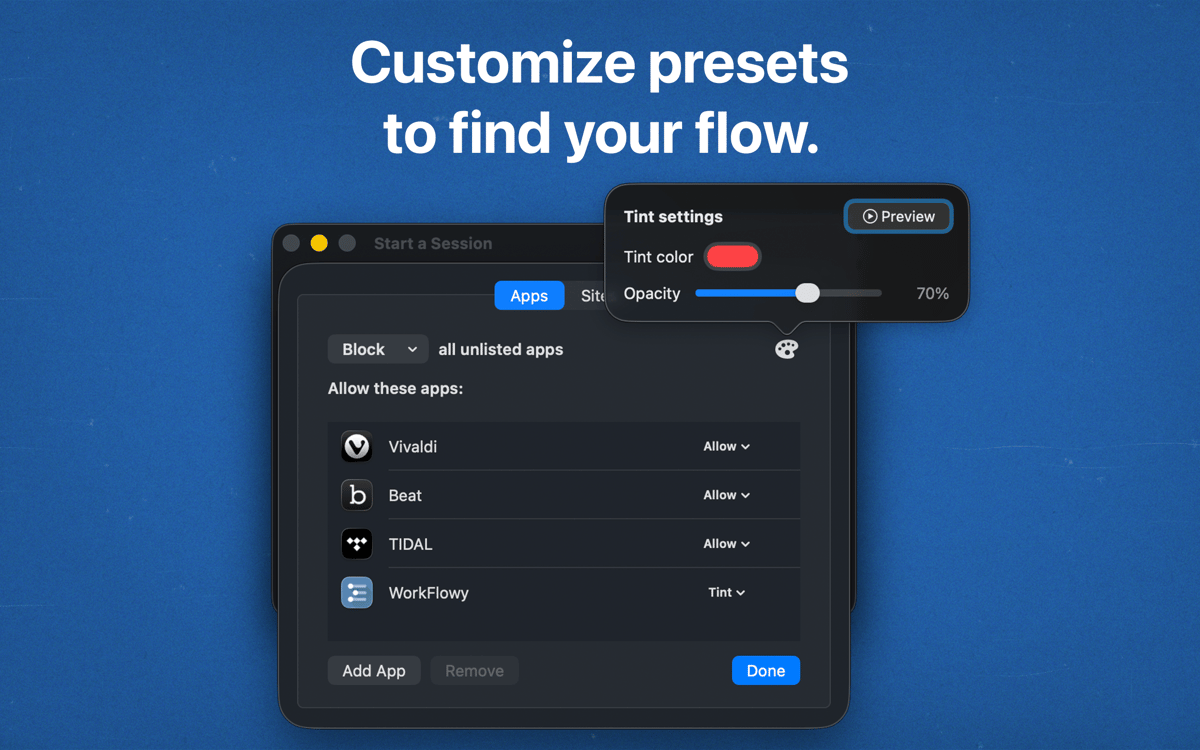
Fit focus sessions to your own workflow
Earn your scroll time after the work
Можливості Creative Command
Engagement Timer
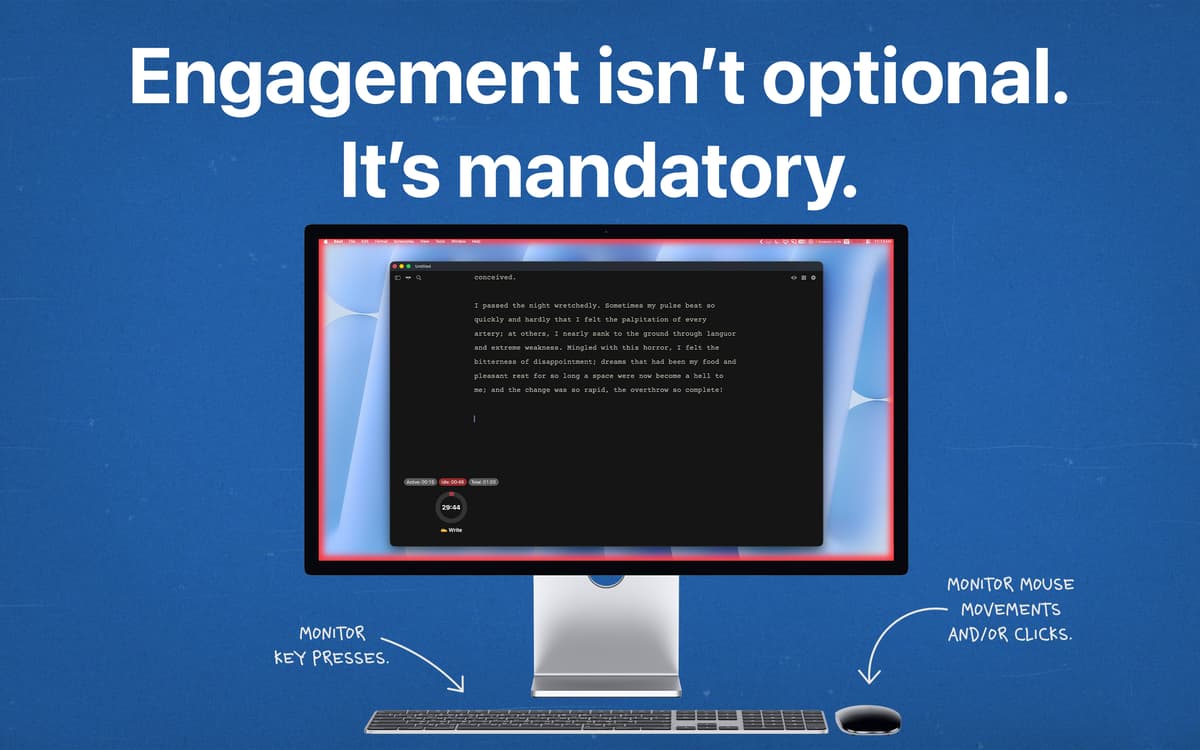
A regular timer counts down whether you're working or not. The Engagement Timer only counts the time you're actually active. Step away, and it waits for you.
Pauses when you go idle
Go idle and your session pauses on the spot. You can't run out the clock by leaving the app open and making a sandwich. The session ends when the work is done.
Custom inactivity intervals
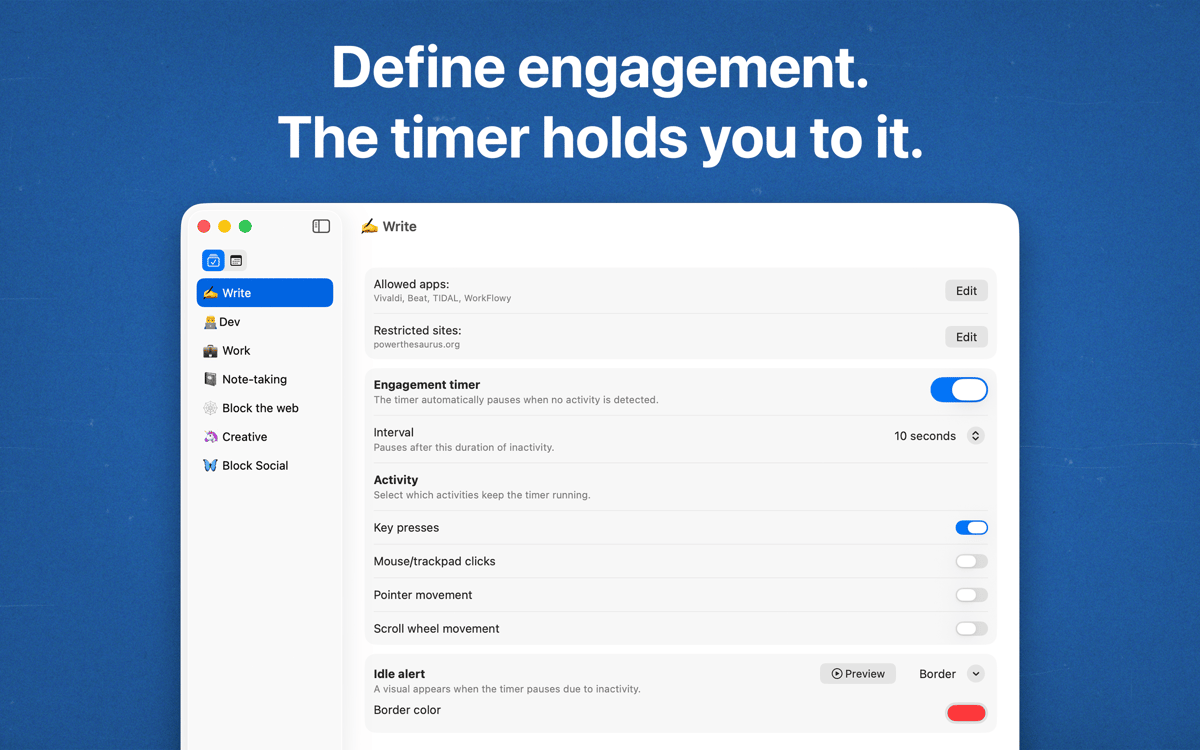
Some tasks need long stretches of thinking. Others need constant typing. Choose how long you can be idle before the timer pauses, so it fits the way you work.
Keystroke and mouse tracking
Decide what counts as being active. Track keystrokes, mouse activity, or both. Writers, designers, and spreadsheet people can each set it up their way.
Earn your downtime
Your digital downtime unlocks once you finish the session through steady activity. Want to scroll? Put in the work first. It's a small deal, and a fair one.
Отримайте сотні програм з Membership
Підпишіться на Setapp і користуйтесь сотнями чудових програм.
Перші 7 днів безплатно, а далі – в єдиному простому плані.
Завантажити Setapp на Mac
Знайдіть в Setapp застосунок для macOS, iOS або web, що допоможе вирішити ваше завдання.

Установіть знайдену програму
Виконайте завдання за допомогою новенької програми зі Setapp.

Creative Command
Виберіть план підписки
Один застосунок або всі разом в підписці Setapp. Користуйтеся застосунками на своїх умовах.

Отримайте сотні програм з Membership
Підпишіться на Setapp і користуйтесь сотнями чудових програм.
Перші 7 днів безплатно, а далі – в єдиному простому плані.
1
Завантажити Setapp на Mac
Знайдіть в Setapp застосунок для macOS, iOS або web, що допоможе вирішити ваше завдання.
2
Установіть знайдену програму
Виконайте завдання за допомогою новенької програми зі Setapp.
Creative Command
3
Виберіть план підписки
Один застосунок або всі разом в підписці Setapp. Користуйтеся застосунками на своїх умовах.
Нагору
Від планування та рутинних завдань до програмування і творчості – працюйте ефективніше зі Setapp.

TypingMind
ШІ зі зручним інтерфейсом
генеруйте й обробляйте текст
користуйтеся бібліотекою
ШІ

Spark Mail
Упорядкуйте імейли
ШІ

CleanMyMac
Видаляйте тільки непотрібне

Bartender
Налаштуйте меню під себе

CleanShot X
Робіть будь-які скриншоти

Luminar Neo
Редагуйте фото
ШІ

ClearVPN
Безпечний звʼязок

Craft
Робота з документами
ШІ
Creative Command
Focus time you have to earn