
CueClip
Записуй та автоматично редагуй відео
Mac
Версія 1.6.31
macOS 12.0 чи новіша
1388.5 MB
1 мов(и)
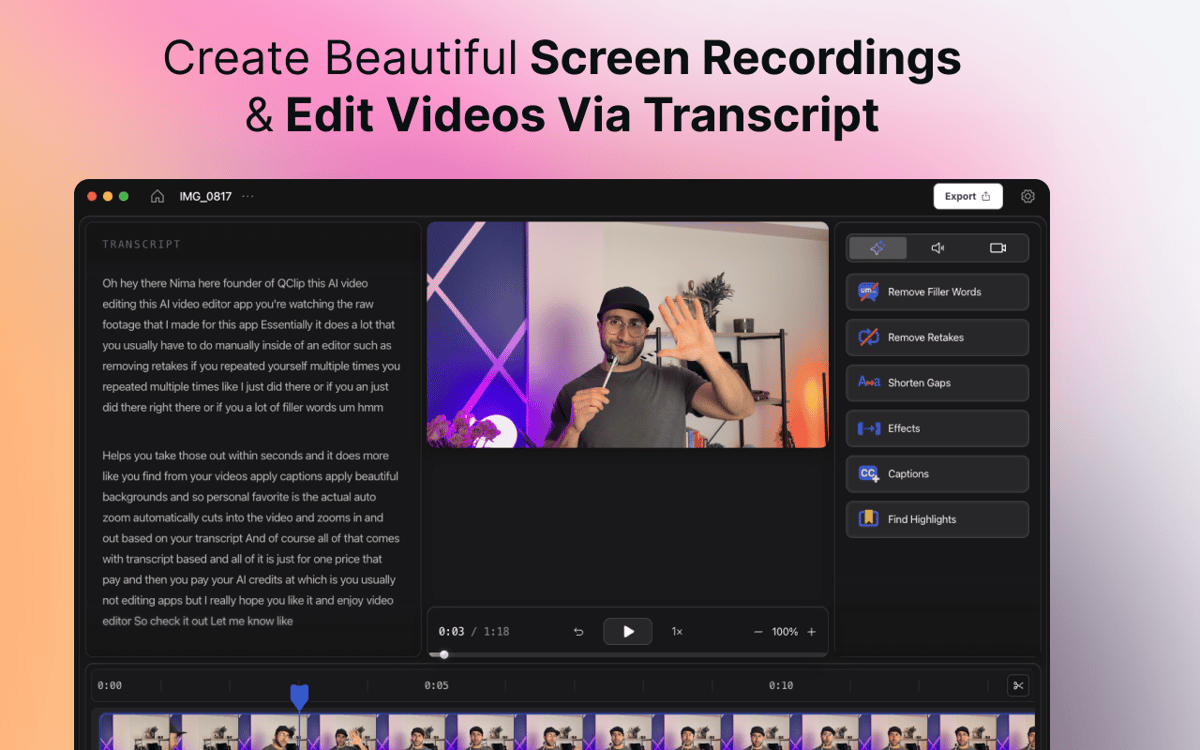
CueClip — програма для запису екрана та редагування відео з підтримкою ШІ для Mac, яка допомагає авторам, викладачам, коучам і фахівцям швидше перетворювати сирі записи на професійні відео. Записуй екран, камеру або все одразу, а потім автоматично видаляй слова-паразити, дублі, довгі паузи та інші відволікання. Редагуй за транскриптом, додавай субтитри, створюй кліпи з найкращими моментами та експортуй відшліфовані відео, готові до публікації. Більшість відеоредакторів побудовані навколо складних часових шкал і ручної роботи. CueClip створений для авторів, які хочуть швидше записувати, редагувати та публікувати відео.
Легко створюй онлайн-курси
Перетвори демо на відшліфовані відео
Швидше створюй контент для YouTube
Створюй покрокові інструкції для клієнтів
Можливості CueClip
Очищення за допомогою штучного інтелекту одним клацанням миші
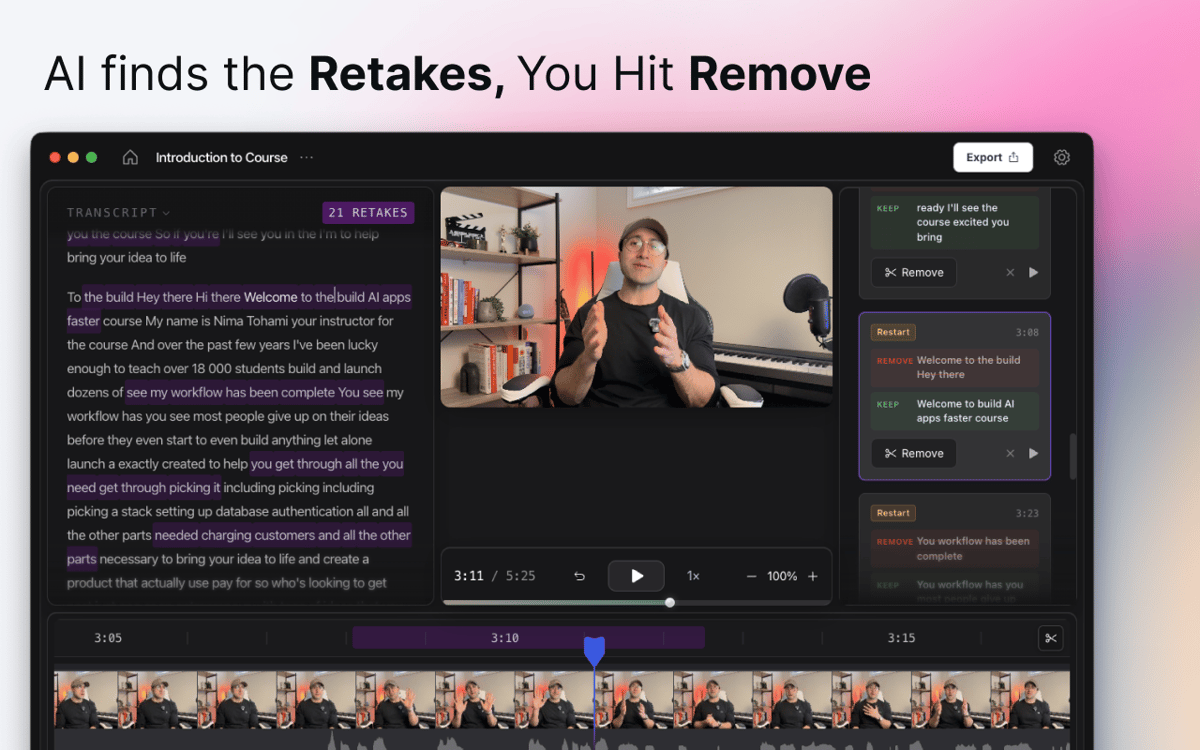
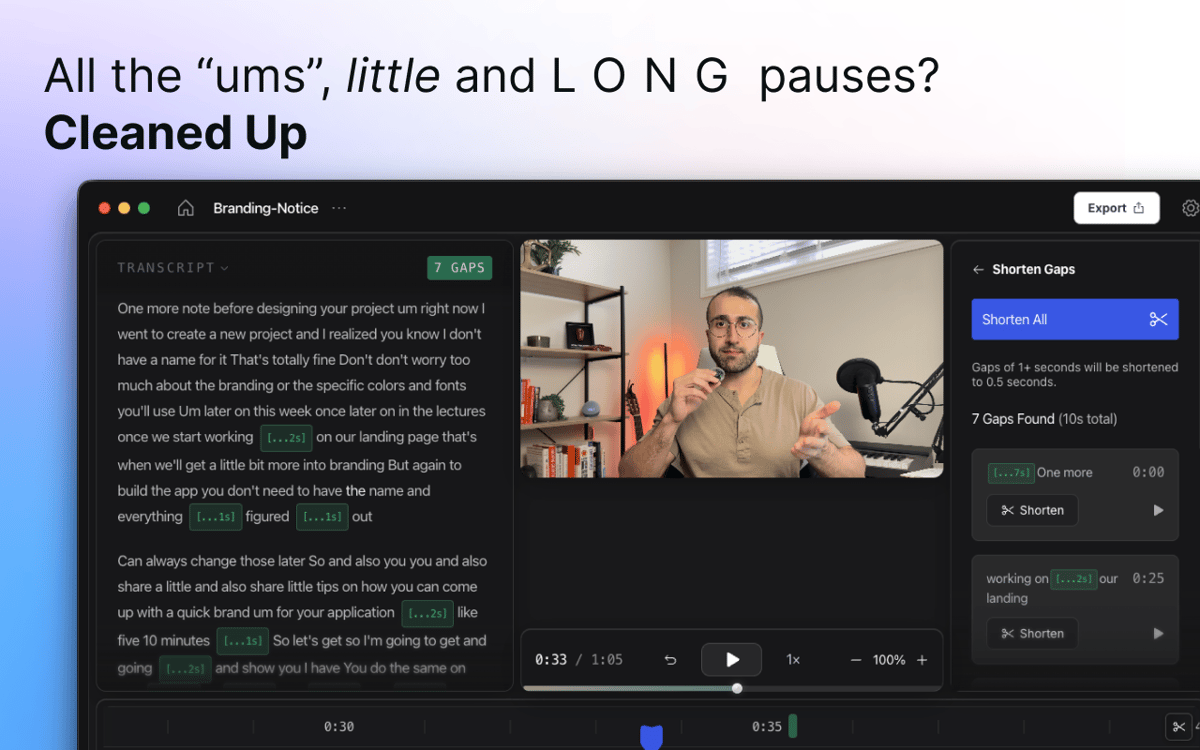
Натисни запис, говори природно, а CueClip подбає про решту. Штучний інтелект автоматично розпізнає слова-паразити, довгі тиші, невдалі дублі та недоречні паузи — і видаляє їх одним кліком. Не потрібно вручну перемотувати часову шкалу.
Записуй екран і камеру одночасно
Записуй екран, обличчя або все разом за один сеанс — без перемикання між застосунками. Незалежно від того, чи знімаєш ти туторіал, демо продукту, презентацію або відео з говорячою головою — все необхідне під рукою з першого кадру.
Редагувати за допомогою стенограми
Забудь про пошук потрібного моменту на часовій шкалі. CueClip перетворює твій запис на текстову розшифровку, яку можна редагувати безпосередньо. Видали речення зі стенограми — і воно зникне з відео. Чисто, швидко та інтуїтивно зрозуміло.
Субтитри та фрагменти з найкращими моментами
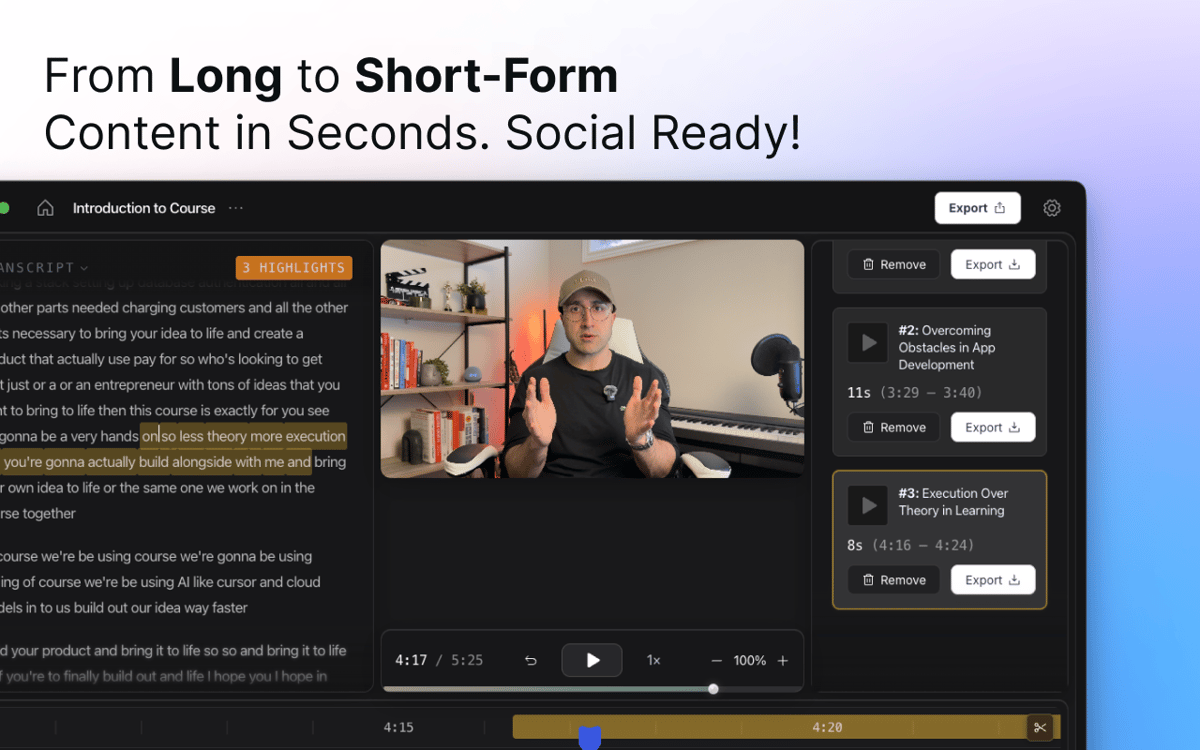
Додай автоматично згенеровані підписи, що відповідають твоєму контенту, а потім налаштуй їх під свій стиль. Потрібен короткий кліп для соцмереж? CueClip визначає ключові моменти з тривалих записів і перетворює їх на фрагменти для поширення.
Розумне масштабування та бездоганний вигляд
CueClip автоматично застосовує масштабування та візуальні покращення, щоб привертати увагу глядача й надавати туторіалам, демонстраціям і презентаціям професійного вигляду — без ручного виставлення ключових кадрів.
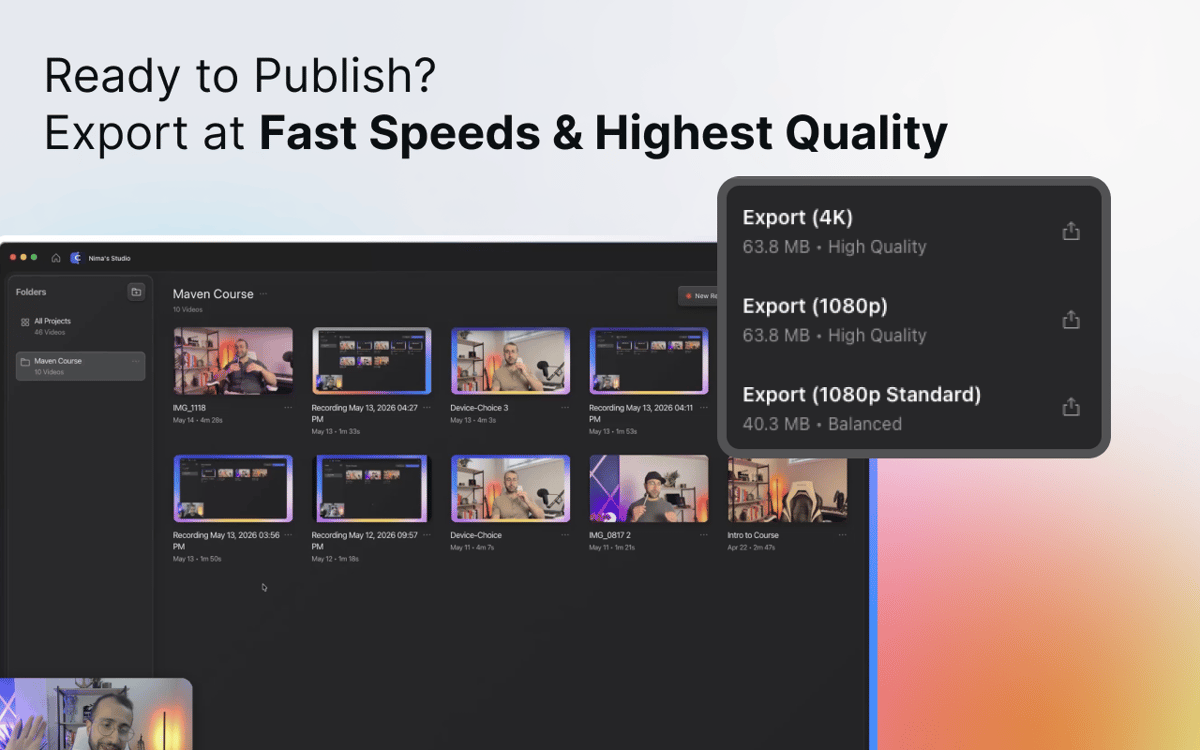
Експорт та поширення
Коли все готово — експортуй відшліфоване відео для YouTube, онлайн-курсів, навчальних матеріалів, презентацій для клієнтів, документації або будь-куди ще. Жодного головного болю з рендерингом, жодних здогадок щодо формату — лише готове відео.
Отримайте сотні програм з Membership
Підпишіться на Setapp і користуйтесь сотнями чудових програм.
Перші 7 днів безплатно, а далі – в єдиному простому плані.
Завантажити Setapp на Mac
Знайдіть в Setapp застосунок для macOS, iOS або web, що допоможе вирішити ваше завдання.

Установіть знайдену програму
Виконайте завдання за допомогою новенької програми зі Setapp.

CueClip
Виберіть план підписки
Один застосунок або всі разом в підписці Setapp. Користуйтеся застосунками на своїх умовах.

Отримайте сотні програм з Membership
Підпишіться на Setapp і користуйтесь сотнями чудових програм.
Перші 7 днів безплатно, а далі – в єдиному простому плані.
1
Завантажити Setapp на Mac
Знайдіть в Setapp застосунок для macOS, iOS або web, що допоможе вирішити ваше завдання.
2
Установіть знайдену програму
Виконайте завдання за допомогою новенької програми зі Setapp.
CueClip
3
Виберіть план підписки
Один застосунок або всі разом в підписці Setapp. Користуйтеся застосунками на своїх умовах.
Нагору
Від планування та рутинних завдань до програмування і творчості – працюйте ефективніше зі Setapp.

TypingMind
ШІ зі зручним інтерфейсом
генеруйте й обробляйте текст
користуйтеся бібліотекою
ШІ

Spark Mail
Упорядкуйте імейли
ШІ

CleanMyMac
Видаляйте тільки непотрібне

Bartender
Налаштуйте меню під себе

CleanShot X
Робіть будь-які скриншоти

Luminar Neo
Редагуйте фото
ШІ

ClearVPN
Безпечний звʼязок

Craft
Робота з документами
ШІ
CueClip
Записуй та автоматично редагуй відео