
DroidPort
Your Android, on your Mac
Mac
Версія 1.5.4
macOS 14.0 чи новіша
66.2 MB
1 мов(и)
DroidPort — Android-to-Mac companion app for Mac. Connect your Android phone to your Mac over your own Wi-Fi and keep both devices in sync — no cloud required, no data collected. Read and reply to texts, catch calls, act on notifications, transfer files, and browse your camera roll right from your Mac. Everything travels directly between your two devices over an encrypted local connection. DroidPort is sandboxed, signed, and private by design.
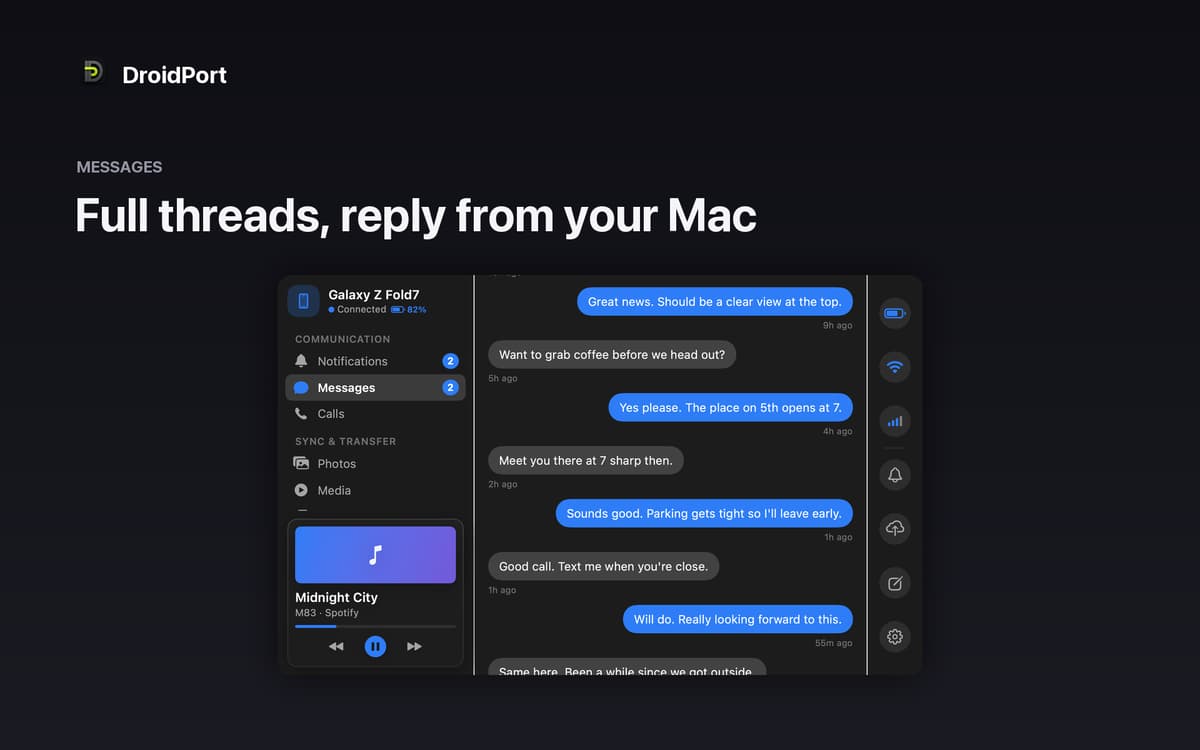
Text and reply without touching your phone
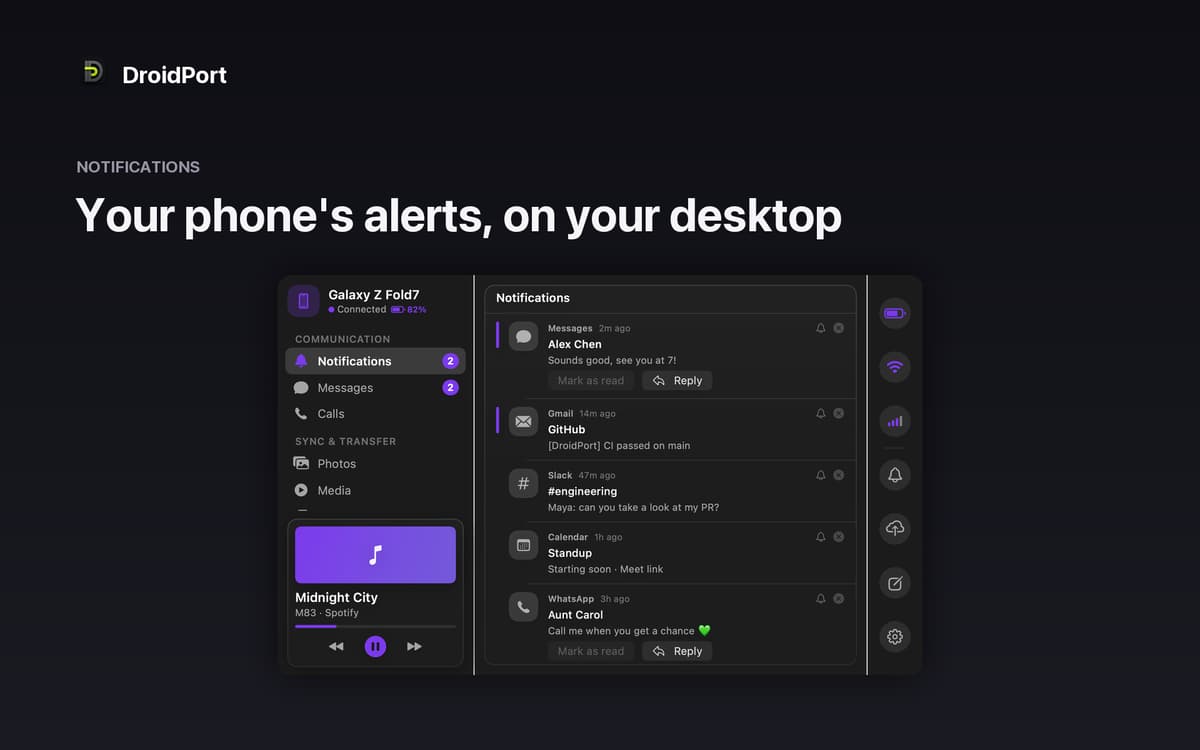
See and act on notifications instantly
Browse and save photos from your camera roll
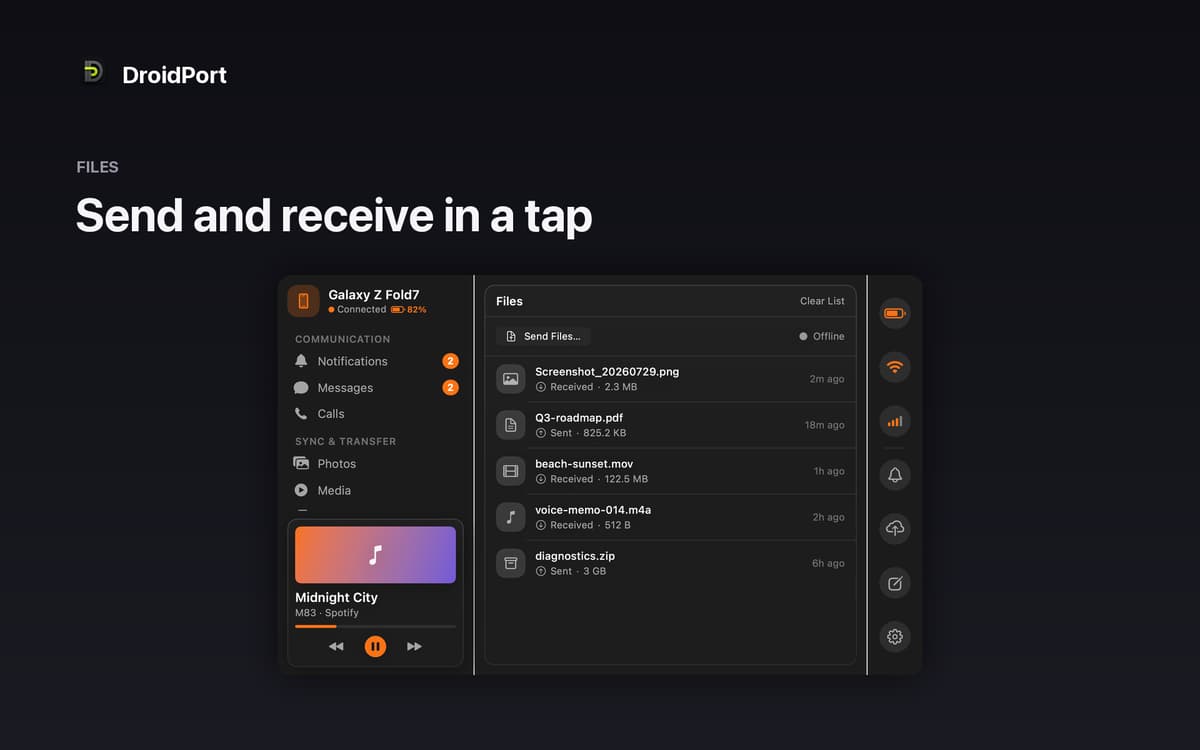
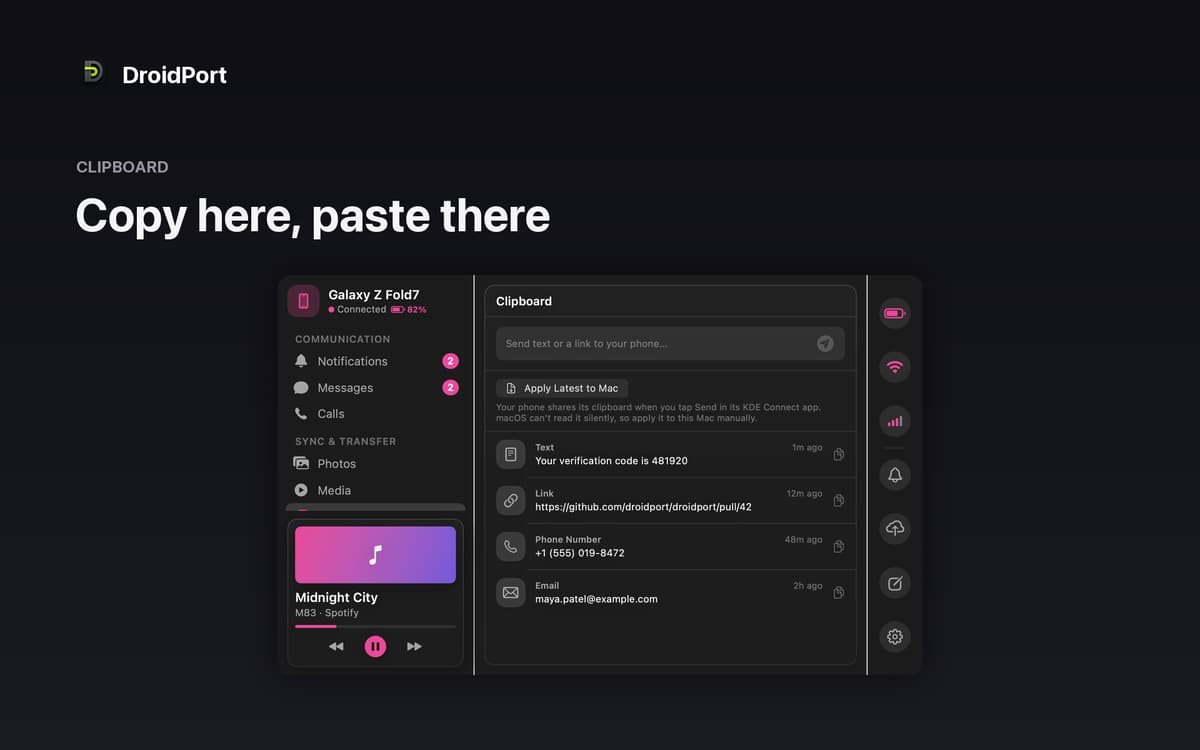
Share files and clipboard in a tap
Можливості DroidPort
Messages and notifications, right on your Mac
Stop picking up your phone every five minutes. DroidPort brings your texts and notifications to your Mac in real time — full conversation threads, inline replies, notification actions, and one-click dismissal. If your phone rings, you'll see it on screen. Missed calls show up too, so nothing slips by while you're heads-down at your desk.
Truly private — no cloud, no middleman
DroidPort connects your Mac and your Android phone directly over your local Wi-Fi using the open KDE Connect protocol. Nothing is uploaded anywhere. The connection is end-to-end encrypted and confirmed by a code you approve on both devices. Your data stays between you and your two devices — full stop.
Photos and files without the cable
Browse your Android camera roll straight from your Mac, open shots at full resolution, drag them to Finder, or pull in everything new since your last session. Sending files works both ways: drop something onto your phone or receive files straight to your Mac. No cable, no cloud storage, no workarounds.
Shared clipboard and media control
Copy something on your Mac, paste it on your phone — or the other way around. DroidPort syncs your clipboard between devices in a tap. You can also control whatever's playing on your Android phone right from the Mac menu bar, without switching windows or reaching for your device.
Battery, signal, and Wi-Fi at a glance
Keep an eye on your phone's battery level, signal strength, and Wi-Fi status from your Mac. The kind of small detail that saves you from a dead phone right when you need it most.
Try it before you pair
Not sure if it's for you? Choose "Explore a Demo Device" to walk through every screen with sample data — no phone required, no pairing needed. Get a real feel for DroidPort before you commit to setting anything up.
Отримайте сотні програм з Membership
Підпишіться на Setapp і користуйтесь сотнями чудових програм.
Перші 7 днів безплатно, а далі – в єдиному простому плані.
Завантажити Setapp на Mac
Знайдіть в Setapp застосунок для macOS, iOS або web, що допоможе вирішити ваше завдання.

Установіть знайдену програму
Виконайте завдання за допомогою новенької програми зі Setapp.

DroidPort
Виберіть план підписки
Один застосунок або всі разом в підписці Setapp. Користуйтеся застосунками на своїх умовах.

Отримайте сотні програм з Membership
Підпишіться на Setapp і користуйтесь сотнями чудових програм.
Перші 7 днів безплатно, а далі – в єдиному простому плані.
1
Завантажити Setapp на Mac
Знайдіть в Setapp застосунок для macOS, iOS або web, що допоможе вирішити ваше завдання.
2
Установіть знайдену програму
Виконайте завдання за допомогою новенької програми зі Setapp.
DroidPort
3
Виберіть план підписки
Один застосунок або всі разом в підписці Setapp. Користуйтеся застосунками на своїх умовах.
Нагору
Від планування та рутинних завдань до програмування і творчості – працюйте ефективніше зі Setapp.

TypingMind
ШІ зі зручним інтерфейсом
генеруйте й обробляйте текст
користуйтеся бібліотекою
ШІ

Spark Mail
Упорядкуйте імейли
ШІ

CleanMyMac
Видаляйте тільки непотрібне

Bartender
Налаштуйте меню під себе

CleanShot X
Робіть будь-які скриншоти

Luminar Neo
Редагуйте фото
ШІ

ClearVPN
Безпечний звʼязок

Craft
Робота з документами
ШІ
DroidPort
Your Android, on your Mac