
EasyWhen
Drop a date and time in a click
Mac
Версія 2.3.0
macOS 14.0 чи новіша
15.4 MB
11 мов(и)
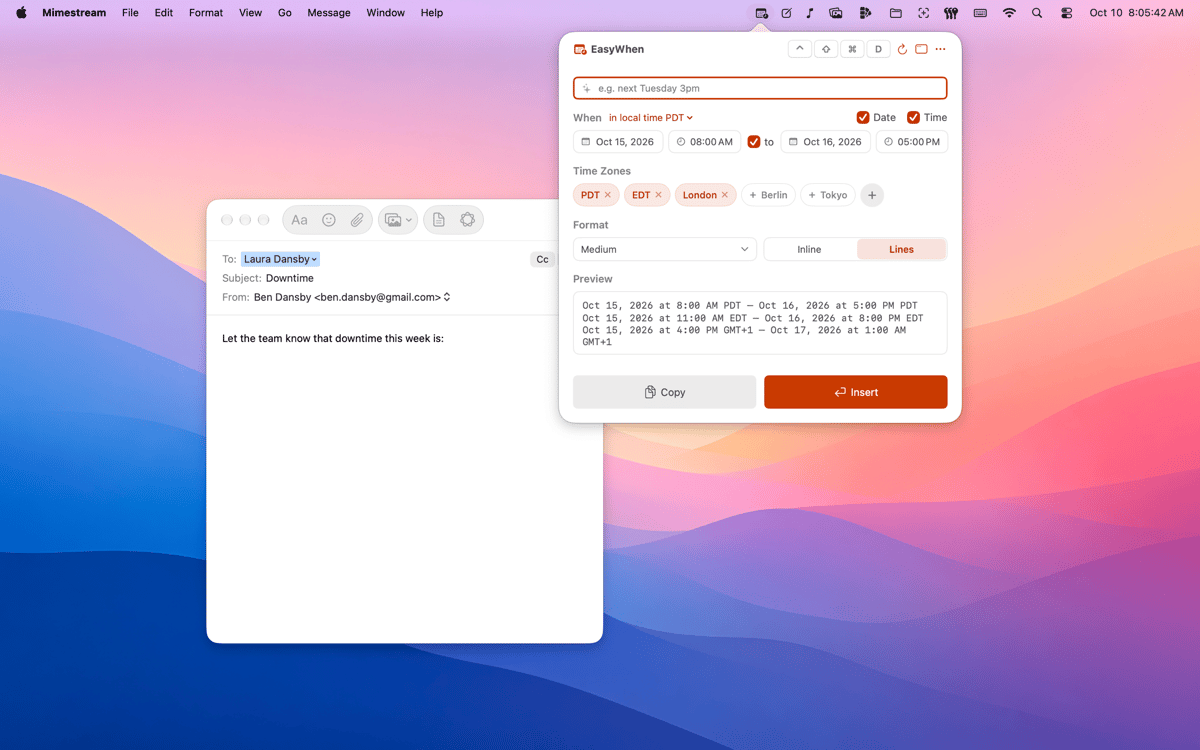
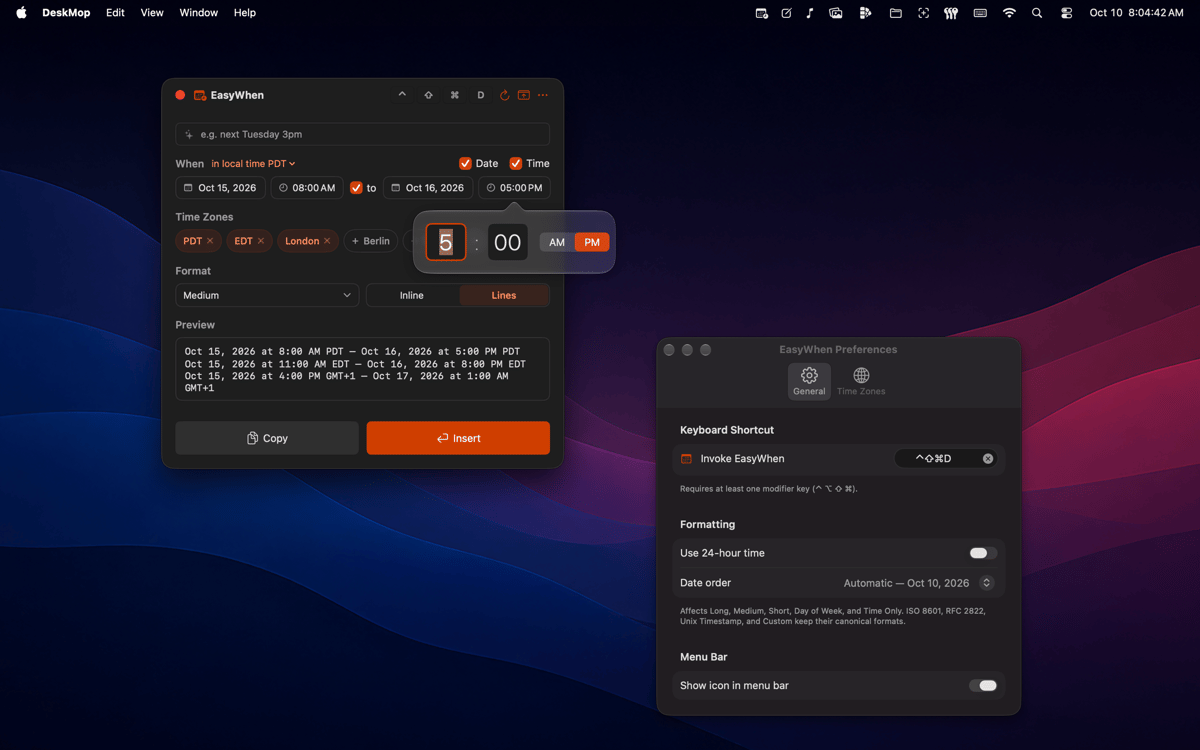
EasyWhen sits in your menu bar with every date and time format you actually use. Pick your date and time, then copy or insert — no typing, no re-formatting, no second-guessing. It speaks every time zone, every locale, and any custom format you save.
Meeting times across time zones
Timestamps for files and exports
Invoices and receipts, dated right
Custom formats — save once, reuse forever
Можливості EasyWhen
Always one shortcut away
A global hotkey brings EasyWhen up from anywhere on your Mac — mid-document, mid-email, mid-anything. No switching windows, no hunting through apps. It's just there when you need it.
Every format you actually use
ISO, RFC, polite-email, filename-safe — EasyWhen comes loaded with the formats that show up in real work. Switch between them in a click. No formatting guides needed, ever again.
Time-zone aware from the start
Set up the time zones you work with and EasyWhen remembers them. Pick your time, choose your zone, paste — and everyone on the other end sees the right time in their locale. No mental math, no timezone converters.
Build your own formats
If none of the defaults fit, build one that does. EasyWhen’s custom format builder lets you create exactly the pattern you need and save it for later. Type it once, never again.
Menu-bar native, nothing to manage
EasyWhen doesn't ask for a window or a spot in your Dock. It sits quietly in the menu bar and appears on demand. Clean, lightweight, and always exactly where you left it.
Tiny on memory
Native Swift, no Electron, no background drain.
Отримайте сотні програм з Membership
Підпишіться на Setapp і користуйтесь сотнями чудових програм.
Перші 7 днів безплатно, а далі – в єдиному простому плані.
Завантажити Setapp на Mac
Знайдіть в Setapp застосунок для macOS, iOS або web, що допоможе вирішити ваше завдання.

Установіть знайдену програму
Виконайте завдання за допомогою новенької програми зі Setapp.

EasyWhen
Виберіть план підписки
Один застосунок або всі разом в підписці Setapp. Користуйтеся застосунками на своїх умовах.

Отримайте сотні програм з Membership
Підпишіться на Setapp і користуйтесь сотнями чудових програм.
Перші 7 днів безплатно, а далі – в єдиному простому плані.
1
Завантажити Setapp на Mac
Знайдіть в Setapp застосунок для macOS, iOS або web, що допоможе вирішити ваше завдання.
2
Установіть знайдену програму
Виконайте завдання за допомогою новенької програми зі Setapp.
EasyWhen
3
Виберіть план підписки
Один застосунок або всі разом в підписці Setapp. Користуйтеся застосунками на своїх умовах.
Нагору
Від планування та рутинних завдань до програмування і творчості – працюйте ефективніше зі Setapp.

TypingMind
ШІ зі зручним інтерфейсом
генеруйте й обробляйте текст
користуйтеся бібліотекою
ШІ

Spark Mail
Упорядкуйте імейли
ШІ

CleanMyMac
Видаляйте тільки непотрібне

Bartender
Налаштуйте меню під себе

CleanShot X
Робіть будь-які скриншоти

Luminar Neo
Редагуйте фото
ШІ

ClearVPN
Безпечний звʼязок

Craft
Робота з документами
ШІ
EasyWhen
Drop a date and time in a click