
GapSucker
One cursor, zero dead ends
Mac
Версія 1.0.1
macOS 11.5 чи новіша
10 MB
1 мов(и)
GapSucker — cursor manager for multi-monitor Mac setups. When your displays don't physically line up, your cursor gets stuck at the edges — GapSucker fixes that by automatically warping it across the gaps. Move from screen to screen as if the bezels aren't even there. It's lightweight, runs quietly in the background, and stays out of your way.
Move between screens without friction
Works with any multi-monitor layout
Skips gaps between misaligned displays
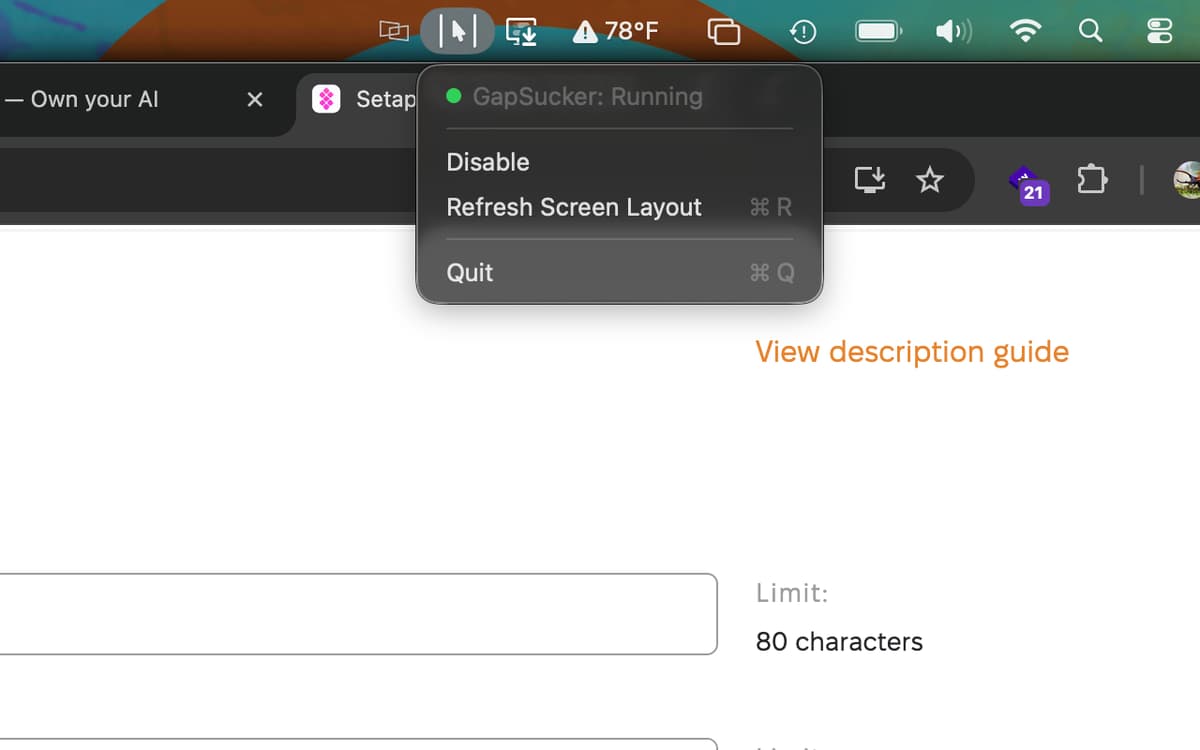
Control it all from your menu bar
Можливості GapSucker
Move freely between displays
Got a vertical monitor sitting next to a horizontal one, or two screens that don't quite line up edge to edge? GapSucker detects the gap and bridges it automatically. Your cursor glides through to the adjacent screen — no nudging, no hunting, no dead zones.
Smart adjacent-screen detection
GapSucker doesn't warp blindly. It only teleports your cursor when there's actually a screen on the other side, so you won't get unexpected jumps if you push your cursor toward an empty edge. It knows your layout.
Works with any arrangement
Portrait, landscape, side by side, stacked — GapSucker works with whatever multi-monitor setup you're running, no matter how unusual the configuration. Plug in a new display and it adapts without any manual tweaking.
Quick controls from the menu bar
Enable it, disable it, or refresh your screen layout whenever things change — all from a simple menu bar icon. No preferences window to dig through, no configuration headaches. It's just there when you need it.
Runs quietly in the background
GapSucker is exactly the kind of app you forget is installed — until you try a multi-monitor setup without it. It uses minimal resources and doesn't interrupt your workflow. Set it up once and let it do its thing.
Отримайте сотні програм з Membership
Підпишіться на Setapp і користуйтесь сотнями чудових програм.
Перші 7 днів безплатно, а далі – в єдиному простому плані.
Завантажити Setapp на Mac
Знайдіть в Setapp застосунок для macOS, iOS або web, що допоможе вирішити ваше завдання.

Установіть знайдену програму
Виконайте завдання за допомогою новенької програми зі Setapp.

GapSucker
Виберіть план підписки
Один застосунок або всі разом в підписці Setapp. Користуйтеся застосунками на своїх умовах.

Отримайте сотні програм з Membership
Підпишіться на Setapp і користуйтесь сотнями чудових програм.
Перші 7 днів безплатно, а далі – в єдиному простому плані.
1
Завантажити Setapp на Mac
Знайдіть в Setapp застосунок для macOS, iOS або web, що допоможе вирішити ваше завдання.
2
Установіть знайдену програму
Виконайте завдання за допомогою новенької програми зі Setapp.
GapSucker
3
Виберіть план підписки
Один застосунок або всі разом в підписці Setapp. Користуйтеся застосунками на своїх умовах.
Нагору
Від планування та рутинних завдань до програмування і творчості – працюйте ефективніше зі Setapp.

TypingMind
ШІ зі зручним інтерфейсом
генеруйте й обробляйте текст
користуйтеся бібліотекою
ШІ

Spark Mail
Упорядкуйте імейли
ШІ

CleanMyMac
Видаляйте тільки непотрібне

Bartender
Налаштуйте меню під себе

CleanShot X
Робіть будь-які скриншоти

Luminar Neo
Редагуйте фото
ШІ

ClearVPN
Безпечний звʼязок

Craft
Робота з документами
ШІ
GapSucker
One cursor, zero dead ends