
GetFerret
Find any file, any drive
Mac
Версія 1.0.11
macOS 14.0 чи новіша
24.5 MB
1 мов(и)
GetFerret is a file finder for Mac with a long memory. Plug in a drive once and GetFerret catalogs it — after that, you can search it anytime, even when it's unplugged and sitting in a drawer. Type a few letters, and GetFerret finds the file, tells you which drive it's on, and reminds you where that drive is stored. It also checks that your important files are backed up and offloads camera cards with verified copies. Everything stays on your Mac, private, with nothing sent to a server.
Search drives plugged in or sitting in a drawer
Find files on disconnected drives
Check that important files are backed up safely
Offload camera cards with verified copies
Можливості GetFerret
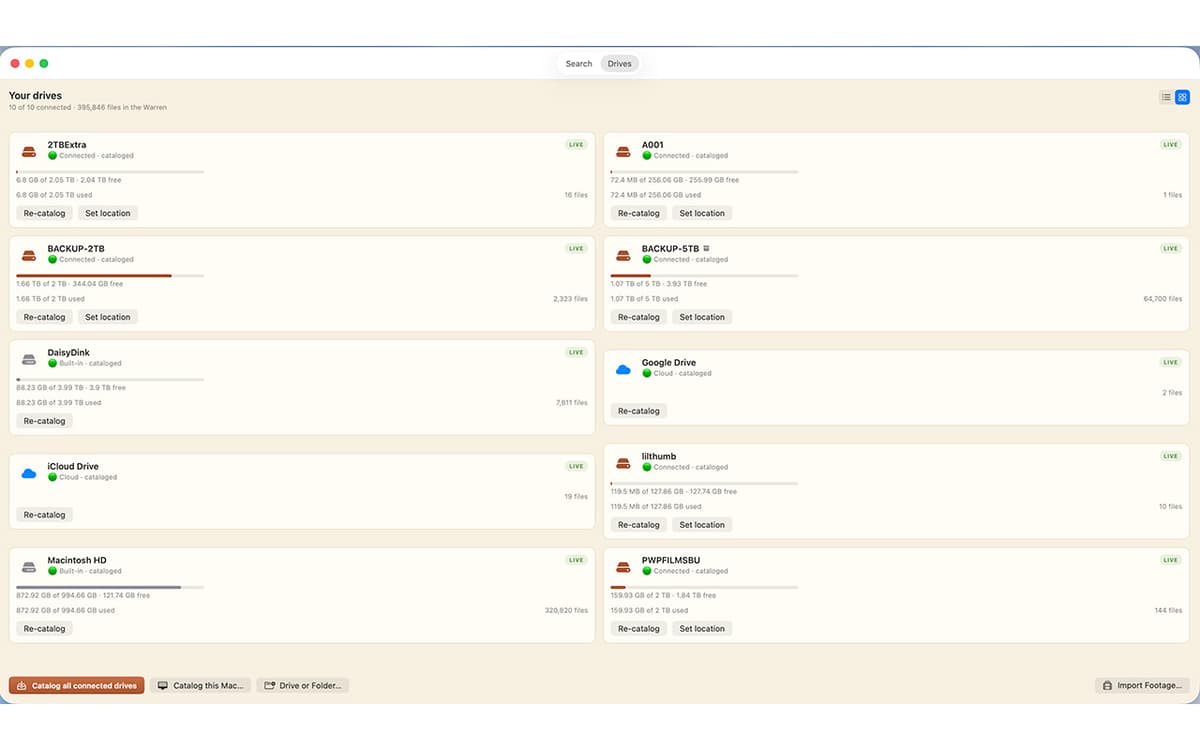
Search across every drive
One bar covers every drive you've cataloged, whether it's plugged in or not. Results appear as you type, merged from live search and your catalog.
Find files on unplugged drives
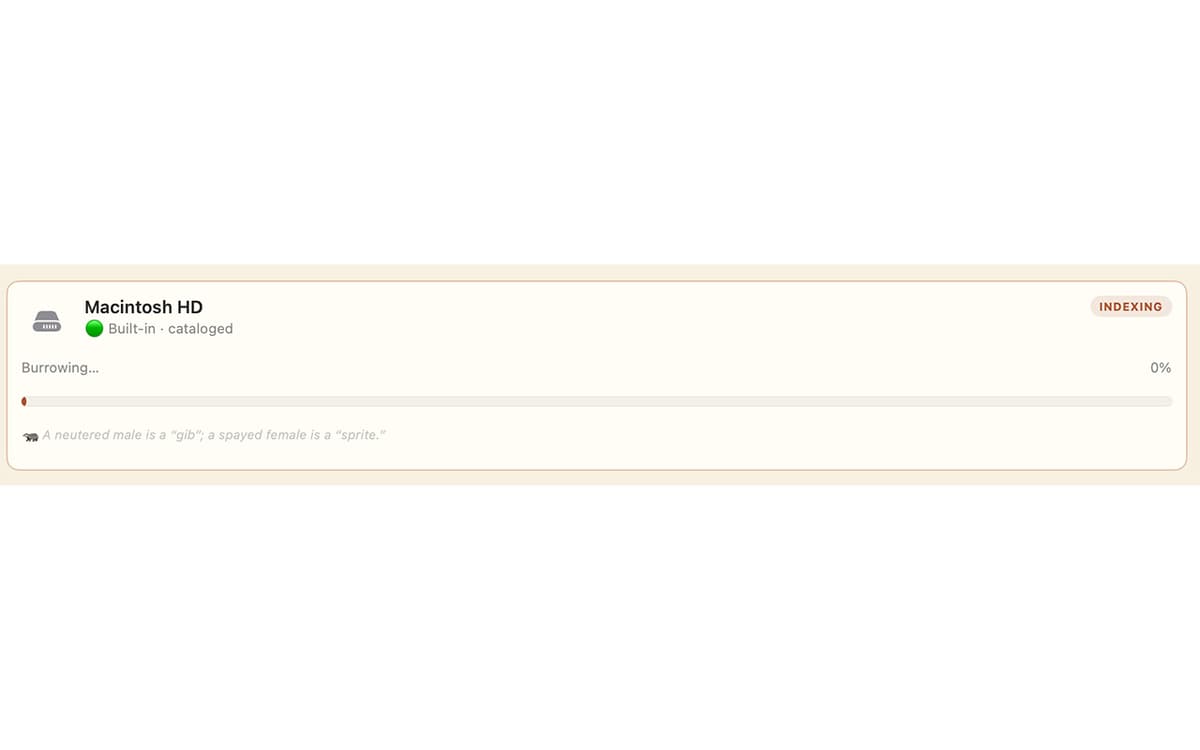
Catalog a drive once by plugging it in, and its files stay searchable after you unplug it. GetFerret even remembers which drawer you put the drive in.
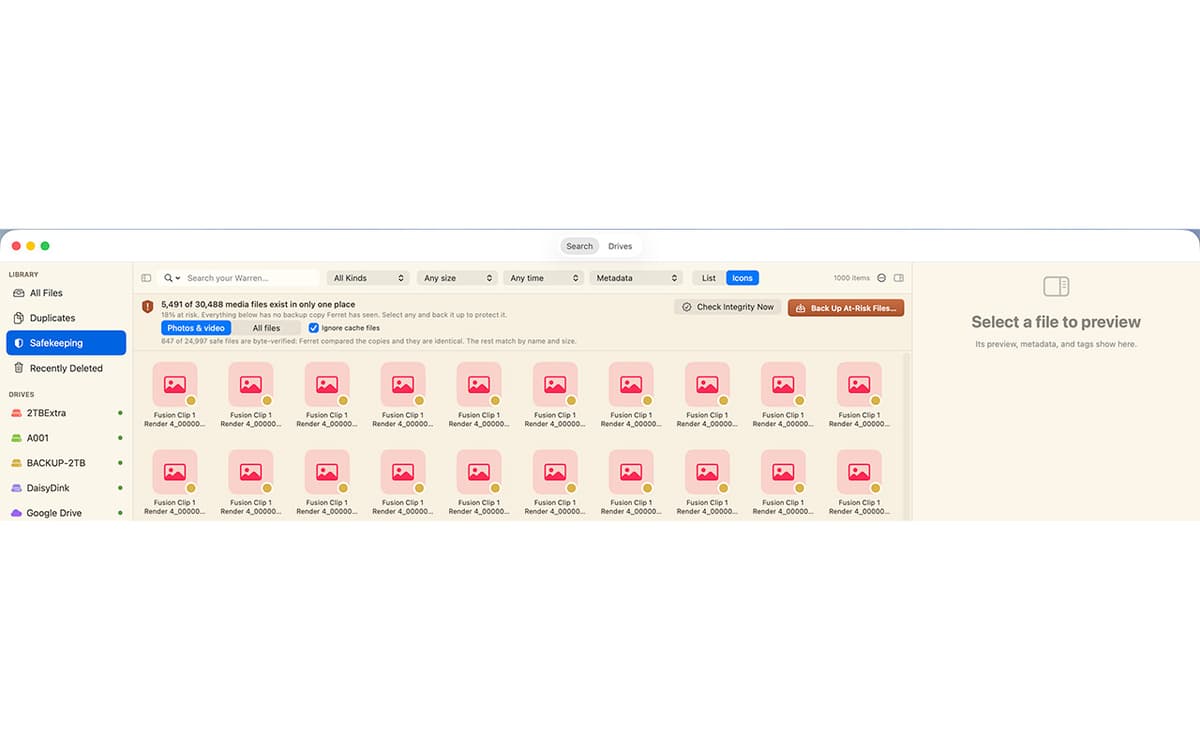
Know your files are safe
Safekeeping checks that your important files live on more than one drive, verifies the copies by their actual contents, and catches silent corruption before it spreads.
Verified camera-card offload
Copy footage off a card to as many drives as you like. Every file is hashed and read back to confirm it landed intact, with a checksum manifest saved beside it.
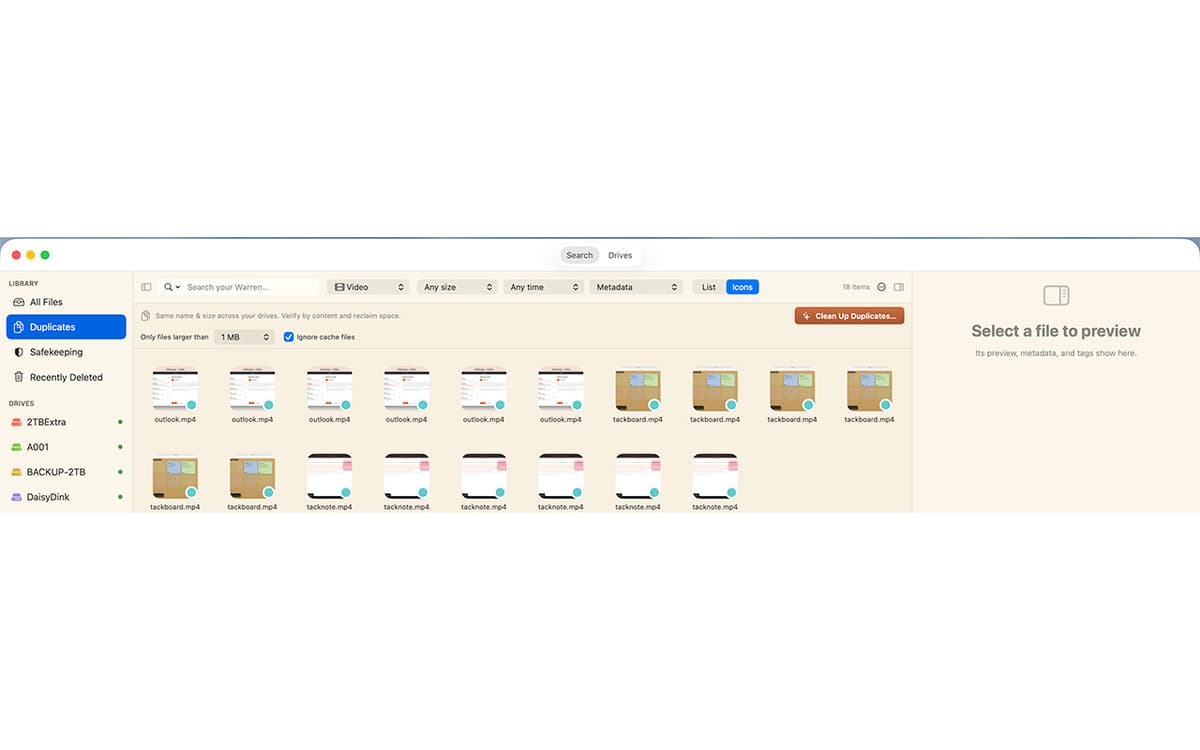
Back up a drive, the safe way
Make a 1-for-1 backup to another drive. GetFerret copies only what changed, never deletes anything, and confirms every file by content.
Private by design
Your files and their catalog stay on your Mac, encrypted. No account, no cloud, nothing sent to us.
Отримайте сотні програм з Membership
Підпишіться на Setapp і користуйтесь сотнями чудових програм.
Перші 7 днів безплатно, а далі – в єдиному простому плані.
Завантажити Setapp на Mac
Знайдіть в Setapp застосунок для macOS, iOS або web, що допоможе вирішити ваше завдання.

Установіть знайдену програму
Виконайте завдання за допомогою новенької програми зі Setapp.

GetFerret
Виберіть план підписки
Один застосунок або всі разом в підписці Setapp. Користуйтеся застосунками на своїх умовах.

Отримайте сотні програм з Membership
Підпишіться на Setapp і користуйтесь сотнями чудових програм.
Перші 7 днів безплатно, а далі – в єдиному простому плані.
1
Завантажити Setapp на Mac
Знайдіть в Setapp застосунок для macOS, iOS або web, що допоможе вирішити ваше завдання.
2
Установіть знайдену програму
Виконайте завдання за допомогою новенької програми зі Setapp.
GetFerret
3
Виберіть план підписки
Один застосунок або всі разом в підписці Setapp. Користуйтеся застосунками на своїх умовах.
Нагору
Від планування та рутинних завдань до програмування і творчості – працюйте ефективніше зі Setapp.

TypingMind
ШІ зі зручним інтерфейсом
генеруйте й обробляйте текст
користуйтеся бібліотекою
ШІ

Spark Mail
Упорядкуйте імейли
ШІ

CleanMyMac
Видаляйте тільки непотрібне

Bartender
Налаштуйте меню під себе

CleanShot X
Робіть будь-які скриншоти

Luminar Neo
Редагуйте фото
ШІ

ClearVPN
Безпечний звʼязок

Craft
Робота з документами
ШІ
GetFerret
Find any file, any drive