Hush
Blur the mess, share the work
Mac
Версія 2.8.5
macOS 14.0 чи новіша
8.9 MB
23 мов(и)
Hush is a screen focus app for Mac that hides visual clutter in one click. It blurs or dims everything around the window you're working in, so your calls, demos, and recordings show only what matters. Your windows and files stay untouched, and no Screen Recording permission is needed. Great for anyone who shares their screen, presents, or just wants a calmer desktop.
Share your screen without the clutter
Record clean tutorials and screencasts
Run live demos viewers can follow
Stay on one task all day
Можливості Hush
Desktop
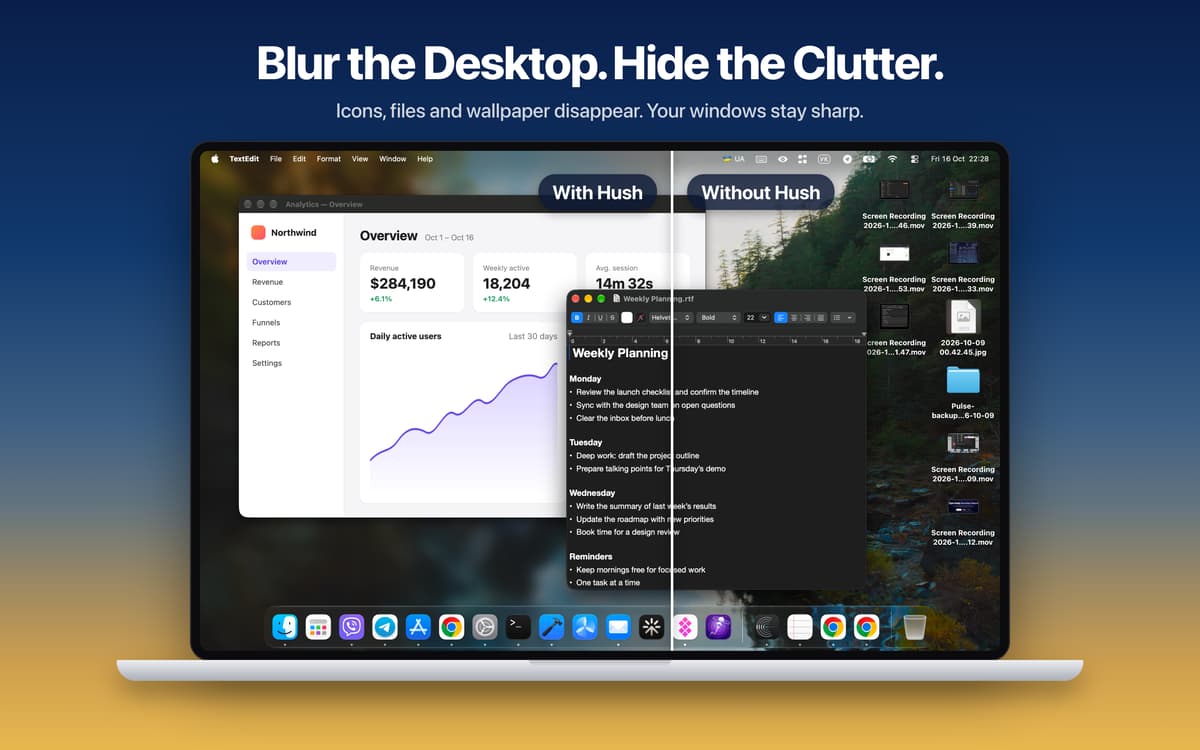
Messy desktop? Blur it, tint it, or cover it with your own image. Desktop icons and widgets disappear, while your app windows stay sharp and fully usable. The Dock stays right where it is.
Focus
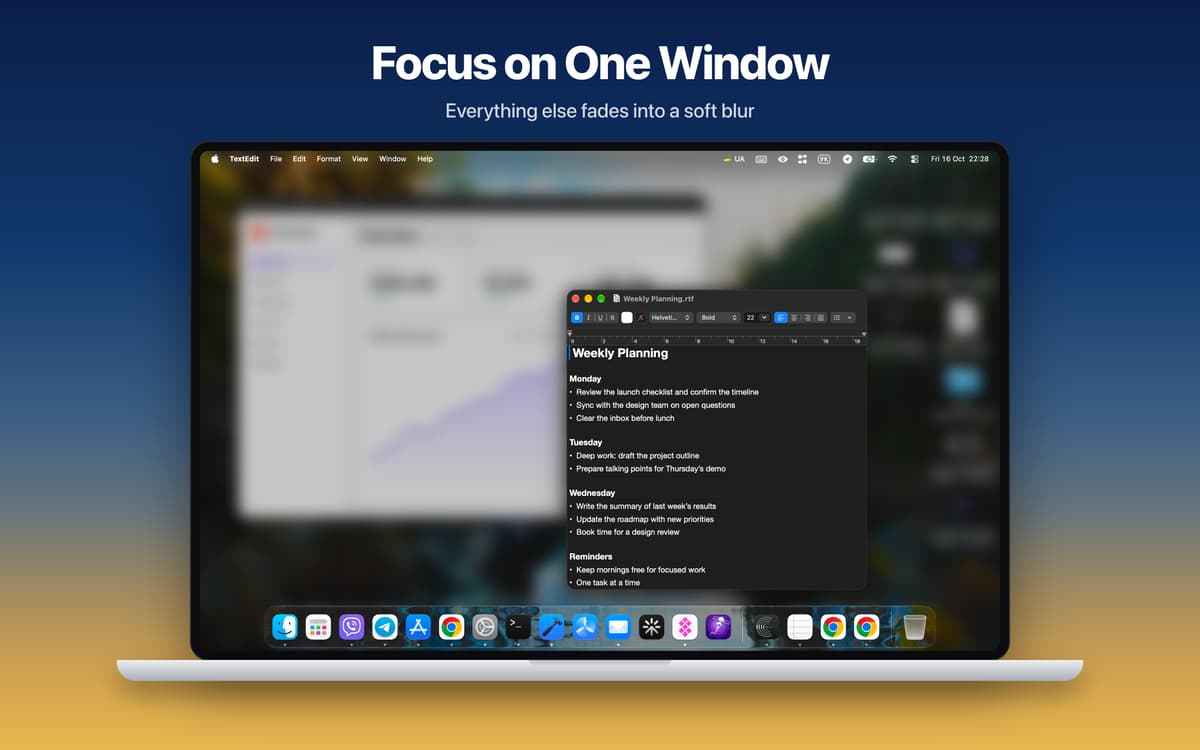
Hush dims or blurs everything except the active window and follows you as you switch apps. Want a few apps to stay visible? Pick them yourself. You can also cover the Dock and menu bar for a fully clean screen.
Cursor Focus
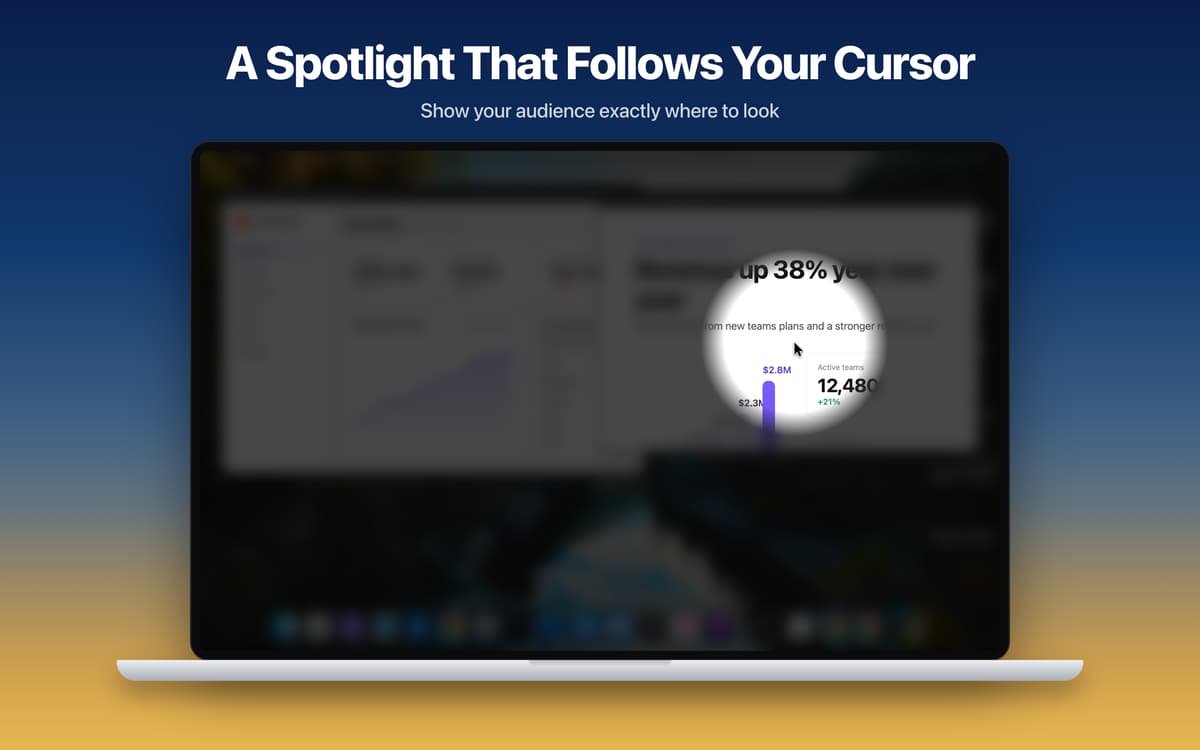
A soft spotlight follows your cursor and darkens the rest of the screen. Viewers always know where to look, which is handy for live demos and tutorials. Scroll to resize the spotlight, freeze it with a hotkey, or hold the hotkey to show it only when you need it.
Everyday
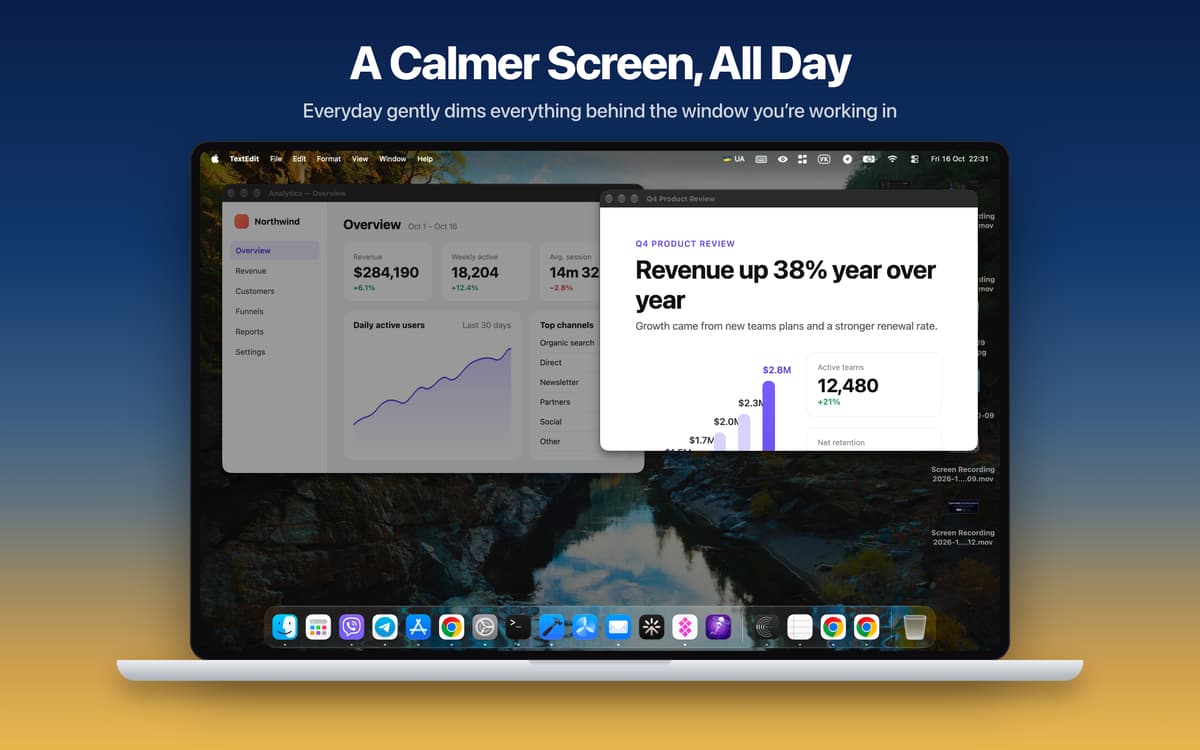
Light dimming behind your current window, all day long. It follows you from app to app and keeps you on one task. Hold Fn to peek at everything, then release to dim again. Hold Option and scroll to change the strength.
Made for screen sharing
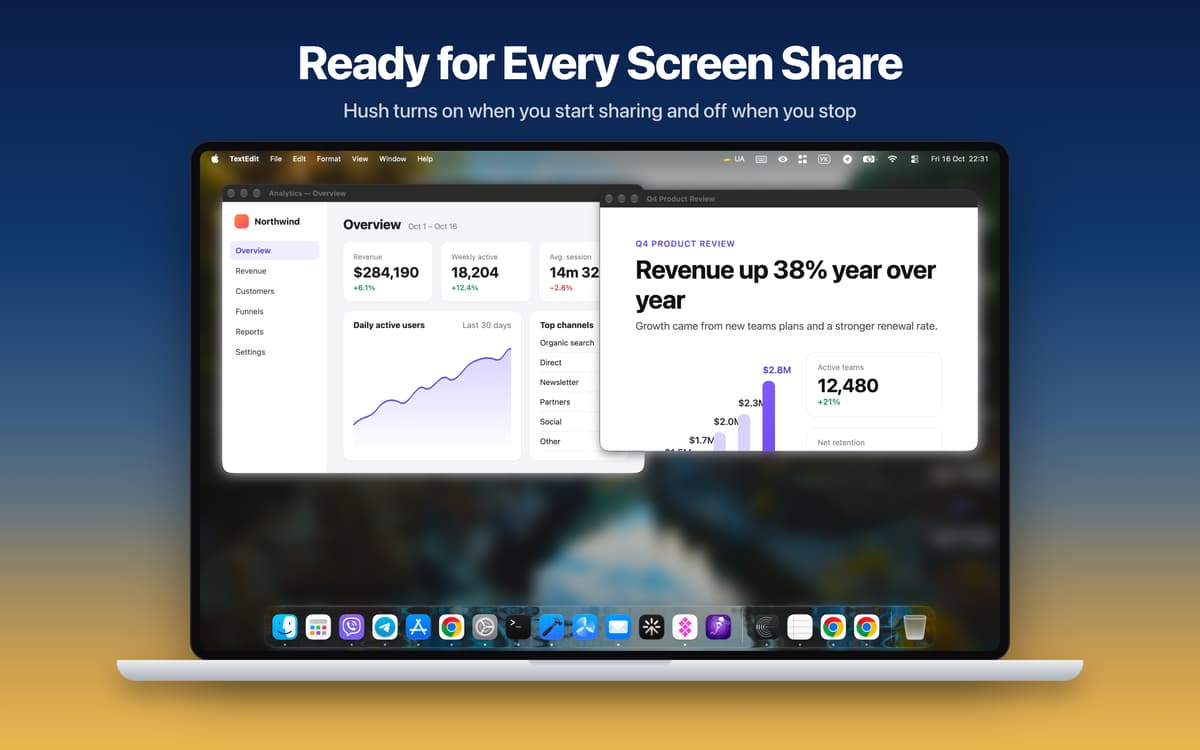
Hush turns on when you start sharing your screen and turns off when you stop. Save your ideal call setup as a Sharing Preset and apply it in one click. Need to toggle it manually? Use the global hotkey (Cmd+Shift+H by default) from anywhere.
Your Mac, your rules
Every display gets its own overlay, and you choose which ones to cover. Tweak blur strength, tint color, dim level, custom images, and the softness and size of the spotlight. Hush also works with Shortcuts and Focus Filters, and it's available in 24 languages. It's built in Swift, and Cursor Focus runs at your display's full refresh rate, up to 120 Hz.
Отримайте сотні програм з Membership
Підпишіться на Setapp і користуйтесь сотнями чудових програм.
Перші 7 днів безплатно, а далі – в єдиному простому плані.
Завантажити Setapp на Mac
Знайдіть в Setapp застосунок для macOS, iOS або web, що допоможе вирішити ваше завдання.

Установіть знайдену програму
Виконайте завдання за допомогою новенької програми зі Setapp.

Hush
Виберіть план підписки
Один застосунок або всі разом в підписці Setapp. Користуйтеся застосунками на своїх умовах.

Отримайте сотні програм з Membership
Підпишіться на Setapp і користуйтесь сотнями чудових програм.
Перші 7 днів безплатно, а далі – в єдиному простому плані.
1
Завантажити Setapp на Mac
Знайдіть в Setapp застосунок для macOS, iOS або web, що допоможе вирішити ваше завдання.
2
Установіть знайдену програму
Виконайте завдання за допомогою новенької програми зі Setapp.
Hush
3
Виберіть план підписки
Один застосунок або всі разом в підписці Setapp. Користуйтеся застосунками на своїх умовах.
Нагору
Від планування та рутинних завдань до програмування і творчості – працюйте ефективніше зі Setapp.

TypingMind
ШІ зі зручним інтерфейсом
генеруйте й обробляйте текст
користуйтеся бібліотекою
ШІ

Spark Mail
Упорядкуйте імейли
ШІ

CleanMyMac
Видаляйте тільки непотрібне

Bartender
Налаштуйте меню під себе

CleanShot X
Робіть будь-які скриншоти

Luminar Neo
Редагуйте фото
ШІ

ClearVPN
Безпечний звʼязок

Craft
Робота з документами
ШІ
Hush
Blur the mess, share the work