
KeyStruck
Make every shortcut visible
Mac
Версія 1.1.6
macOS 13.0 чи новіша
15.6 MB
11 мов(и)
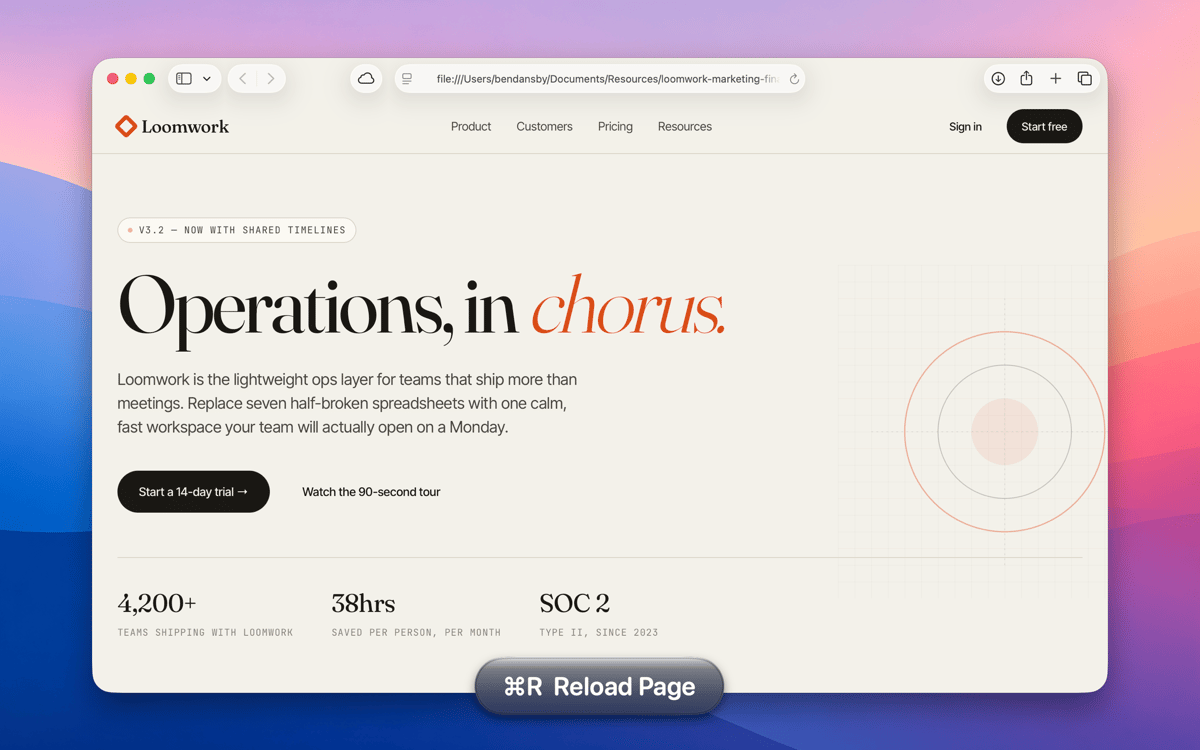
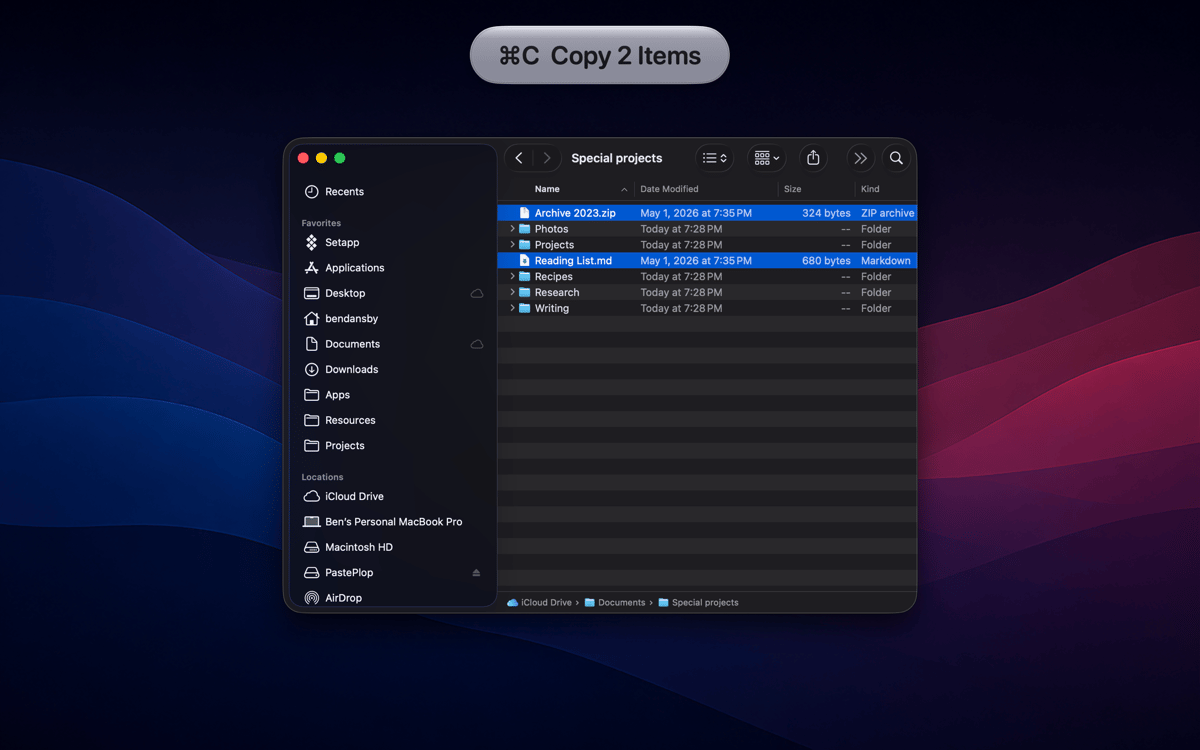
KeyStruck pops a clean HUD with the action name every time you fire a keyboard shortcut. Record a demo, run a class, or share your screen, and the audience sees what you're doing instead of leaning in to read your keyboard. It’s also great for anyone learning shortcuts and to feel confident you invoked the right function.
Record tutorials without narrating keys
Learn a new app's shortcuts fast
Confirm you hit the right shortcut
Create onboarding videos that teach
Можливості KeyStruck
HUD on every shortcut
The moment you hit a keyboard shortcut, KeyStruck pops a small, readable overlay showing the menu action's name. No need to pause and explain what just happened — your audience can read it right on screen. It works quietly in the background and shows up only when it's needed.
Make it yours
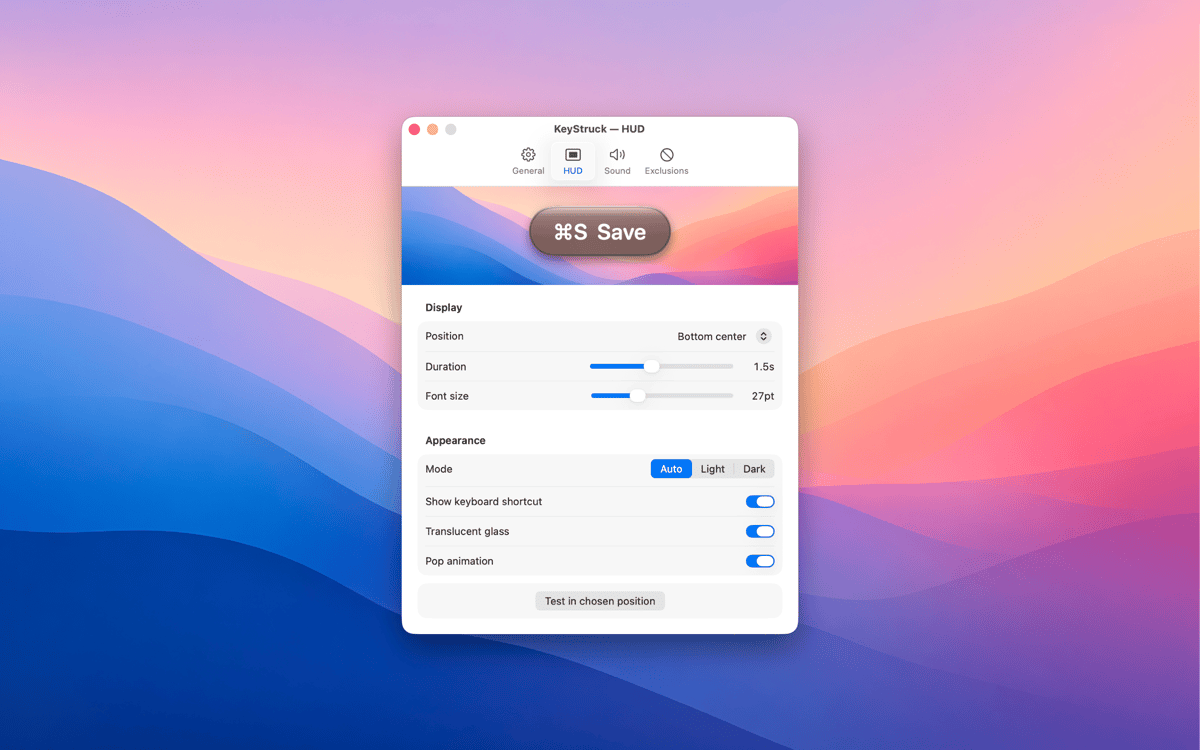
KeyStruck comes with light, dark, glossy, and flat themes so the overlay fits whatever's on screen. Pick a position that works for you — top-left, bottom-right, center, or anywhere in between. The HUD is there to help, not to get in the way.
Mute it when you need to
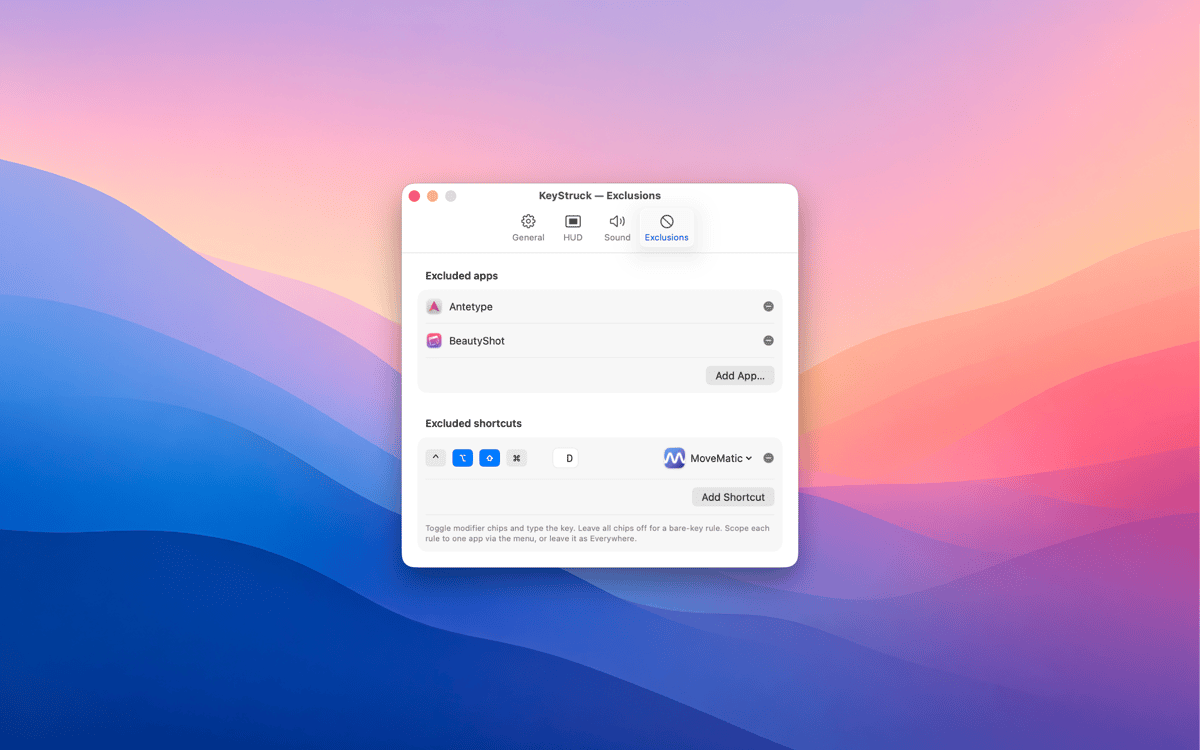
Not every shortcut needs an audience. With exclusions, you can silence the HUD for specific apps or particular shortcuts you'd rather keep private. Share your screen confidently, knowing KeyStruck only shows what you want it to show.
Built-in shortcut cheat sheet
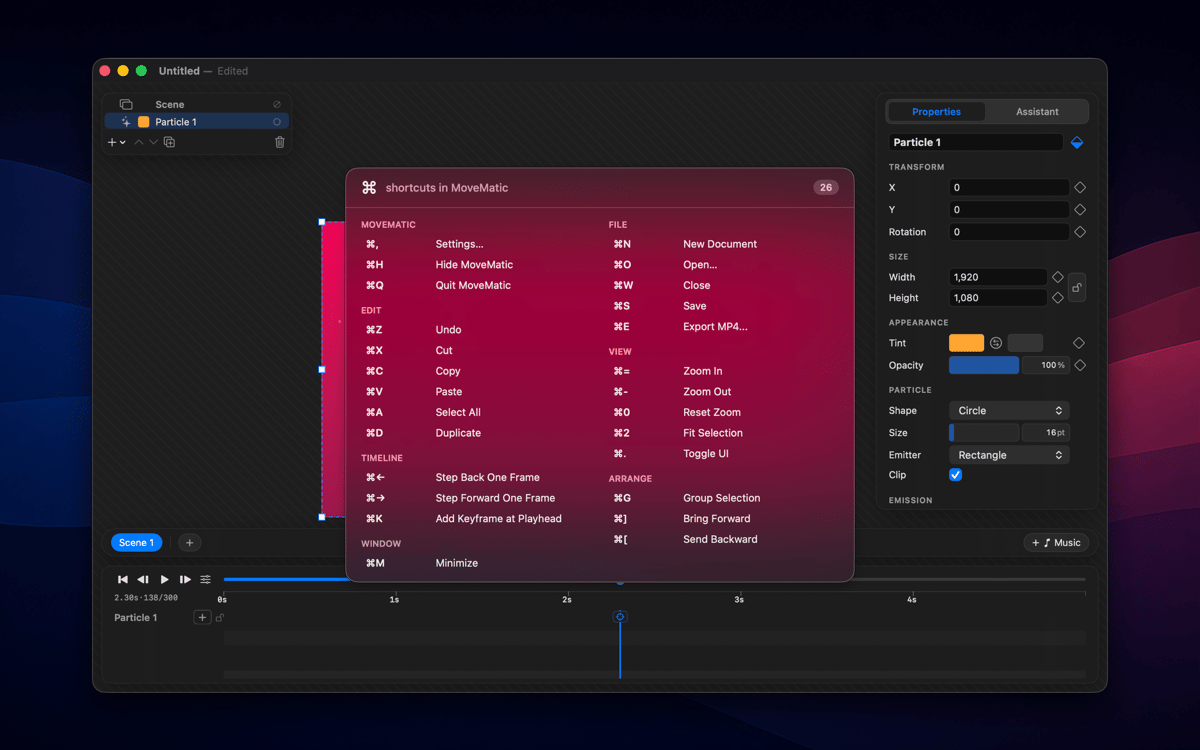
Forget Alt-tabbing to a reference doc. KeyStruck can display every shortcut available in the active app, right there when you need it. It's a great way to explore an app's shortcuts or brush up on ones you haven't memorized yet.
Menu-bar only, no distractions
KeyStruck lives in your menu bar and stays out of your Dock. When you don't need it, pause it with one click. It's the kind of tool that only shows up when it's useful — which is exactly the kind of tool you want.
Отримайте сотні програм з Membership
Підпишіться на Setapp і користуйтесь сотнями чудових програм.
Перші 7 днів безплатно, а далі – в єдиному простому плані.
Завантажити Setapp на Mac
Знайдіть в Setapp застосунок для macOS, iOS або web, що допоможе вирішити ваше завдання.

Установіть знайдену програму
Виконайте завдання за допомогою новенької програми зі Setapp.

KeyStruck
Виберіть план підписки
Один застосунок або всі разом в підписці Setapp. Користуйтеся застосунками на своїх умовах.

Отримайте сотні програм з Membership
Підпишіться на Setapp і користуйтесь сотнями чудових програм.
Перші 7 днів безплатно, а далі – в єдиному простому плані.
1
Завантажити Setapp на Mac
Знайдіть в Setapp застосунок для macOS, iOS або web, що допоможе вирішити ваше завдання.
2
Установіть знайдену програму
Виконайте завдання за допомогою новенької програми зі Setapp.
KeyStruck
3
Виберіть план підписки
Один застосунок або всі разом в підписці Setapp. Користуйтеся застосунками на своїх умовах.
Нагору
Від планування та рутинних завдань до програмування і творчості – працюйте ефективніше зі Setapp.

TypingMind
ШІ зі зручним інтерфейсом
генеруйте й обробляйте текст
користуйтеся бібліотекою
ШІ

Spark Mail
Упорядкуйте імейли
ШІ

CleanMyMac
Видаляйте тільки непотрібне

Bartender
Налаштуйте меню під себе

CleanShot X
Робіть будь-які скриншоти

Luminar Neo
Редагуйте фото
ШІ

ClearVPN
Безпечний звʼязок

Craft
Робота з документами
ШІ
KeyStruck
Make every shortcut visible