
Leftovers
Сортування файлів без зусиль
Mac
Версія 1.3
macOS 14.6 чи новіша
26.3 MB
1 мов(и)
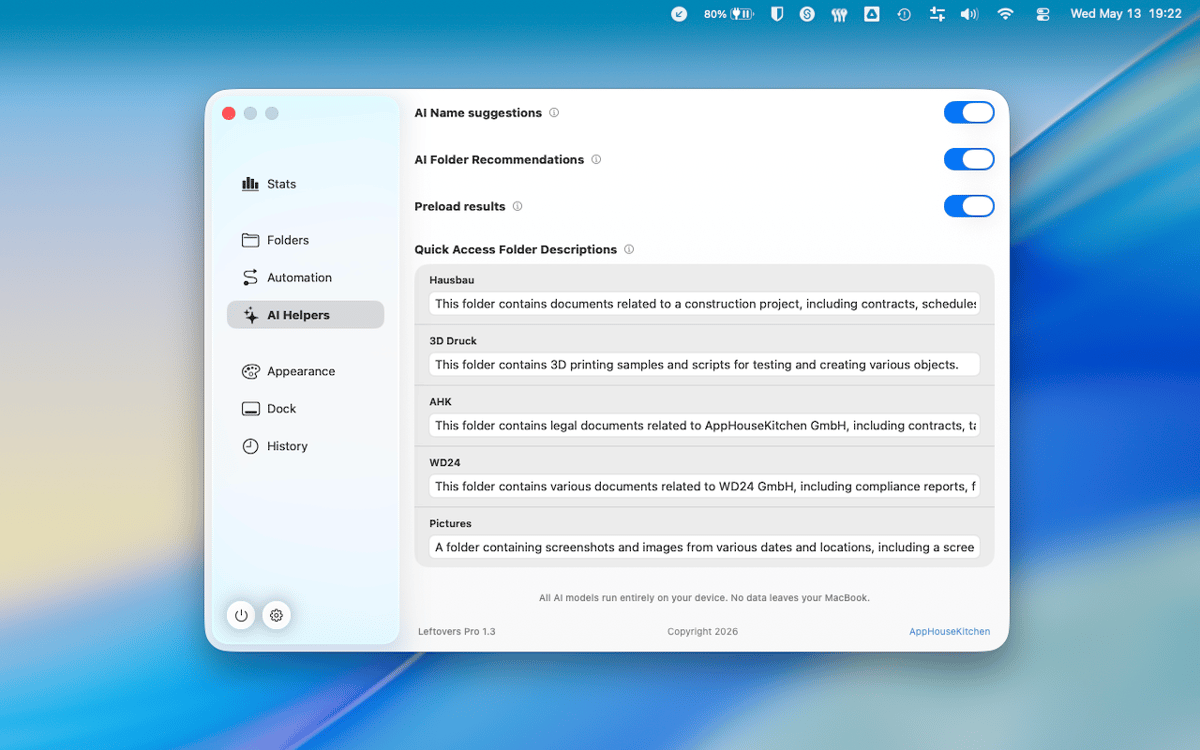
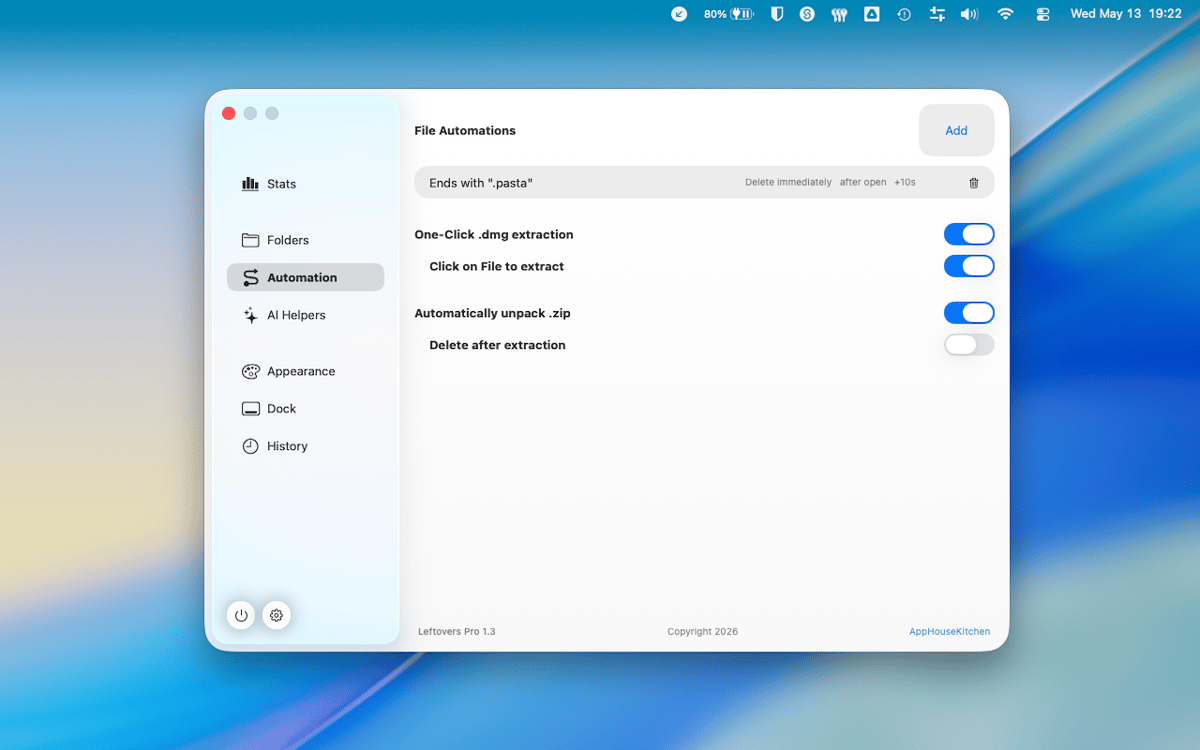
Leftovers — це органайзер папки «Завантаження» для Mac. Твоя папка «Завантаження», напевно, схожа на цвинтар старих DMG-файлів, випадкових PDF-документів і файлів, які ти збирався розібрати ще півроку тому. Leftovers виправляє це одним свайпом — зберігай, видаляй або переміщуй файли по одному, і це не здаватиметься рутиною. Спливаюче повідомлення в області виїмки сповіщає тебе за кілька секунд після завантаження файлу, тож нічого не накопичується з самого початку.
Швидко очисти папку «Завантаження»
Сортуй нові файли одразу після надходження
Перейменовуй і діли файли без Finder
Залишай лише те, що тобі справді потрібно
Можливості Leftovers
Проведіть пальцем, щоб сортувати
Приведи в порядок папку «Завантаження», ніби гортаєш картки. Змахни файл ліворуч, щоб видалити його, праворуч, щоб залишити, або перетягни його прямо в папку. Це швидко, приносить задоволення і напрочуд важко зіпсувати.
Спливаюче вікно в Notch для нових завантажень
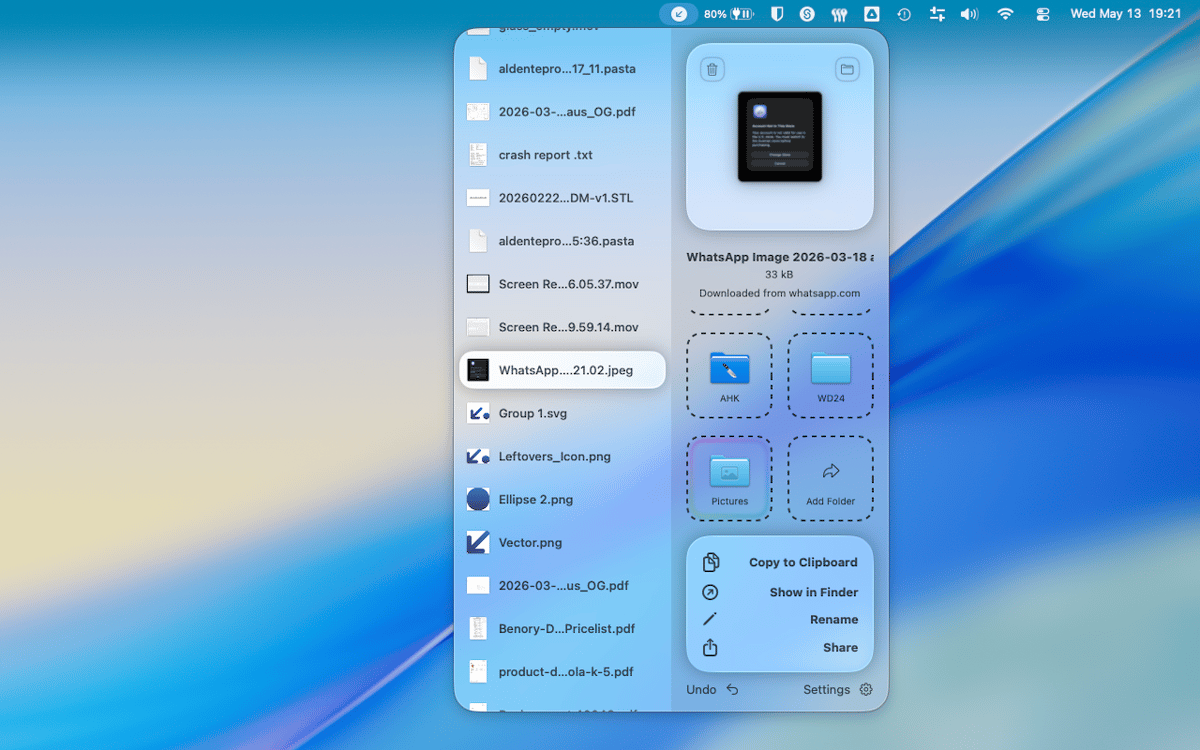
Через кілька секунд після того, як файл потрапляє до папки «Завантаження», Leftovers з'являється у виїмці та запитує, що ти хочеш з ним зробити. Розберися з цим зараз або відкладай на потім — у будь-якому разі ніщо не залишиться поза увагою.
Швидкий доступ, будь-де
Копіюй файл у буфер обміну, перейменовуй або ділися ним — усе це без виходу з Leftovers чи відкриття Finder. Функції швидкого доступу з'являються, коли потрібно, і не заважають, коли ні.
Скасувати все
Зробив помилку? Будь-яку дію в Leftovers можна скасувати. Перемістив щось не в ту папку, видалив не той файл — просто скасуй дію та продовжуй. Паніка не потрібна.
Працює з будь-якою папкою
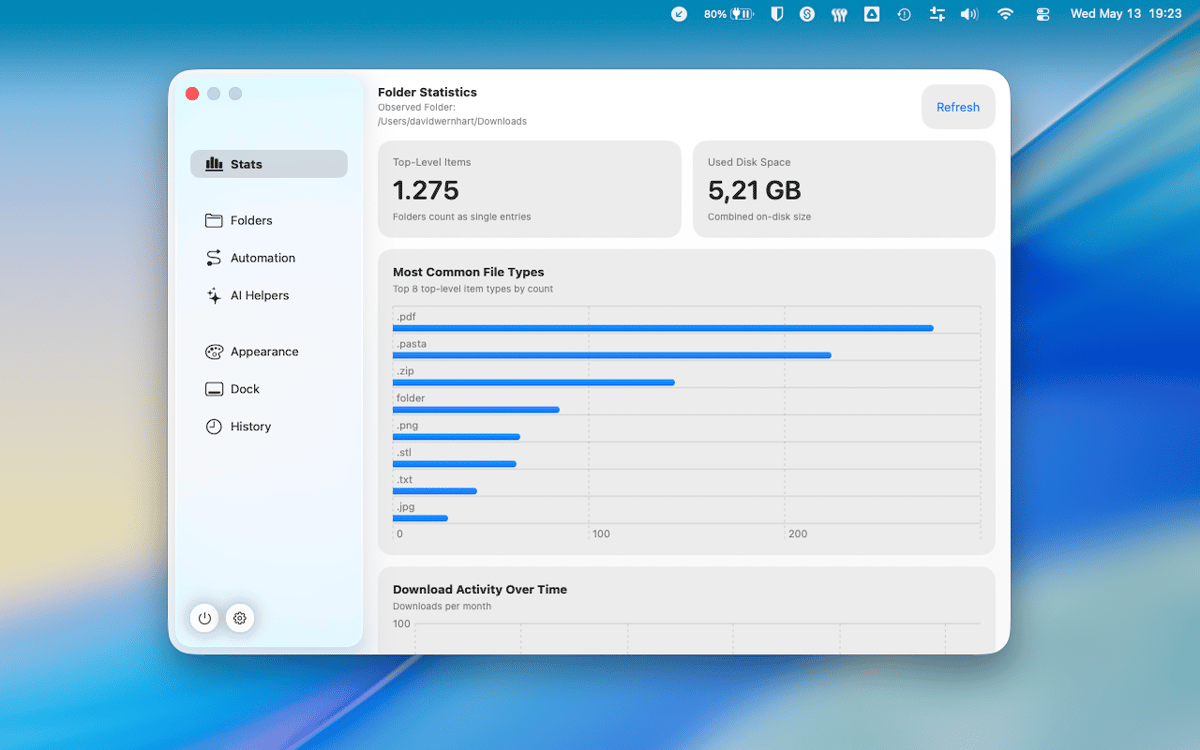
Папка «Завантаження» використовується за замовчуванням, але Leftovers працює з будь-якою папкою, яку ти оберешь. Безлад на робочому столі, папки проектів, купи скріншотів — той самий зручний перегляд гортанням, будь-де на твоєму Mac.
Нуль зібраних даних
Leftovers не збирає твої дані. Те, що на твоєму Mac, залишається на твоєму Mac. Крапка.
Отримайте сотні програм з Membership
Підпишіться на Setapp і користуйтесь сотнями чудових програм.
Перші 7 днів безплатно, а далі – в єдиному простому плані.
Завантажити Setapp на Mac
Знайдіть в Setapp застосунок для macOS, iOS або web, що допоможе вирішити ваше завдання.

Установіть знайдену програму
Виконайте завдання за допомогою новенької програми зі Setapp.

Leftovers
Виберіть план підписки
Один застосунок або всі разом в підписці Setapp. Користуйтеся застосунками на своїх умовах.

Отримайте сотні програм з Membership
Підпишіться на Setapp і користуйтесь сотнями чудових програм.
Перші 7 днів безплатно, а далі – в єдиному простому плані.
1
Завантажити Setapp на Mac
Знайдіть в Setapp застосунок для macOS, iOS або web, що допоможе вирішити ваше завдання.
2
Установіть знайдену програму
Виконайте завдання за допомогою новенької програми зі Setapp.
Leftovers
3
Виберіть план підписки
Один застосунок або всі разом в підписці Setapp. Користуйтеся застосунками на своїх умовах.
Нагору
Від планування та рутинних завдань до програмування і творчості – працюйте ефективніше зі Setapp.

TypingMind
ШІ зі зручним інтерфейсом
генеруйте й обробляйте текст
користуйтеся бібліотекою
ШІ

Spark Mail
Упорядкуйте імейли
ШІ

CleanMyMac
Видаляйте тільки непотрібне

Bartender
Налаштуйте меню під себе

CleanShot X
Робіть будь-які скриншоти

Luminar Neo
Редагуйте фото
ШІ

ClearVPN
Безпечний звʼязок

Craft
Робота з документами
ШІ
Leftovers
Сортування файлів без зусиль