
Looq
A better Quick Look
Mac
Версія 1.7.5
macOS 14.0 чи новіша
53 MB
5 мов(и)
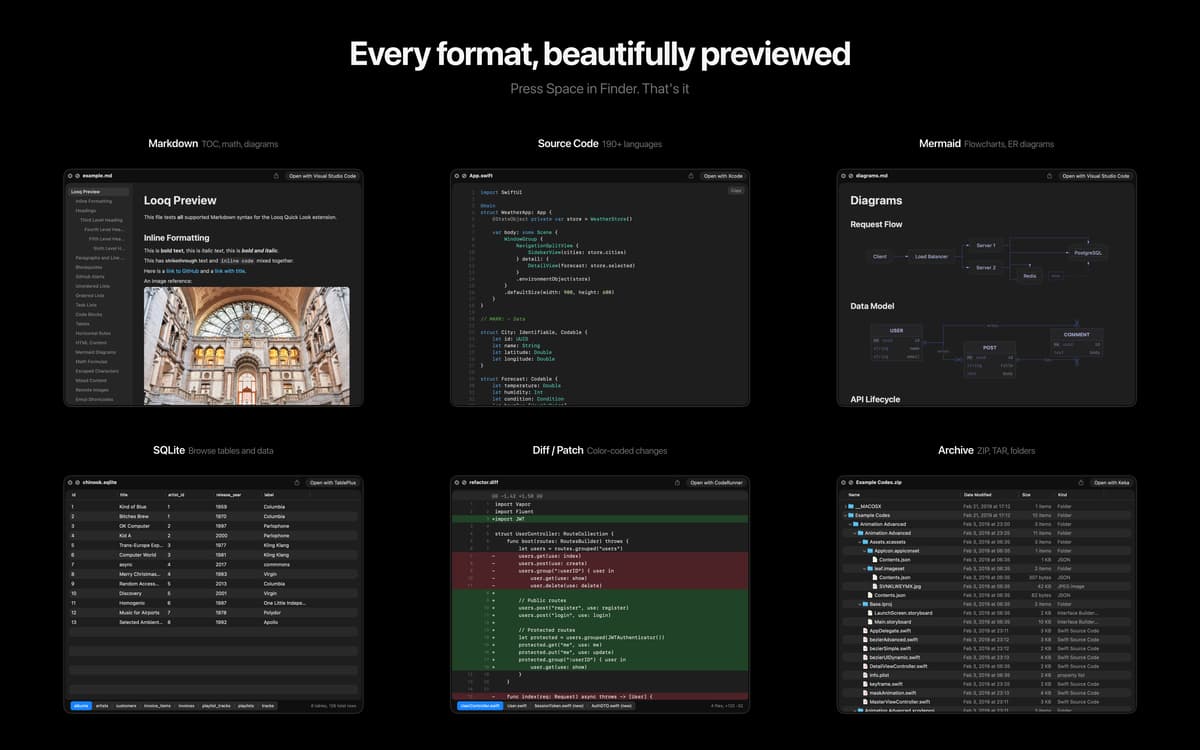
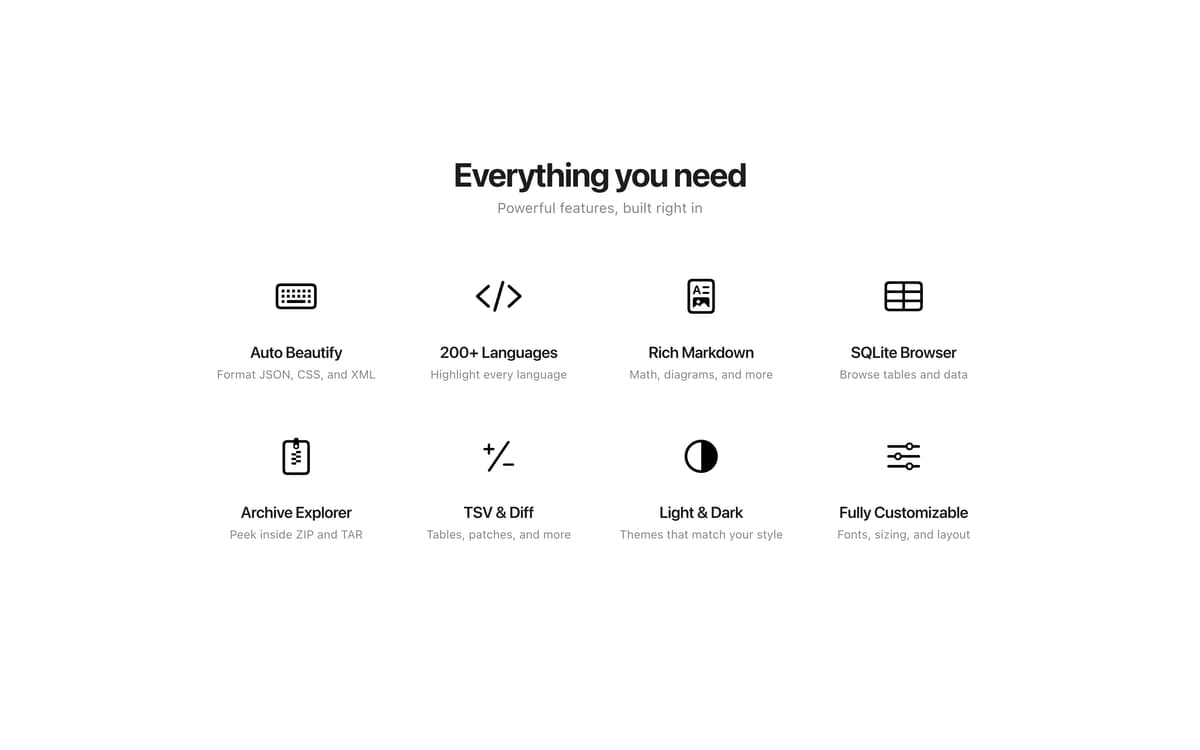
Looq is a Quick Look extension for macOS that previews the files Finder gives up on. Press Space on any file to read code in 200+ languages, render Markdown with KaTeX math and Mermaid diagrams, paginate huge SQLite tables, or peek inside ZIP archives without unpacking. Everything stays in the native Quick Look panel, so you can stay in flow.
Preview Markdown with KaTeX and Mermaid
Read code in 200+ programming languages
Open SQLite, TSV, archives, and folders
Inspect app bundles, IPAs, and profiles
Можливості Looq
Markdown and Org-mode previews
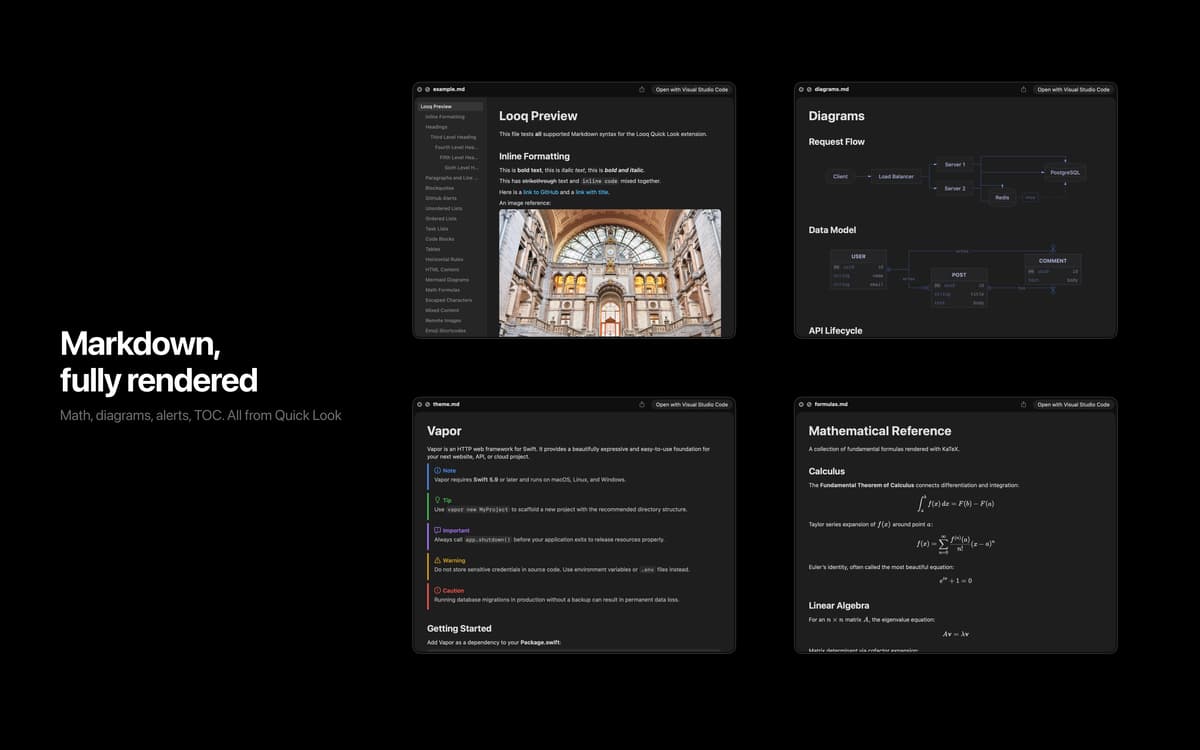
Render Markdown with GitHub Alerts, KaTeX math, Mermaid diagrams (including XY Chart), tables, and footnotes. Org-mode (.org) files get a dedicated rich preview too. Live Rendering refreshes the preview as you edit, scroll position resumes where you left off (choose Off, Session, or Persistent), and the table of contents tracks your view.
Code in 200+ languages
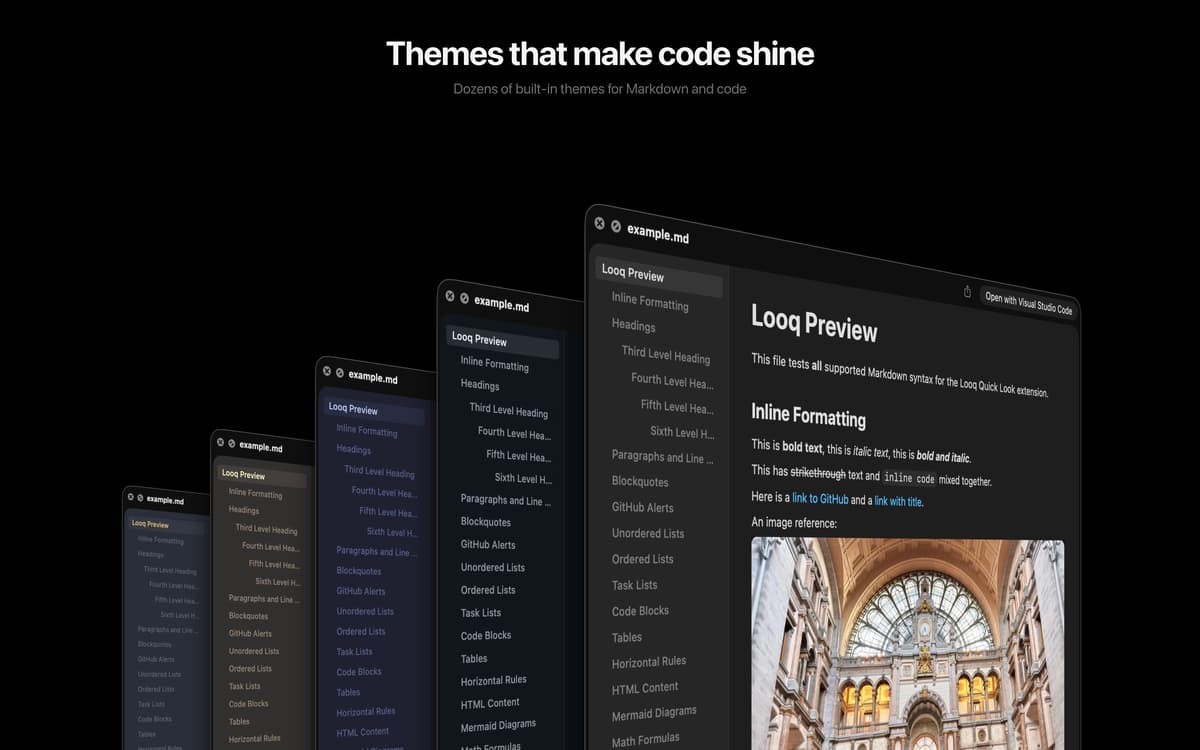
Syntax highlighting across 200+ programming languages, with sticky function and class headers so you never lose context in long files. Diff and patch files render side-by-side with color-coded line markers and add/delete statistics. Customizable themes for light and dark.
Databases and tables without the wait
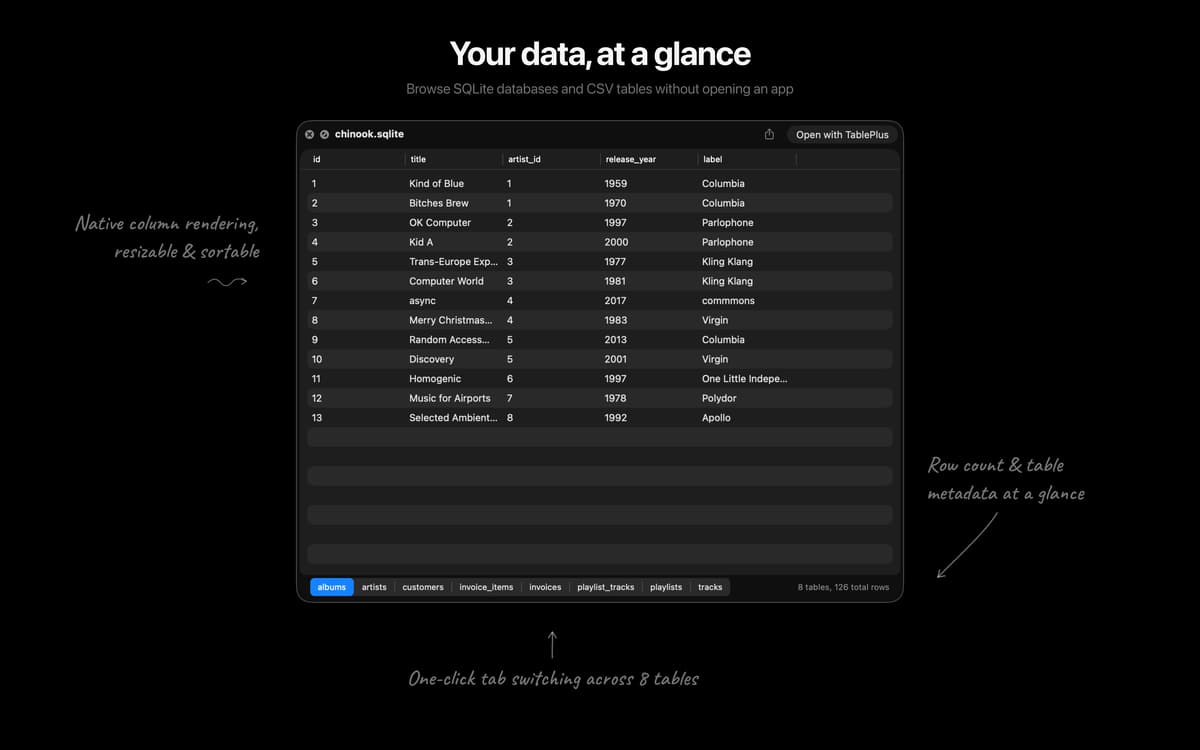
SQLite and TSV files open with smart pagination (500 rows per page), column sorting, and column type tooltips, so huge files stay responsive. SQL is auto-formatted for readability.
Archives and folders, no unpacking
Browse the contents of ZIP and TAR archives, plus regular folders, without extracting a thing. Enhanced folder icons and SVG thumbnails make scanning easier.
Metadata for app bundles and more
Rich previews for app bundles, IPAs, installer packages, provisioning and configuration profiles, torrents, and disk images. See what's inside before you decide to install.
Diagnostics to keep Quick Look healthy
Detect and repair conflicting Quick Look extensions with one-click fixes. When something breaks Quick Look on macOS, Looq tells you which app is responsible.
Отримайте сотні програм з Membership
Підпишіться на Setapp і користуйтесь сотнями чудових програм.
Перші 7 днів безплатно, а далі – в єдиному простому плані.
Завантажити Setapp на Mac
Знайдіть в Setapp застосунок для macOS, iOS або web, що допоможе вирішити ваше завдання.

Установіть знайдену програму
Виконайте завдання за допомогою новенької програми зі Setapp.

Looq
Виберіть план підписки
Один застосунок або всі разом в підписці Setapp. Користуйтеся застосунками на своїх умовах.

Отримайте сотні програм з Membership
Підпишіться на Setapp і користуйтесь сотнями чудових програм.
Перші 7 днів безплатно, а далі – в єдиному простому плані.
1
Завантажити Setapp на Mac
Знайдіть в Setapp застосунок для macOS, iOS або web, що допоможе вирішити ваше завдання.
2
Установіть знайдену програму
Виконайте завдання за допомогою новенької програми зі Setapp.
Looq
3
Виберіть план підписки
Один застосунок або всі разом в підписці Setapp. Користуйтеся застосунками на своїх умовах.
Нагору
Від планування та рутинних завдань до програмування і творчості – працюйте ефективніше зі Setapp.

TypingMind
ШІ зі зручним інтерфейсом
генеруйте й обробляйте текст
користуйтеся бібліотекою
ШІ

Spark Mail
Упорядкуйте імейли
ШІ

CleanMyMac
Видаляйте тільки непотрібне

Bartender
Налаштуйте меню під себе

CleanShot X
Робіть будь-які скриншоти

Luminar Neo
Редагуйте фото
ШІ

ClearVPN
Безпечний звʼязок

Craft
Робота з документами
ШІ
Looq
A better Quick Look