
Microphone Selector
Your mic, always in control
Mac
Версія 1.1.0
macOS 13.0 чи новіша
13.9 MB
3 мов(и)
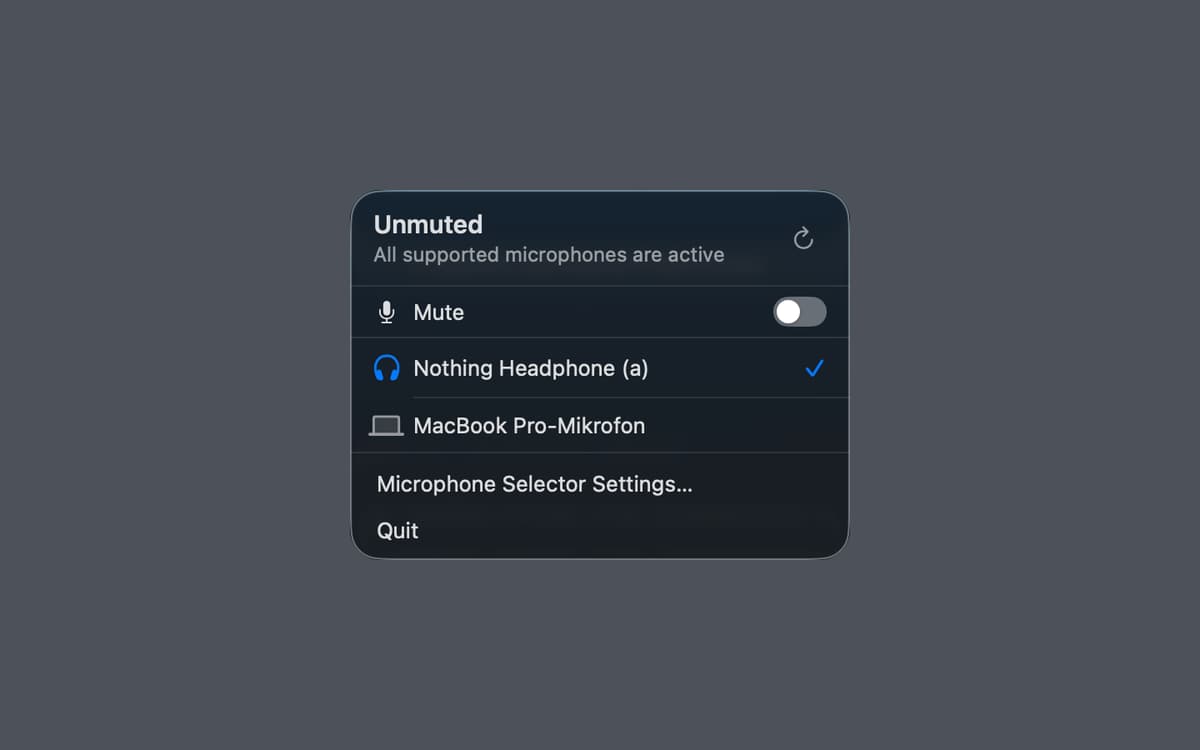
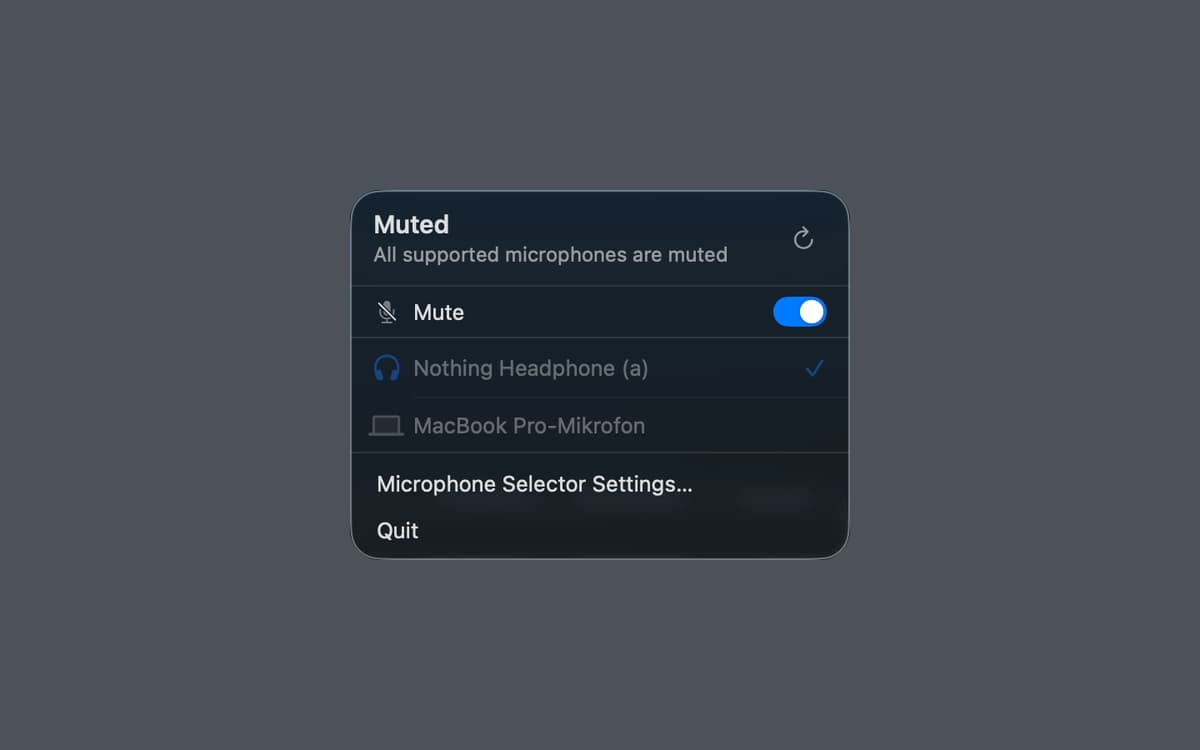
Microphone Selector — Menu bar microphone manager for Mac. It puts your active input device right in the menu bar, so you can switch between mics or mute yourself in one click — no System Settings required. A global keyboard shortcut makes it even faster. The menu bar icon always shows whether you're live or muted, so there are no more awkward "wait, am I muted?" moments. Great for remote calls, home studios, and anyone who regularly juggles multiple input devices.
Switch mics without opening Settings
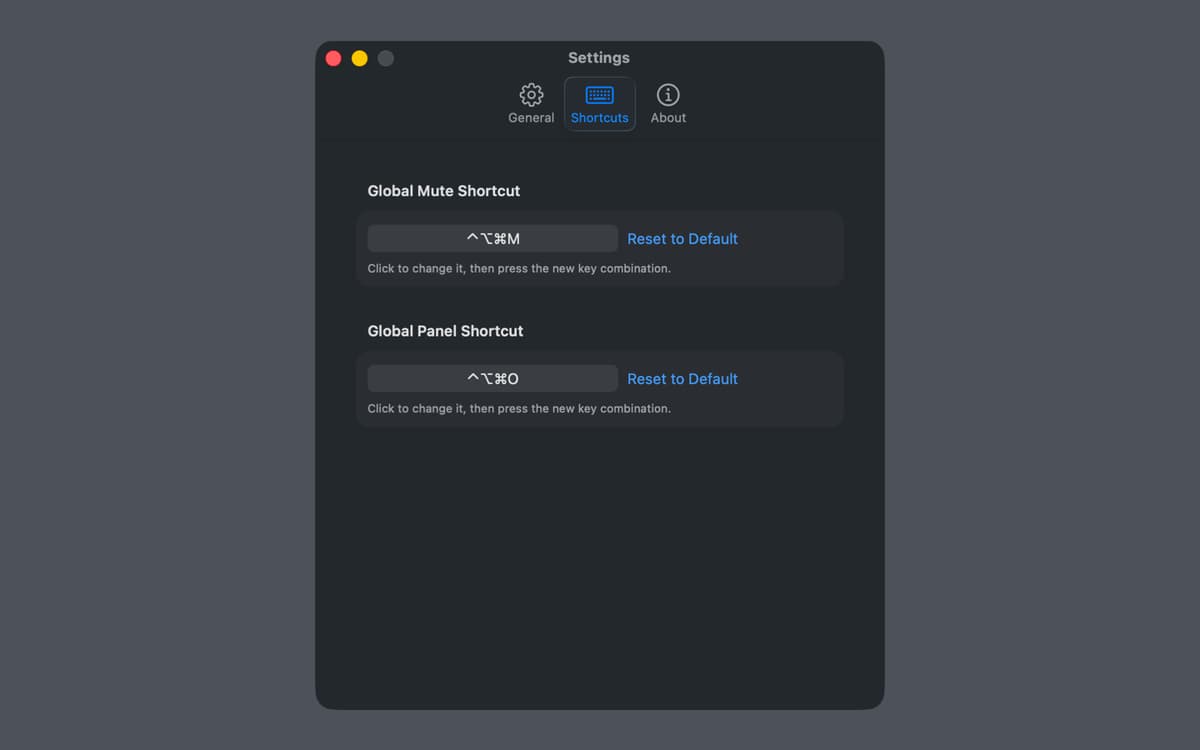
Mute and unmute with a keyboard shortcut
See your mic status at a glance
Manage audio for calls and recording
Можливості Microphone Selector
Your mic, always one click away
Microphone Selector lives in the menu bar and shows your current input device at a glance. Switch between microphones instantly — no digging through System Settings, no interrupting your workflow. Everything you need is right where you need it.
Mute in a flash
Hit mute instantly with a global keyboard shortcut, from any app, at any moment. Whether you're on a call, recording a voiceover, or going live, you can silence yourself without switching windows. And you'll always know your mute state — the menu bar icon makes it obvious.
See if you're live
The menu bar icon reflects your current mic and mute status in real time. Never wonder whether your mic is on again — just glance up and you'll know immediately.
Built for calls, recording, and streaming
Microphone Selector fits right into the workflows that depend on reliable audio. Use it during video calls, podcast recording sessions, or live streams — wherever switching inputs quickly or muting on cue makes a real difference.
Works offline, collects no data
There's no account, no cloud sync, no analytics. Microphone Selector does its job quietly and locally. Your audio setup stays on your Mac, exactly as it should.
Lightweight and out of the way
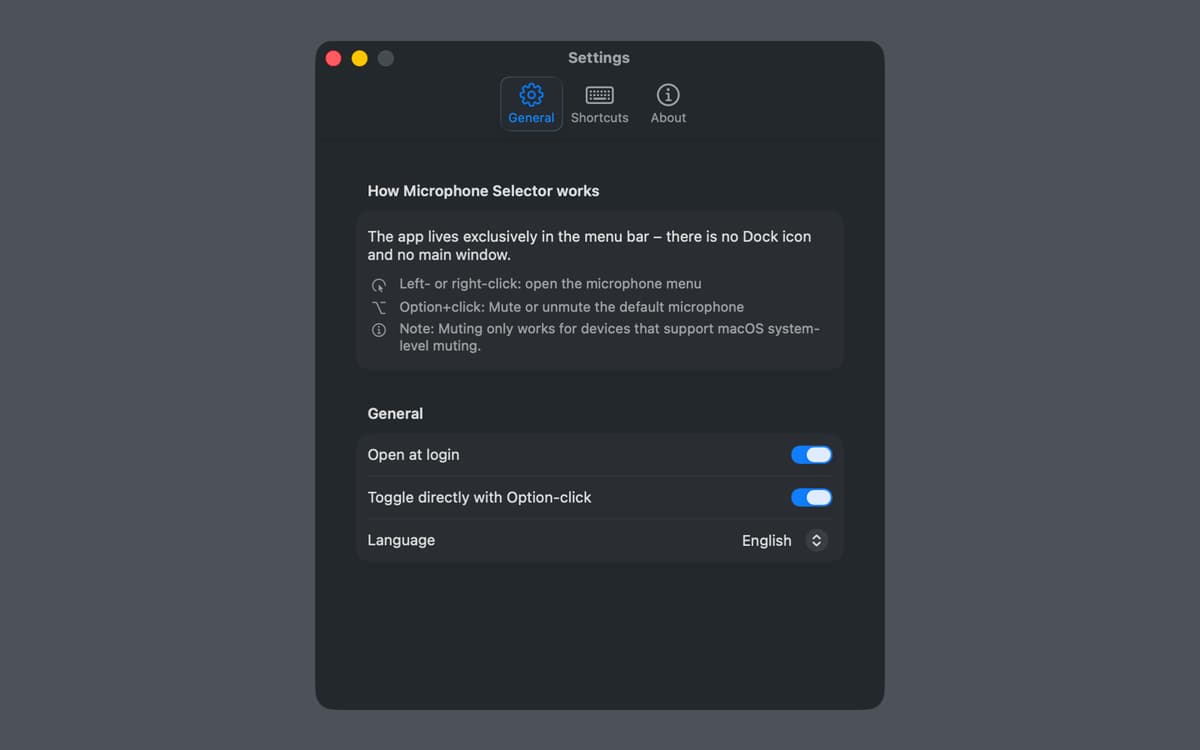
Microphone Selector lives entirely in the menu bar — no dock icon, no extra windows. It's there when you need it and invisible when you don't.
Отримайте сотні програм з Membership
Підпишіться на Setapp і користуйтесь сотнями чудових програм.
Перші 7 днів безплатно, а далі – в єдиному простому плані.
Завантажити Setapp на Mac
Знайдіть в Setapp застосунок для macOS, iOS або web, що допоможе вирішити ваше завдання.

Установіть знайдену програму
Виконайте завдання за допомогою новенької програми зі Setapp.

Microphone Selector
Виберіть план підписки
Один застосунок або всі разом в підписці Setapp. Користуйтеся застосунками на своїх умовах.

Отримайте сотні програм з Membership
Підпишіться на Setapp і користуйтесь сотнями чудових програм.
Перші 7 днів безплатно, а далі – в єдиному простому плані.
1
Завантажити Setapp на Mac
Знайдіть в Setapp застосунок для macOS, iOS або web, що допоможе вирішити ваше завдання.
2
Установіть знайдену програму
Виконайте завдання за допомогою новенької програми зі Setapp.
Microphone Selector
3
Виберіть план підписки
Один застосунок або всі разом в підписці Setapp. Користуйтеся застосунками на своїх умовах.
Нагору
Від планування та рутинних завдань до програмування і творчості – працюйте ефективніше зі Setapp.

TypingMind
ШІ зі зручним інтерфейсом
генеруйте й обробляйте текст
користуйтеся бібліотекою
ШІ

Spark Mail
Упорядкуйте імейли
ШІ

CleanMyMac
Видаляйте тільки непотрібне

Bartender
Налаштуйте меню під себе

CleanShot X
Робіть будь-які скриншоти

Luminar Neo
Редагуйте фото
ШІ

ClearVPN
Безпечний звʼязок

Craft
Робота з документами
ШІ
Microphone Selector
Your mic, always in control