
MoveMatic
Motion that moves your product
Mac
Версія 3.2
macOS 15.0 чи новіша
39 MB
12 мов(и)
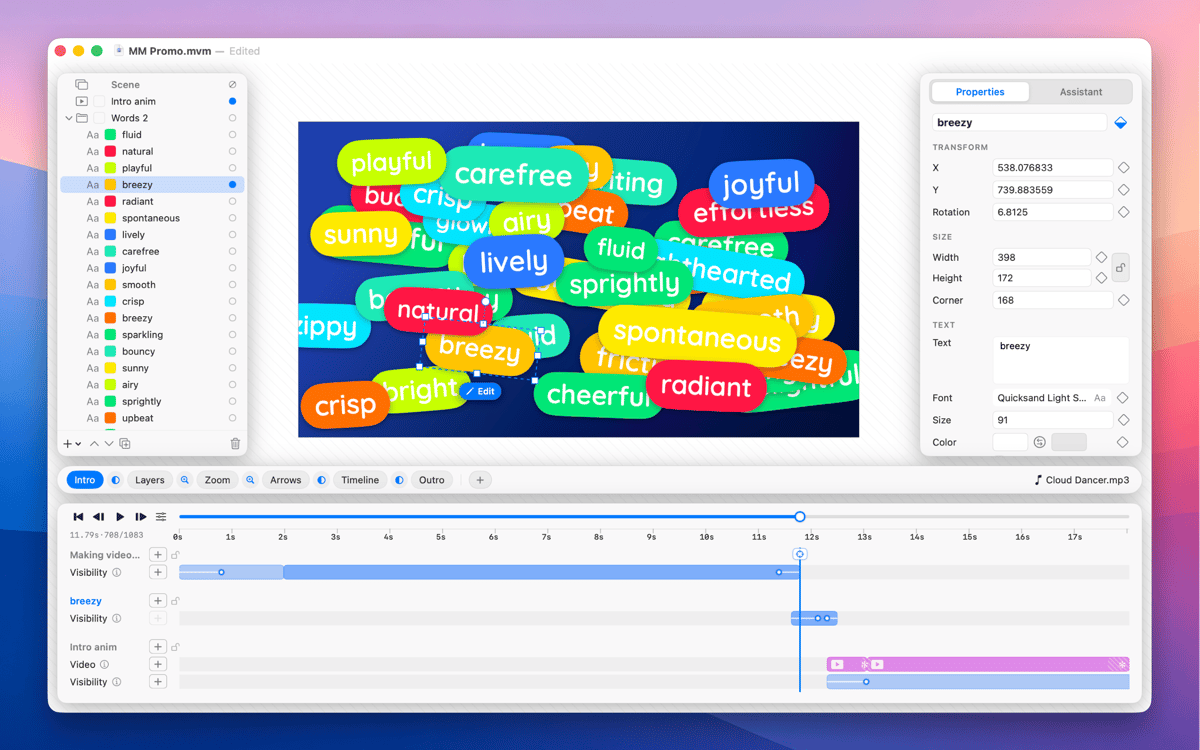
MoveMatic is a native Mac motion design app for the animation that ships in product demos, App Store preview videos, and the marketing clips you wish were animated. Animate cursors, camera zooms, particles, and self-drawing arrows on a ripple-aware timeline, across multi-scene documents. Export straight to MP4 at any aspect ratio — no After Effects required.
Animate App Store preview videos
Build product feature demo clips
Create social marketing animations
Design presentation animations fast
Можливості MoveMatic
Visibility spans
Every layer lives on a time range with its own intro and outro effects (fade, pop, slide, draw-on); you choreograph when things exist, not just tween values from A to B.
Ripple-aware timeline
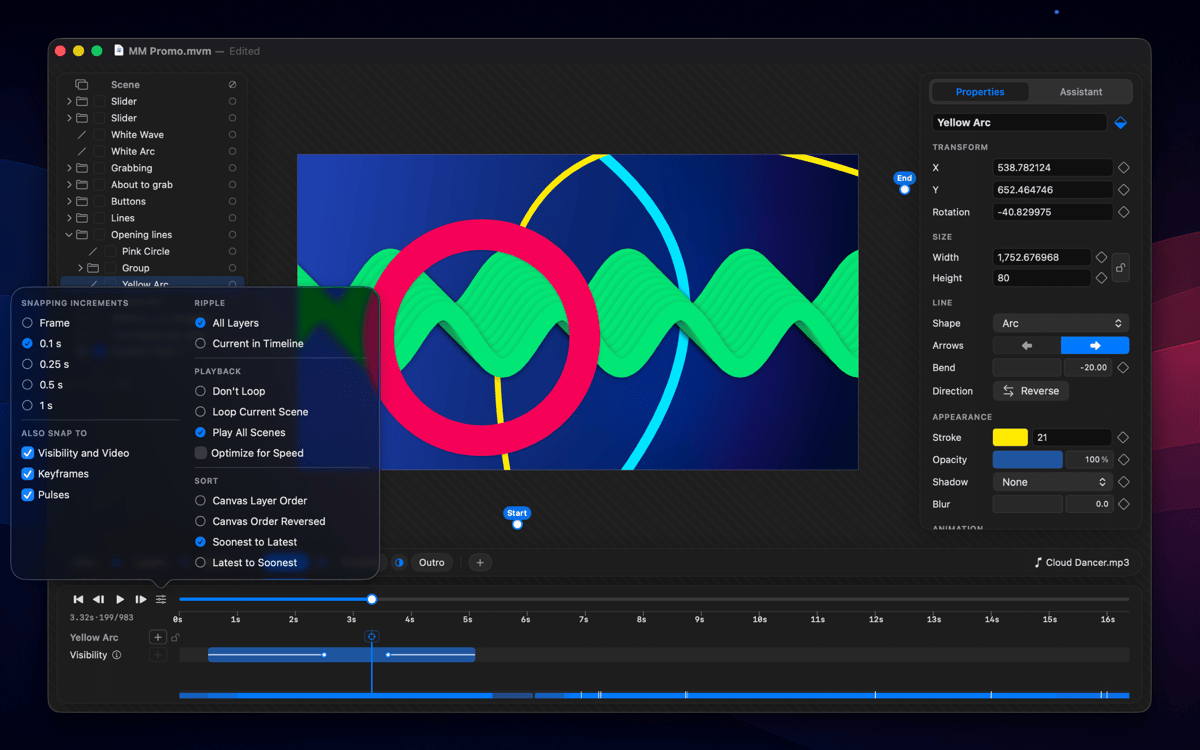
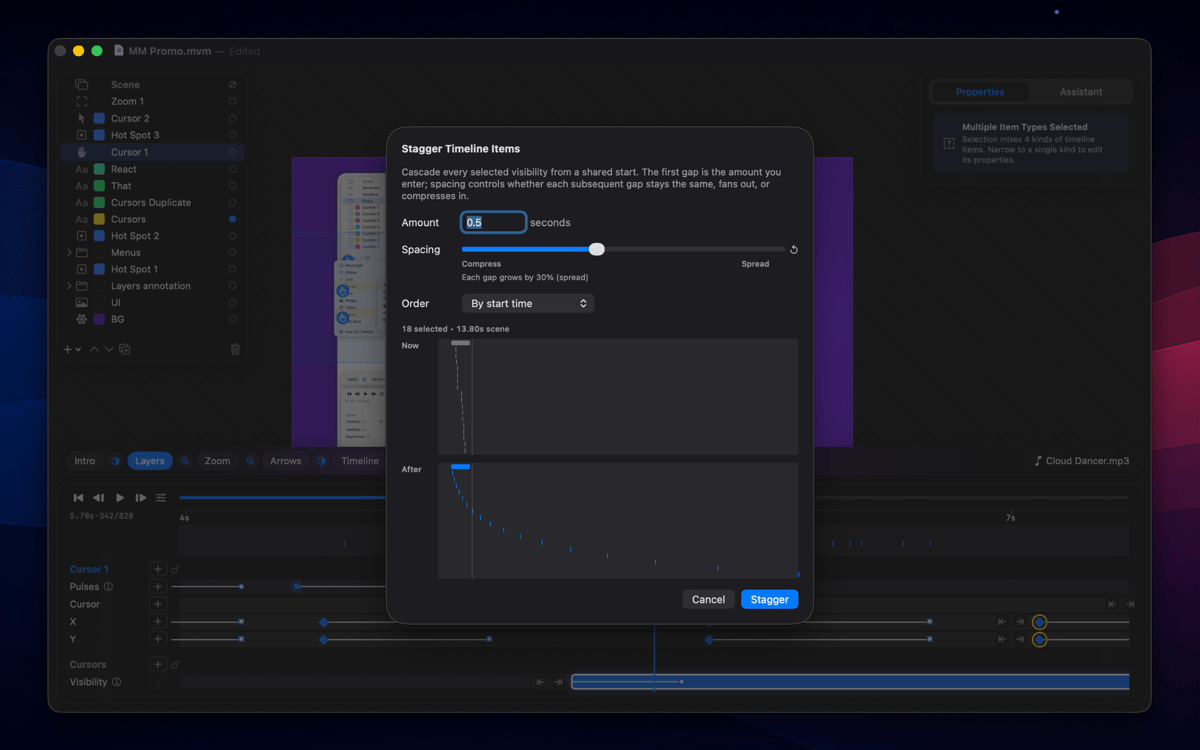
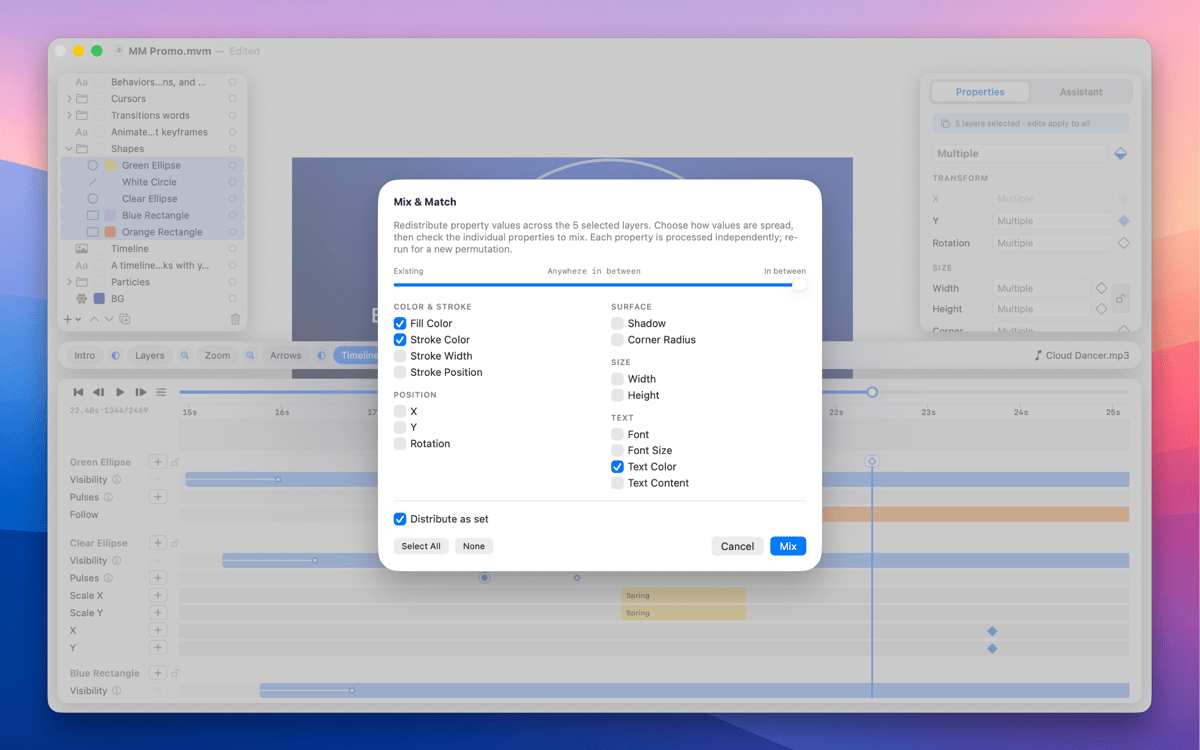
Drag a keyframe and span edges, pulses, group children, and clips all shift with it; cycle ripple modes with one key and every edit honors it.
Procedural motion
Animated cursors with click hotspots, layers that follow a path or another layer, attractors, and behaviors you configure once — the scene animates itself, no keyframing required.
Multi-scene documents
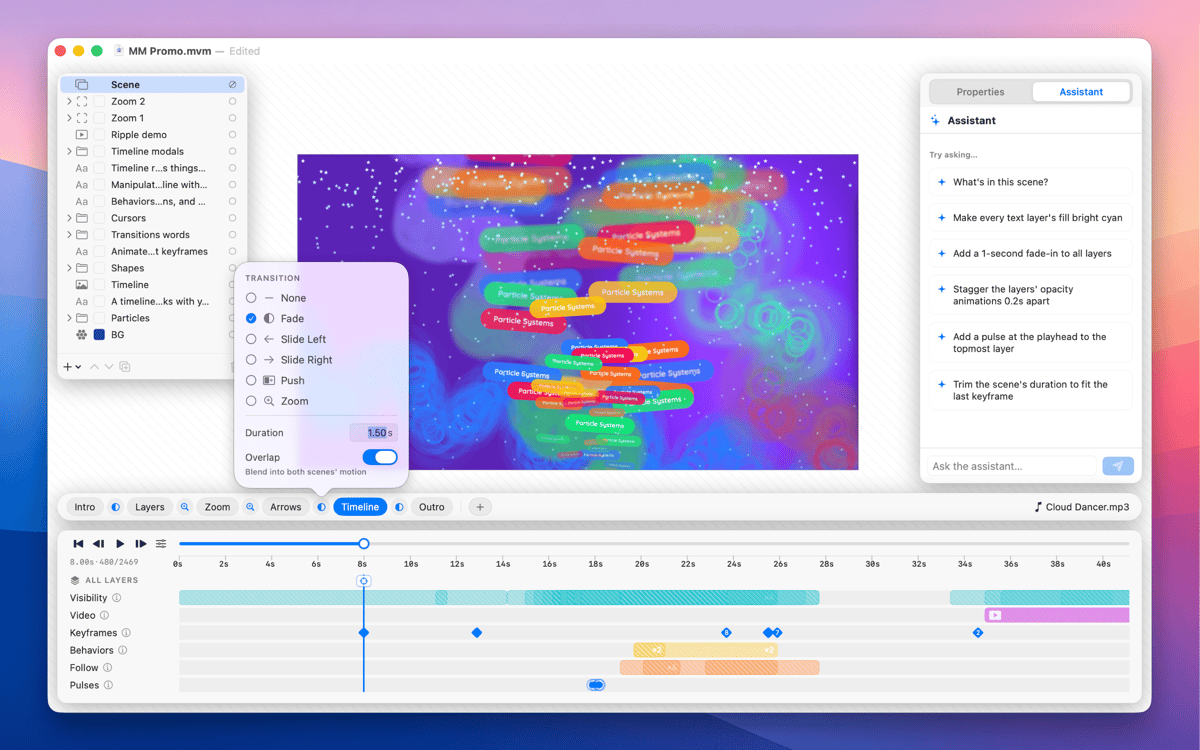
A document is a sequence of scenes, each with its own layers and timeline; drop Fade, Slide, Push, or Zoom transitions between them and render as one continuous clip or scene-by-scene.
Camera zoom layers
Drop a zoom region and the playhead lenses into it for that span, full-screen or picture-in-picture, for product detail shots without re-staging the composition.
Arrows that draw themselves
Drop two points and MoveMatic generates a keyframable curve with a stroke that draws on and an arrowhead that lands at the end.
Отримайте сотні програм з Membership
Підпишіться на Setapp і користуйтесь сотнями чудових програм.
Перші 7 днів безплатно, а далі – в єдиному простому плані.
Завантажити Setapp на Mac
Знайдіть в Setapp застосунок для macOS, iOS або web, що допоможе вирішити ваше завдання.

Установіть знайдену програму
Виконайте завдання за допомогою новенької програми зі Setapp.

MoveMatic
Виберіть план підписки
Один застосунок або всі разом в підписці Setapp. Користуйтеся застосунками на своїх умовах.

Отримайте сотні програм з Membership
Підпишіться на Setapp і користуйтесь сотнями чудових програм.
Перші 7 днів безплатно, а далі – в єдиному простому плані.
1
Завантажити Setapp на Mac
Знайдіть в Setapp застосунок для macOS, iOS або web, що допоможе вирішити ваше завдання.
2
Установіть знайдену програму
Виконайте завдання за допомогою новенької програми зі Setapp.
MoveMatic
3
Виберіть план підписки
Один застосунок або всі разом в підписці Setapp. Користуйтеся застосунками на своїх умовах.
Нагору
Від планування та рутинних завдань до програмування і творчості – працюйте ефективніше зі Setapp.

TypingMind
ШІ зі зручним інтерфейсом
генеруйте й обробляйте текст
користуйтеся бібліотекою
ШІ

Spark Mail
Упорядкуйте імейли
ШІ

CleanMyMac
Видаляйте тільки непотрібне

Bartender
Налаштуйте меню під себе

CleanShot X
Робіть будь-які скриншоти

Luminar Neo
Редагуйте фото
ШІ

ClearVPN
Безпечний звʼязок

Craft
Робота з документами
ШІ
MoveMatic
Motion that moves your product